 A SlimQ guide
How to Choose the Right Wattage USB-C Charger for MacBook Pro
Choose a USB-C charger for MacBook Pro that matches or beats the wattage Apple shipped with your model, with a cable rated for that power.
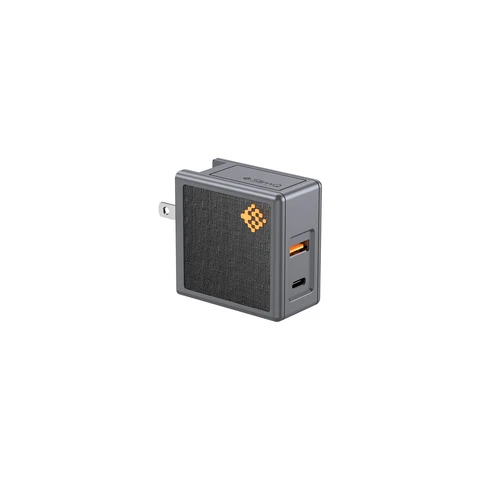
To choose a USB-C charger for a MacBook Pro, match or beat the wattage of the adapter Apple shipped with your model, and use a USB-C Power Delivery (PD) charger and a cable rated for that power. From SlimQ, the slimq 65w usb c gan charger suits lighter use and travel, and SlimQ says either USB-C port on its 100w usb c charger can fully charge a MacBook Pro. You can find the current code on our SlimQ discount code page.
Start With the Wattage Apple Shipped
The simplest guide is the power adapter that came in the box. Its wattage is printed on the adapter, and Apple lists it in the tech specs for each MacBook Pro model. A charger at that wattage or higher charges your Mac at full speed.
A lower-wattage USB-C PD charger still works. It does not harm the Mac; it just charges more slowly, and under heavy work, such as exporting video, it may not keep up with what the Mac is using, so the battery can still drain while plugged in.
Going higher is safe too. USB PD lets the charger and the Mac agree on the power, so the Mac only draws what it asks for. A 100W charger does not force 100 watts into a laptop that wants less.
SlimQ USB-C Chargers by Wattage
Here is what SlimQ’s product pages say about the chargers most relevant to a MacBook Pro:
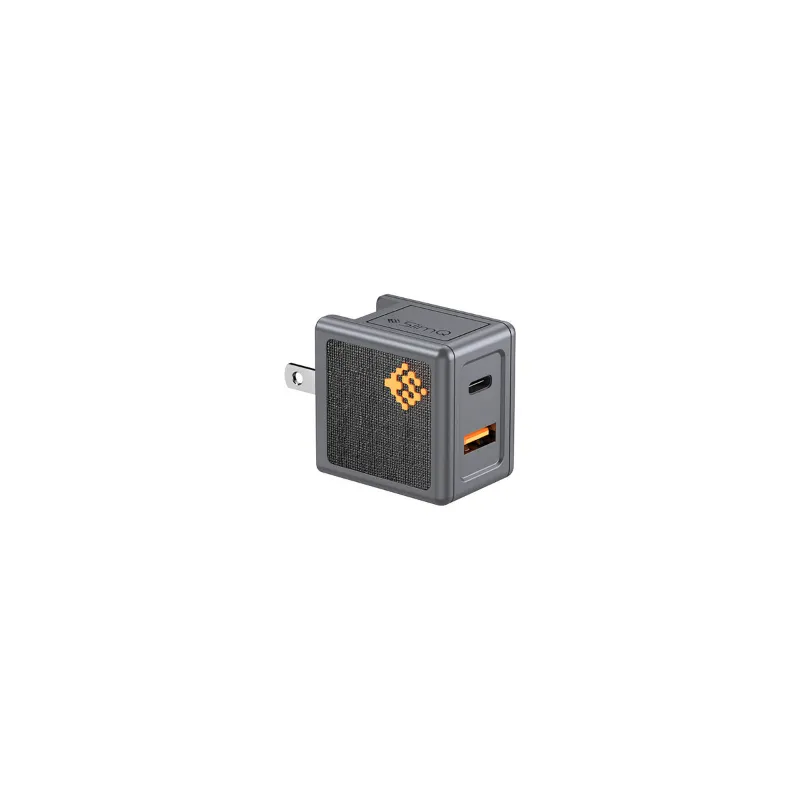
- 30w usb c power adapter: a USB-C port with 30W plus a 12W USB-A port, in a 1.57 x 1.57 x 1.18 inch body. SlimQ pitches it mainly at phones and tablets, so on a MacBook Pro it is a slow, light-duty option.
- 65W USB-C GaN charger: full 65W from a single USB-C port, or 45W plus 18W when both ports are in use. It supports PD 3.0 and PPS among other fast-charging protocols, has foldable prongs, and SlimQ says it is 50% smaller than other 60W laptop chargers. The 65 watt usb c charger comes in several colors.
- 100W USB-C GaN charger: two USB-C and two USB-A ports sharing a total of 100W. SlimQ says both USB-C ports can fully charge a MacBook Pro (16, 15 and 13 inch).
- 150W PD 3.1 chargers: SlimQ also sells 150W USB-C models built on PD 3.1, which is the standard used for MagSafe 3 fast charging above 100W.
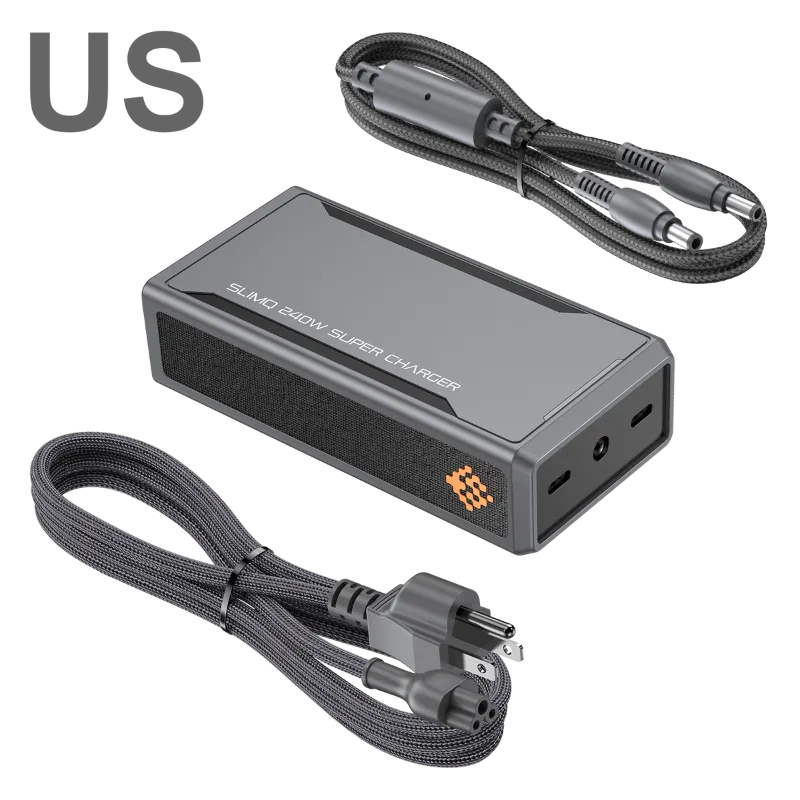
- 240w dc/usb c charger: sold as a gaming laptop adapter, with a DC output (20V, 12A, 5.5 x 2.5mm connector) for brands such as Dell, HP, MSI, Razer, Lenovo and ASUS, plus USB-C ports. It is built for Windows gaming laptops rather than as a MacBook charger.
Check Cable and Connector Compatibility
A charger can only deliver what the cable allows. USB-C cables carry a power rating, so check yours before blaming the charger for slow charging.
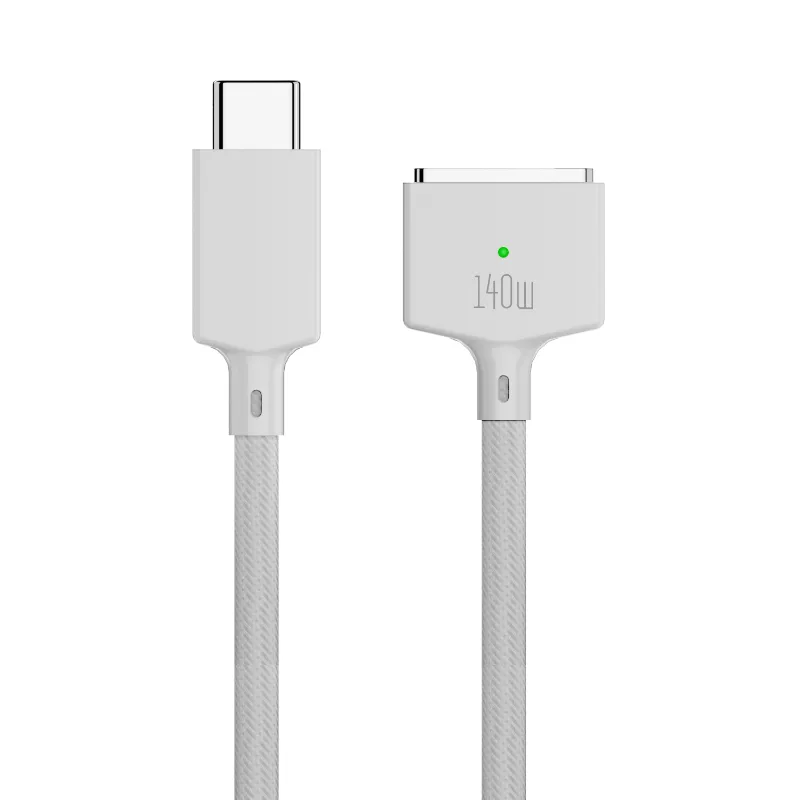
MagSafe 3: SlimQ’s usb-c to magsafe 3 cable is a 2 meter braided cable that supports up to 140W, with an LED that turns amber while charging and green when full. SlimQ says to pair it with a PD 3.1 USB-C charger, and lists the 14 and 16 inch MacBook Pro (2021 and 2023) and the M2 MacBook Air among compatible models.
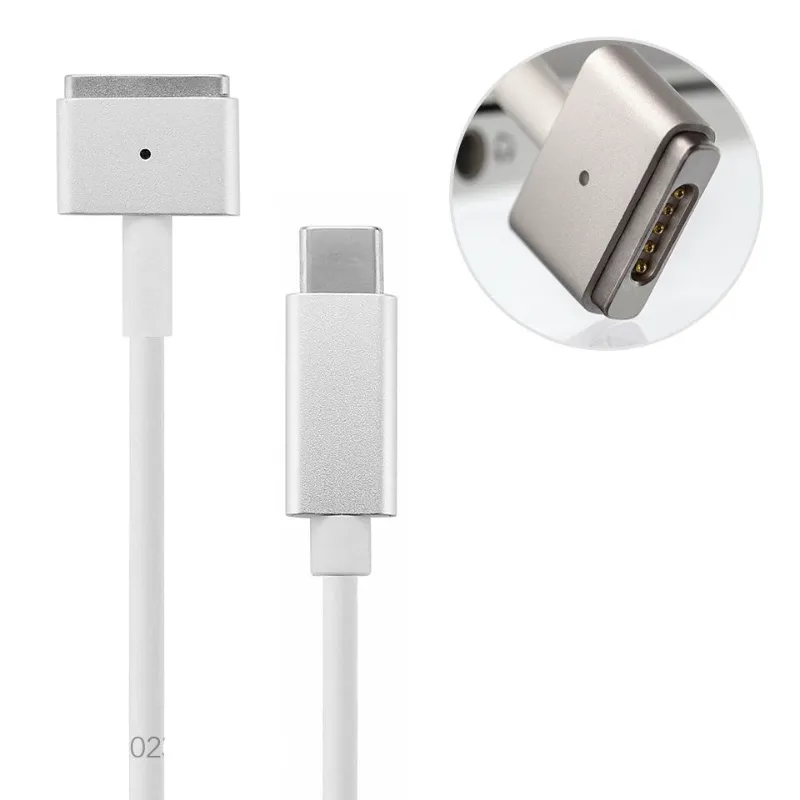
MagSafe 2: SlimQ’s safemag 2 USB-C to MagSafe 2 cable is designed for the MacBook Air only and, per SlimQ, is not compatible with MacBook Pro. It outputs 45W and needs a PD 3.0 charger rated 45W or more.
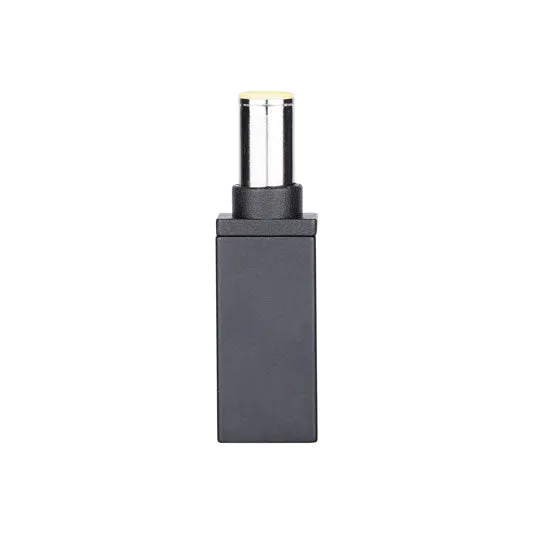
Other adapters: the connector 7.9mm to type c adapter is a USB-C to Lenovo Tip M plug for Lenovo and IBM laptops (up to 100W), not for Macs. The lightning-to-usb-c adapter three-pack turns an old Lightning cable into a USB-C one for newer iPhones, at up to 35W.
Power Delivery and Charging More Than One Device
Multi-port chargers share their total wattage across the ports in use. SlimQ’s 65W gives the full 65W to one USB-C device, but splits to 45W and 18W when two devices are plugged in, so your MacBook Pro gets less while your phone charges. The 100W model shares 100W across four ports.
If you want the Mac to charge at full speed, give it its own charger or make sure the other ports are free. Check the charger’s manual for how it shares power between ports.
Picking the Right Charger for How You Work
- Travel and light work: a compact 65W charger keeps your bag light and suits browsing, documents and calls.
- Desk and heavy work: choose a charger at or above your Mac’s original adapter wattage, such as the 100W, so it keeps up with long exports and builds.
- MagSafe 3 fast charging: pair the MagSafe 3 cable with a PD 3.1 charger, as SlimQ suggests.
- Older MacBook Air with MagSafe 2: use the MagSafe 2 cable with a PD charger of 45W or more.
Questions
Will a 65W charger work with a 16-inch MacBook Pro?
Yes, a 65W USB-C PD charger will charge it, but more slowly than a higher-wattage adapter, and under heavy work the battery may still drain while plugged in. For full speed, use a charger at or above the wattage Apple shipped with your model.
Can I use the slimq 65w usb c gan charger with my iPad or iPhone?
Yes. SlimQ lists PD 3.0, PPS and other fast-charging protocols for the 65W charger, so it works with USB-C phones and tablets. The device only draws the power it needs.
What happens if I use a higher-wattage charger than my MacBook needs?
Nothing harmful. USB Power Delivery lets the MacBook draw only the power it asks for, so a bigger charger simply has headroom to spare.
Do I need a special cable for fast charging my MacBook Pro?
The cable must be rated for the power you want. SlimQ's USB-C to MagSafe 3 cable supports up to 140W and should be paired with a PD 3.1 charger. For USB-C to USB-C, check the cable's power rating.
Can SlimQ's MagSafe 2 cable charge a MacBook Pro?
No. SlimQ says its USB-C to MagSafe 2 cable is designed for the MacBook Air only and is not compatible with MacBook Pro.
Can I charge multiple devices at once with a 65W USB-C charger?
Yes. SlimQ's 65W gives the full 65W on one USB-C port, and 45W plus 18W when both ports are in use. Total output never exceeds 65W.
Products in this guide
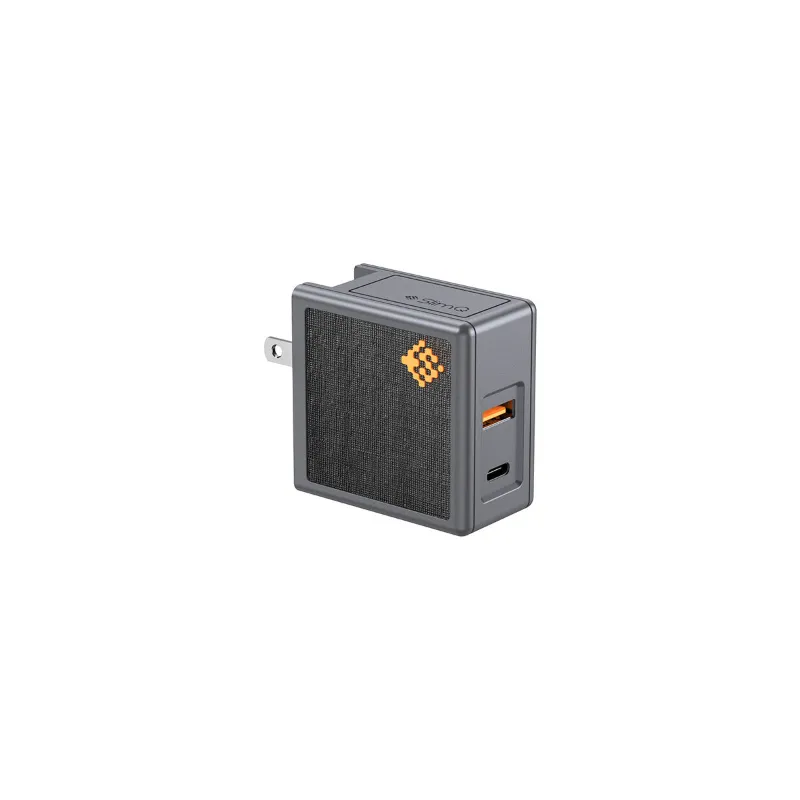
 Shopping at SlimQ? See the discount code
5% OFF All Orders
More in this series
Mac Mini M4 Storage Upgrade: Should You Buy 1TB or 2TB?13 Aug 20263 min Can a 100W USB-C Charger Fast Charge Multiple Devices at Once?13 Aug 20263 minUSB-C to MagSafe 3 Cable Buying Guide: What to Look for Beyond Apple’s Original13 Aug 20264 minDo GaN Chargers Run Cooler Than Silicon Chargers?13 Aug 20263 minSlimQ 65W vs 240W Charger: Which One Do You Need?13 Aug 20263 min