 A SlimQ guide
Can a 100W USB-C Charger Fast Charge Multiple Devices at Once?
A 100w usb c charger can fast charge multiple devices simultaneously when its total output supports dynamic power distribution across all active ports.
Yes, a 100w usb c charger can fast charge multiple devices at once, but the actual charging speed depends on how the charger splits its total power across active ports. Most modern 100W models use intelligent power distribution, so understanding port configuration and your device requirements helps you get the fastest charging speeds possible.
How Power Distribution Works in a 100W USB-C Charger
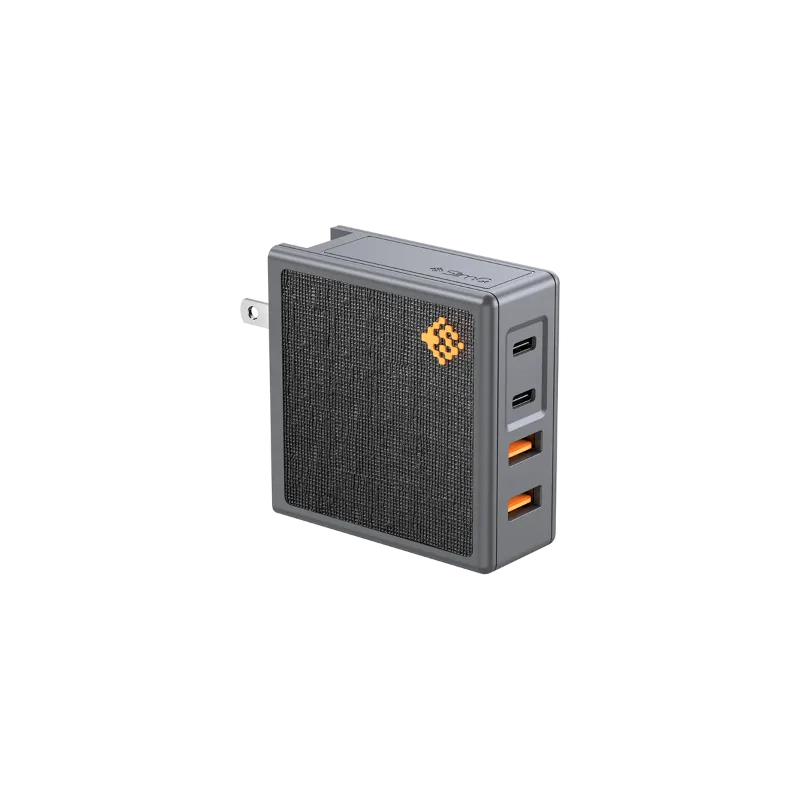
When you plug multiple devices into a 100W charger, the total output remains capped at 100 watts. The charger allocates power dynamically based on what’s connected. For example, a 100w usb c charger with two USB-C ports might deliver 100W to a single laptop when used alone, but switch to 65W + 30W or 60W + 40W when two devices draw power simultaneously.
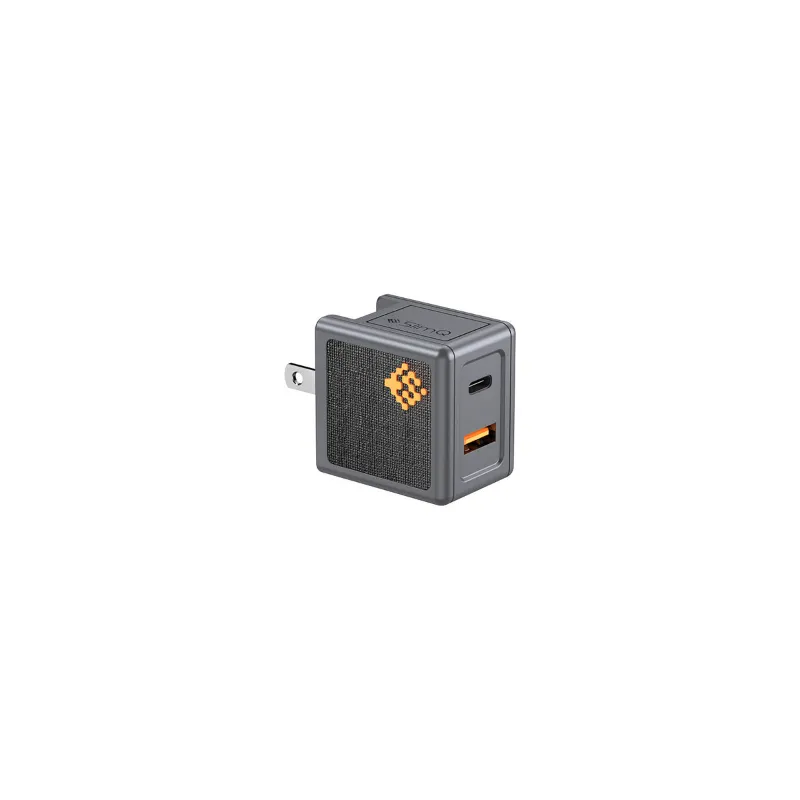
The split varies by manufacturer. Some chargers prioritize the first port, while others use protocols like USB Power Delivery (PD) to negotiate power with each connected device and distribute wattage fairly. Models like the X100W 100W USB-C Charger w/ 2-Ports, GaN Fast… show how GaN technology enables multiple high-speed ports in a compact form factor.
Key factors that affect multi-device charging:
- Port configuration: Dual USB-C ports typically offer more flexibility than mixed USB-C and USB-A setups
- PD protocol version: USB PD 3.0 and newer versions negotiate power more efficiently
- Device power draw: A laptop requesting 85W leaves only 15W for a second device
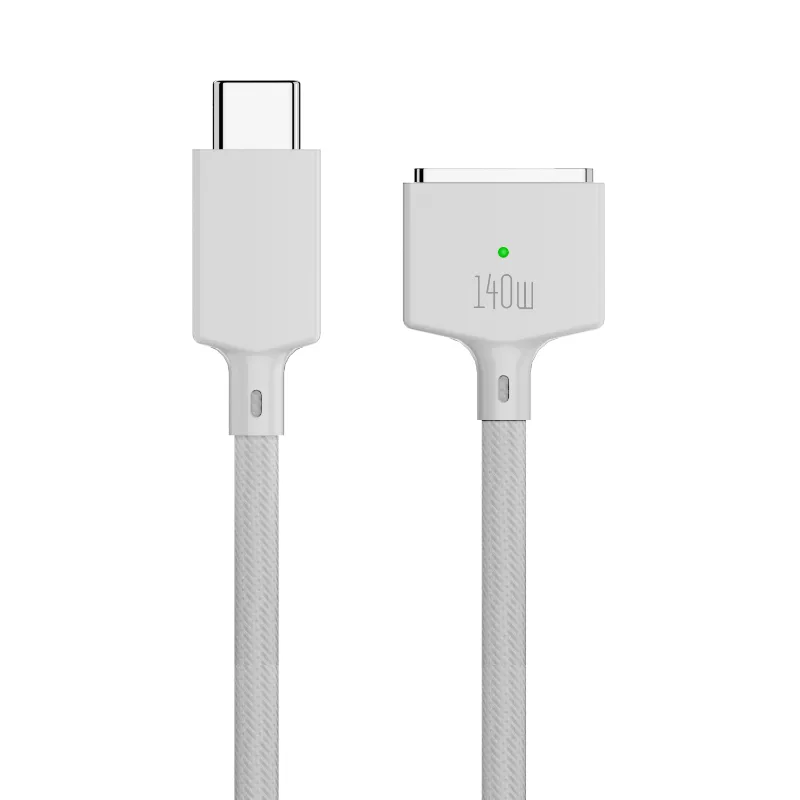
- Cable quality: A 100w usb-c charger cable rated for 100W is essential for maximum throughput
Choosing the Right Charger for Your Device Lineup
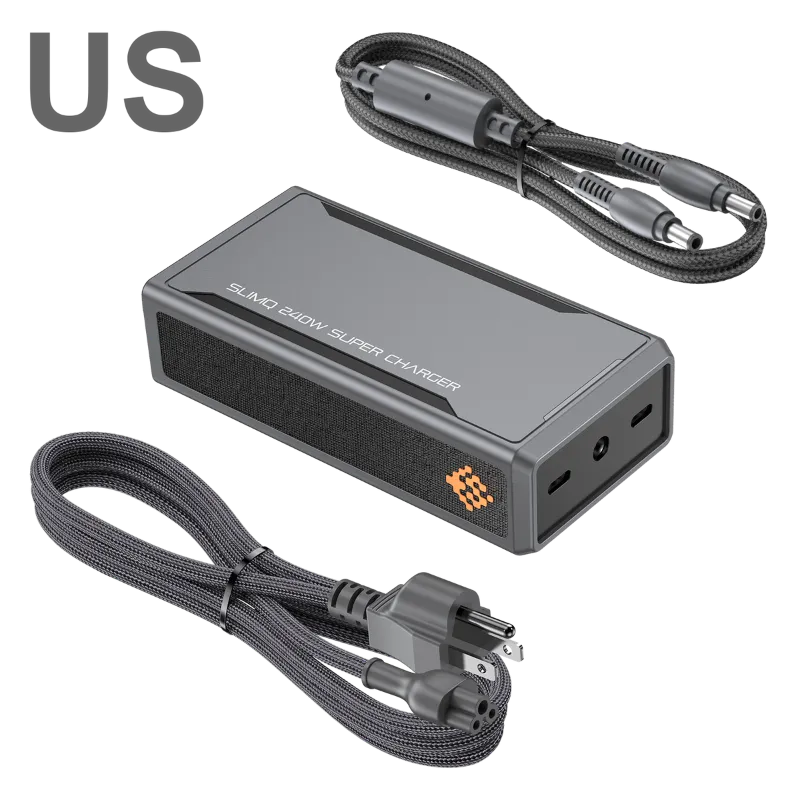
Match your charger capacity to your highest-power device, then ensure enough headroom for secondary gadgets. If you carry a 100W laptop and want to simultaneously charge a phone and tablet, a 100W charger will throttle speeds. In that scenario, a 140w usb-c power adapter or even a 240w usb c charger makes more sense.
For typical setups, here’s how different wattages align:
| Device Type | Power Requirement | Best Charger Option |
|---|---|---|
| Ultrabook + phone | 65W + 20W | 100W dual-port |
| Gaming laptop + accessories | 100W + 15W | 140W or higher |
| MacBook Pro 16″ + iPad + iPhone | 140W + 30W + 20W | 240W multi-port |
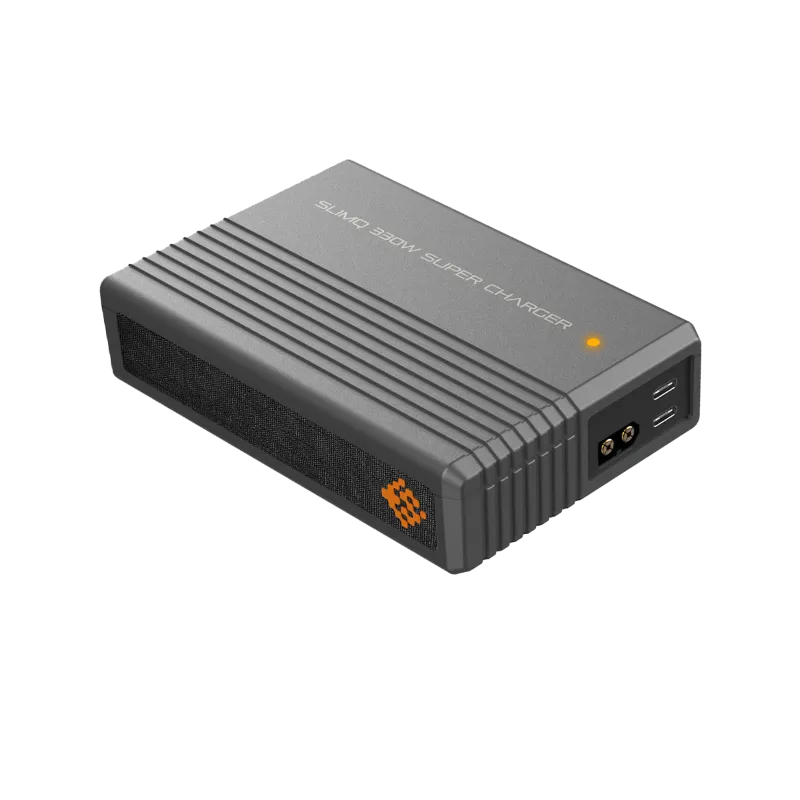
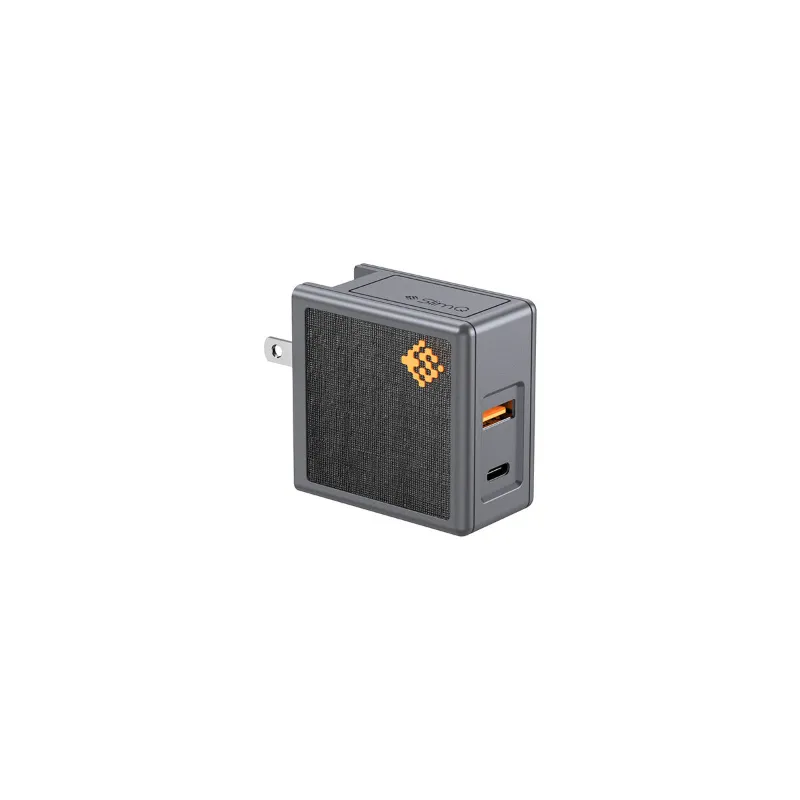
The slimq 65w usb c gan charger works well for lighter loads like a 13-inch laptop plus a smartphone, while the 65 watt usb c charger handles mid-range devices efficiently. For creators running a high-performance laptop, check the latest price on higher-wattage options that won’t bottleneck your workflow.
GaN Technology and Multi-Port Efficiency
Gallium Nitride (GaN) chargers convert power more efficiently than traditional silicon-based models, generating less heat and allowing manufacturers to pack more ports into smaller housings. A 100w usb c charger gan design can offer two or even three ports without the bulk of older 100W bricks.
This matters for fast charging because cooler operation means sustained high-wattage output. When a charger overheats, it throttles power to protect internal components. GaN models like those from ASUS, ROG 100W USB-C Adapter | Power & Protection Gadgets: maintain performance under load, making them ideal for charging a 100w usb-c charger laptop alongside peripherals.
Benefits of GaN in multi-device charging:
- Smaller footprint: Fits easily in laptop bags and travel kits
- Higher efficiency: Less energy wasted as heat, more delivered to your devices
- Better thermal management: Sustained fast charging without throttling
- Multiple ports: Space for USB-C and USB-A without adding bulk
Cable and Adapter Compatibility for Maximum Speed
Even the best 100W charger underperforms with substandard cables. A cable rated for only 60W will cap your laptop at that limit, regardless of charger capability. Always pair your 100W charger with cables certified for at least 100W throughput, look for USB-IF certification or E-Marker chips in the cable.
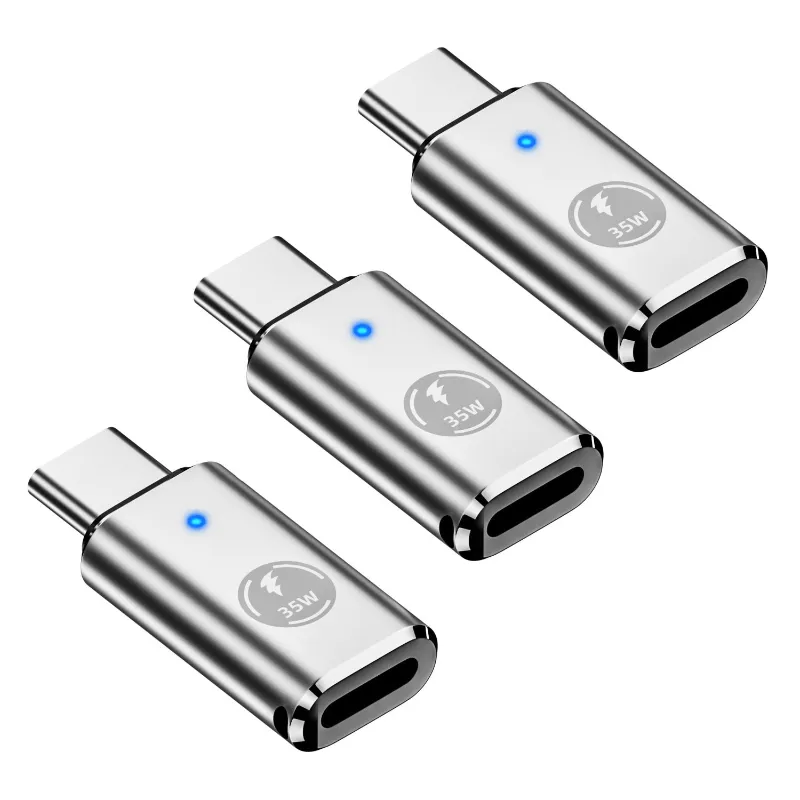
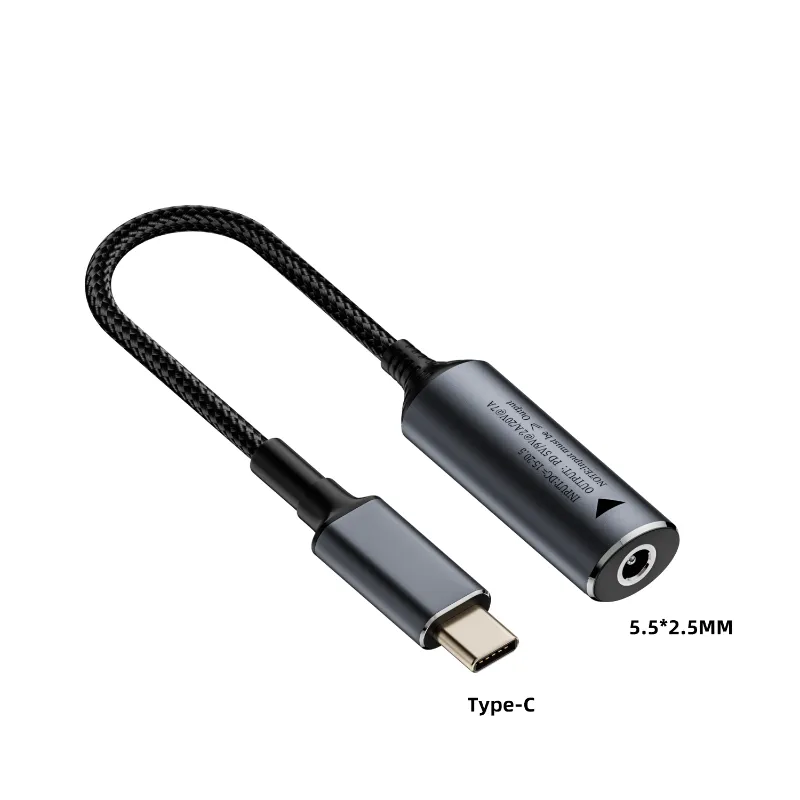
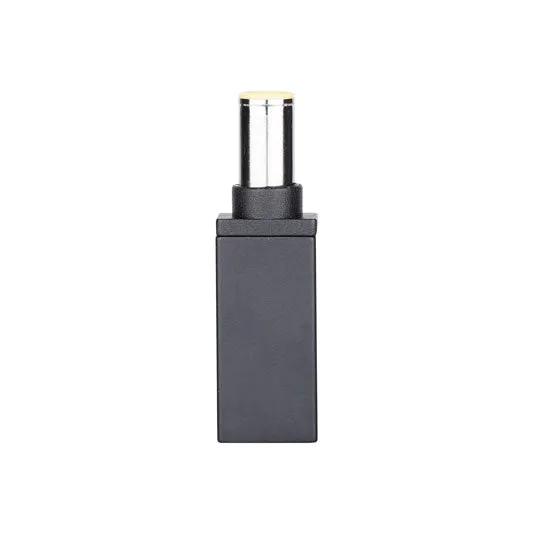
If you’re charging Apple devices, a usb-c to magsafe 3 cable ensures full-speed charging for recent MacBook Pro models, while a lightning-to-usb-c adapter lets older iPhones tap into USB-C power. For specialized laptops with barrel connectors, a connector 7.9mm to type c bridges legacy and modern charging standards.
When running multiple devices, cable management accessories like the safemag 2 keep your setup tidy and prevent accidental disconnects that reset charging negotiations.
Real-World Charging Scenarios and Speed Expectations
Understanding how your devices behave under shared power helps set realistic expectations. Here’s what fast charging looks like across common multi-device setups:
Scenario 1: Laptop + smartphone A 14-inch laptop draws roughly 65W, leaving 35W for a phone that typically maxes out at 20-30W. Both devices fast charge at their optimal rates. Grab the code to save on chargers that handle this setup effortlessly.
Scenario 2: Two laptops Two 13-inch ultrabooks requesting 45W each will each receive 50W from a 100W charger, slightly above their optimal draw, so both charge quickly. A 16-inch workstation laptop requesting 85W would monopolize the charger, leaving only 15W for the second laptop, resulting in slow or trickle charging.
Scenario 3: Laptop + tablet + phone This three-device scenario often exceeds 100W total demand. The charger prioritizes based on port hierarchy or PD negotiation, but expect at least one device to charge slowly. A 30w usb c power adapter as a dedicated phone charger or upgrading to a 140w usb c power adapter solves this bottleneck.
Scenario 4: Travel setup with accessories When charging a laptop, wireless earbuds, and a smartwatch, the accessories draw minimal power (under 10W combined), leaving 90W+ for your laptop. This is an ideal use case for a 100W dual-port charger.
When to Upgrade Beyond 100W
A 100W charger hits its limits with high-performance laptops or three or more devices. If you regularly experience slow charging or your laptop drains while plugged in during intensive tasks, it’s time to step up. The 240w dc/usb c charger handles workstation-class laptops and multiple peripherals without compromise, while still offering portability advantages over carrying multiple single-port chargers.
Signs you need more than 100W:
- Your laptop supports 100W+ input (common in 16-inch+ gaming and workstation models)
- You charge three or more devices daily from a single power outlet
- Your laptop battery drains during video rendering or gaming even while plugged in
- You want future-proofing as device power requirements increase
For most users with a modern ultrabook and a couple of accessories, a 100W charger remains the sweet spot of portability and performance. Check current deals to find multi-port models that fit your exact device lineup without overpaying for unused capacity.
Questions
Will a 100W USB-C charger damage my phone that only needs 20W?
No, USB Power Delivery negotiates the correct wattage with your device. Your phone will only draw the 20W it needs, even if the charger can supply 100W. Modern chargers and devices communicate to ensure safe charging speeds.
Can I use a 100W charger on my laptop that came with a 65W adapter?
Yes, your laptop will only draw the power it needs. A 100W charger won't force extra power into a device designed for 65W. The higher capacity gives you headroom to charge additional devices from the same charger.
Why does my laptop charge slower when I plug in my phone too?
The 100W total output is shared between both ports. If your laptop needs 65W and your phone draws 20W, both get adequate power. But if your laptop requests 85W, only 15W remains for your phone, slowing its charge speed significantly.
Do I need special cables for 100W charging speeds?
Yes, your USB-C cable must be rated for 100W (5A) and include an E-Marker chip to enable full power delivery. Cables rated for only 60W will limit charging speed regardless of your charger's capability.
What's the advantage of GaN in a 100W USB-C charger?
GaN chargers run cooler and convert power more efficiently, allowing manufacturers to add multiple ports in a smaller, lighter package. They also maintain full power output under load without throttling due to heat.
Can a 100W charger replace all my device chargers when traveling?
For most users, yes. A dual-port 100W charger handles a laptop plus phone or tablet simultaneously. If you carry multiple high-power devices or a workstation laptop, consider a 140W or 240W model instead.
Products in this guide
 Shopping at SlimQ? See the discount code
5% OFF All Orders
Shopping at SlimQ? See the discount code
5% OFF All Orders
More in this series
Mac Mini M4 Storage Upgrade: Should You Buy 1TB or 2TB?13 Aug 20265 minUSB-C to MagSafe 3 Cable Buying Guide: What to Look for Beyond Apple’s Original13 Aug 20264 minDo GaN Chargers Run Cooler Than Silicon Chargers?13 Aug 20263 minSlimQ 65W vs 240W USB-C Charger: Which One Do You Need?13 Aug 20264 minHow to Choose the Right Wattage USB-C Charger for Your MacBook Pro13 Aug 20264 min