 A Lumintop guide
Troubleshooting the Lumintop 14500 Battery and D4-26 Charger
Most Lumintop 14500 battery charging problems come down to the USB power source, the cable, the contacts or the cell itself.
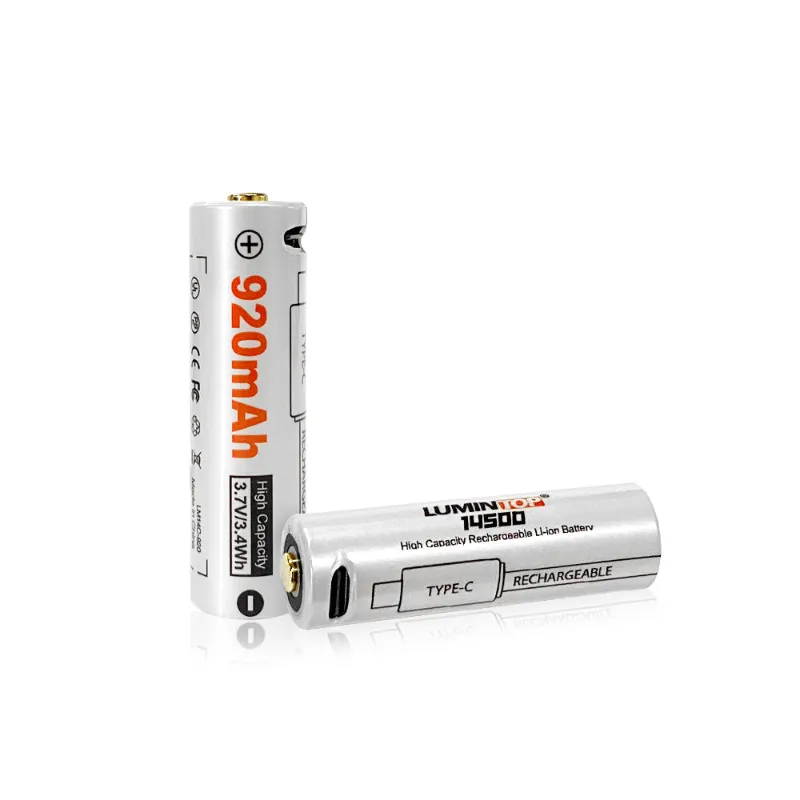
Most charging problems with the Lumintop 14500 battery or the D4-26 charger come down to four things: the USB power source, the cable, the contacts and the cell itself, so check those first. The 14500 li ion battery is a 3.7V 920mAh button-top protected cell with its own USB-C charging port, and the 14500 charger D4-26 is a four-channel smart charger for 3.7V to 4.2V Li-ion cells. You can find the current code on our Lumintop discount code page.
Know Your Lumintop Charging Gear
Lumintop’s product pages give these details:
- 14500 Type-C Rechargeable Battery: 3.7V, 920mAh, button top, protected against reverse polarity, overcharge and over-discharge, with a built-in USB-C charging port. Lumintop rates it for over 500 charge and discharge cycles and lists it as compatible with the Tool AA series, EDC AA and Silver Fox.
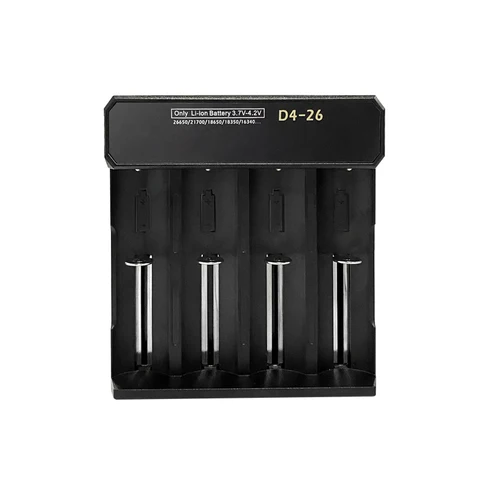
- D4-26 Battery Charger: four channels, detects each battery’s status and picks the charging mode and current automatically, USB-C input with a maximum charging current of 2A (Lumintop recommends a standard 5V/2A adapter), with reverse, short circuit and overcurrent protection. It fits Li-ion batteries from 3.7V to 4.2V.
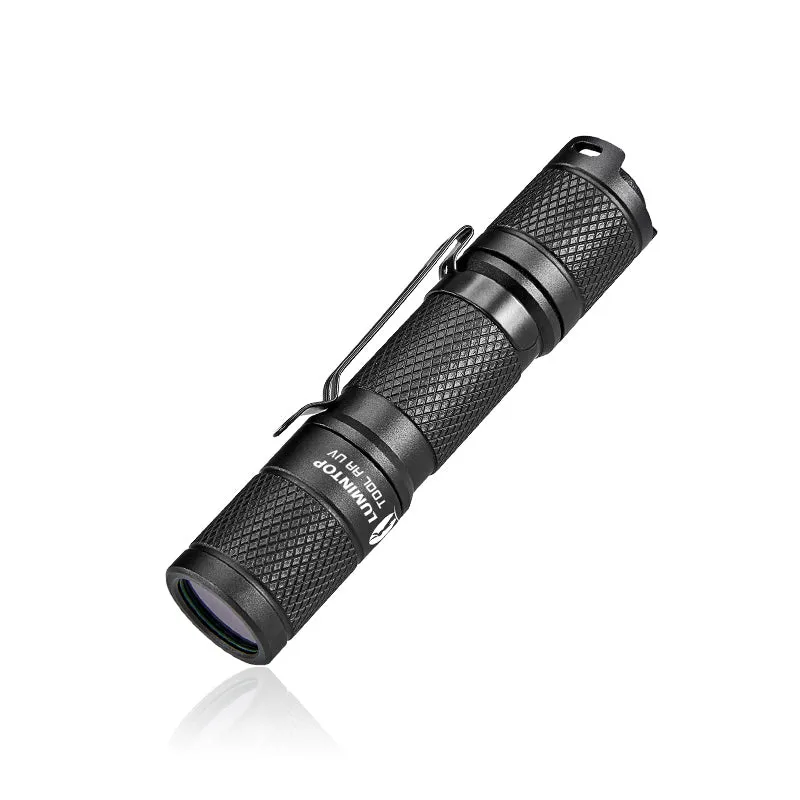
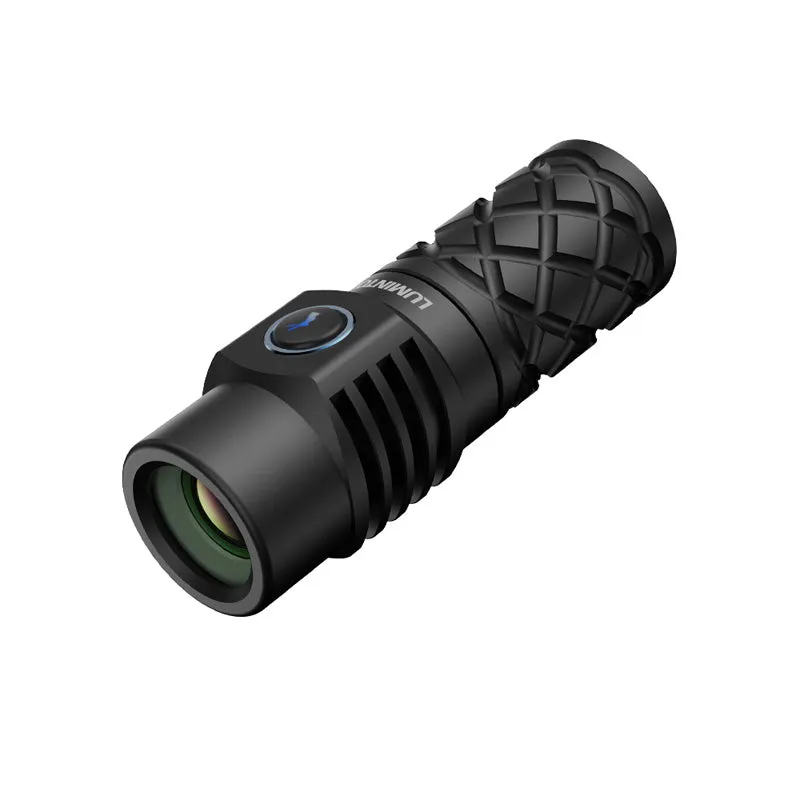
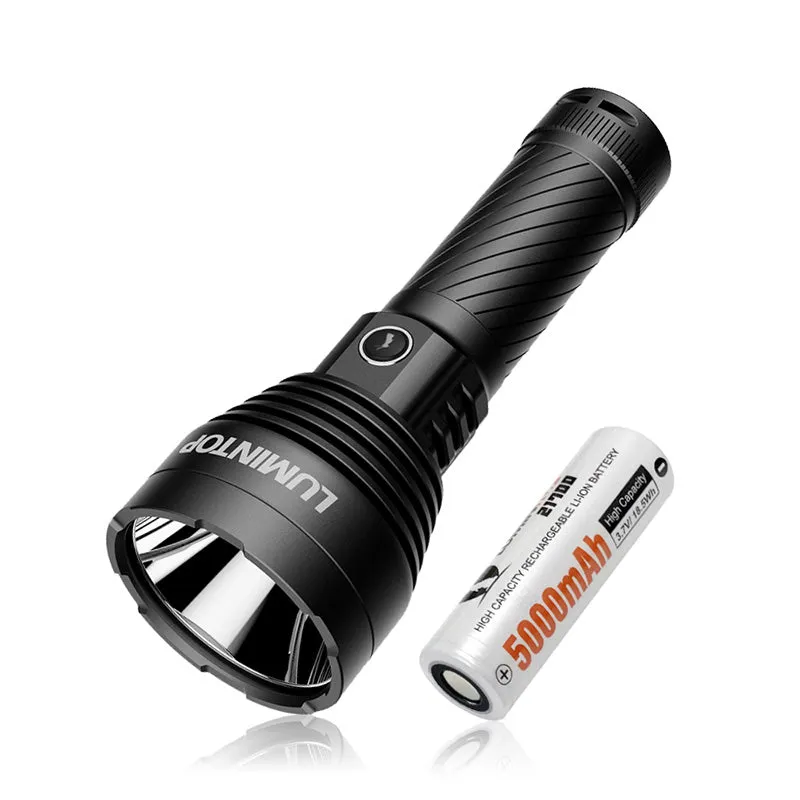
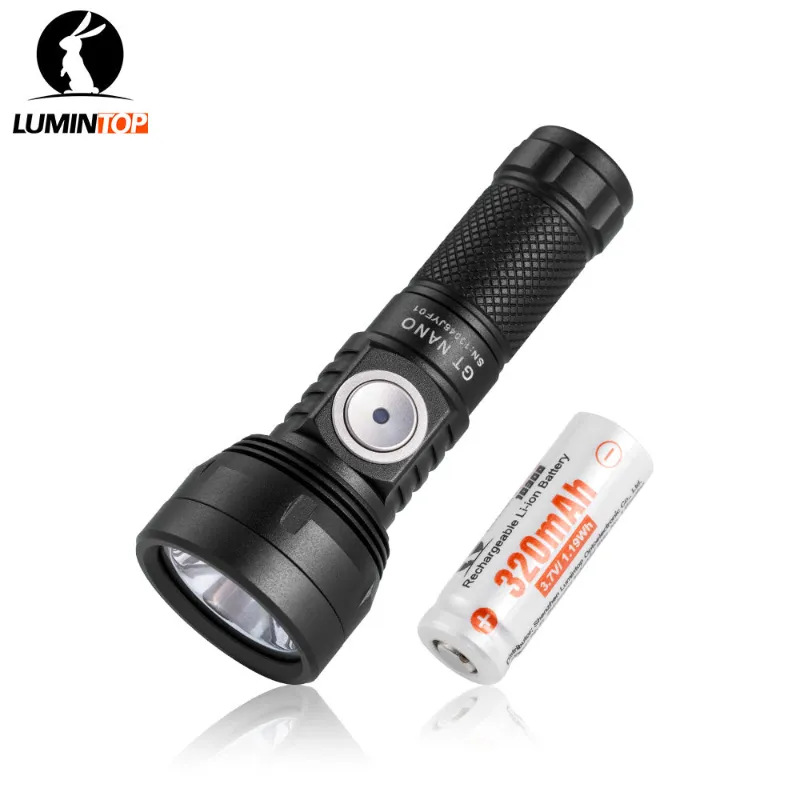
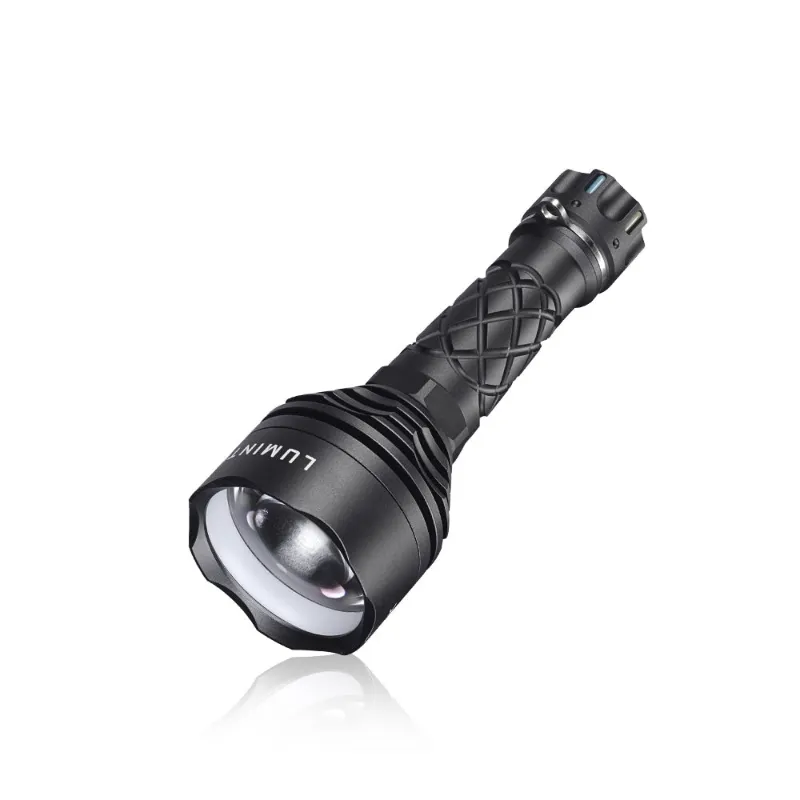
Check that the cell suits your light before you blame the charger. The ultraviolet 2.0 Tool AA UV is part of the Tool AA series the 14500 is listed for. Lumintop’s other lights use different cells: its store describes the lumintop gt nano as running on 10300 or 10750 cells and the Lumintop gtmini as shipping with a 21700, while the thor 2.0 comes with an 18650 or 18350 and the lumintop thor 3 with a 21700.
Battery Won’t Charge or Start Charging
Check the power source. Weak phone adapters, old computer USB ports and unpowered hubs can supply too little. For the D4-26, Lumintop recommends a standard 5V/2A adapter.
Swap the cable. A damaged USB-C cable is a common cause of no charging or on-off charging. Try a cable you know works.
Seat the cell correctly. In the D4-26, match the battery’s positive end to the slot’s marking. The charger has reverse protection, so a cell put in backwards will not charge.
Clean the contacts. Remove the battery and wipe the charger contacts and battery terminals with a little isopropyl alcohol on a cotton swab, then let them dry.
Consider the protection circuit. The Lumintop 14500 has over-discharge protection, so if it was run completely flat it may appear dead. Try charging it again; if it still will not take a charge, stop and contact Lumintop rather than forcing it.
Slow Charging or Charging That Never Completes
If charging seems to take far too long or never finishes, look at the supply first. A laptop port in power-saving mode, a long thin cable or a shared hub can all cut the current. Move to a wall adapter that meets Lumintop’s 5V/2A recommendation and a short, good-quality cable.
For what the indicator lights mean on the battery and the charger, go by the manual that came with them, since the product pages do not describe the light patterns.
Age matters too. Lumintop rates its 14500 for over 500 cycles, and any Li-ion cell holds less charge as it gets older. If one cell misbehaves while others charge normally in the same charger, the cell is the likely problem.
Heat, Damage and Safety
Some warmth is normal while charging. If the charger or battery becomes too hot to touch comfortably, unplug it straight away. Common causes are:
- Charging in direct sun or a hot car
- Charging on a soft surface such as bedding, which blocks airflow
- A faulty power source or cable
Charge on a hard, flat surface at room temperature, and do not leave charging batteries unattended for long periods. Stop using any cell with a torn wrap, dents, swelling or leaks, and recycle it at a battery drop-off point.
Charger or Battery: Finding the Fault
A simple swap check tells you which part is at fault. If the charger fails with several known-good batteries, the charger is the problem. If one battery fails in several chargers, or when charged through its own USB-C port, the battery is the weak link.
If a new item fails, contact Lumintop support with your order details. For lights you rely on, keeping a charged spare cell of the right size on hand avoids downtime.
Questions
Why won't my Lumintop 14500 battery charge over USB-C?
Check the USB power source and try a different cable first. If the cell was run completely flat, its over-discharge protection may have tripped; try charging again, and contact Lumintop if it still will not charge.
Which lights does the Lumintop 14500 battery fit?
Lumintop lists its 14500 Type-C battery (3.7V, 920mAh, button top, protected) as compatible with the Tool AA series, EDC AA and Silver Fox.
What adapter should I use with the D4-26 charger?
Lumintop recommends a standard 5V/2A adapter. The D4-26 charges through a USB-C port with a maximum charging current of 2A.
What batteries can the D4-26 charge?
Lumintop says it fits Li-ion batteries from 3.7V to 4.2V and detects each battery's status to choose the charging mode and current. Check that your cell size fits the slots.
What should I do if my charger gets too hot to touch?
Unplug it straight away and let it cool on a hard, flat surface away from sunlight. If it overheats again under normal conditions, stop using it and contact Lumintop.
How many charge cycles does the Lumintop 14500 last?
Lumintop rates its 14500 Type-C battery for over 500 charge and discharge cycles.
Products in this guide
 Shopping at Lumintop? See the discount code
10% OFF Sitewide
More in this series
 Choosing Between the Lumintop GTmini and GT Nano for Long-Distance Lighting13 Aug 20264 min
 What to Know About the Lumintop GT Nano 3.2 Pocket Thrower13 Aug 20263 min
 What Makes LEP Flashlights Different? A Look at Lumintop’s Laser Technology13 Aug 20264 minHow to Charge and Maintain Your Lumintop 14500 Li-Ion Battery for Maximum Lifespan13 Aug 20264 min
 Lumintop Thor 2 vs Thor 3: Which LEP Flashlight Should You Buy?13 Aug 20263 min