 A Lumintop guide
Troubleshooting Common Issues with Lumintop’s USB 14500 Battery Chargers
Troubleshooting a 14500 li ion battery charger is usually a matter of checking contact points, verifying battery polarity, and understanding what your LED indicator actually means.
Understanding Your 14500 Li Ion Battery Charger
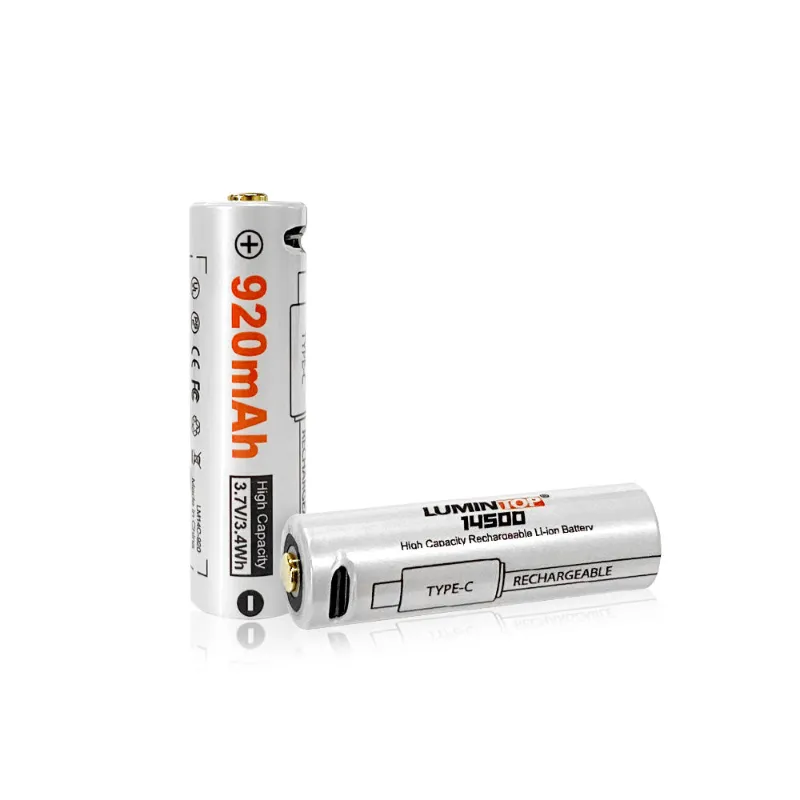
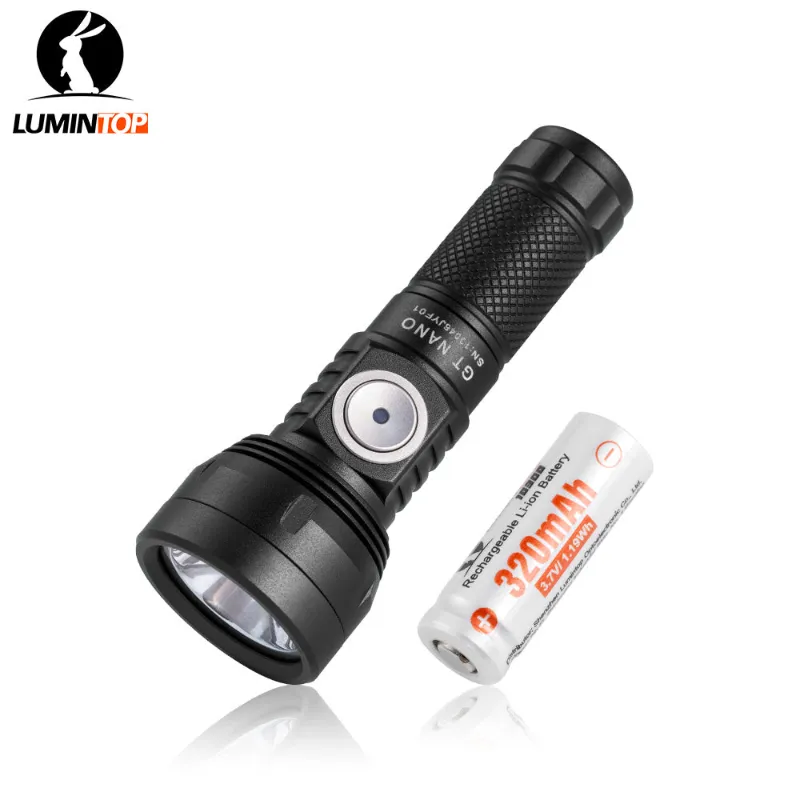
Troubleshooting a 14500 li ion battery charger is usually a matter of checking contact points, verifying battery polarity, and understanding what your LED indicator actually means. Lumintop’s USB chargers are designed to work seamlessly with their compact flashlights like the Lumintop gtmini and lumintop gt nano, but even well-built chargers can present issues when batteries, contacts, or power sources don’t cooperate.
This guide walks through the most common issues we see with Lumintop’s 14500 charger lineup and how to resolve them quickly.
Battery Won’t Charge or Start Charging Cycle
When your charger shows no response after inserting a battery, start with the basics. Check that the battery is seated correctly with the positive terminal facing the spring-loaded contact (most Lumintop chargers mark polarity clearly on the housing). Remove the battery, inspect both the charger contacts and battery terminals for dirt, oxidation, or debris, then wipe them clean with isopropyl alcohol on a cotton swab.
If the 14500 charger still won’t recognize the cell, test your USB power source. Lumintop USB chargers typically need at least 5V/1A input, and weak phone adapters or old computer USB ports sometimes deliver inconsistent power. Swap to a quality USB wall adapter or try a different cable, since damaged cables are a frequent culprit.
Over-discharged batteries below 2.5V may trigger protection circuits that prevent charging. Most modern Li-ion chargers, including Lumintop’s models, will refuse to charge a deeply drained cell as a safety measure. If you suspect this, check the latest price on a fresh battery rather than attempting to revive an unsafe cell.
LED Indicator Flashing or Showing Error Codes
Lumintop chargers use LED colors and blink patterns to communicate status. A red light typically means charging is in progress, green signals complete, and rapid flashing red often indicates an error. We see three main causes for error blinks:
- Reversed polarity: the battery is inserted backward, which most Lumintop chargers detect and refuse to charge
- Incompatible cell size: using a 14500 charger slot for an 18650 or other size creates poor contact
- Defective or damaged battery: internal shorts, swollen cells, or torn wrappers trigger safety shutoffs
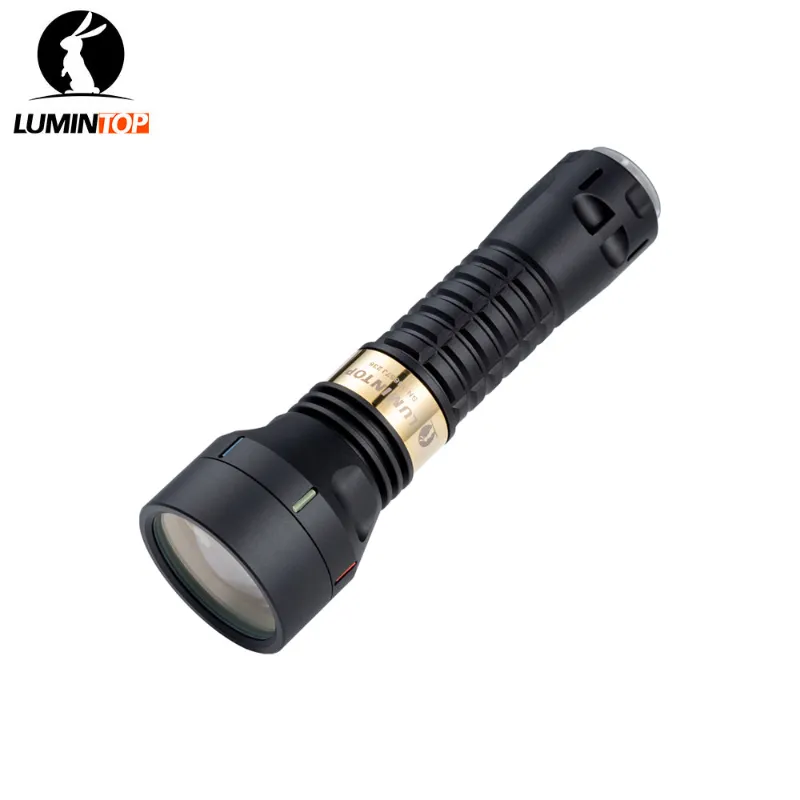
According to Orbtronic’s technical overview, a healthy 14500 battery 3.7v li-ion rechargeable should measure between 3.0V and 4.2V. If your multimeter reads outside that range, the cell may be too far gone. For lights like the thor 2.0 or mini flashlight that rely on quality power, keeping spare batteries in good condition matters.
Slow Charging or Charging That Never Completes
If your charger’s red LED stays lit for many hours without turning green, you’re likely dealing with insufficient current delivery or a high-capacity cell that needs more time. Standard Lumintop USB chargers deliver around 500mA, which takes roughly three hours to charge a typical 800mAh 14500 from empty. Higher-capacity cells naturally take longer.
Confirm your USB source isn’t current-limited. Charging from a laptop in power-saving mode or through a long extension cable can halve the effective charge rate. Wall adapters rated 2A or higher work best and grab the code to save on a quality Lumintop power bank if you charge in the field.
If the battery reaches 80 to 90 percent and stalls, the charger’s termination logic may be confused by an aging cell with high internal resistance. Try a different battery to rule out charger failure. Cells that have been cycled hundreds of times lose capacity and develop voltage sag, which can trick charge controllers into thinking the battery is full when it’s not.
Charger Gets Hot During Use
Moderate warmth is normal for any Li-ion charging circuit, but if your 14500 charger becomes too hot to touch comfortably, unplug it immediately. Common causes include:
- Ambient temperature: charging in direct sunlight or inside a hot vehicle accelerates heat buildup
- Poor ventilation: covering the charger or placing it on soft surfaces like bedding blocks airflow
- Overloaded USB hub: drawing power from a hub that’s already maxed out can create voltage drops and excess heat
We recommend charging on a hard, flat surface in a room-temperature environment. If your charger consistently overheats even under ideal conditions, contact Lumintop support, as internal component failure may be the issue. Overheating can damage both the charger and the 14500 li ion battery inside, so don’t ignore this symptom.
Charger Works Intermittently or Loses Connection
Intermittent charging, where the LED switches on and off randomly, points to loose mechanical connections. Inspect the USB port on the charger body for bent pins or debris, and try a different cable. Micro-USB ports in particular wear out after hundreds of plug cycles, and the retention tabs inside can lose their grip.
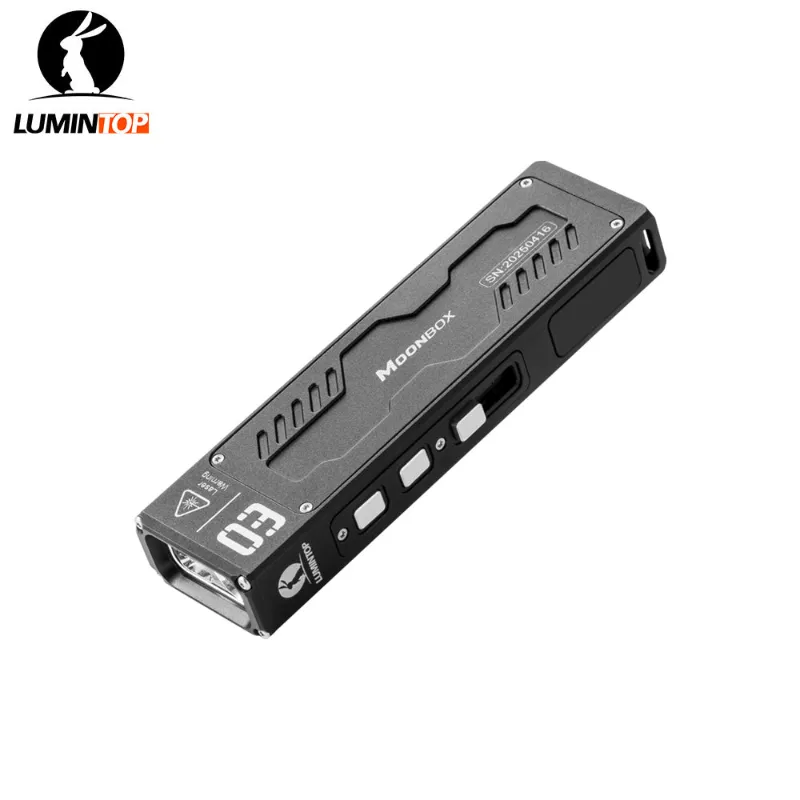
Battery contact springs also fatigue over time. If your charger’s spring no longer pushes firmly against the battery, gently stretch it with needle-nose pliers to restore tension. Be careful not to overstretch or snap the spring wire. We’ve found that Lumintop’s newer magnetic USB designs (common in lights like the moonbox and 1lumen) eliminate many of these mechanical issues by using pogo pins instead of springs.
For users who frequently swap batteries between flashlights and chargers, keeping battery wraps intact is critical. A torn or missing insulator wrap can cause shorts when the bare cell touches the charger body. Re-wrap or replace any battery showing exposed metal, as detailed in XTAR’s battery maintenance guide.
Charger Doesn’t Recognize Freshly Purchased Batteries
Brand-new batteries sometimes ship with a partial factory charge around 3.6V to 3.8V for storage stability, but if your charger doesn’t detect them, verify the cell dimensions. Not all “14500” batteries are identical; some have button tops that add a millimeter or two of length, while others are flat-top. Lumintop chargers designed for button-top cells may not make contact with flat-top variants, and vice versa.
Cross-check the battery specs against Lumintop’s compatibility list. Most of their USB chargers support protected and unprotected 14500 cells, but protected versions with built-in circuits are slightly longer and may not fit snugly. Understanding the 14500’s design features helps you match the right cell to your charger and flashlight.
If you’ve confirmed size compatibility and the issue persists, test the suspect battery in a different charger or flashlight. Occasionally a factory defect or shipping damage renders a cell non-functional, and warranty replacement is your best path forward.
When to Replace Your Charger vs. Your Battery
After working through these troubleshooting steps, you should have a clearer picture of whether the charger or battery is at fault. A charger that fails with multiple known-good batteries needs replacement, while a single problem battery that fails in multiple chargers is the obvious weak link. Lumintop’s 14500 li ion battery and charger bundles on our site ensure compatibility and often save money over buying separately.
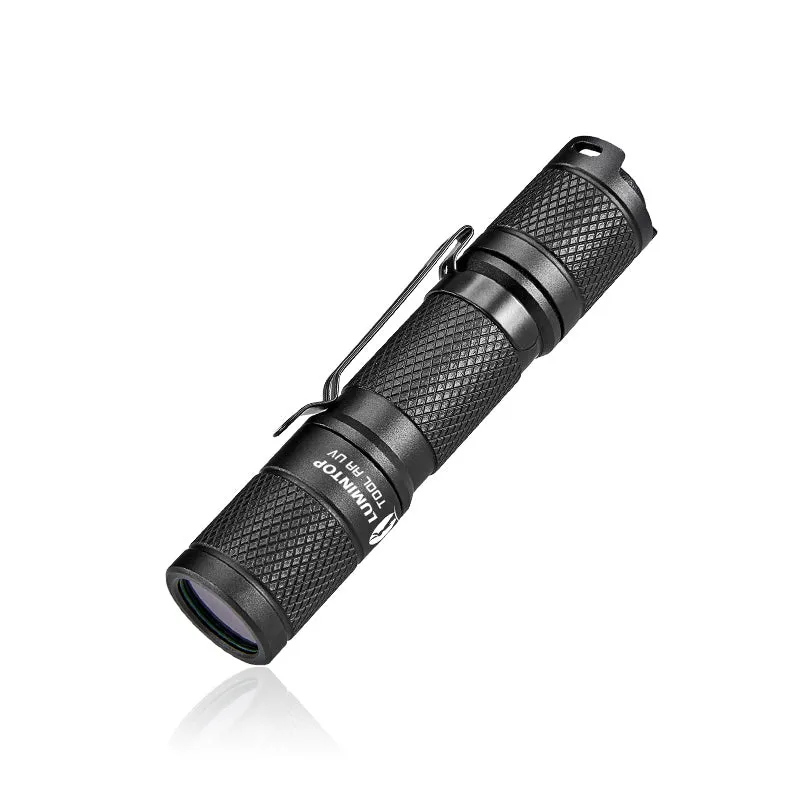
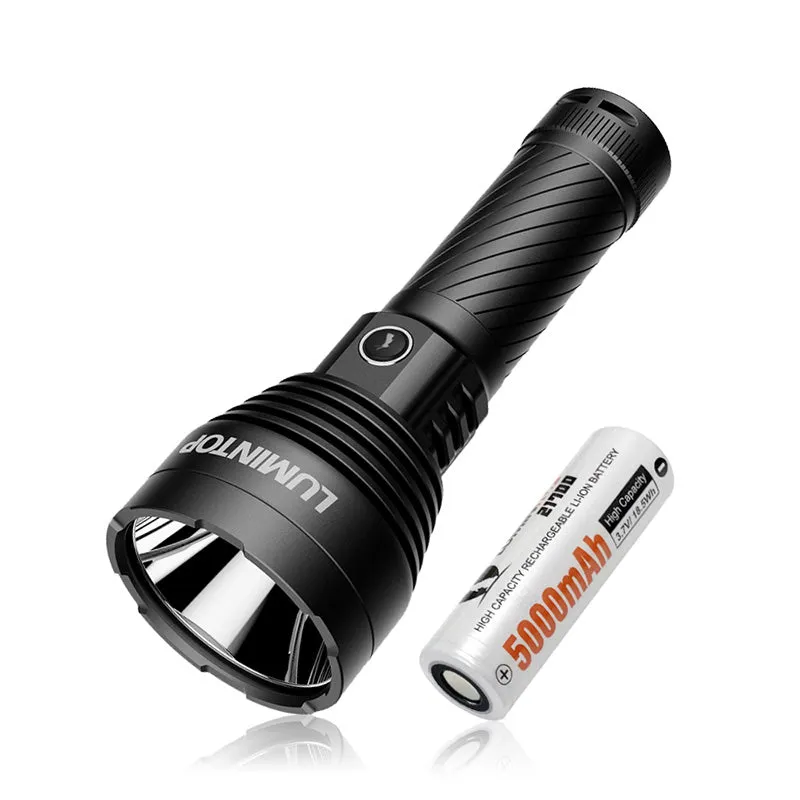
For flashlight enthusiasts running high-drain lights like the ultraviolet 2.0 or lumintop thor 3, keeping a backup charger and a few spare cells on hand prevents downtime. Check our discount code page for the current sitewide offer before restocking your gear, and remember that proper charging habits extend both battery and charger lifespan far beyond the minimum cycle counts.
Questions
Why does my 14500 li ion battery charger blink red rapidly?
Rapid red blinking usually signals reversed polarity, an incompatible cell, or a damaged battery. Remove the battery, check that the positive terminal faces the correct direction, and inspect for torn wraps or swelling.
How long should it take to charge a 14500 battery fully?
A typical 800mAh 14500 battery takes about three hours on a standard 500mA USB charger. Higher-capacity cells or lower-current USB ports will extend that time.
Can I use any USB cable with my Lumintop 14500 charger?
Most Lumintop chargers use standard micro-USB or USB-C connections, so any cable will physically fit. However, damaged or low-quality cables can cause intermittent charging or slow rates, so use a known-good cable for best results.
What should I do if my charger gets too hot to touch?
Unplug it immediately and let it cool on a hard, flat surface away from direct sunlight. Persistent overheating may indicate a faulty charger that should be replaced to prevent battery damage or safety issues.
Will a deeply discharged 14500 battery charge in a Lumintop charger?
Most modern Li-ion chargers refuse to charge cells below 2.5V as a safety measure. If your battery has been over-discharged, it's safer to replace it than attempt revival.
Do Lumintop 14500 chargers work with protected and unprotected batteries?
Yes, but protected batteries are slightly longer due to the built-in protection circuit. Verify that your charger has enough clearance to accommodate the extra length, especially in compact designs.
Products in this guide
 Shopping at Lumintop? See the discount code
10% OFF Sitewide
Shopping at Lumintop? See the discount code
10% OFF Sitewide
More in this series
Choosing Between the Lumintop GTmini and GT Nano for Long-Distance Lighting13 Aug 20265 minLumintop GT Nano Review: Is This the Best Pocket Thrower Flashlight?13 Aug 20264 minWhat Makes LEP Flashlights Different? A Look at Lumintop’s Laser Technology13 Aug 20265 minHow to Charge and Maintain Your Lumintop 14500 Li-Ion Battery for Maximum Lifespan13 Aug 20264 min Lumintop Thor 2.0 vs Thor 3: Which LEP Flashlight Is Worth the Upgrade?13 Aug 20264 min