 A Techable guide
What Do Techable’s Condition Grades Mean?
Techable's condition grades (Excellent, Great, Good and Fair) describe how a device looks, not how it works, since Techable says every device is inspected and found to be in working condition whatever its grade.
Techable’s condition grades (Excellent, Great, Good and Fair) describe how a device looks, not how it works, since Techable says every device is inspected and found to be in working condition whatever its grade. The grade tells you how much wear to expect and how far away you would notice it, so it is mostly a trade between price and appearance. You can find the current code on our Techable discount code page.
The four grades in Techable’s words
Techable’s condition page uses distance from the device as its yardstick:
- Excellent: minimal wear that is hardly noticeable.
- Great: light signs of wear such as scratches, scuffs or small dings. The wear is minimal but may be visible from an arm’s length away.
- Good: average signs of wear, with scratches, scuffs or dings visible within an arm’s length.
- Fair: heavy signs of wear that may include scratches, scuffs, dings, dents or screen delamination, visible from more than an arm’s length away.
Screen delamination is when the coating on a laptop screen starts to peel or look patchy. Techable only lists it under Fair, so if you want a clean screen, that is the grade to avoid.
How the grade changes the price
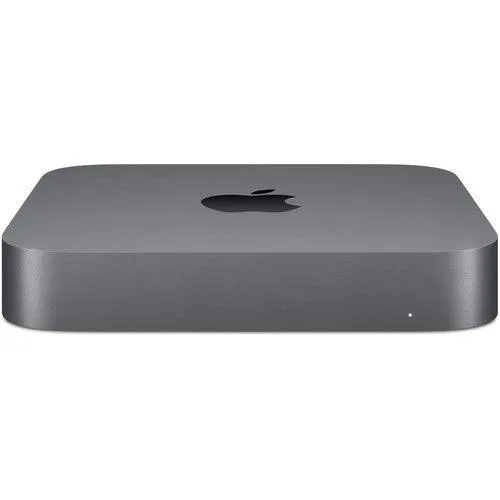
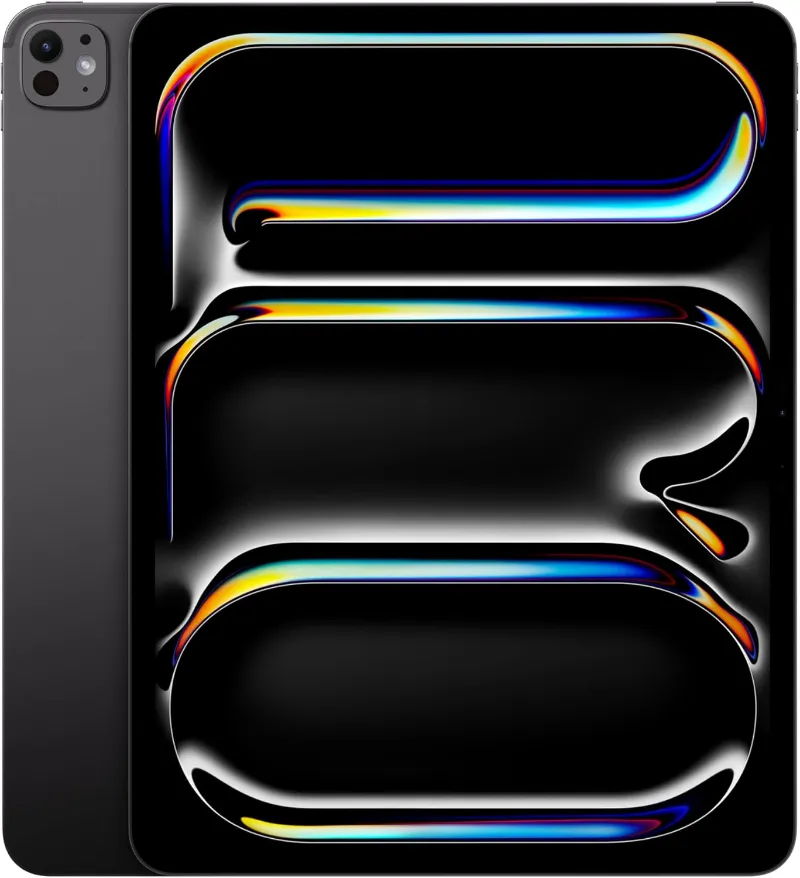
On listings that offer more than one grade, the same model costs less as the grade drops. On the 2018 Mac mini with a Core i7, for example, the 1TB and 16GB configuration was listed at $599 in Good, $625 in Great and $649 in Excellent when we checked in September 2026. The 11-inch iPad Pro with the M4 chip showed the same pattern for its 1TB Wi-Fi and Cellular version, at $949, $975 and $999. Prices move with stock, so treat these as an example of the spread, not a quote.
For a desktop like the Mac mini that sits under a monitor, a lower grade may matter little. For a laptop you open every day, you may care more about marks on the lid and palm rest.
What the grade does not tell you
The grade is about looks, so read the rest of the listing too. Three things are worth checking:
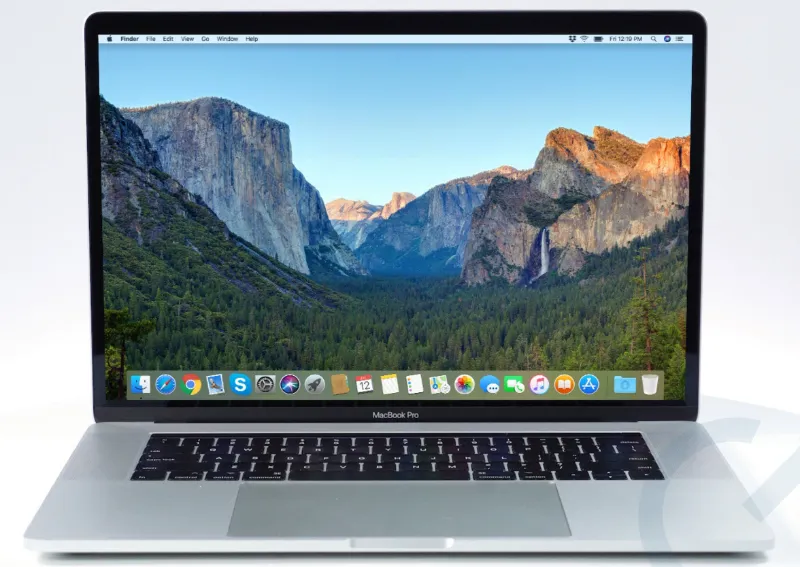
- Battery health. Techable’s FAQ says each product it sells has a battery that holds at least 80% of its original capacity. Some listings go further: the 2019 16-inch MacBook Pro with a Core i9 lists 80.8% battery health with 499 cycles, and the iPad Pro listing says its batteries keep 92 to 100% of original capacity.
- Specific marks. Some listings describe the exact wear. The same 2019 MacBook Pro listing is graded Good and names edge wear in three places and keyboard marks on the screen.
- What is in the box. Techable’s FAQ says purchases come with an Apple OEM charger and cord. Listings such as the 2019 MacBook Pro and the iPad Pro also spell out the adapter and cable.
Techable’s condition page adds that it cannot send individual pictures of machines, but you can email its support team with questions before you buy.
Check the grade when your device arrives
When the parcel arrives, compare the device with the grade you paid for, and look at it from the distance the grade describes. If something is wrong, act within the return window.
- Techable accepts return requests by email within 30 days of delivery.
- Keep all the original packaging until any request is settled. Techable asks for photos of the box, label, inner packaging and product for any claim about shipping damage.
- Returns for a change of mind carry a 4% restocking fee, which Techable says covers card processing fees.
If you are torn between two grades, we would put the money toward battery health and the right memory and storage first, then pick the best looking grade you can afford.
Questions
What condition grades does Techable use?
Techable uses four cosmetic grades: Excellent, Great, Good and Fair. Each describes how much wear shows and from how far away you would see it.
Does a lower grade mean the device works worse?
Techable says the grade refers to visual appearance only and that each device is inspected and found to be in working condition. Battery health is listed separately.
Which Techable grade can include screen delamination?
Fair. Techable's condition page lists screen delamination, dents and heavy scratches under Fair, visible from more than an arm's length away.
What battery health does Techable guarantee?
Its FAQ says each product has a battery that keeps at least 80% of its original capacity. Many listings also state the exact health and cycle count.
Can Techable send photos of the exact device?
Its condition page says it cannot send individual pictures of machines. You can email its support team with questions before you buy.
Products in this guide
 Shopping at Techable? See the discount code
$10 OFF Sitewide