 A Techable guide
Intel vs Apple Silicon: Picking a Refurbished Mac
Choose an Apple silicon Mac from Techable if you want the longest run of macOS updates, and choose an Intel Mac only if you need something Intel does that Apple silicon does not, such as running Windows through Boot Camp, or you want a large amount of memory and storage for less.
Choose an Apple silicon Mac from Techable if you want the longest run of macOS updates, and choose an Intel Mac only if you need something Intel does that Apple silicon does not, such as running Windows through Boot Camp, or you want a large amount of memory and storage for less. Techable sells both, from a 2015 MacBook Air to 2024 M4 models, so it helps to know what separates them. Our Techable discount code page lists the current code and how to use it.
What changed when Apple switched chips
Apple used Intel processors in its Macs for years, then began moving to its own chips, starting with the M1 in 2020. Two practical differences follow from that switch:
- Software. Apple silicon Macs can run iPhone and iPad apps that their developers make available on the Mac. Intel Macs can install Windows directly with Boot Camp, which Apple silicon Macs do not support.
- Updates. Apple has said macOS Tahoe 26 is the last major macOS release for Intel Macs, and several older Intel models stopped getting new versions before that.
The Intel Macs Techable lists
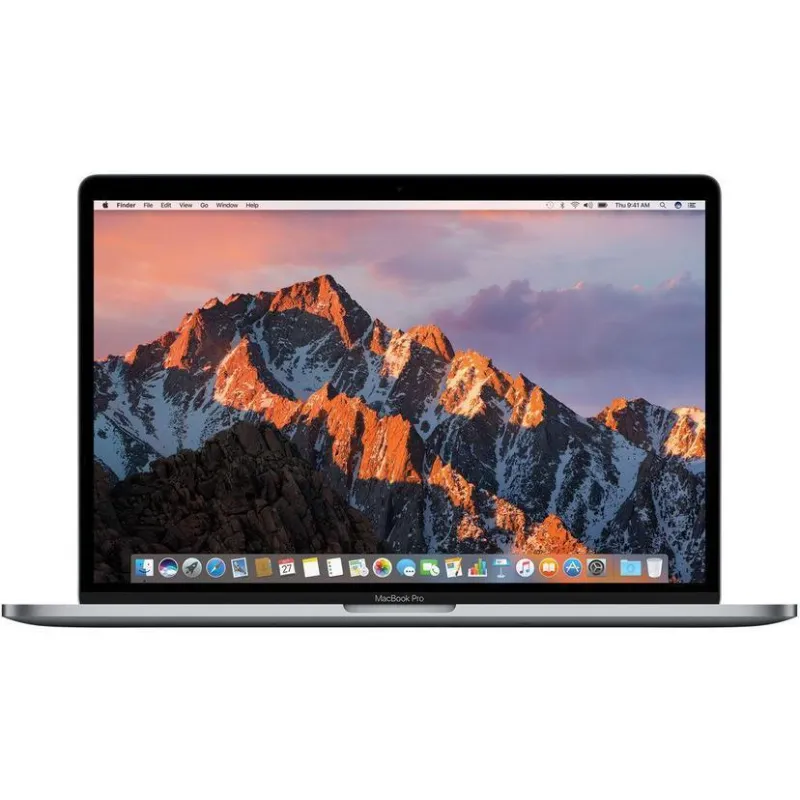
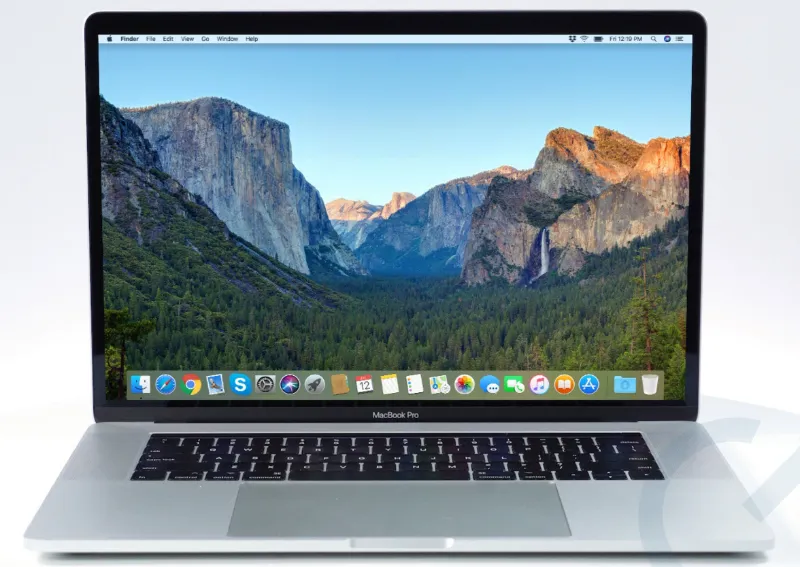
- The 2018 15-inch MacBook Pro with a 6-core Core i9, 32GB of RAM and a 2TB SSD, plus Radeon Pro 560X graphics, according to the listing.
- The 2019 16-inch MacBook Pro with an 8-core Core i9, a Radeon Pro 5500M with 8GB of video memory, 64GB of RAM and a 4TB SSD.
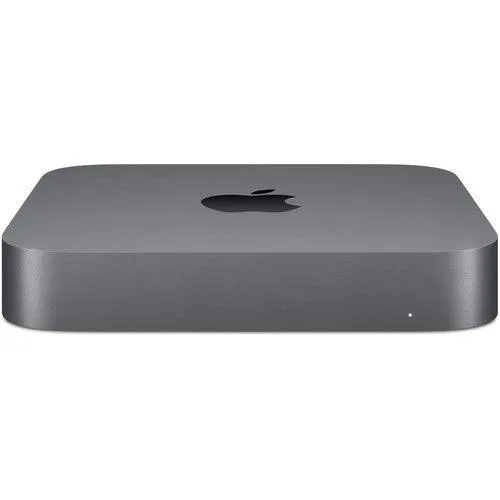
- The 2018 Mac mini with a 6-core Core i7 and 10 Gigabit Ethernet, sold in several memory and storage setups.
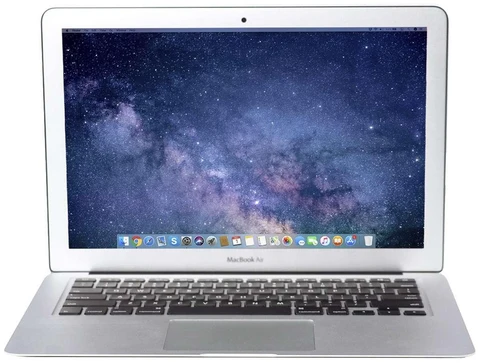
- The 2015 11-inch MacBook Air with a Core i5 and 4GB of RAM, which Techable pitches as a light machine for students and travelers.
These give you a lot of memory and storage, and dedicated graphics on the MacBook Pros. The trade-off is software support. Apple’s macOS Tahoe compatibility list includes the 2019 16-inch MacBook Pro but not the 2018 15-inch MacBook Pro or the 2018 Mac mini, which top out at macOS Sequoia. The 2015 MacBook Air tops out at macOS Monterey, so some current apps may not install on it.
There is also a keyboard difference. The 2018 15-inch uses Apple’s older butterfly keyboard, while the 2019 16-inch moved to the scissor-switch Magic Keyboard.
The Apple silicon Macs Techable lists
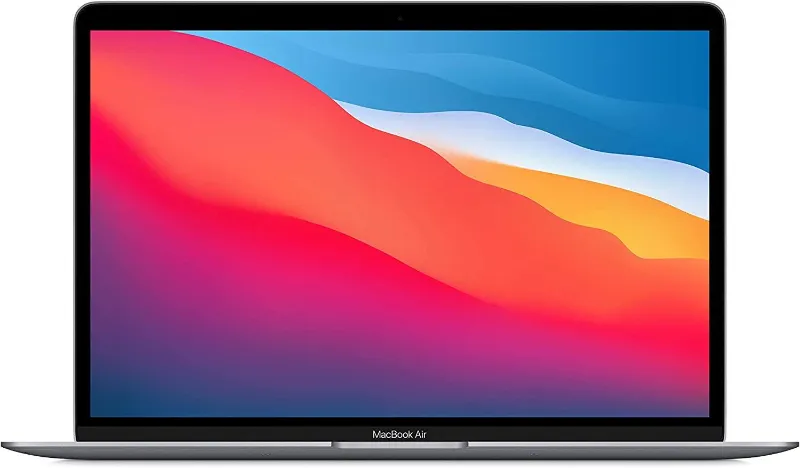
- The 13-inch MacBook Air with the M1 chip, 8GB of RAM and a 256GB SSD. The listing quotes up to 15 hours of battery life.
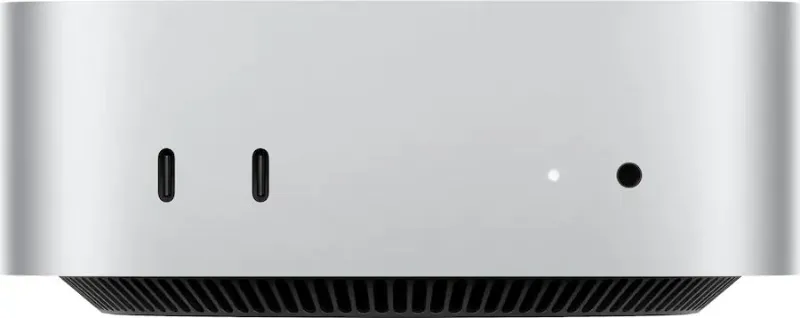
- The 2024 Mac mini with the M4 chip, listed with 16GB, 24GB or 32GB of unified memory and 256GB to 2TB of storage.
These run the current macOS and will keep getting updates after Intel support ends. The catch is that memory on Apple silicon Macs is part of the chip package and cannot be added later, so choose the memory you need at purchase. The same is true of the Intel MacBook Pros above, whose memory is soldered to the board.
How to choose
- You mainly browse, write and use web apps: an Apple silicon model such as the M1 MacBook Air covers that and has the longer update runway.
- You need Windows on the same machine through Boot Camp: only the Intel models do that.
- You work with large files and want lots of RAM for the money: the Intel MacBook Pros list 32GB and 64GB, but weigh that against the end of Intel updates.
- You want a desktop and already own a monitor: compare the 2018 Mac mini and the M4 Mac mini side by side on price and memory.
Techable’s FAQ says it installs the newest macOS the device supports unless the listing names a version, and that you can ask for a specific compatible version in the order notes. Before you buy an older Intel Mac, check that the apps you rely on still support the macOS version it can run.
Questions
Should I buy an Intel or Apple silicon Mac from Techable?
Pick Apple silicon if you want the current macOS and a longer run of updates. Pick Intel if you need Boot Camp for Windows or want a lot of RAM and storage for the price.
Will the 2018 MacBook Pro from Techable get new macOS versions?
Apple's compatibility list for macOS Tahoe does not include the 2018 15-inch MacBook Pro, so it tops out at macOS Sequoia. The 2019 16-inch model is on the Tahoe list.
Can I upgrade the RAM on a refurbished MacBook later?
Not on Apple silicon Macs or on the 2018 and 2019 Intel MacBook Pros, where memory is built in. Pick the RAM you need when you buy.
Which macOS version comes on a Techable Mac?
Techable's FAQ says it installs the newest macOS the device supports unless the listing names one. You can request a specific compatible version in the order notes.
Can Apple silicon Macs run Windows with Boot Camp?
No. Boot Camp is only available on Intel Macs, such as the 2018 and 2019 MacBook Pros and the 2018 Mac mini that Techable lists.
Products in this guide
 Shopping at Techable? See the discount code
$10 OFF Sitewide