 A Untsmart guide
Do Smart Plugs Work With Outdoor LED Displays? What You Need to Know
A led display led display powered by a smart plug gives you remote control and scheduling, but you'll need to match the plug's power capacity to your display's actual draw.
Yes, smart plugs can work with outdoor LED displays, but success depends on matching the right plug to your display’s power demands. We’ll walk you through what works, what doesn’t, and how to set it up safely. We keep the current code for Untsmart on its store page.
Can a Smart Plug Handle Your LED Display LED Display Power Needs?
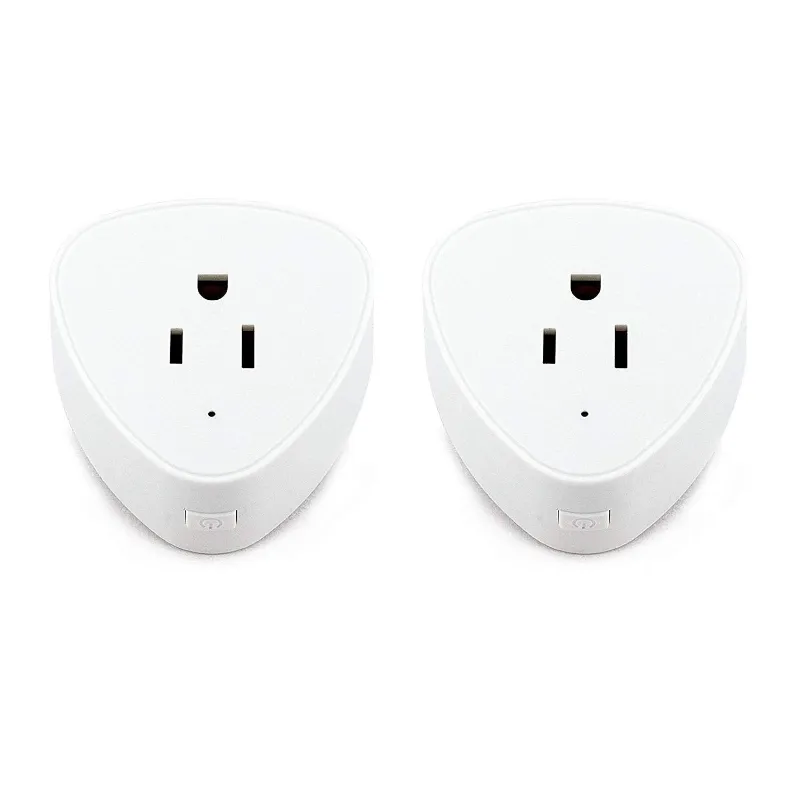
The core challenge is power capacity. Check how much current your outdoor LED display draws, since a basic smart plug outlet has a limit. A wifi smart plug is rated for a maximum current: Untsmart lists its Leadleds mini smart socket at 10A, which is about 1200 watts at 120V. If your led display screen or outdoor digital signage system pulls more, the plug will shut down or fail to start the display.
Before buying, check your display’s power consumption in watts or amps. Look at the spec sheet or the back of the unit. If its draw sits comfortably below the plug’s rating, a standard smart outlet should work. For larger signage led installations or commercial led display led display systems, you may need a heavy-duty smart plug rated for 20 amps or higher, or skip the smart plug and hardwire a smart relay instead.
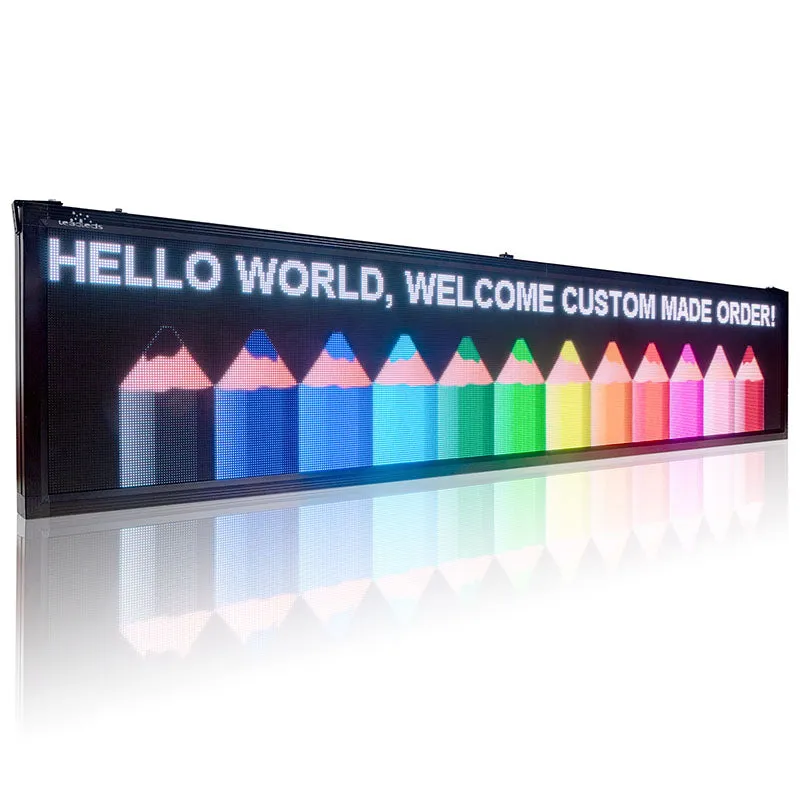
The led display you’re running also matters. Check the spec sheet, since a small digital reader board system and a full-sized led screen display array designed for storefronts or events draw different amounts of power.
What Makes a Smart Plug Safe for Outdoor Displays
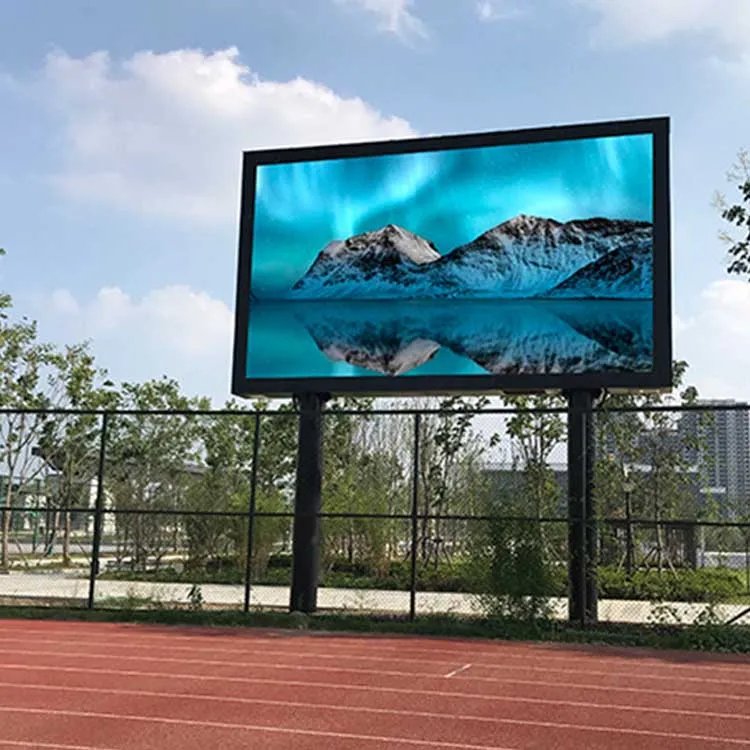
An outdoor led display led display setup exposes your plug to weather. Look for a smart plug outlet with an IP rating of at least IP54 or higher, this means it resists dust and water spray. Outdoor-rated plugs have sealed housings and weatherproof covers.
Temperature range also matters. Check the plug’s rated operating temperature range. If your display runs year-round, verify the plug’s specs for your climate.
Surge protection is essential. Lightning strikes or power spikes can kill both your display and the smart plug. Look for one with built-in surge protection or pair it with a separate surge-suppression box. This is especially important for outdoor digital signage in storm-prone regions.
Cable management prevents water pooling. Use weatherproof conduit or cable covers to route power safely from your plug to the led display screen, keeping connections elevated and dry.
Setting Up Remote Control and Scheduling
Once you’ve confirmed your wifi smart plug can handle the load, scheduling becomes one of the biggest wins. Untsmart lists scheduling on its Leadleds smart sockets, so you can set your led display to follow a custom schedule. This cuts power waste.
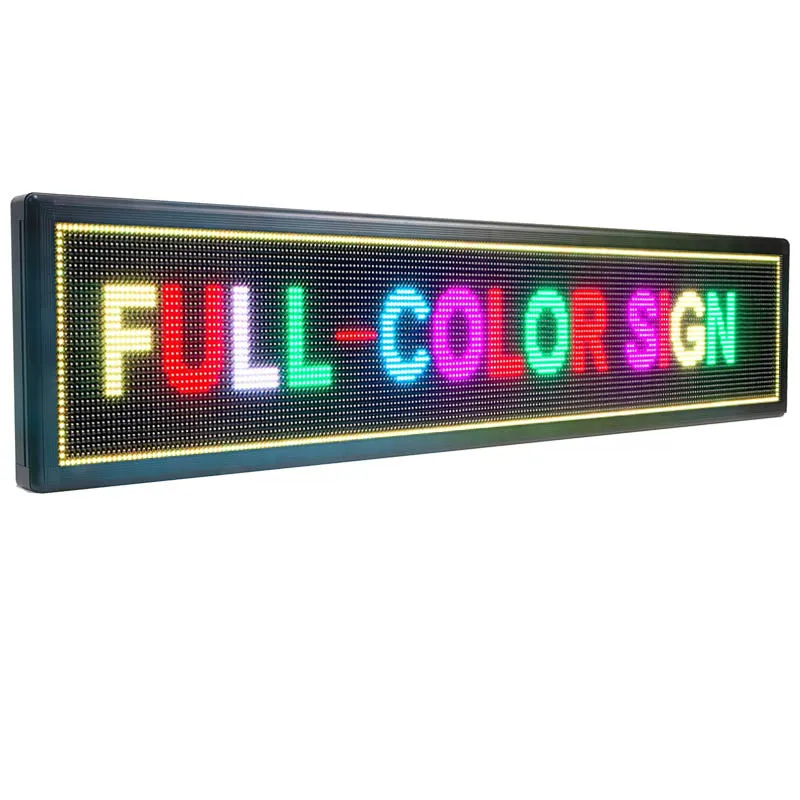
For a signage led or electronic bulletin board, you might schedule it to run 9 AM to 10 PM on weekdays and noon to 8 PM on weekends. Remote control means you can power cycle from anywhere if the display glitches, no need to visit the site in person.
Use voice control integration if your plug supports Alexa or Google Home. Saying “turn on the sign” is convenient, but keep in mind that accidental voice commands can disrupt your carefully planned schedule.
When setting up your led display led display with a smart plug, test the connection during daylight first. Verify the app recognizes the plug and that it actually powers your display on and off as expected.
Comparing Smart Outlets: What Fits Your LED Display
Not all smart plugs are equal. Here’s how the main types stack up for outdoor led screen display use:
| Feature | Standard Smart Outlet | Outdoor-Rated Smart Plug | Heavy-Duty Smart Relay |
|---|---|---|---|
| Max Power | Check the amp rating | Check the amp rating | Check the amp rating |
| Weather Rating | None (indoor only) | IP54+ | Check the listing |
| Setup Ease | Very easy | Easy | Requires wiring |
| Cost | Check the store | Check the store | Check the store |
For a small led display or digital reader board setup, an outdoor-rated smart outlet handles the job if its rating covers the draw. If your outdoor digital signage system draws more than the plug’s rating, use a heavy-duty relay.
Monitoring Power and Staying Efficient
If your wifi smart plug includes energy monitoring, you can see exactly how many watts your led display led display consumes in real-time. This data helps you spot inefficiencies, if your signage led suddenly draws twice as much power, it may be overheating or failing.
Use this insight to refine your schedule. If your led screen display runs 16 hours a day but traffic only peaks during 10 AM to 6 PM, cutting those extra hours saves energy.
Check whether your plug lets you set a power limit. If it does and your electronic bulletin board exceeds the threshold, the plug cuts power automatically.
Troubleshooting Common Issues
If your led display screen won’t turn on through the plug, check these first:
- Plug lost connection. Restart your wifi router and the plug itself. Move the plug closer to your router if the signal is weak.
- Display is drawing too much power. The smart plug’s overcurrent protection kicked in. You need a higher-capacity outlet or a relay.
- Plug is in standby mode. If your model needs a manual reset after a power outage, walk to the plug and press the physical button.
- App permissions. Ensure your phone has full app access and your account is linked to the correct plug.
For persistent problems with your led display or digital reader board, check the display’s manual, it may need a separate on/off sequence before the smart plug can control it safely.
Where to Buy and Save
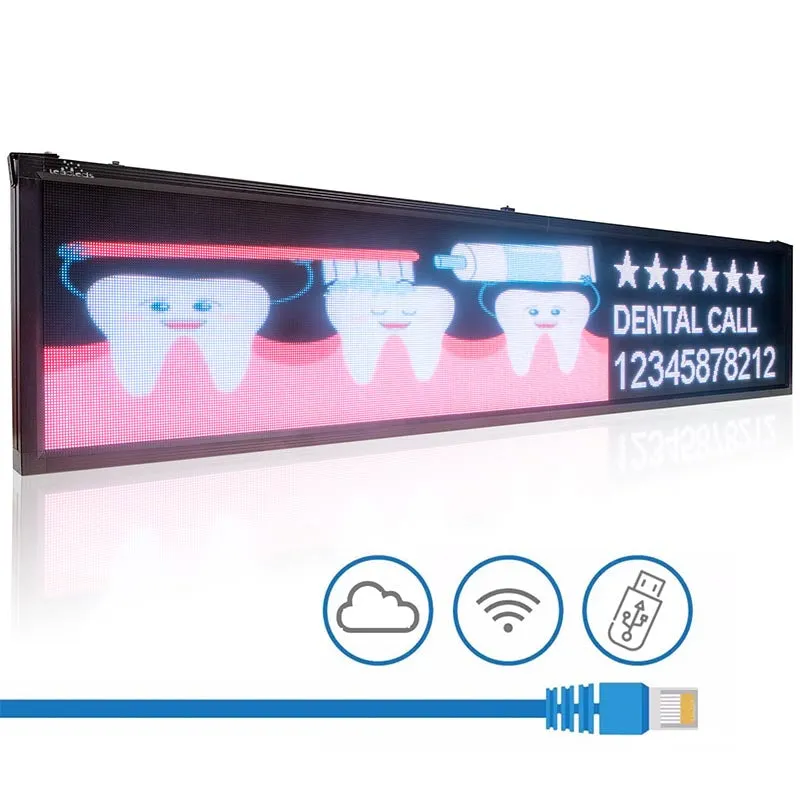
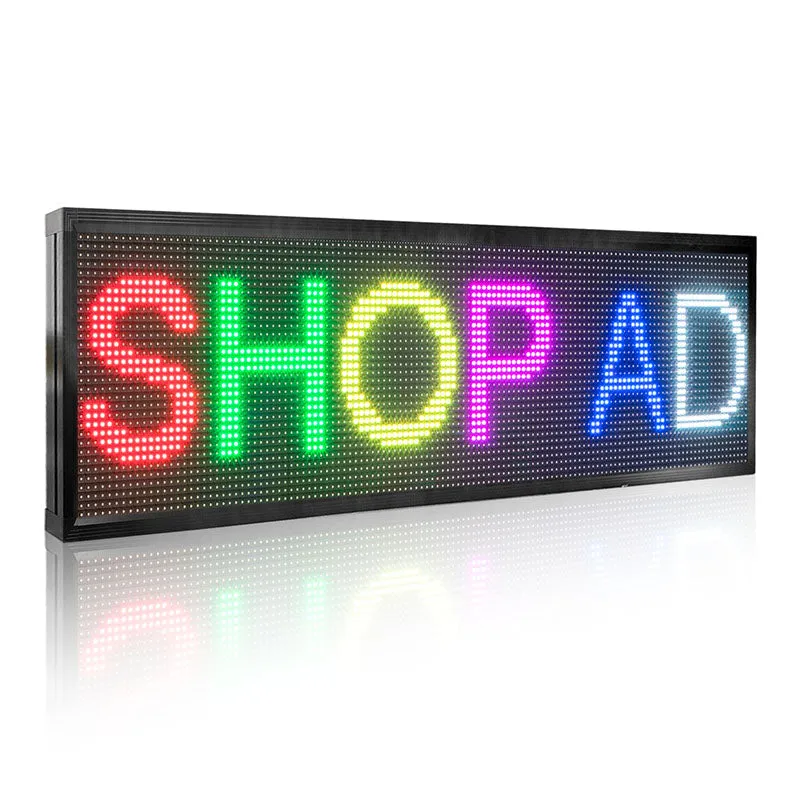
Ready to set up smart control for your outdoor digital signage? Untsmart sells Leadleds Wi-Fi smart sockets (wifi smart plug and smart plug outlet options) alongside its led display led display systems, so check each plug’s rating against your display.
For context on how led display technology actually works, LED displays use thousands of individual light-emitting diodes to create images and video. If you’re exploring professional signage led solutions for retail or events, resources like Direct View LED Signage, Posters, and Displays show the range available in the market.
Questions
What's the maximum wattage a smart plug outlet can handle for an led display led display?
It depends on the plug's rating; Untsmart lists its Leadleds mini smart socket at 10A. Check your display's power specs first. If it draws more, you'll need a heavy-duty plug rated for 20 amps or higher, or consider a hardwired smart relay instead.
Can I use a regular indoor smart plug with my outdoor led screen display?
No, not safely. Indoor plugs lack weatherproofing, so keep them out of rain and sun. Use a smart plug outlet rated for outdoor use with at least IP54 weather protection and a suitable temperature range for your climate.
Do I need wifi smart plug for my led display to work with scheduling?
Yes, a wifi smart plug connects to your home or business network and lets you schedule power on/off times through an app. Without wifi, you can only use the physical button on the plug, which defeats the convenience of remote control.
What happens if my smart plug outlet is underpowered for my signage led system?
If the plug has overload protection (Untsmart lists it on its Leadleds Wi-Fi socket), it cuts power to prevent damage. Your led display won't turn on. You'll need to upgrade to a higher-capacity plug or install a separate smart relay designed for heavy loads.
Can a wifi smart plug save money on an outdoor digital signage installation?
Yes. Scheduling lets you run your led display led display only during business hours or peak traffic times, cutting energy waste. Monitoring features also help you spot power surges or equipment problems early before they become expensive repairs.
Is surge protection important when using a smart plug with my led display screen?
Absolutely. Electrical surges from lightning or grid spikes can destroy both your plug and display. Choose a smart outlet with built-in surge protection or pair it with a separate surge-suppression device, especially in storm-prone areas.
Products in this guide

 Shopping at Untsmart? See the discount code
5% OFF Sitewide
More in this series
Indoor LED Display for Retail: Setup, Care and Common Issues26 Aug 20263 minWeatherproof LED Signs for Restaurants and Storefronts: What to Look For26 Aug 20263 minLED Display vs Traditional Signage: Which Fits Your Business?26 Aug 20263 minHow to Install an Outdoor LED Screen for Retail, and When to Call a Pro26 Aug 20263 min