 A Untsmart guide
How to Install an Outdoor LED Screen for Retail, and When to Call a Pro
Installing an outdoor LED screen for retail is straightforward when you choose the right equipment and follow a clear setup process.
You can install an outdoor LED screen for retail yourself if you are comfortable with drilling, mounting heavy hardware and ladder work, but the electrical supply is often a job for a licensed electrician. The work breaks into five parts: choosing the right screen, checking the wall, mounting it, getting power and data to it, and sealing it against the weather. Below we go through each step and point out where it makes sense to bring in help.
Choosing the right outdoor LED screen for retail
Start with what you want to show and who needs to see it. A screen that faces a busy pavement has different needs from one that must be read from passing cars.
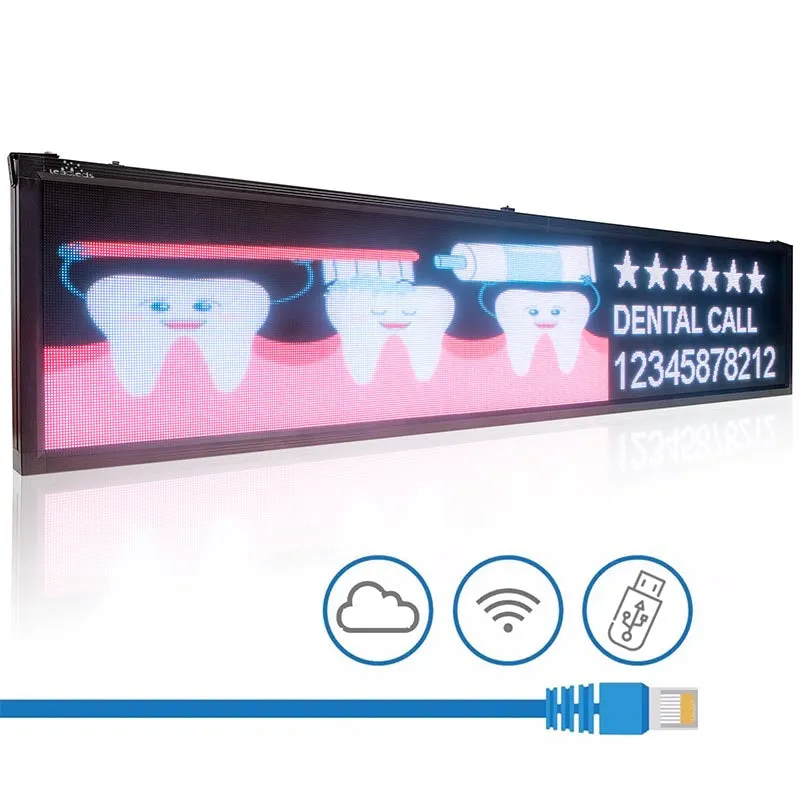
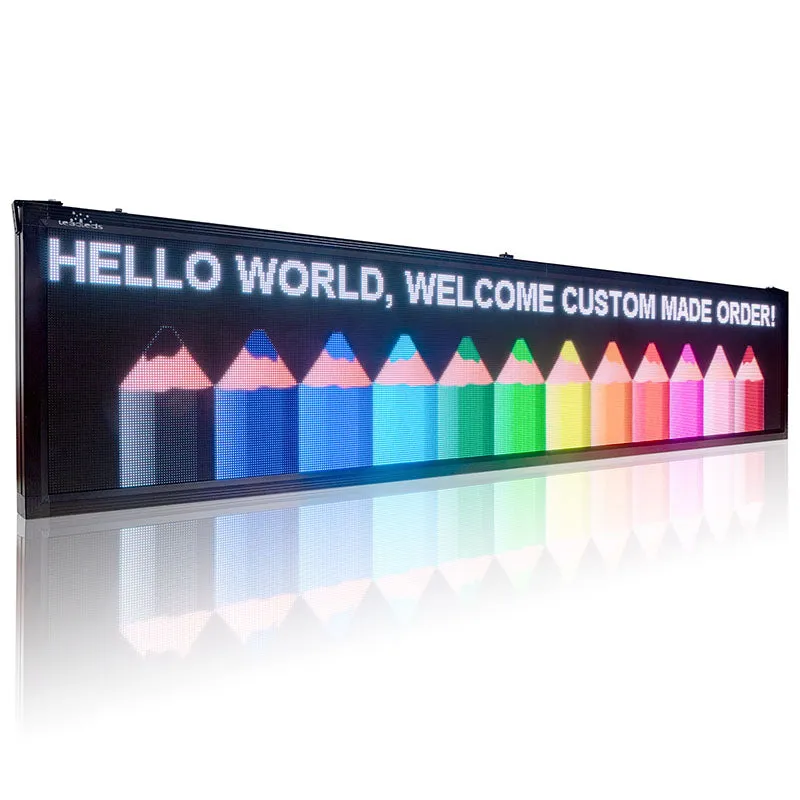
- Full-color video and images: an outdoor LED panel display screen or programmable outdoor digital sign suits promotions, product videos and changing offers.
- Text such as hours and prices: a digital reader board is a simpler choice and can fit narrower walls.
- Branding on the storefront: outdoor LED signage works as a permanent sign that can also carry messages.
- Behind a window, not outside: an indoor LED display avoids weatherproofing altogether if your window gets enough footfall.
Whatever you pick, check three specs on the listing: brightness (outdoor screens need far more than indoor ones to stay readable in daylight), the IP rating for dust and water, and the weight, which decides your mounting method. Also check local zoning and signage rules before you buy, since some areas limit sign size, brightness or moving images.
Preparing your installation site
Before you unbox anything, look closely at the wall and the route for cables.
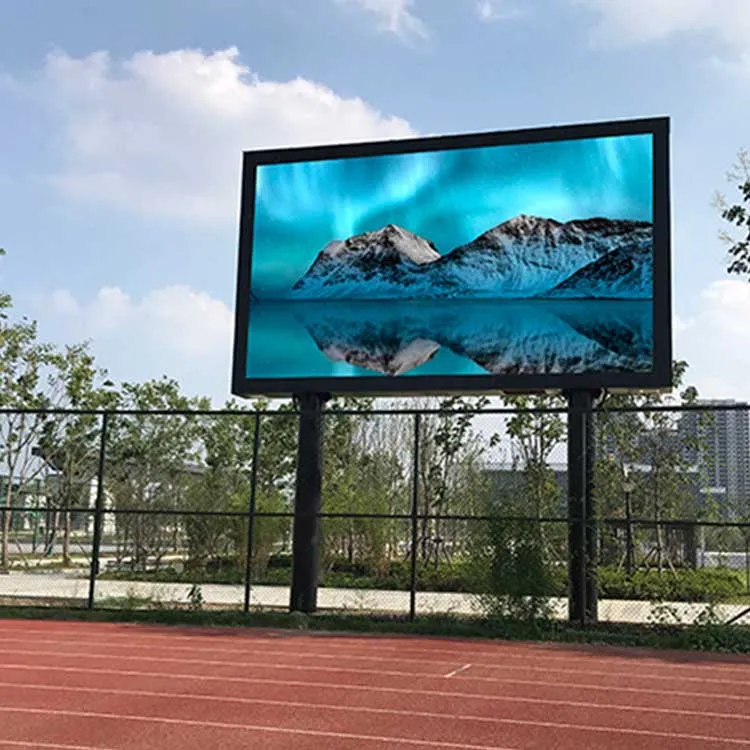
- Structure. Outdoor screens and LED screen displays can be heavy. Masonry and concrete generally take anchors well, while cladding and thin panels may need to be fixed through to the frame behind. If you are not sure the wall can carry the load, ask a builder or structural engineer.
- Height and sightline. Mount the screen high enough to be out of easy reach and above passing heads, and low enough that people can read it without craning their necks. Stand where your customers will be and check the view.
- Obstructions. Look for trees, awnings or equipment that could block the view, trap heat or drip water onto the screen.
- Power and data. Find the nearest suitable outdoor supply, and plan how a data or network cable will reach the screen.
Mounting and hardware
A secure mount is the part you should never cut corners on, since a falling screen can injure someone.
- Use the bracket supplied with the screen, or a bracket rated for its size and weight. Check the rating against the spec sheet.
- Choose fixings that suit your wall: masonry anchors for brick and concrete, and bolts into solid framing for timber. Stainless steel fixings resist rust outdoors.
- Pre-drill holes and use a level before the screen goes up. Lifting a large screen is a two-person job at least.
- Leave space around the screen for cables and airflow, as the manual specifies.
- On a pole, a tilting or pivot bracket lets you adjust the angle for sun glare and viewing distance.
Recheck the bolts from time to time, since wind and passing traffic can loosen fixings.
Running power and network connections
Outdoor screens run on mains power (110V or 220V, depending on your country and the model) and often need their own circuit so they do not overload other equipment. Running a new circuit or an outdoor outlet is regulated in many places and is where we suggest hiring a licensed electrician, even if you do the mounting yourself.
Cables outdoors should run through weather-sealed conduit that resists UV light. In coastal areas, corrosion-resistant materials last longer against salt air.
For content updates, a wired network connection is usually more reliable than WiFi, which can drop at a distance or through walls. If you use WiFi, check the signal strength at the screen before you commit to a spot.
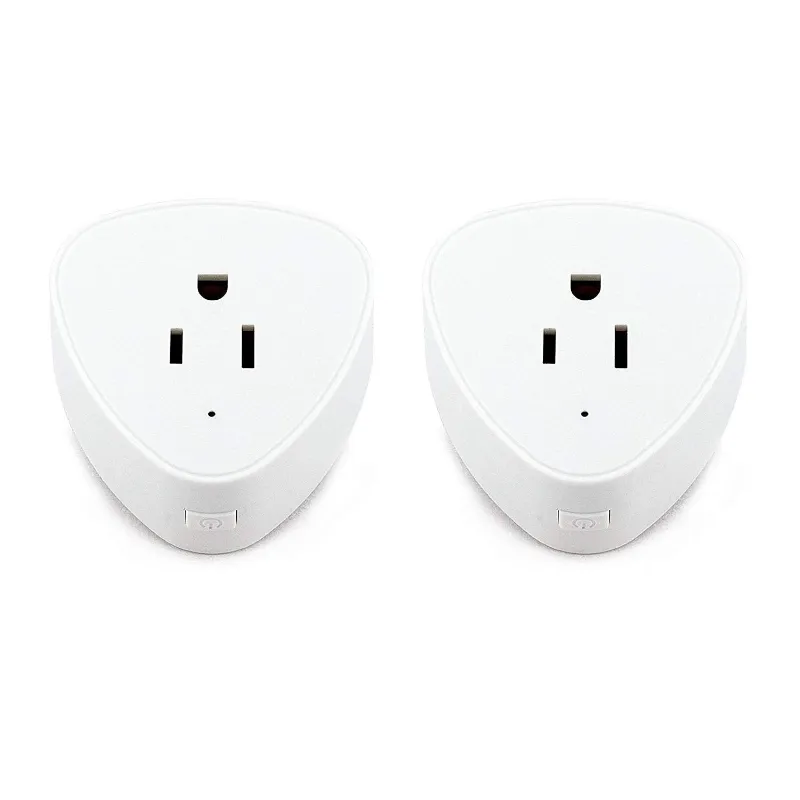
A WiFi smart plug or smart plug outlet can switch a small screen on and off on a schedule, but check that it is rated for outdoor use and for the screen’s power draw before you rely on it. Larger screens usually have their own scheduling built in.
Waterproofing and weatherproofing
- Check the IP rating. IP65 or higher is a common standard for outdoor displays and means the screen is dust tight and protected against water jets.
- Seal cable entry points with exterior-grade sealant, in addition to any grommets supplied.
- Angle for run-off if the manual allows it, so rain does not pool on top of the housing.
- Clean gently with a soft brush or cloth and mild soap when dirt builds up, following the manufacturer’s care notes.
In humid or coastal locations, look for a model sold for outdoor use, such as the outdoor LED display, and ask the seller about corrosion protection.
Checking brightness and content
Once the screen is up, look at it at different times of day. Full sun needs high brightness, while at night the same setting can dazzle drivers and neighbors. Most outdoor screens let you schedule brightness, dimming in the evening to save energy and cut light spill. Keep text large and short enough to read at a glance from where your customers stand.
For more background, this overview of outdoor LED digital displays and LG’s outdoor LED signage pages show what higher-end systems offer.
DIY vs professional installation
A DIY install makes sense for small and mid-sized screens on a solid wall with power nearby, if you have a helper and the right tools. Bring in professionals when the screen is large or heavy, the wall or roof is hard to reach, a new circuit or permit is needed, or local rules require a licensed sign-off. Many owners split the job: they handle the planning and mounting and hire an electrician for the connection.
When you are ready to buy, see the current Untsmart discount code, and read each listing’s weight, IP rating and power needs first.
Questions
How do I install an outdoor LED screen for retail on my own?
Choose a screen rated for outdoor use, confirm the wall can carry its weight, mount it with a rated bracket and suitable fixings, run power and data through sealed conduit, and seal cable entries. Hire a licensed electrician for any new circuit or outdoor outlet.
What is the difference between an outdoor LED screen and an indoor one?
Outdoor screens are much brighter so they can be read in daylight, carry a higher IP rating for dust and water, and use tougher housings against sun and weather. They are usually heavier and cost more.
Do I need a licensed electrician to install an outdoor LED screen?
Often, yes, for the electrical connection. Rules vary by country and area, so check with your local building department. Mounting the screen yourself and hiring an electrician for the power is a common split.
How do I keep my outdoor LED screen from overheating?
Leave the clearance the manual asks for around the screen, keep vents and cooling fins clear, and avoid spots that trap heat, such as tight alcoves. Some shade in the hottest part of the day helps.
Can I use a smart plug with my outdoor LED screen?
Only if the plug is rated for outdoor use and for the screen's power draw. It can switch a small screen on a schedule. Larger screens usually have their own scheduling, which is the safer option.
What is the best way to update content on an outdoor LED screen?
A wired network connection is the most stable. WiFi works if the signal is strong at the screen. Most systems include an app or web portal for scheduling and uploading content.
Products in this guide


 Shopping at Untsmart? See the discount code
5% OFF Sitewide
Shopping at Untsmart? See the discount code
5% OFF Sitewide
More in this series
LED Shoe Displays for Retail: Setup, Maintenance, and Common Issues Explained26 Aug 20266 minDo Smart Plugs Work With Outdoor LED Displays? What You Need to Know26 Aug 20264 minBest Weatherproof LED Signs for Restaurants and Storefronts: What to Look For26 Aug 20264 minLED Display vs. Traditional Signage: Which Lasts Longer and Costs Less Over 5 Years26 Aug 20263 min