 A Simsonn guide
How to Set Up the Simsonn Steering Wheel Hub: Compatibility and 40 Inputs
The Simsonn racing hub is a steering wheel hub with 40 inputs. Which wheel bases it fits, how to install it and how to map its buttons.
The Simsonn racing hub is a steering wheel hub, not a USB hub: it sits between your wheel base and your wheel rim and adds 40 inputs (buttons, paddle shifters, switches and rotary dials) to your setup. Simsonn lists it as compatible with the Logitech G29 and G27, the Thrustmaster T300RS/GT and T500, and Fanatec racing wheels, and as built for PC use. Below we explain what the hub does, how to set it up, and what to check before you buy. For the current code, see our Simsonn codes and deals.
What the Simsonn wheel hub is
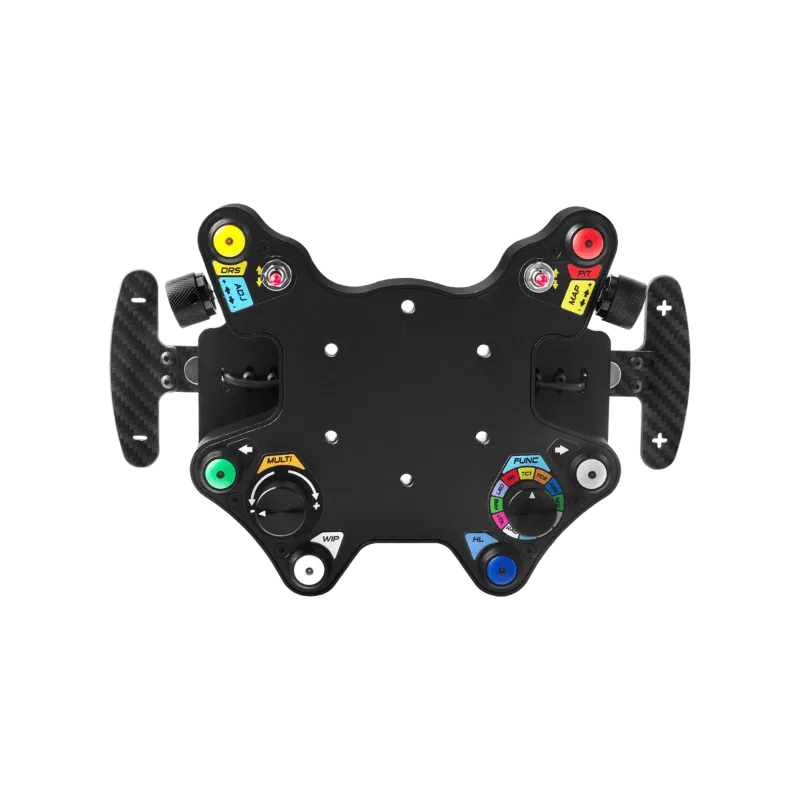
A steering wheel hub is the centre section that a wheel rim bolts to. Simsonn’s version doubles as a button box, so you can change brake bias, traction control or pit settings without taking a hand off the wheel. The carbon fiber and aluminum steering wheel hub comes in two versions:
| Version | Plates | Package weight (Simsonn’s figure) |
|---|---|---|
| Carbon Fiber | 4 mm carbon fiber front and rear plates, resin printed centre frame | 0.97 kg |
| CNC Aluminum | CNC aluminum | 1.31 kg |
A lighter hub puts less weight on the wheel base, which matters more on a lower-power base. If you prefer the look and feel of metal, the aluminum version is the alternative. Both versions have carbon fiber paddle shifters and RGB lighting.
What the 40 inputs are
Simsonn breaks the 40 inputs down like this:
- 6 LED buttons you can assign in the game.
- 2 paddle shifters for up and down shifts.
- 2 two-way switches for settings with two states, such as lights or wipers.
- A 12-position function selector on the right, paired with a 12-position adjustment rotary on the left. You pick a function on the right knob and change its value on the left, which gives 2 x 12 inputs. Simsonn notes that only the left knob sends output.
- 2 rotary encoders (EC11) for stepping values up or down.
One limit to know before you map anything: Simsonn says Windows game controller settings recognise up to 32 inputs. To use all 40, your game or software has to support extended input layouts. If yours stops at 32, map the inputs you need in every race to the lower numbers.
How to set it up
- Check your wheel base. Confirm it is on Simsonn’s list (Logitech G29 or G27, Thrustmaster T300RS/GT or T500, or a Fanatec wheel). If it is not, ask Simsonn support before you order.
- Plan your quick release. Simsonn sells a quick release separately. Decide whether you want to detach the wheel quickly before you start assembly.
- Remove your current rim from the wheel base, following the wheel maker’s own instructions.
- Fit the hub to the base (or to the quick release), then bolt your rim to the front of the hub. Tighten bolts evenly in a cross pattern so the rim sits flat.
- Connect the cable. The box includes a 2.5 metre spring wire (a coiled cable that stretches as you turn). Route it so it does not catch on the base at full lock, then plug it into your PC.
- Map the inputs in your game. Open the game’s controller settings, press each button, paddle and switch, and assign it. Start with the paddles, then the functions you change during a race.
- Turn the wheel lock to lock before your first session to check the cable never pulls tight.
The box contains the hub, the spring wire and a set of stickers. Simsonn posts user manuals on its Product Tutorial page, so check there for the latest instructions.
Before you buy
- PC only in practice. Simsonn describes the hub as optimised for PC use, so do not plan on it for a console setup.
- Warranty. The product page mentions a 3-year warranty, while Simsonn’s warranty policy (updated June 30, 2026) lists 24 months for steering wheels and 6 months for USB and signal cables. Ask support to confirm which applies to your order.
- Returns. Returns for quality issues, wrong items or shipping damage can be requested within 30 days. Do not send anything back before Simsonn gives you instructions.
- Delivery. All Simsonn products need 1 to 2 days of production time before the delivery time starts.
Questions
What is the Simsonn racing hub?
It is a steering wheel hub that fits between your wheel base and rim and adds 40 inputs: 6 LED buttons, 2 paddle shifters, 2 two-way switches, a 12-position function selector with an adjustment rotary, and 2 rotary encoders.
Which wheel bases does the Simsonn hub work with?
Simsonn lists the Logitech G29 and G27, the Thrustmaster T300RS/GT and T500, and Fanatec racing wheels.
Why does Windows only show 32 buttons from the hub?
Simsonn notes that Windows game controller settings recognise up to 32 inputs. To use all 40, your game or software must support extended input layouts.
Does the hub come with a quick release?
No. Simsonn sells the quick release separately. The box includes the hub, a 2.5 metre spring wire and stickers.
Should I choose the carbon fiber or the aluminum hub?
Simsonn lists the carbon fiber package at 0.97 kg and the CNC aluminum package at 1.31 kg. Pick carbon if you want less weight on the wheel base, aluminum if you prefer a metal build.
Products in this guide
Shopping at Simsonn? See the discount code
8% OFF All Orders
More in this series
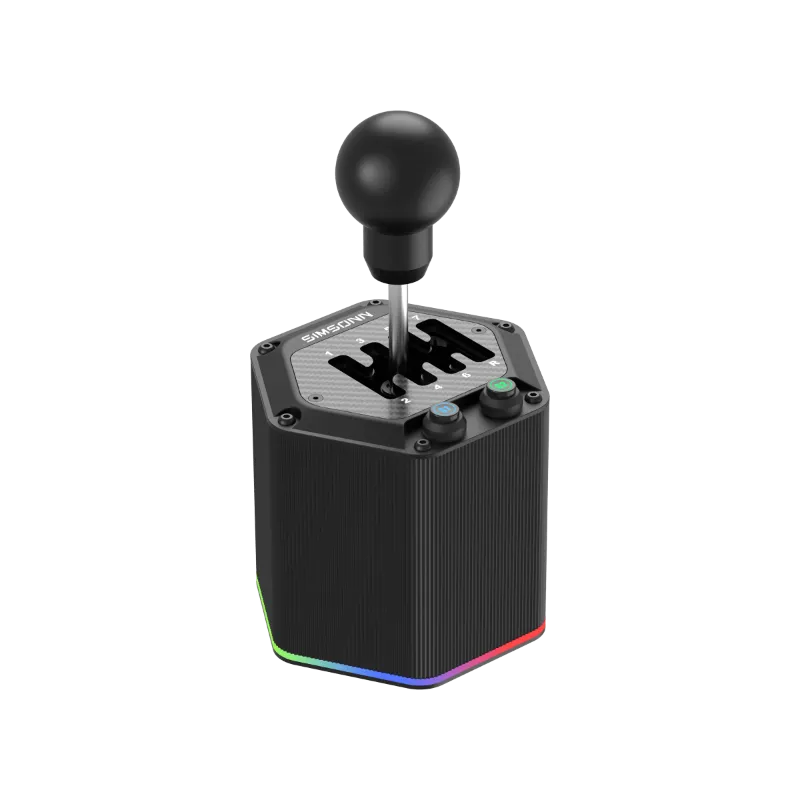 Simsonn Sim Shifter Settings: H-Pattern vs Sequential Setup8 Aug 20265 min
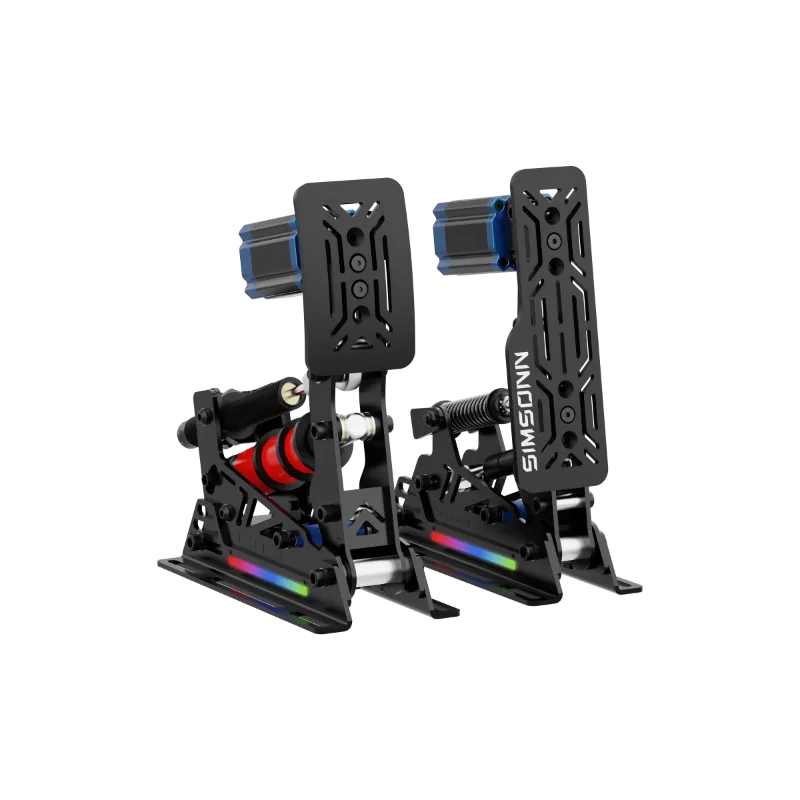 Why Are My Simsonn Pedals Losing Calibration? Troubleshooting and Fixes8 Aug 20263 minDo You Need a Sim Racing E-Brake? Real Benefits for Drifting and Rally8 Aug 20265 min
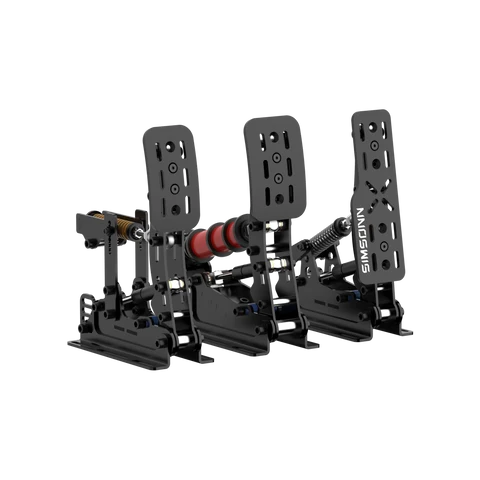 How to Set Up the Simsonn Plus X Pedals: PC Only, Box and Software8 Aug 20263 minSimsonn Plus X vs Pro X Ultra Pedals: Which Set Fits Your Rig?8 Aug 20263 min