 A ESR Tech US guide
Why Is My MagSafe Charger Charging Slowly? 7 Common Fixes
A magsafe charger charging slowly usually stems from adapter wattage, thick cases, heat buildup, or misalignment—all fixable issues.
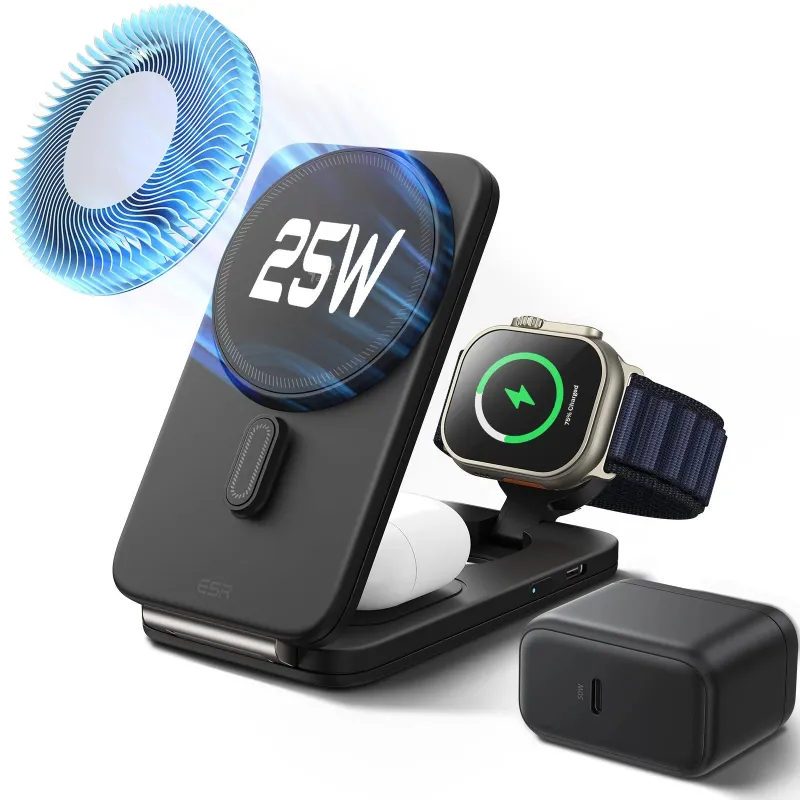
A magsafe charger charging slowly is almost always caused by insufficient power delivery, physical obstructions, or thermal throttling. Here is what slows down your wireless charging and how to restore full speed.
Check Your Power Adapter Wattage
MagSafe wireless charging demands at least 20 W to deliver its rated 15 W to your iPhone. If you are using a 5 W or 12 W adapter left over from an older device, your apple magsafe charger will trickle charge at 5 to 7.5 W instead.
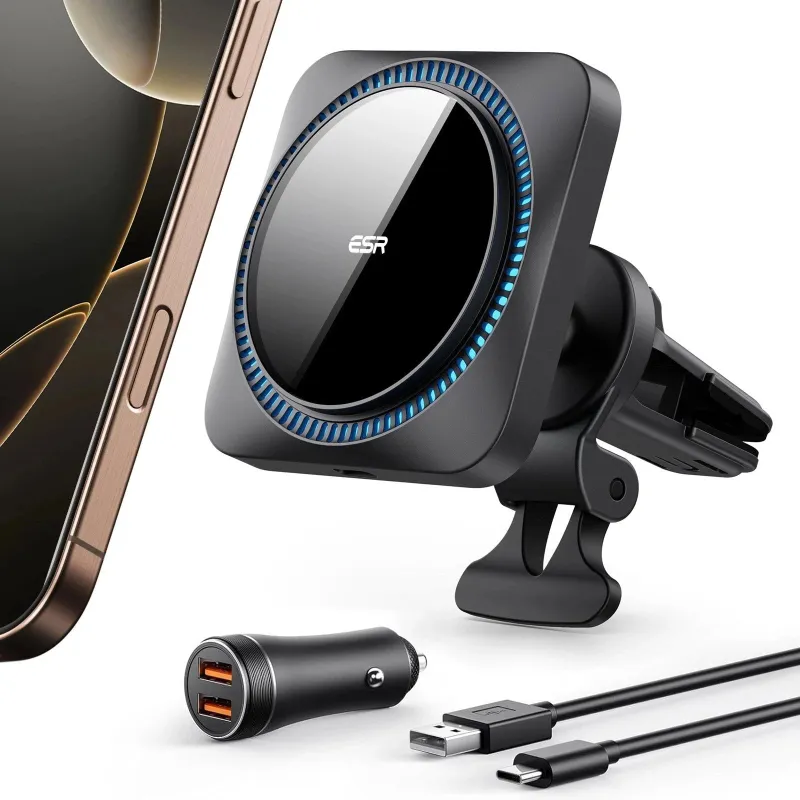
- Apple recommends a 20 W or higher USB-C power adapter for full-speed MagSafe
- Many third-party adapters advertise high wattage but fail to sustain it under load
- A genuine type c charger rated for 20 W or more eliminates this bottleneck
Check the fine print on your adapter. If it says 12 W or less, swap it for a 20 W or 30 W model. You can grab the code to save on compatible adapters and chargers that meet MagSafe power requirements.
Remove Thick or Metal-Backed Cases
Cases add distance between the charging coil and your phone, and every millimeter reduces efficiency. If your case is thicker than 3 mm, or has metal plates, card holders, or magnetic rings, try removing it, since these commonly interfere with wireless charging.
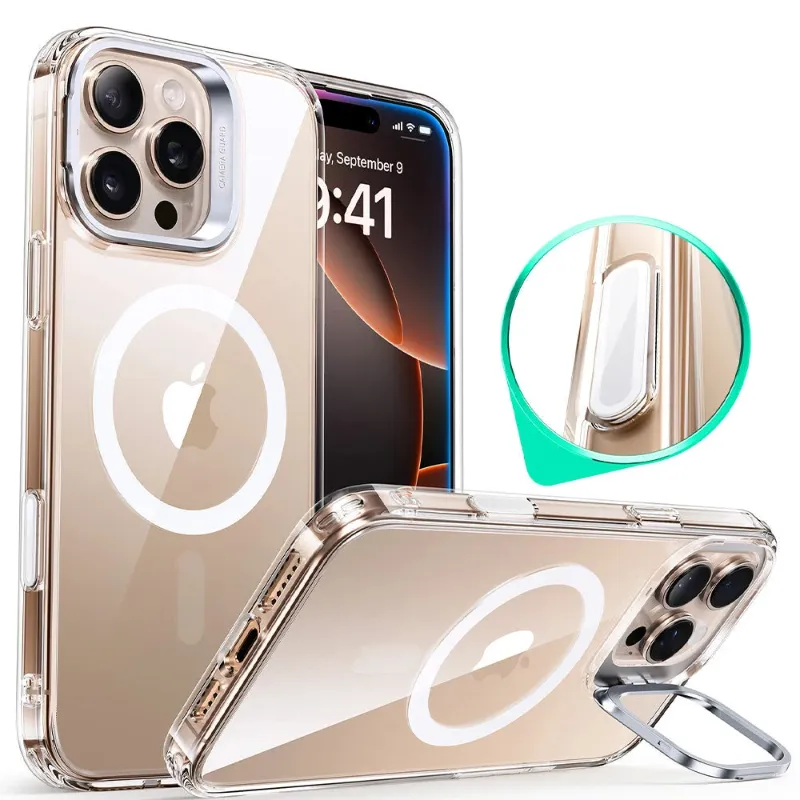
- Thin cases designed as a magsafe charger case pass through magnetic alignment and power efficiently
- Metal credit cards, RFID blockers, or PopSocket-style attachments block the magnetic field
- Leather and silicone cases under 2 mm rarely cause issues
An iphone 16 pro max case built for MagSafe includes a ring of magnets and stays under the 3 mm threshold. If you keep a thicker rugged case on daily, remove it at night or switch to a MagSafe-compatible shell for charging sessions.
Align the Charger and Phone Properly
MagSafe snaps into place with magnets, but a slight offset can cut power transfer by 30 to 50 percent. Dust, lint, or a warped case can prevent the puck from sitting flush.
- Clean both the charger surface and the back of your phone with a microfiber cloth
- Listen and feel for the magnetic click, if it does not snap firmly, reposition it
- Avoid charging through pop-sockets, ring holders, or aftermarket magnetic stickers
Apple’s official MagSafe support guide explains the alignment tolerances. Even a 5 mm shift can drop you from 15 W to 7.5 W, so let the magnets do the work and do not force a position.
Let Your iPhone Cool Down
iPhones throttle MagSafe charging speed when internal temperature exceeds 35 °C to protect the battery. Wireless charging generates more heat than wired, and stacking a phone on a magsafe charger stand in a warm room or direct sunlight triggers thermal limits within minutes.
- Remove your phone from the charger if it feels hot, wait five minutes, then reconnect
- Charge in a cooler room or use a fan to improve airflow around the device
- Avoid using GPS navigation, gaming, or video calls while charging wirelessly
Ambient temperature above 28 °C can significantly reduce charging speed. If you live in a warm climate or charge overnight under a pillow, switch to a wired type c charger for faster, cooler top-ups.
Update iOS and Reset Settings
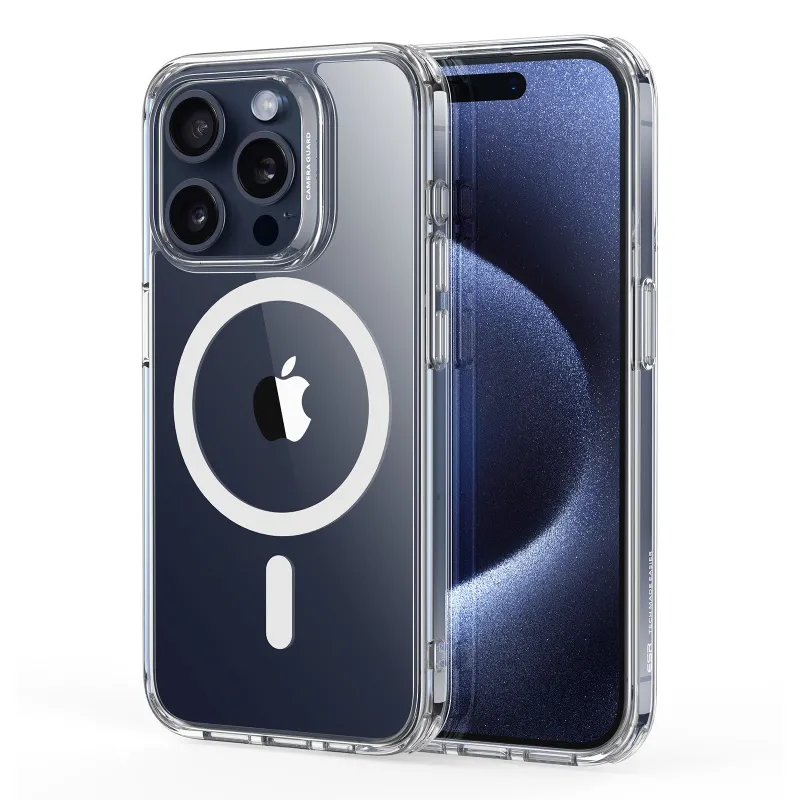
Older iOS builds occasionally misreport charge state or fail to request maximum wattage from the adapter. Apple has patched several MagSafe bugs in iOS 15 through iOS 18, so keeping your iphone 15 pro or iphone 18 pro current ensures the charging controller works as designed.
- Go to Settings > General > Software Update and install any pending release
- If the problem persists, reset network and hardware settings under Settings > General > Transfer or Reset iPhone > Reset > Reset All Settings
- This clears cached power profiles without erasing your data
After an update, test charging speed by plugging in at 50 percent battery and timing how long it takes to reach 80 percent. Full-speed MagSafe should add about 30 percent in 30 minutes.
Inspect the Cable and Puck for Damage
Frayed cables, bent USB-C connectors, or cracked charging pucks all reduce current flow. MagSafe cables are not user-replaceable, so any damage usually means replacing the entire unit.
- Check the braided cable for kinks, exposed wire, or discoloration near the puck
- Inspect the aluminum charging surface for dents, scratches, or a loose magnet ring
- Test with a known-good adapter and cable to rule out the power source
Third-party MagSafe alternatives vary widely in build quality. For reliable performance, stick with Apple-certified options or read reviews on Macworld’s best MagSafe chargers roundup before buying. You can check the latest price on certified chargers that match OEM specs.
Compare MagSafe Charger Options
Not all MagSafe-compatible chargers deliver the same wattage or magnetic strength. Here is how the main categories stack up:
| Charger Type | Max Output | Best For |
|---|---|---|
| Apple MagSafe Puck | 15 W | iPhone 12 and newer |
| MagSafe Stand | 15 W | Desk or nightstand viewing |
| MagSafe Power Bank | 7.5 to 15 W | On-the-go top-ups |
| Third-Party Wireless | 5 to 10 W | Budget or multi-device |
A magsafe charger power bank adds portability but often caps at 10 W due to battery constraints. For stationary fast charging, a magsafe charger stand paired with a 30 W adapter gives you the full 15 W while keeping your screen visible for notifications. Wikipedia’s MagSafe overview) covers the technical standards and wattage tiers in detail.
When to Use Wired Charging Instead
MagSafe is convenient, but wired USB-C consistently charges faster and cooler. If you need a full battery in under an hour, a cable beats wireless every time.
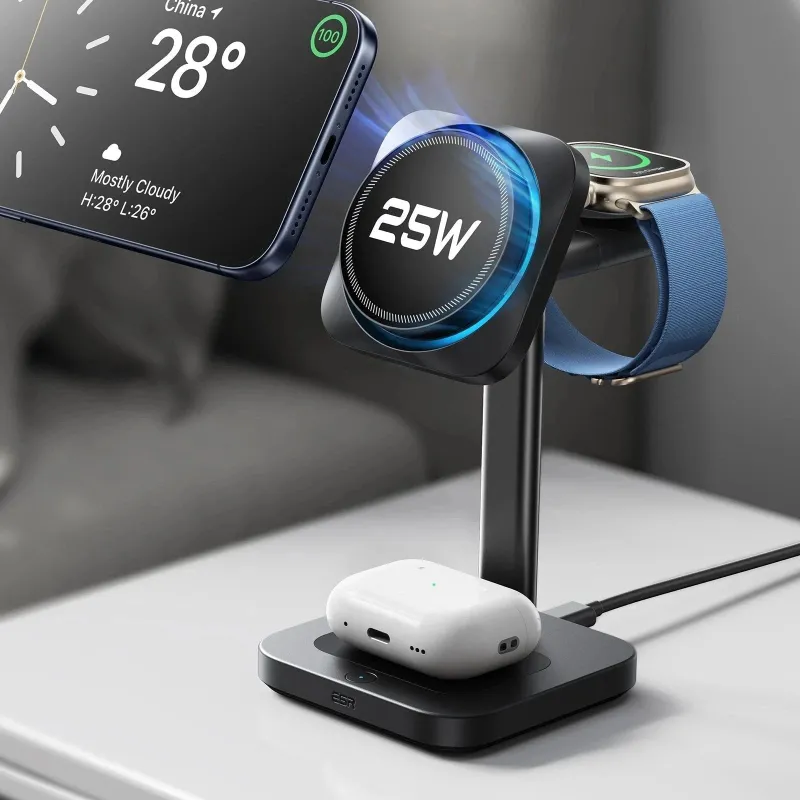
- iPhone 14 and later support up to 27 W wired charging with a compatible adapter
- Wired charging wastes less energy as heat, extending long-term battery health
- The iphone 14 charger type uses USB-C Power Delivery, which negotiates the highest safe wattage automatically
Save MagSafe for overnight top-ups or desk charging when speed is not critical. For rapid pre-trip charges, plug in directly with a type c charger and a certified cable.
Start with your adapter wattage and case thickness, then work through alignment, temperature, and software. If speed does not improve after trying each step, the charger itself may be defective, reach out to the manufacturer for a warranty replacement.
Questions
Why does my MagSafe charger only charge at 5 W instead of 15 W?
Your power adapter likely supplies less than 20 W, or your phone case is too thick. MagSafe needs a 20 W or higher USB-C adapter and a case under 3 mm to deliver the full 15 W.
Can a thick case slow down wireless charging?
Yes. Cases over 3 mm, especially those with metal plates or card holders, add distance between the coil and your phone, cutting charging speed by 30 to 50 percent.
Does heat affect MagSafe charging speed?
Absolutely. iPhones throttle wireless charging when internal temperature exceeds 35 °C. Remove your phone from the charger, let it cool for a few minutes, then reconnect.
How do I know if my apple magsafe charger is broken?
Check the cable for fraying, test with a known-good 20 W adapter, and try charging a different iPhone. If speed stays slow across devices and adapters, the puck is likely damaged.
Is MagSafe slower than wired charging?
Yes. MagSafe tops out at 15 W, while USB-C wired charging on iPhone 14 and later can reach 27 W. Wired also generates less heat and charges more efficiently.
Will updating iOS fix slow MagSafe charging?
Sometimes. Apple has patched MagSafe bugs in several iOS updates. Go to Settings > General > Software Update and install the latest version to ensure your charging controller works correctly.
Products in this guide
 Shopping at ESR Tech US? See the discount code
18% OFF Sitewide
Shopping at ESR Tech US? See the discount code
18% OFF Sitewide
More in this series
How Long Do ESR Phone Cases Actually Last?11 Aug 20265 minBest Type C Chargers for iPhone 15 and 16 Pro: Speed and Safety Compared11 Aug 20265 min iPhone 17 Pro Max vs iPhone 18 Pro: Which One Should You Buy?11 Aug 20265 min
 How to Choose the Right iPad Keyboard Case for Your Workflow11 Aug 20264 minDo ESR Cases Work With MagSafe Chargers?11 Aug 20264 min