 A ESR Tech US guide
How to Choose the Right iPad Keyboard Case for Your Workflow
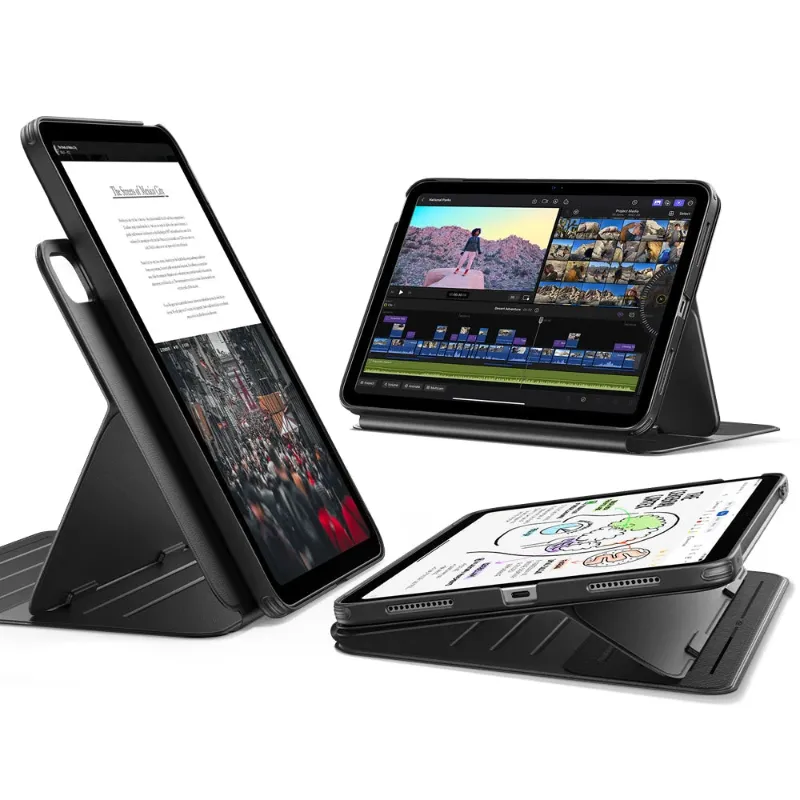
An iPad keyboard case should match your screen size, typing style, and whether you need a trackpad or pencil holder for your daily workflow.
An iPad keyboard case transforms your tablet into a productivity machine, but only if you match the right features to how you actually work. Whether you need a full keyboard layout, trackpad support, or a built-in pencil holder depends on your daily tasks, portability needs, and which iPad model you own.
Here’s what matters most.
Match Your iPad Model and Screen Size First
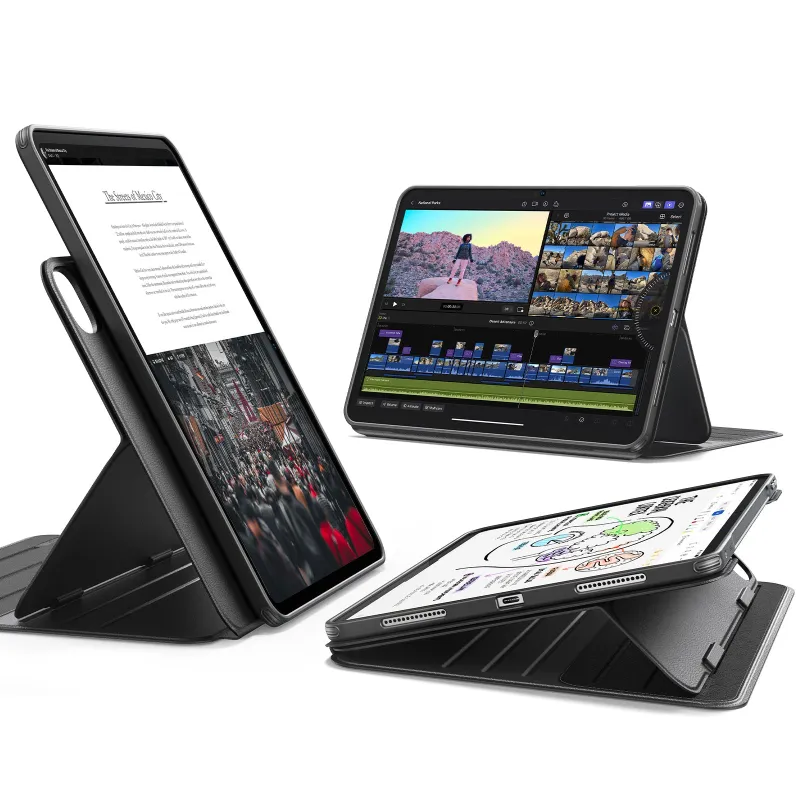
Size compatibility is non-negotiable. An ipad case designed for the 11-inch iPad Pro will not fit the 12.9-inch model or the standard ipad air, no matter how well-reviewed it is.
Check these specifics before you shop:
- 9th and 10th generation iPads use different port placements and camera positions, so cases are rarely interchangeable
- 11-inch models include the iPad Pro 11-inch (all generations) and iPad Air (4th and 5th gen)
- 13-inch iPad Pro (previously labeled 12.9-inch) requires its own case format
- Older iPads may have limited third-party keyboard support, so verify compatibility by generation and year
Most keyboard case manufacturers list model numbers clearly, but double-check your iPad’s generation in Settings > General > About before ordering. For current pricing on compatible cases, check our discount code page for 18% off sitewide.
Keyboard Layout: Full-Size vs Compact Trade-Offs
Your typing accuracy and comfort depend on key spacing and layout, not just whether a keyboard is attached.
Full-size layouts (typically 11-inch and larger cases) offer:
- Standard key pitch (around 19mm between key centers)
- Dedicated function row for brightness, volume, and media controls
- Separate number row and punctuation keys in familiar positions
Compact layouts (common on smaller iPad keyboard case options) require:
- Adaptation time for narrower key spacing
- Combo keys (holding Fn for symbols or numbers)
- Lighter weight and slimmer profile for daily carry
If you write long-form content, code, or spend more than an hour typing daily, prioritize full-size layouts. For email triage and note-taking on the go, compact cases offer better portability without major accuracy loss after a few days of adjustment.
Trackpad Support and Cursor Precision
An iPad keyboard case with touchpad functionality changes how you navigate iPadOS, especially in multitasking views and text editing.
Look for these trackpad features:
- Multi-touch gestures for app switching, home navigation, and notification access (essential for workflow speed)
- Haptic feedback or click mechanism for tactile confirmation
- Size relative to keyboard (cramped trackpads under 3 inches wide slow down cursor targeting)
Trackpads shine when you work with spreadsheets, slide decks, or web research where precision selection beats finger tapping. If your workflow is primarily content consumption, sketching, or single-app focus, you can skip the trackpad and save weight and cost.
Expert reviews consistently show that larger trackpads (found on premium 11-inch and 13-inch cases) reduce hand fatigue during extended editing sessions.
Pencil Holder Placement and Protection
An iPad keyboard case with pencil holder keeps your Apple Pencil secure and charged, but placement affects usability.
Compare these holder styles:
| Holder Type | Pros | Cons |
|---|---|---|
| Magnetic side slot | Quick access, allows wireless charging | Pencil can detach in bags |
| Enclosed loop | Maximum protection during travel | Blocks wireless charging |
| Case spine holder | Balanced weight distribution | Slower to grab for quick notes |
If you sketch, annotate PDFs, or take handwritten notes daily, built-in pencil storage is worth prioritizing. Cases without dedicated holders force you to carry the Pencil separately, and most users report losing or forgetting it within the first month.
Check whether the holder position interferes with your dominant hand when you type. Right-side holders can brush against your palm if the case sits too close to the keyboard edge.
Charging and Battery Life Considerations
Keyboard cases power themselves in two ways, and each impacts your workflow differently.
Bluetooth rechargeable keyboards require:
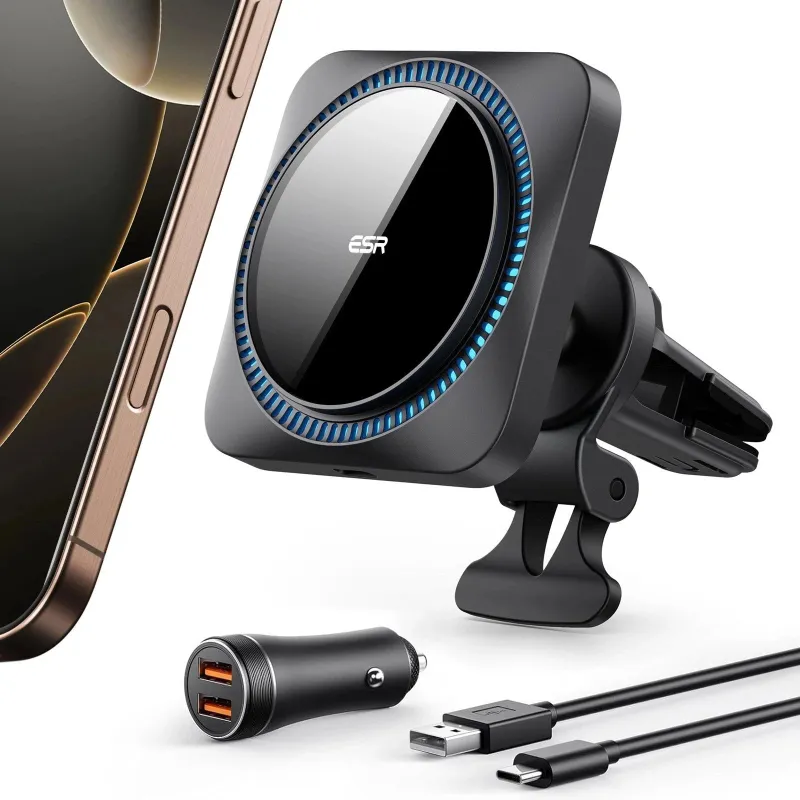
- Periodic charging (most last 30-60 hours of typing)
- A type c charger or similar cable kept in your bag
- Occasional battery anxiety if you forget to charge overnight
Smart Connector keyboards (available on iPad Pro and iPad Air models) offer:
- Zero battery management (draws power from iPad)
- Instant connection without Bluetooth pairing
- Slightly higher iPad battery drain during heavy typing sessions
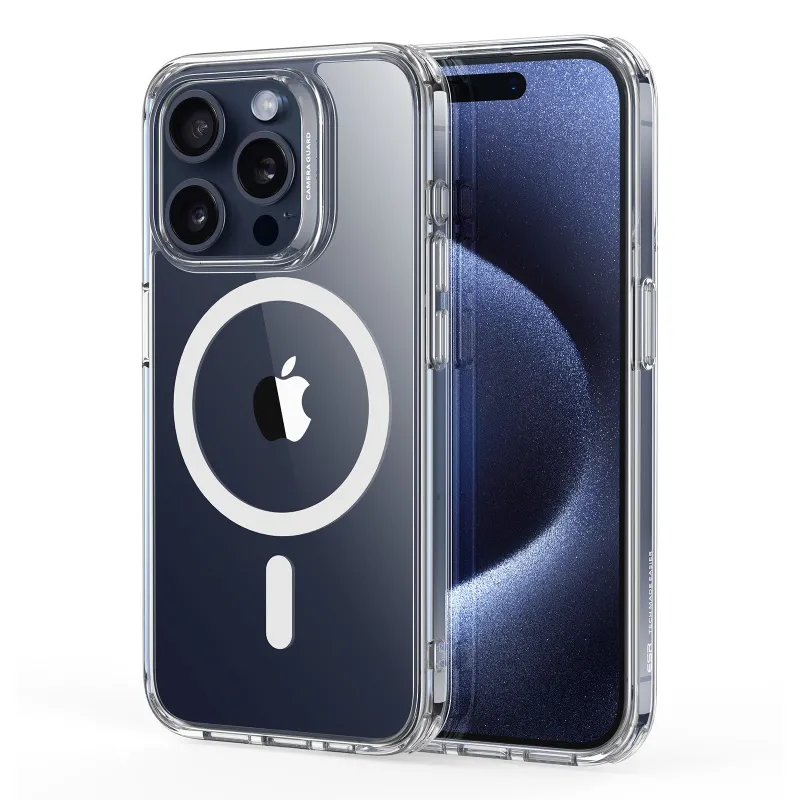
For users who already manage multiple devices (like an iphone 15 pro or iphone 18 pro), adding another charging routine can feel burdensome. Smart Connector cases eliminate that mental load but cost more upfront.
If you choose Bluetooth, look for cases with battery indicators and at least 40 hours of rated life to avoid mid-week charging.
Weight, Thickness, and Daily Carry Reality
A keyboard case doubles or triples your iPad’s weight, which matters more than spec sheets suggest.
Typical weight ranges:
- Slim folio keyboards add 10-14 ounces (good for daily commutes)
- Trackpad-equipped cases add 16-22 ounces (comparable to carrying a thin laptop)
- Rugged keyboard cases add 24+ ounces (overkill unless you work in harsh environments)
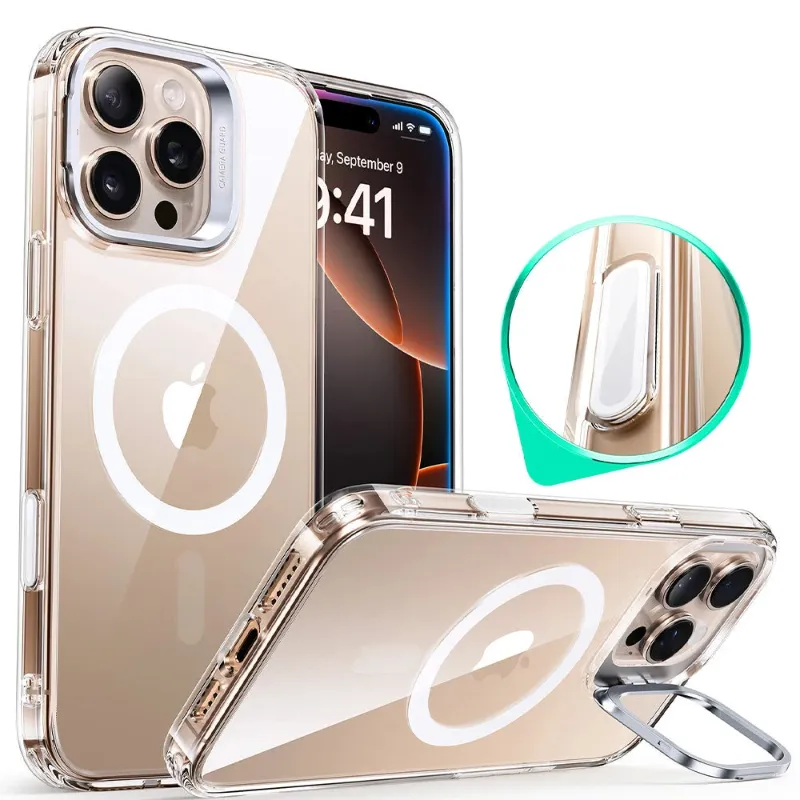
Hold your iPad and estimate whether an extra pound feels manageable in your bag for a full day. If you also carry a phone (like an iphone 16 pro max case-protected device), chargers, and other accessories, weight compounds quickly.
Cases with detachable keyboards offer flexibility but add mechanical complexity. The magnets or clips that enable separation often wear out within a year of daily attach-detach cycles, according to long-term testing.
Where to Find the Best Prices and Support
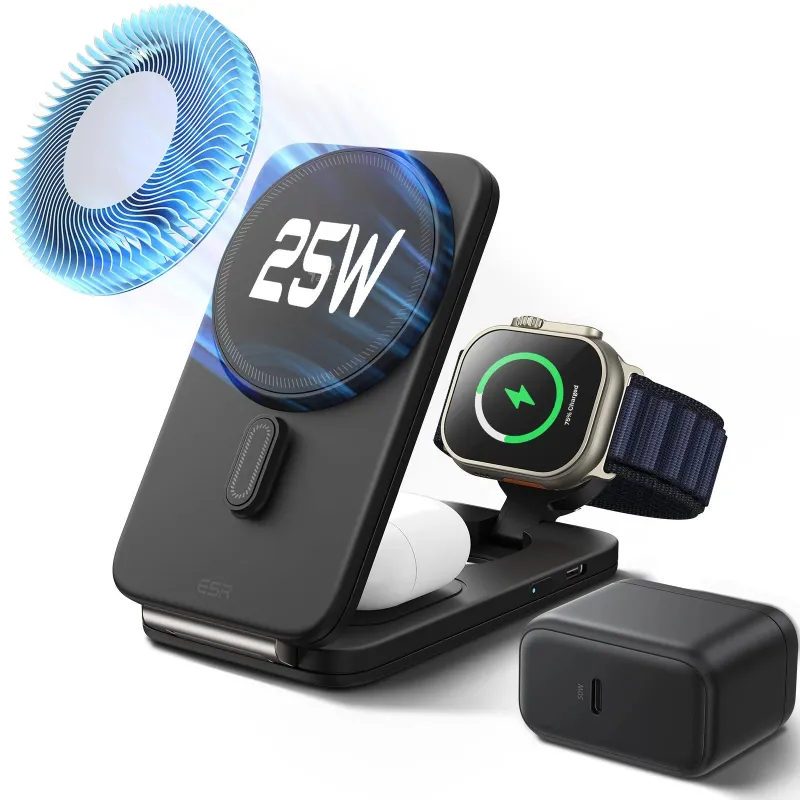
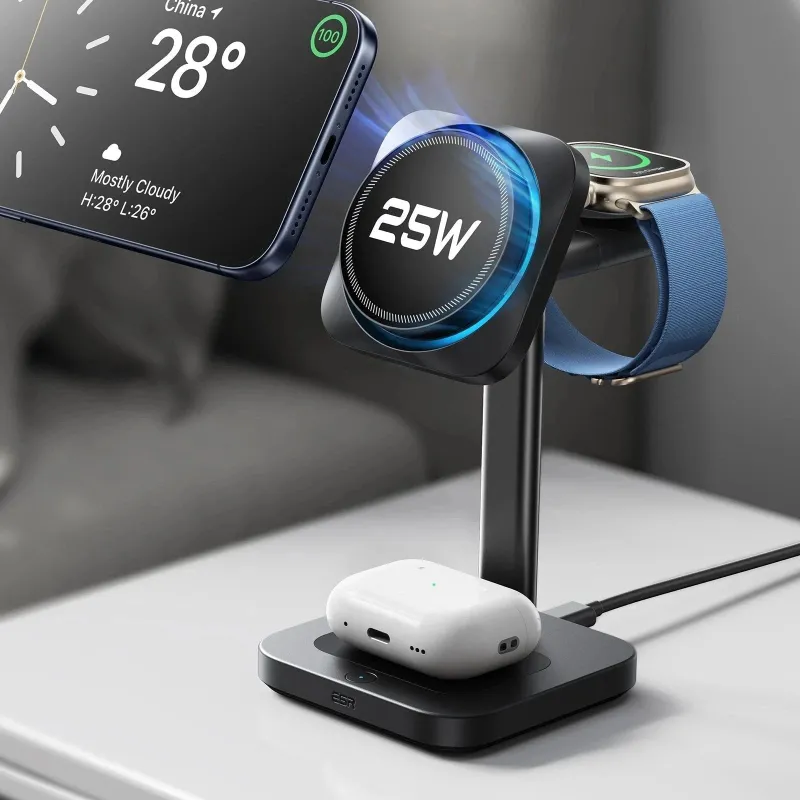
Before you buy, grab our exclusive code for 18% off iPad accessories, including keyboard cases and complementary gear like a magsafe charger or apple magsafe charger for your other devices.
Compare return policies carefully. Keyboard feel is subjective, and a case that works for one person’s typing style may feel mushy or cramped to another. Look for retailers offering at least 30-day returns so you can test the case through a full work week before committing.
Check whether the manufacturer provides firmware updates for Bluetooth models. Cases that receive periodic updates tend to resolve key responsiveness issues and improve trackpad accuracy over time, extending usable life well beyond the first year.
Questions
Will an iPad keyboard case with pencil holder block wireless charging?
It depends on the holder design. Magnetic side slots typically allow wireless charging to continue, while enclosed loops or fabric bands often block the charging connection. Check the product specifications before buying if you rely on wireless Pencil charging.
Can I use an 11-inch iPad keyboard case on a 9th generation iPad?
No, 11-inch cases are designed for iPad Pro 11-inch and iPad Air 4th/5th gen models. The 9th generation iPad has different dimensions and port placements, so you need a case specifically labeled for that generation.
Why is my iPad keyboard case not working after connecting?
For Bluetooth cases, check battery level and re-pair in Settings > Bluetooth. For Smart Connector cases, clean the contact pins on both the iPad and case with a soft cloth, then reattach firmly. If neither works, restart your iPad.
Do iPad keyboard cases with trackpads drain battery faster?
Smart Connector trackpad cases draw power from your iPad and will reduce battery life by 10-20% during heavy use. Bluetooth trackpad cases use their own battery, so iPad drain is minimal, but you'll need to recharge the case every few weeks.
How much weight does a keyboard case add to an iPad Air?
Most iPad Air keyboard cases add between 10 and 20 ounces depending on features. Slim folios without trackpads are lighter, while full-layout cases with trackpads can nearly double the total weight of your setup.
Can I find a 13 inch iPad keyboard case with a full number pad?
Very few 13-inch cases include a dedicated number pad due to size constraints. Most use a standard laptop-style layout with a top number row, which is sufficient for most workflows without adding extra width.
Products in this guide
 Shopping at ESR Tech US? See the discount code
18% OFF Sitewide
Shopping at ESR Tech US? See the discount code
18% OFF Sitewide
More in this series
How Long Do ESR Phone Cases Actually Last?11 Aug 20265 minBest Type C Chargers for iPhone 15 and 16 Pro: Speed and Safety Compared11 Aug 20265 minWhy Is My MagSafe Charger Charging Slowly? 7 Common Fixes11 Aug 20264 min iPhone 17 Pro Max vs iPhone 18 Pro: Which One Should You Buy?11 Aug 20265 minDo ESR Cases Work With MagSafe Chargers?11 Aug 20264 min