 A Store Shoppe guide
MacBook Pro Battery Degradation: Why Your Battery Health Drops and What to Do
A MacBook Pro battery naturally loses capacity over time, but degradation accelerates with heat, frequent charging, and age—and you can slow it down.
Your MacBook Pro battery degrades whether you want it to or not, but understanding why and taking action now can add years to its useful life and save you hundreds on replacement costs.
All lithium batteries, including the ones in your MacBook, lose capacity with time and charge cycles. Apple rates MacBook batteries to retain 80 percent of their original capacity after 1,000 charge cycles. Most users hit that milestone within 2 to 3 years of normal use. After that point, you’ll notice shorter battery run time, slower performance under load, and eventual inability to hold charge. The question isn’t whether your battery will degrade, but how fast.
Why Your MacBook Pro Battery Health Drops

Battery degradation happens at the chemistry level. Lithium-ion cells (and modern alternatives like lifepo4 battery and li fe po4 battery designs) store energy through ions moving between electrodes. Each charge cycle causes microscopic damage, crystal growth, electrolyte breakdown, and impedance rise. Over hundreds of cycles, that damage compounds.
Three factors accelerate MacBook Pro battery degradation:
- Heat. High internal temperatures (above 35°C) speed up chemical reactions inside the cell. Running processor-heavy tasks, gaming, or video editing generates heat that ages your battery faster than browsing and email.
- Frequent full discharges. Dropping your battery to 0 percent repeatedly stresses the chemistry more than shallow cycles (like 20 to 80 percent).
- Keeping the battery constantly charged. Leaving your MacBook plugged in at 100 percent keeps ions under constant pressure, degrading capacity even when not in use.
Real-world degradation varies. A MacBook Pro used lightly in a cool office may reach 85 percent health after three years. The same model used daily for video work in a warm room might drop to 70 percent in 18 months.
How to Check Your MacBook Pro Battery Health
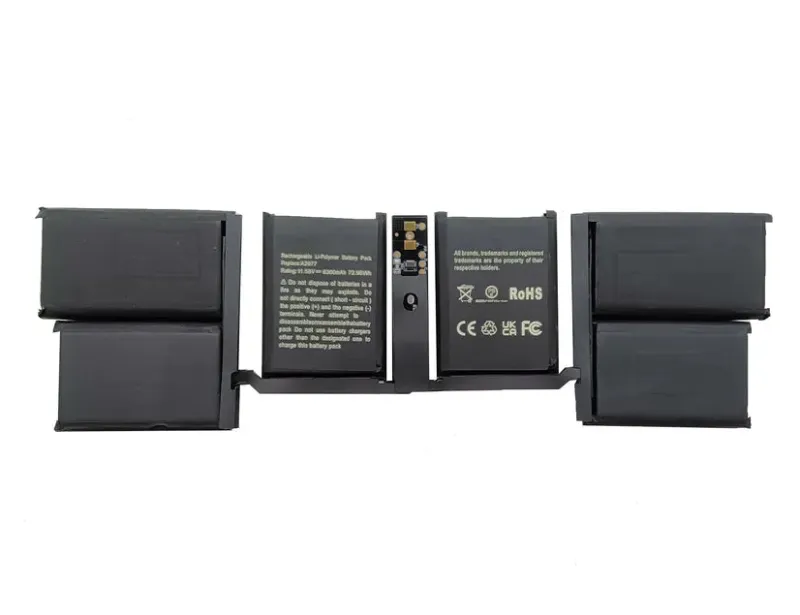
Before you decide on action, measure the actual state of your macbook pro battery. Hold Option and click the battery icon in the top-right menu bar to see Condition. A “Normal” rating means your battery still has most of its capacity. “Replace Soon,” “Replace Now,” or “Service Recommended” means degradation has reached the point where Apple (and most users) recommend replacing it.
You can also run a full battery report in Terminal. Type `system_profiler SPPowerDataType` and look for the Cycle Count and Condition fields. Cross-reference your cycle count against Apple’s expected 1,000 cycles to estimate health percentage yourself.
Slowing MacBook Pro Battery Degradation
You cannot stop battery degradation, but you can slow it significantly through deliberate habits.
Keep internal temperatures down. Use your MacBook on hard, flat surfaces where air vents stay clear. Avoid blankets, pillows, or lap use during intensive work. If you do heavy processing regularly, consider external cooling or limiting background tasks. Cooler operation is the single biggest lever you control.
Avoid extreme charge states. Don’t let your battery drain to 0 percent or sit at 100 percent for days. Aim for shallow cycles: charge to 80 percent, use it down to 20 percent, then charge again. If you work at a desk most of the day, unplug periodically to avoid constant 100 percent charging.
Enable Optimized Battery Charging. Go to System Settings > Battery > Battery Health & Charging and toggle on Optimized Battery Charging. macOS will learn your charging habits and delay charging to 100 percent until you actually need it, reducing time spent at max voltage.
Use lower power settings during light work. Lower screen brightness and enable Low Power Mode when browsing or working with documents. These reduce internal heat and load on the battery.
Store properly if not in use. If you’re leaving your MacBook off for weeks or months, charge it to 50 percent first. Storing at 0 or 100 percent damages the chemistry during extended idle time.
MacBook Pro Battery Replacement and Costs
When your battery health drops to “Replace Now,” you have two paths: Apple service or third-party repair.
Apple handles MacBook battery replacement at their retail stores and authorized service providers. Cost and turnaround depend on your model year and whether you have AppleCare coverage. Check current Apple pricing and battery service options, or visit an Apple Store for an estimate specific to your model.
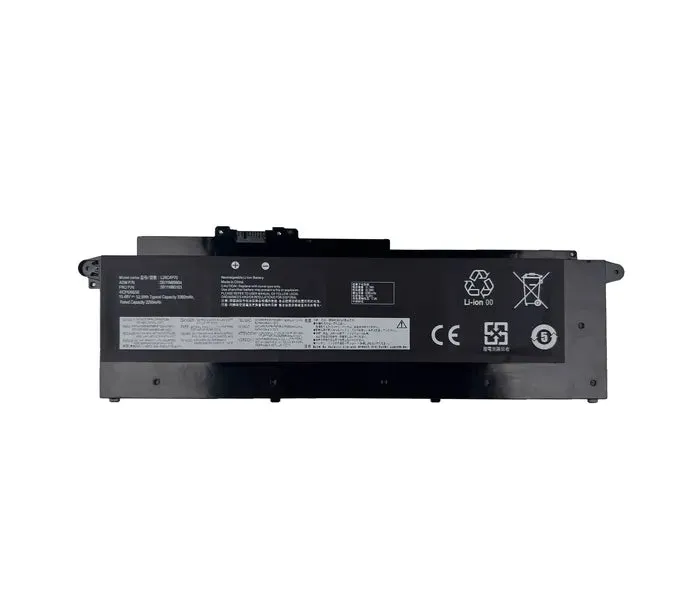
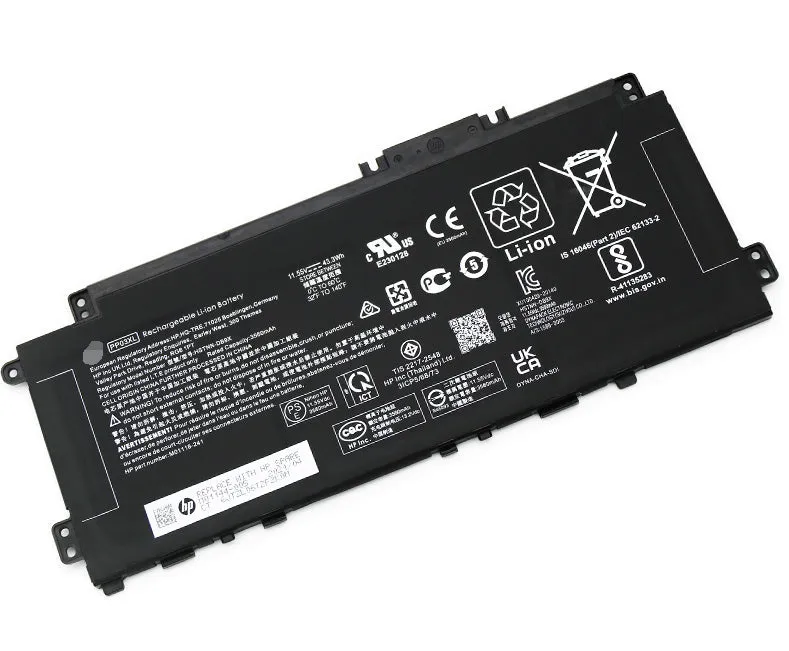
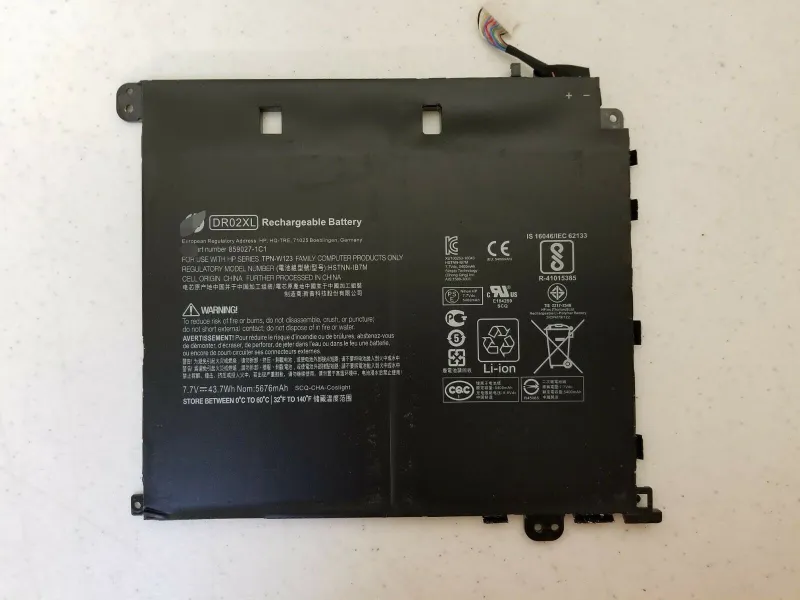
Third-party repair shops offer faster service and sometimes lower cost, though quality varies. iFixit publishes detailed MacBook Pro battery replacement guides if you’re comfortable doing it yourself, and many indie shops follow similar procedures. If you choose this route, verify the shop uses genuine or certified batteries, cheap spare laptop battery alternatives fail quickly and may damage your MacBook.
When to Replace Your MacBook Pro Battery
Replace your battery when:
- Condition reads “Service Recommended” or worse and your run time is noticeably shorter than a few months ago.
- You’re still under warranty or AppleCare and want free or discounted replacement.
- You plan to keep the MacBook 2+ more years and want full performance back.
Don’t replace immediately just because cycle count is high. If Condition still reads “Normal” and you’re satisfied with run time, you can wait. Some MacBooks hit 1,500+ cycles before serious degradation shows. Explore battery replacement options and grab our 5% discount code if you decide to act.
Beyond MacBook: Extending Battery Life in Other Laptops
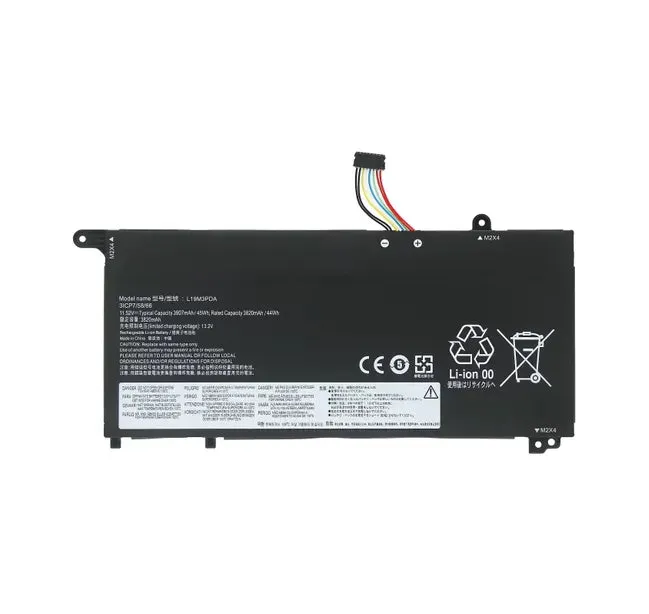
The same principles apply to other brands. If you also use a lenovo laptop battery, hp laptop pavilion b&o, or a Chromebook with a chrome book charger, keeping it cool, avoiding extreme charge states, and enabling power optimization will extend its lifespan too. Laptop battery chemistry is consistent across manufacturers, degradation follows the same physics whether you’re running macOS or Windows.
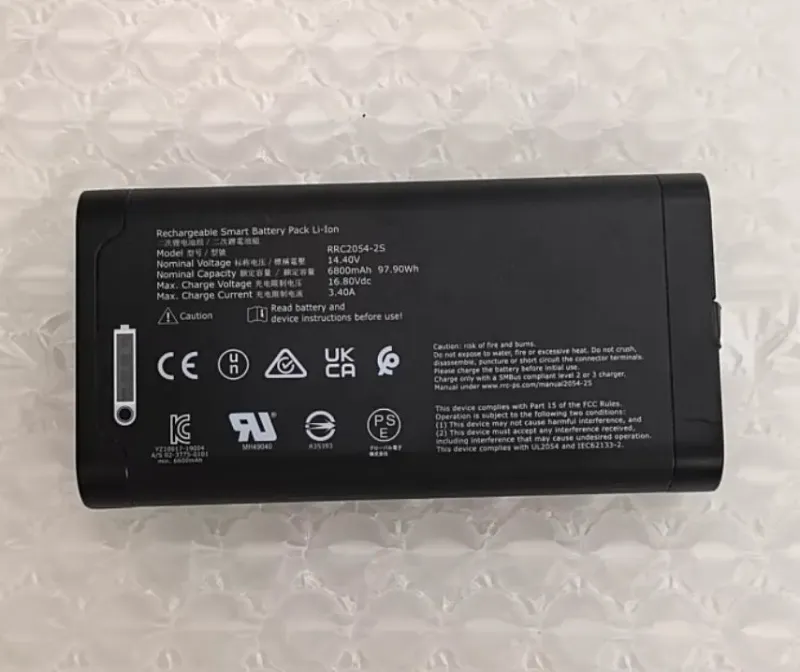
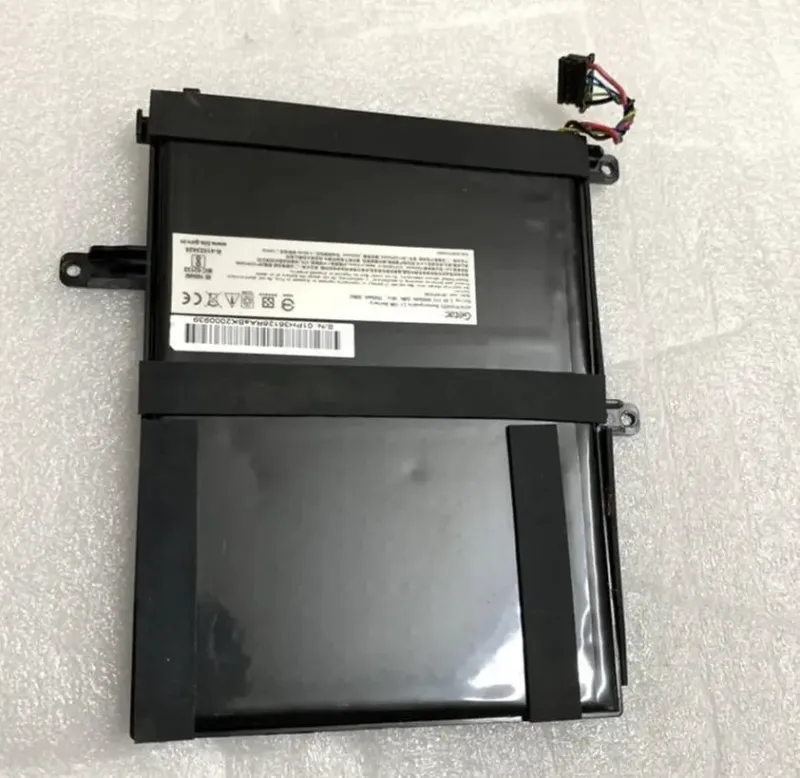
For specialized applications like field work, some teams choose getac v110 g3 battery systems or rugged laptops designed for harsher conditions. These often include easier battery swaps and user-replaceable cells, which can offset the higher upfront cost over the device’s lifetime.
The Bottom Line
MacBook Pro battery degradation is inevitable, but you control the speed. Keep your machine cool, avoid extreme charge levels, and monitor health monthly. Most users get 3 to 4 years of strong performance before needing replacement. By following these practices now, you’ll maximize your battery’s useful life and avoid the rush to replace it when capacity finally drops too far. Learn more about battery service and recycling options from Apple’s official resource.
Questions
How many charge cycles does a MacBook Pro battery last?
Apple rates MacBook Pro batteries to retain 80 percent capacity after 1,000 charge cycles, though many users see acceptable performance well beyond that. Real lifespan depends on usage patterns, heat exposure, and how you charge.
Can I check my MacBook Pro battery health right now?
Yes. Hold Option and click the battery icon in the menu bar to see Condition, or run `system_profiler SPPowerDataType` in Terminal to get detailed cycle count and health data.
What's the difference between a macbook pro battery and a spare laptop battery from another brand?
MacBook batteries are engineered specifically for Apple's power management and thermal systems. Third-party [spare laptop battery](/go/p/7021) options are cheaper but may not fit precisely, charge reliably, or integrate with macOS battery optimization features.
Does Optimized Battery Charging really help slow macbook pro battery degradation?
Yes. By limiting time spent at 100 percent charge, Optimized Battery Charging reduces voltage stress on cells. It won't stop degradation, but it noticeably extends the time before you see significant capacity loss.
Is it better to replace my MacBook Pro battery at Apple or a third-party shop?
Apple offers reliability and warranty coverage but may charge more and require appointment wait times. Third-party shops are often faster and cheaper, but quality varies, ensure they use certified batteries and have good reviews before proceeding.
How much does a MacBook Pro battery replacement cost?
Cost varies by model year and whether you have AppleCare coverage. [Check the current price and available options](/store-shoppe-discount-code/) at Apple or an authorized service provider near you.
Products in this guide
 Shopping at Store Shoppe? See the discount code
5% OFF Sitewide
Shopping at Store Shoppe? See the discount code
5% OFF Sitewide
More in this series
Getac V110 G3 Battery Replacement: Step-by-Step Guide to Installing a New Battery29 Aug 20264 minLaptop Battery Care: Simple Habits to Extend Battery Life29 Aug 20264 minBest Charger for Your Chromebook: Compatibility Guide and What Wattage You Need29 Aug 20264 minLiFePO4 vs. SLA Battery: Which Lasts Longer for Laptops and Backup Power29 Aug 20264 min Does Your AirTag Battery Need Replacing? Signs It’s Time and How to Swap It29 Aug 20264 min