 A Store Shoppe guide
Laptop Battery Care: Simple Habits to Extend Battery Life
A spare laptop battery only works when it's healthy, and simple daily habits are all you need to keep yours running strong for years.
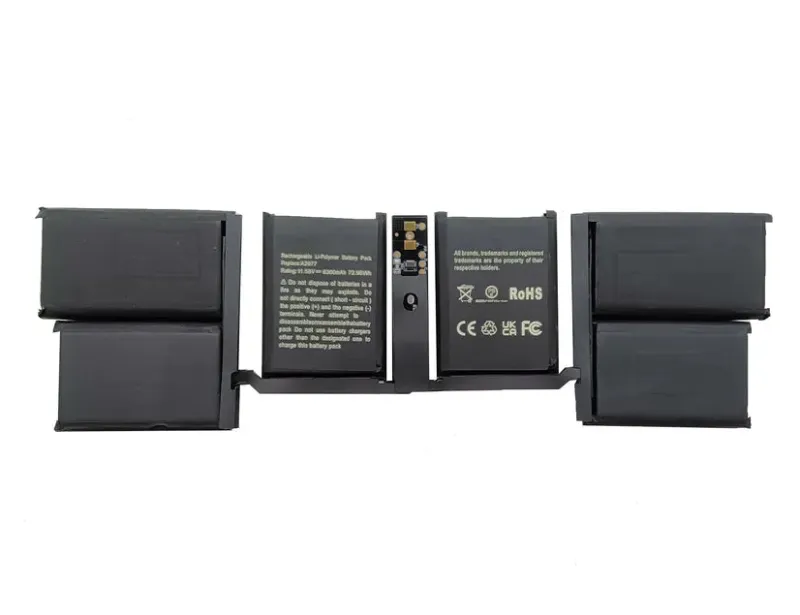
A spare laptop battery only works when it’s healthy, and simple daily habits are all you need to keep yours running strong for years. Whether you’re protecting a macbook pro battery, a lenovo laptop battery, or an hp laptop pavilion b&o, the fundamentals of battery care are the same. In this guide, we’ll walk you through the charging practices, temperature management, and storage strategies that add months or even years to your battery’s lifespan.
How Charging Habits Affect Your Spare Laptop Battery
Your charging routine is the single biggest factor in battery longevity. Modern lithium-ion batteries (the type in most laptops) degrade faster when charged to 100% repeatedly. Instead, aim to keep your charge between 20% and 80% for daily use.
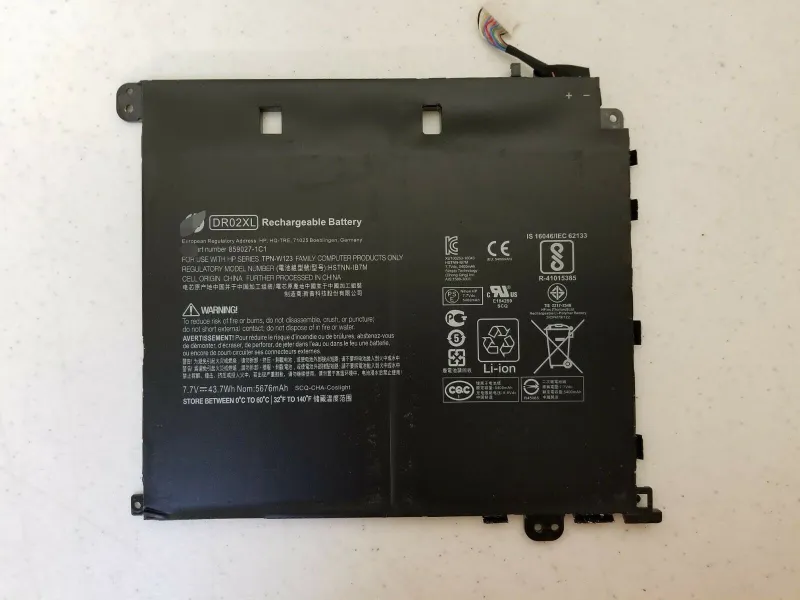
- Charge when your battery hits 20%, not 0%. Draining completely stresses the cells.
- Unplug at 80% if possible. That final 20% to 100% causes disproportionate wear.
- Avoid charging overnight regularly. Continuous trickle charging at full capacity ages batteries quickly.
- Use the charger that came with your device. A chrome book charger or the original adapter for your model ensures proper voltage and current.
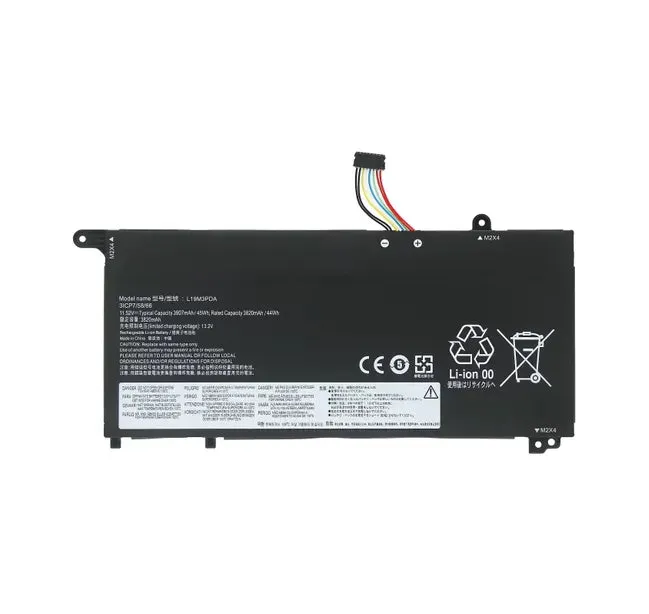
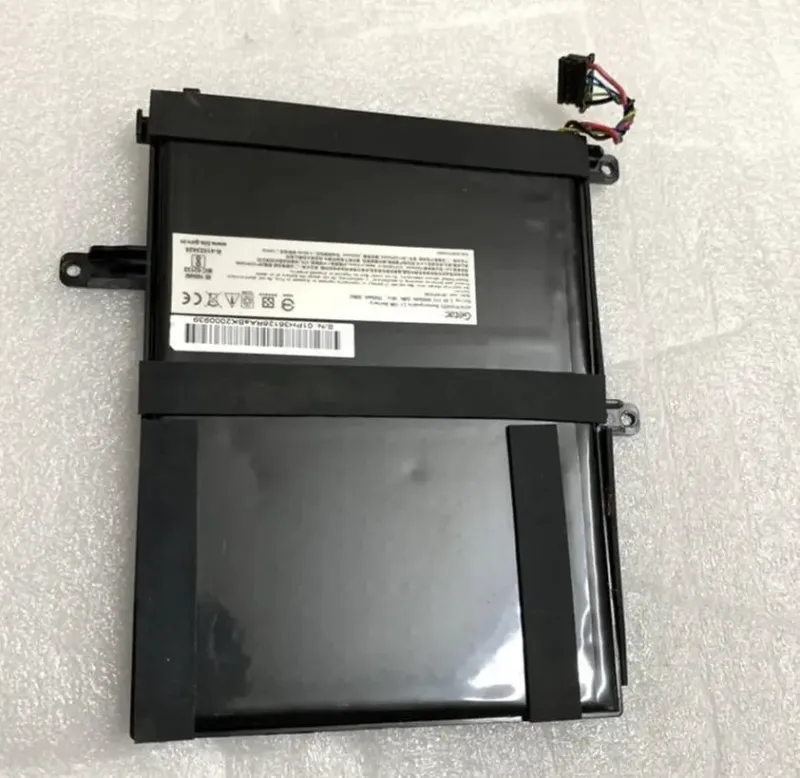
If you need a backup, grab the code for 5% off a genuine replacement charger. For laptops with removable batteries like the getac v110 g3 battery, you can swap in a fresh spare laptop battery when one nears the end of its life, extending your overall system’s usability.
Temperature and Storage: Two Critical Variables
Heat is a battery killer. Lithium cells degrade faster in warm environments, so keep your laptop in cool, dry spaces whenever possible.
- Avoid leaving your laptop in cars, direct sunlight, or near heaters. Ideal storage temperature is 15 to 35 degrees Celsius.
- Let your device cool after heavy use before putting it away. Hot batteries sitting idle degrade faster than cool ones.
- If you’re storing a spare laptop battery long-term (weeks or months), charge it to 50% first, then store it in a cool place. Don’t leave it fully drained or fully charged.
- Remove your battery entirely if your laptop has a removable one and you won’t use it for a month or more. This prevents parasitic drain and heat buildup.
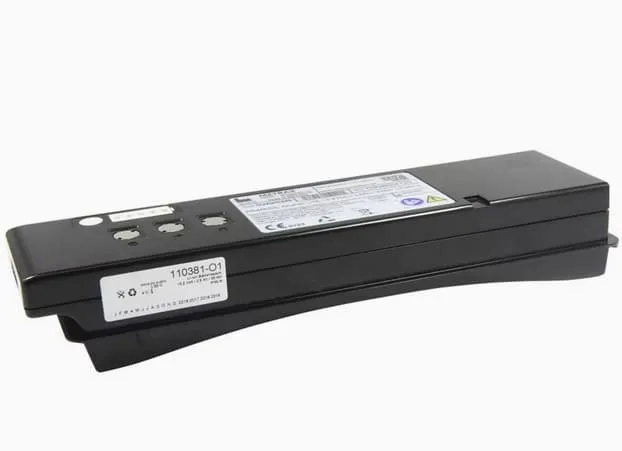
For specialized batteries like lifepo4 battery or lithium iron phosphate battery variants (sometimes used in portable power solutions paired with laptops), the same principle applies: moderate temperature and moderate charge state extend shelf life significantly.
Real-World Maintenance for Your Laptop Battery
Beyond charging and temperature, a few maintenance steps keep your battery operating efficiently.
| Maintenance Task | Frequency | Why It Matters |
|---|---|---|
| Check battery health status | Monthly | Catch degradation early; MacBooks, Lenovo, and HP devices have built-in health tools |
| Clean charging ports | Every 3 months | Dirt and debris prevent proper charging contact |
| Update system firmware | As released | Firmware updates often optimize power management |
| Run battery diagnostics | Quarterly | Identify failing cells before complete failure |
Most operating systems include battery health reporting. On macOS, hold Option and click the battery icon. Windows users can run `powercfg /batteryreport` in the command prompt to generate a detailed battery health report.
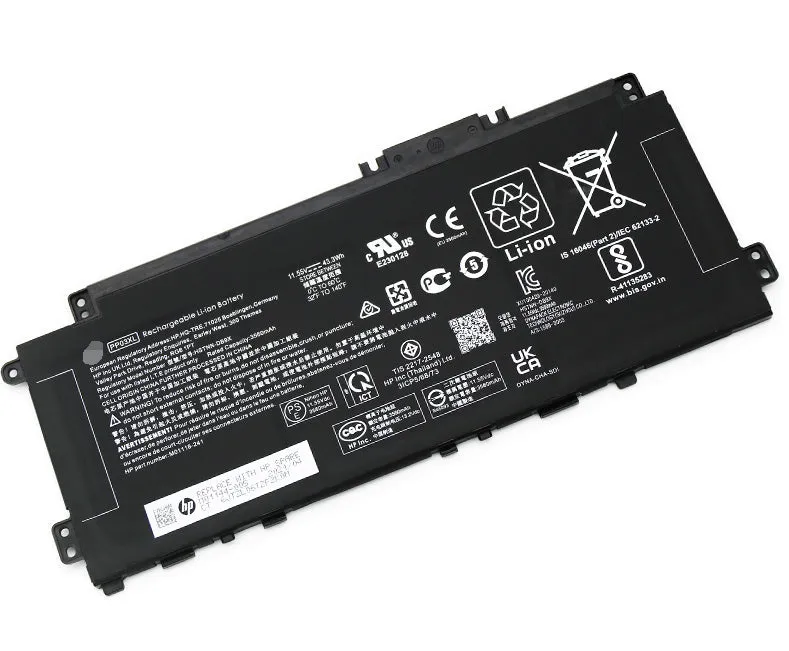
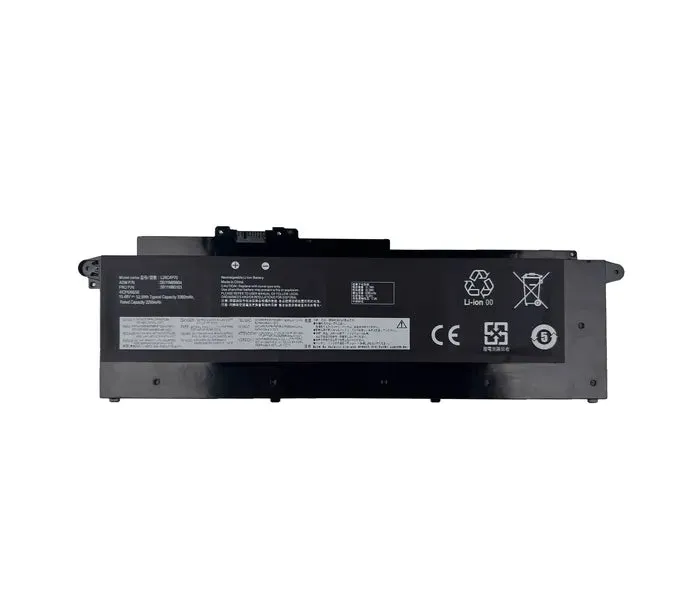
When your battery reaches end of life, laptop battery replacement near me options are available through Store Shoppe. Check the latest price and grab the 5% discount on genuine replacements for hp laptop pavilion b&o, macbook pro battery, and lenovo laptop battery models.
When to Retire Your Spare Laptop Battery
A healthy battery holds 80% of its original capacity for the first 300 to 500 charge cycles (roughly 1 to 2 years of normal use). After that, gradual decline is normal.
- If your battery holds less than 50% of its original capacity, replacement is worth considering.
- Bulging or physical damage means replace immediately, damaged batteries can overheat or fail suddenly.
- If your device shuts down at 30% battery despite showing 30% charge, the battery’s internal resistance has increased too much.
- Unexpected shutdowns or rapid drain under light load are signs of cell failure.
Swapping in a spare laptop battery takes 10 to 30 minutes on most models. For complex devices, professional laptop battery replacement near me services handle removal and installation, ensuring no damage to your system.
Understanding Battery Chemistry: LiFePO4 and Beyond
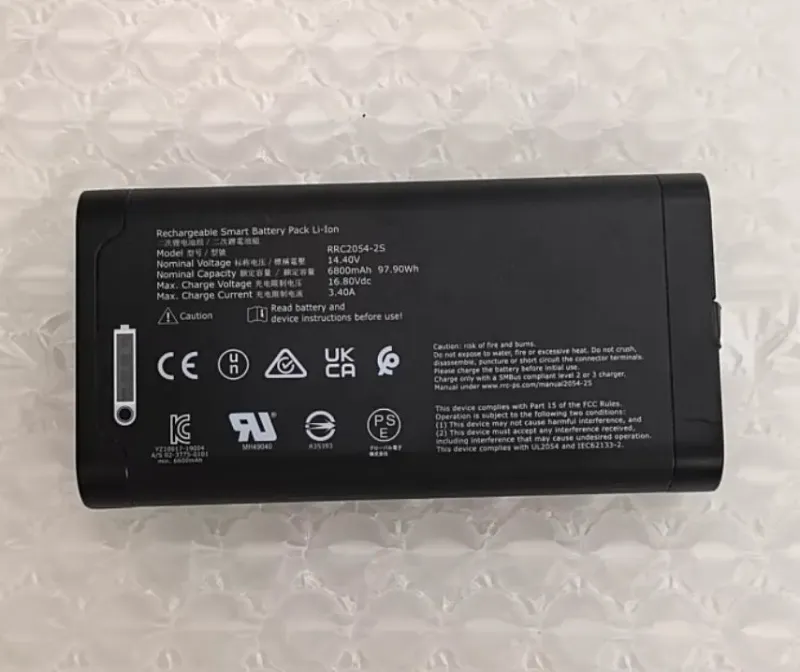
Different battery chemistries have different care needs. Most laptops use lithium-ion, but some specialized or backup power systems use li fe po4 battery (LiFePO4) chemistry.
Lithium-ion batteries benefit from partial charging cycles and cool storage. Lifepo4 battery and lithium iron phosphate battery alternatives are more tolerant of full discharge and high temperatures, but they’re less common in mainstream laptops. If you’re using an external power bank or UPS with your laptop, check which chemistry it uses, the care approach differs slightly.
For technical deep-dives on battery chemistry, PC Laptop Batteries and Laptop Batteries resources explain the differences in depth.
Making Your Battery Last: Quick Recap
Your spare laptop battery will age regardless, but proper care slows the decline dramatically. Charge between 20% and 80%, keep your device cool, maintain your charger and ports, and monitor health quarterly. When you’re ready to replace, Store Shoppe stocks hp laptop battery options and genuine replacements for major brands. Grab the code to save 5% on your next battery or charger purchase.
Questions
How long does a spare laptop battery last before I need to replace it?
Most laptop batteries stay above 80% capacity for 300 to 500 full charge cycles, which is typically 1 to 2 years of regular use. After that, gradual capacity loss is normal. If your battery drops below 50% capacity or won't hold a charge, replacement is worth considering.
Can I leave my laptop plugged in overnight without damaging the spare laptop battery?
Charging to 100% and staying there overnight stresses the battery. If possible, unplug at 80% for daily use, or enable your device's battery limiter if it has one. Occasional overnight charging won't destroy your battery, but making it a habit will shorten its lifespan.
What temperature is best for storing a spare laptop battery long-term?
Store your battery at 15 to 35 degrees Celsius (59 to 95 degrees Fahrenheit) with a 50% charge state. Avoid freezing temperatures and heat. Cool, dry storage minimizes degradation and extends shelf life.
How do I know if my HP laptop battery or MacBook Pro battery is failing?
Check your battery health report through your device's built-in tools. Signs of failure include rapid drain under light use, unexpected shutdowns at 30% charge, bulging, or capacity dropping below 50%. If you see these signs, replacement is the right move.
Is it better to use a Lenovo laptop battery or a third-party replacement?
Genuine batteries like those from Lenovo, HP, and Apple are designed and tested for your specific model. They ensure proper voltage, safety features, and longevity. Third-party options vary widely in quality, so we recommend genuine replacements for best results.
Can I carry a spare laptop battery when traveling by air?
Most airlines allow one spare lithium-ion battery in carry-on luggage only, with restrictions on capacity. Check your airline's policy before travel. Spare batteries are typically prohibited in checked baggage due to fire risk.
Products in this guide
 Shopping at Store Shoppe? See the discount code
5% OFF Sitewide
Shopping at Store Shoppe? See the discount code
5% OFF Sitewide
More in this series
Getac V110 G3 Battery Replacement: Step-by-Step Guide to Installing a New Battery29 Aug 20264 minBest Charger for Your Chromebook: Compatibility Guide and What Wattage You Need29 Aug 20264 minMacBook Pro Battery Degradation: Why Your Battery Health Drops and What to Do29 Aug 20265 minLiFePO4 vs. SLA Battery: Which Lasts Longer for Laptops and Backup Power29 Aug 20264 min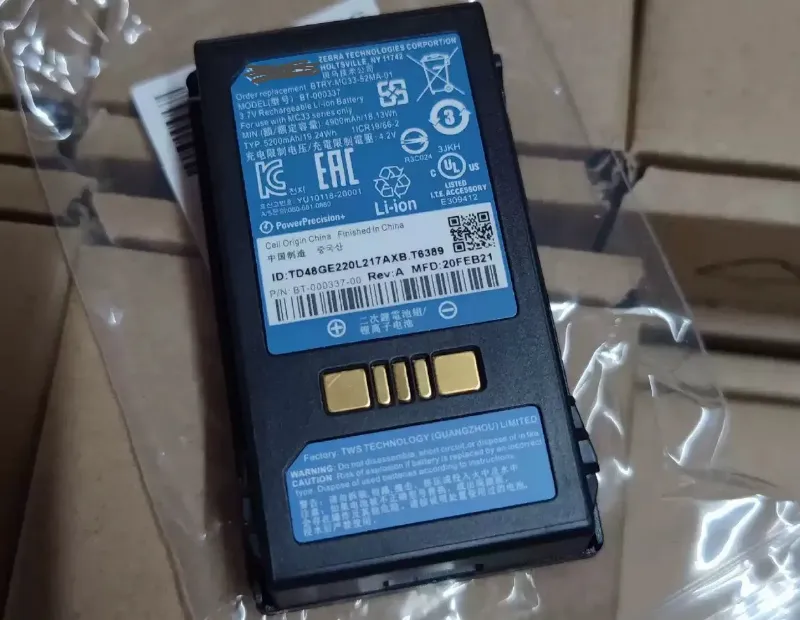 Does Your AirTag Battery Need Replacing? Signs It’s Time and How to Swap It29 Aug 20264 min