 A Store Shoppe guide
Getac V110 G3 Battery Replacement: Step-by-Step Guide to Installing a New Battery
Replacing a Getac V110 G3 battery takes less than 10 minutes with the right tools and steps.
Replacing a Getac V110 G3 battery takes less than 10 minutes and brings your rugged laptop back to full runtime. Whether your battery no longer holds a charge or you need a second one for fieldwork, swapping it out is straightforward on the V110 G3. We’ll walk you through the removal process, what to look for in a replacement, and how to keep your new battery performing longer.
Why Replace Your Getac V110 G3 Battery
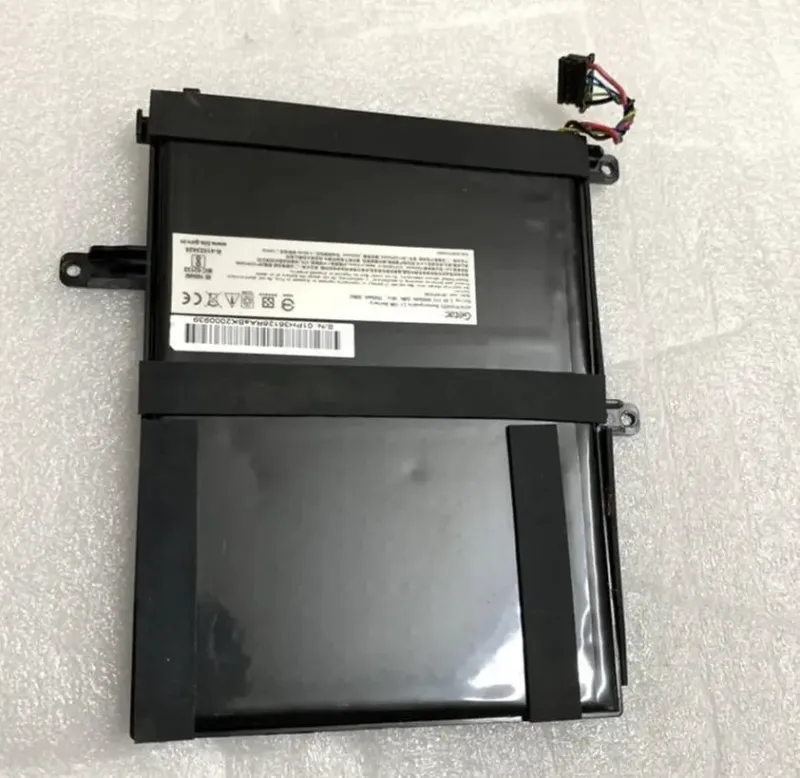
The Getac V110 G3 battery is the heart of portable power for one of the toughest laptops on the market. Over time, lithium-ion batteries lose capacity. You might notice your V110 G3 runs only an hour or two on a full charge instead of the original 6-8 hours. Rather than retire the laptop, replacing the battery extends its useful life by years.
A spare laptop battery also gives you a backup during long field assignments. Many users in construction, utilities, and emergency response carry two batteries and swap them throughout the day. This keeps downtime to zero and productivity flowing.
What You Need Before You Start
To replace your Getac V110 G3 battery safely, gather these items:
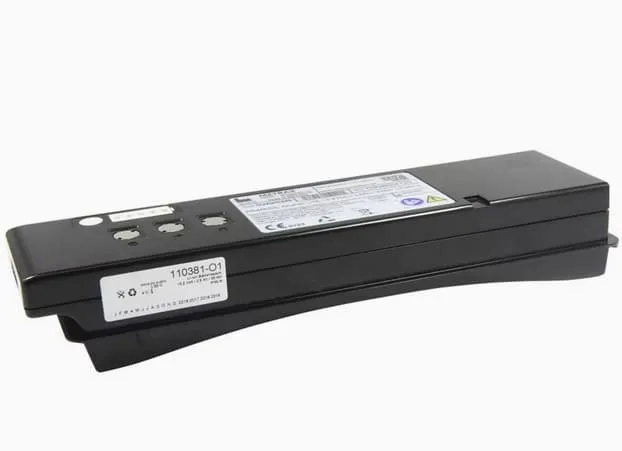
- A replacement Getac V110 G3 battery (check Getac’s official specs for part numbers like GBM3X1)
- A Phillips head screwdriver (small)
- A flat pry tool or plastic spoon
- A clean, static-free workspace
- The user manual (optional but helpful)
Power down your laptop completely and unplug the AC adapter. Wait a few minutes for any residual charge to dissipate. This prevents electrical shock and protects the battery contacts.
Locating and Removing the Old Battery
The battery on the V110 G3 sits in the base of the laptop. Flip the device over so you’re looking at the bottom. You’ll see a battery compartment with a release latch or a set of securing screws.
If your model has a latch, slide it outward to unlock the battery. If screws hold it in place, remove them carefully and set them aside in a small container. Don’t force the battery out; gently wiggle it as you pull. The battery contacts may be slightly recessed, so a slight upward angle helps it clear the slot.
Once removed, inspect the battery contacts on both the battery itself and the laptop. Wipe them gently with a dry cloth if you see any dirt or oxidation. Clean contacts ensure reliable power delivery and prevent charging issues down the road.
Choosing the Right Replacement Battery
Not all batteries fit the V110 G3, so verify compatibility before ordering. Getac uses proprietary battery designs specific to each model. Check your laptop’s label or the manual for the exact part number. The V110- BATTERY 3-Cell (2100 mAh)-GBM3X1 is a common option for G3 units.
You might be tempted by cheaper third-party batteries, but authentic Getac batteries or certified alternatives meet the laptop’s power and thermal requirements. A low-cost knockoff can damage your charging circuit or overheat during use. Compare your options at Store Shoppe to find a trusted replacement with a warranty.
Installing Your New Getac V110 G3 Battery
Slide the new battery into the compartment at a slight downward angle. You’ll feel it settle into place as the connector pins align. Lower it flat into the slot, then secure it with either the latch or screws, depending on your model.
If you’re using a latch, slide it inward until you hear a click. The click confirms the battery is locked and won’t shift during transport or vibration. If screws secure it, tighten them firmly but don’t over-torque; you’ll strip the plastic threads.
Flip the laptop back over and power it on. The system should recognize the new battery within seconds. You might see a message saying the battery is charging or needs initialization. Let it charge for at least 30 minutes before using it on battery power for the first time.
Maximizing Battery Lifespan
Your new Getac V110 G3 battery will serve you longest if you follow a few best practices. Avoid letting the battery drain completely; charge it when it drops to 20 percent. Keep the laptop in a cool environment when not in use, since heat degrades lithium-ion cells faster.
If you won’t use the laptop for several weeks, charge the battery to about 50 percent and store it in a cool, dry place. This state minimizes chemical aging. Never leave a lithium battery completely dead for months at a time, as it may become permanently damaged.
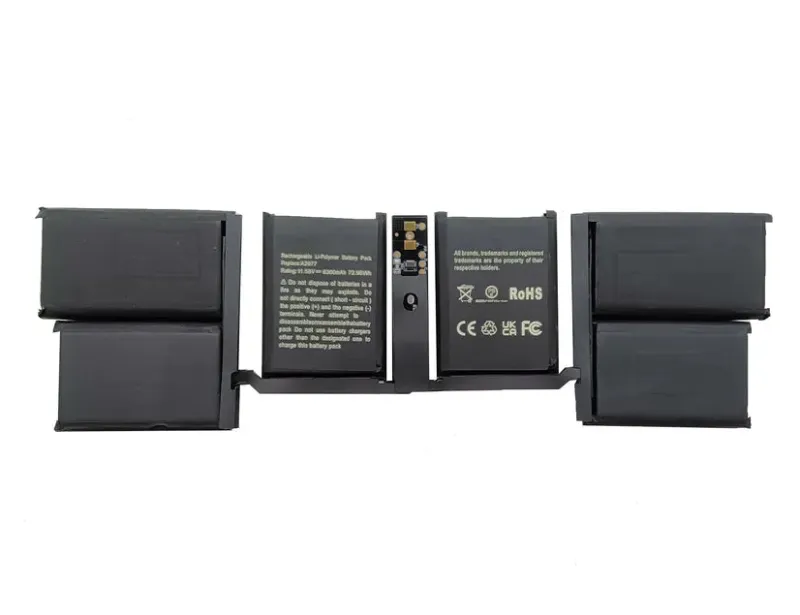
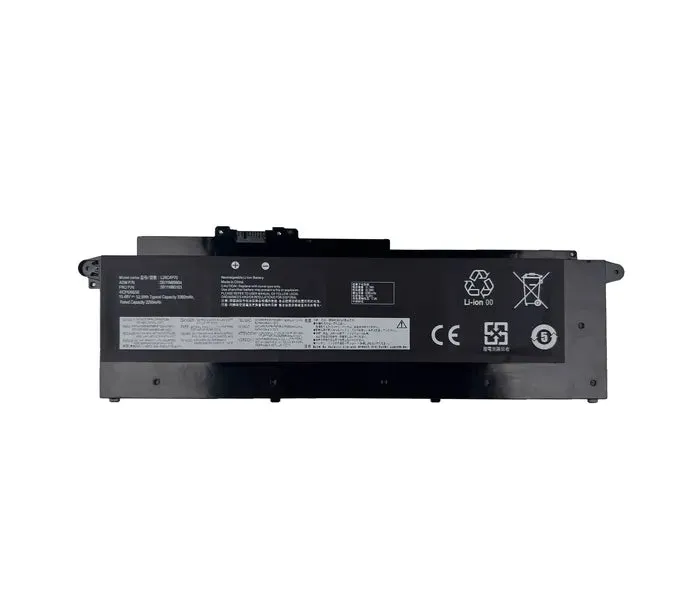
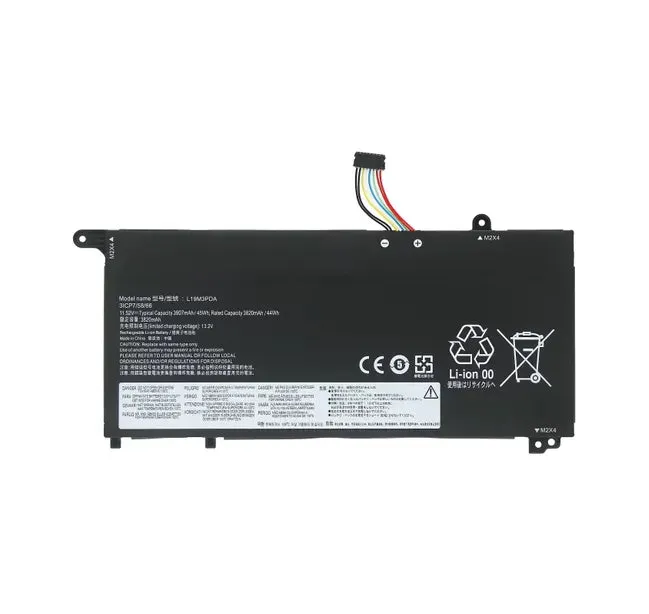
For users who need continuous availability, a macbook pro battery or lenovo laptop battery show how different laptop brands handle spare power. Similarly, if you’re exploring energy solutions beyond laptops, lifepo4 battery and lithium iron phosphate battery options offer chemistries designed for longer cycle life and safety, principles that also apply to your V110 G3’s core technology.
When to Seek Professional Help
Most users replace their Getac V110 G3 battery without issues. But if you encounter corrosion on the contacts, a battery that won’t charge even after installation, or physical damage to the compartment, stop and contact Getac support. Forcing a damaged battery or connector can short-circuit the laptop’s charging system.
If you’re uncomfortable opening your laptop, or if it’s still under warranty, use an authorized Getac service center. The small cost of professional installation is worth the peace of mind and warranty protection. Check the official Getac V110 Battery Replacement guide for detailed photos and videos if you need extra confidence before diving in.
Ready to order your replacement battery? Grab the code for 5% off sitewide at Store Shoppe, then browse their full selection of laptop batteries and power accessories to find the right fit for your Getac V110 G3 and other devices.
Questions
How long does it take to replace a Getac V110 G3 battery?
Battery replacement typically takes 5 to 10 minutes, assuming no complications. Most of that time is simply letting the laptop cool and power down fully before you begin.
Can I use any spare laptop battery in my V110 G3?
No. Your V110 G3 requires Getac-specific batteries or certified replacements that match the exact part number. Using an incompatible battery can damage the charging circuit or create a safety hazard.
What's the difference between a Getac V110 G3 battery and other rugged laptop batteries?
Getac V110 G3 batteries are engineered for the laptop's power delivery and thermal requirements. Other rugged laptops like the [hp laptop pavilion b&o](/go/p/7018) or [touchscreen laptop](/go/p/7015) models use different batteries and connectors.
How often should I replace my Getac V110 G3 battery?
Typical lithium-ion batteries in rugged laptops last 2 to 4 years with normal use, or about 500 to 1,000 charge cycles. Replace it sooner if you notice a significant drop in runtime or if the battery won't hold a charge.
Is it safe to replace the battery myself?
Yes, battery replacement is safe if you follow the steps: power down the laptop, wait for it to cool, and handle the battery carefully to avoid contact corrosion. If you're unsure or the laptop is under warranty, contact an authorized service center.
Products in this guide
 Shopping at Store Shoppe? See the discount code
5% OFF Sitewide
Shopping at Store Shoppe? See the discount code
5% OFF Sitewide
More in this series
Laptop Battery Care: Simple Habits to Extend Battery Life29 Aug 20264 minBest Charger for Your Chromebook: Compatibility Guide and What Wattage You Need29 Aug 20264 minMacBook Pro Battery Degradation: Why Your Battery Health Drops and What to Do29 Aug 20265 minLiFePO4 vs. SLA Battery: Which Lasts Longer for Laptops and Backup Power29 Aug 20264 min Does Your AirTag Battery Need Replacing? Signs It’s Time and How to Swap It29 Aug 20264 min