 A EMIAH Store guide
What to Look for in an Ergonomic Office Chair for Lower Back Pain
Finding the best office chair for back pain means prioritizing lumbar support, adjustability, and seat depth over flashy features.
The best office chair for back pain delivers targeted lumbar support, several independent adjustment points, and a seat depth that keeps your spine aligned during long work sessions. If you spend hours at a desk, these elements matter more than premium upholstery or a well-known brand name.
Lumbar support: the make-or-break feature
Your lower back has a natural inward curve, and when a chair does not support that curve, your muscles have to work overtime to hold you upright. Look for lumbar support that adjusts up, down, forward and backward, so you can position the pad exactly where your lower back needs it.
- Adjustable depth lets you push the lumbar pad into your spine rather than just touching it
- Height adjustment makes sure the support hits your lower back, not your mid-back or tailbone
- Firmness matters for chronic pain or sciatica, since a pad that is too soft collapses under pressure
Ergonomics research generally supports the idea that dynamic, adjustable lumbar support reduces pressure on the lower spine compared with a fixed or static cushion. The Virginia Spine Institute is a useful resource if you want to read more on how chair design connects to spine health, especially if you are evaluating options for long, unbroken stretches at a desk without breaks.
Seat depth and waterfall edge design
Seat depth determines whether you can sit all the way back while still leaving a couple of inches between the seat edge and the back of your knees. Too deep, and you either perch forward, losing lumbar contact, or feel pressure behind your knees. A slider mechanism that adjusts seat depth by a few inches solves this for a wider range of body types.
Pair adjustable depth with a waterfall edge, a gentle downward slope at the front of the seat that reduces pressure on your thighs. Together, these keep your pelvis tilted correctly and reduce load on your lumbar discs. When shopping for a chair meant for long hours, check whether you can slide the seat pan while seated, since a fixed-depth chair forces everyone into one compromise position.
Armrests and their role in back pain
Armrests do not touch your back, but they affect it directly. When your arms dangle or your shoulders hike up to reach armrests set too high, your upper trapezius muscles tighten and pull on your cervical spine, which can radiate tension down into your lower back.
Look for armrests that adjust in as many of these directions as possible:
- Height, to keep your elbows near 90 degrees
- Width, to match your shoulder breadth
- Depth, so the pads support your forearms while typing
- Pivot, to angle inward for mouse work
Shoppers focused on upper back pain specifically sometimes overlook armrest width, but narrow or fixed-width arms force your shoulders inward, which rounds your spine. Check current armrest specs and our discount code before you buy.
Recline, tilt lock and tension control
A chair locked upright forces your hip flexors into a shortened position all day, which tilts your pelvis forward and flattens your lumbar curve. A recline mechanism lets you shift load off your discs and onto the backrest, but only if the chair also has tilt tension control that matches resistance to your body weight.
| Feature | Why it matters | What to avoid |
|---|---|---|
| Synchro-tilt | Seat and back recline at different rates to keep your feet flat | Single-axis tilt that lifts your feet off the floor |
| Tilt lock | Locks recline at more than one angle | Chairs with only upright or full-recline positions |
| Tension knob | Lets lighter or heavier users adjust spring resistance | Fixed tension that is too stiff or too loose for you |
If sciatica is a factor, a chair that locks at a more open angle lets you reduce pressure on the sciatic nerve by opening your hip angle slightly.
Seat cushion density and material
Foam density affects how long a cushion holds its shape. Higher-density foam supports your sit bones without bottoming out over time, while low-density foam compresses faster and can eventually push your pelvis into a posterior tilt. Mesh seats distribute weight differently: they breathe better but offer less contouring, so they suit people who prefer a firmer, cooler surface.
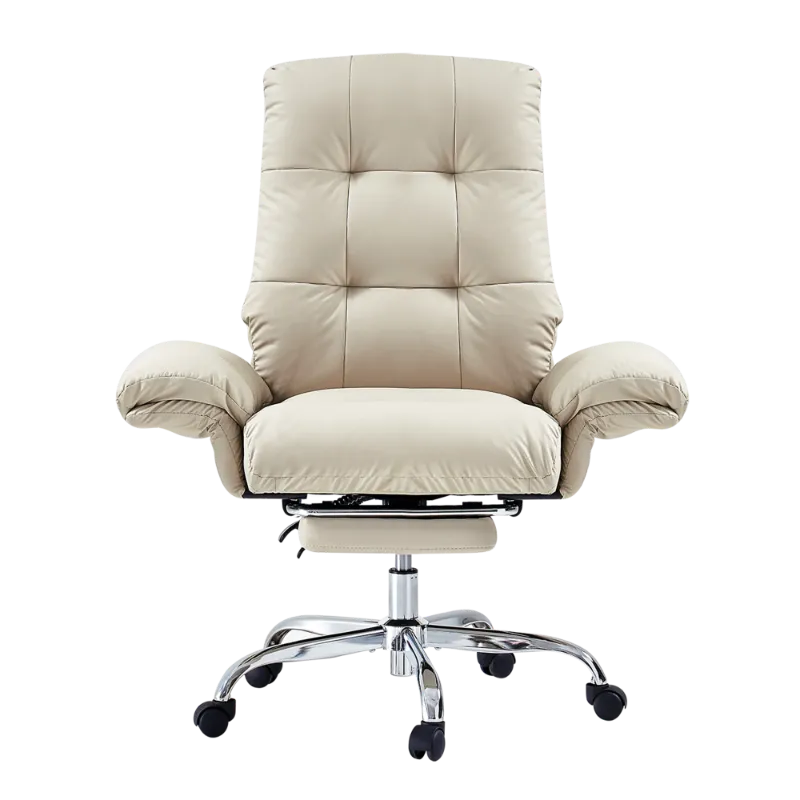
Pair your chair with an office chair mat if you are on carpet, since thick pile can make you push harder with your legs to move, which puts extra strain on your lower back. A carpet chair mat creates a more stable surface that reduces that effort. On hardwood or tile, a smooth mat protects the floor and lets the chair roll easily.
Matching chair features to your pain type
Not all back pain responds to the same features. Sharp pain on standing up often points to weak lumbar support or a seat that does not tilt your pelvis correctly. Pain that builds over several hours usually points to a lack of recline range or tilt locks that would let you change position more often.
- Sciatica or leg numbness: prioritize a waterfall edge, adjustable seat depth and a recline that opens your hip angle
- Chronic lower back pain: invest in adjustable lumbar depth, supportive foam and synchro-tilt
- Upper back and neck tension: check armrest adjustability and headrest options if you recline often
If budget is tight, start with lumbar adjustability and seat depth, then add recline features as you can. Cushions and a lumbar pillow can be added later, but a depth slider or synchro-tilt mechanism generally cannot be retrofitted. Check the current EMIAH Store code before you commit to a model.
Chairs for hybrid work and home use
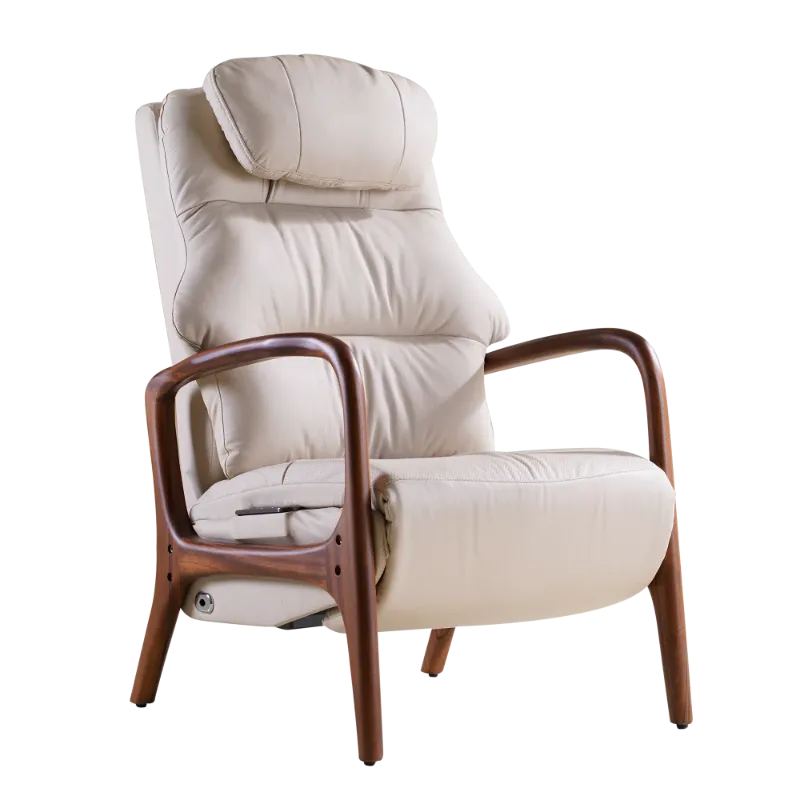
If you split time between a desk and a living room, a leather recliner with lumbar support can bridge the gap between a work chair and lounge furniture. Look for recliners with an adjustable headrest and a footrest that extends fully, so your spine stays reasonably aligned even in a reclined position. Some hybrid workers pair an ergonomic desk chair with modern accent chairs in a reading nook, using the accent chair for short tasks and the ergonomic model for focused work.
Resources like Wired’s office chair coverage and Herman Miller’s ergonomic chair guide offer more context on how these features play out across different body types and budgets.
Putting it together
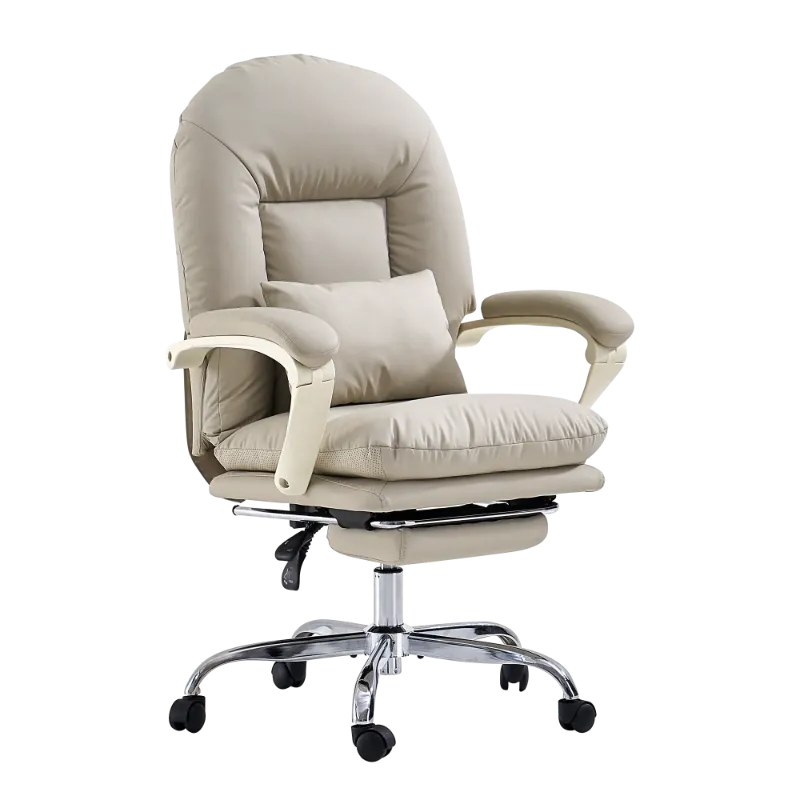
The combination of adjustable lumbar depth, synchro-tilt with more than one lock position, and armrests that move in several directions is generally what separates a true ergonomic chair from one that only looks the part. The best office chair for back pain is not always the most expensive option, but it should give you control over the three contact points, lumbar, seat and arms, that determine whether your spine stays neutral through the day. Check the latest pricing and discount to compare models, and prioritize adjustability over aesthetics when chronic pain is part of your workday.
Questions
What makes an office chair good for back pain?
A chair that helps with back pain generally includes adjustable lumbar support that moves up, down and forward to match your spine's curve, along with seat depth adjustment and a waterfall edge that keeps your pelvis aligned. Tilt tension control and multiple recline locks let you shift position through the day.
How do I know if my office chair is causing my lower back pain?
If pain increases after sitting for a while, eases when you stand or walk, or worsens by the end of the workday, your chair likely lacks proper lumbar support or is putting you into a slouched posture. Check whether you can sit all the way back while keeping your feet flat. If not, the seat depth is probably wrong for you.
Is mesh or foam better for back pain?
Higher-density foam contours to your body and provides more lumbar cushioning, which many people with back pain prefer. Mesh breathes better and offers firmer support, which suits people who run hot or prefer a less cushioned feel. Both can work well as long as the lumbar adjustment is strong.
Do I need an office chair mat if I have back pain?
A chair mat on carpet reduces the leg effort needed to move your chair, which means less bracing through your lower back to push yourself around. It also keeps the chair level so the tilt mechanism works as intended. On hard floors, a mat mainly protects the surface and helps the chair roll smoothly.
Should I buy an office chair for back pain from a marketplace or direct from the store?
Both can work, but buying through a dedicated retailer often gives you a clearer return policy and assembly support. Compare shipping and return terms before you buy, since ergonomic chairs are heavy and can be costly to return.
Can a recliner help with back pain if I work from home?
A leather recliner with lumbar support can work for short tasks or a hybrid setup, but it will not fully replace a dedicated ergonomic office chair for all-day desk work. Use a recliner for calls or reading, and switch to a chair with proper seat depth and armrests for typing and focused work.
Products in this guide
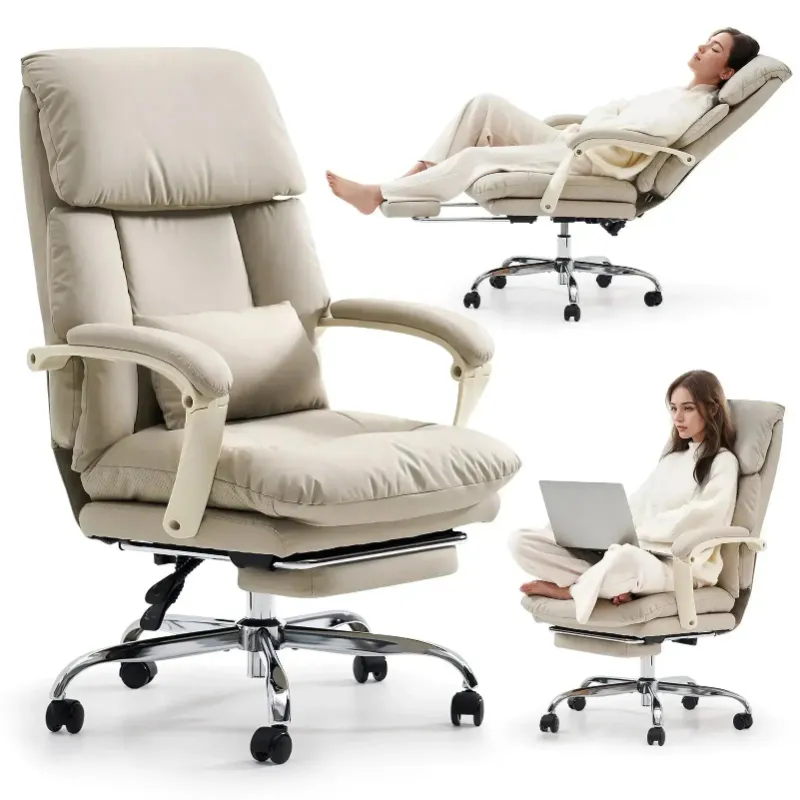
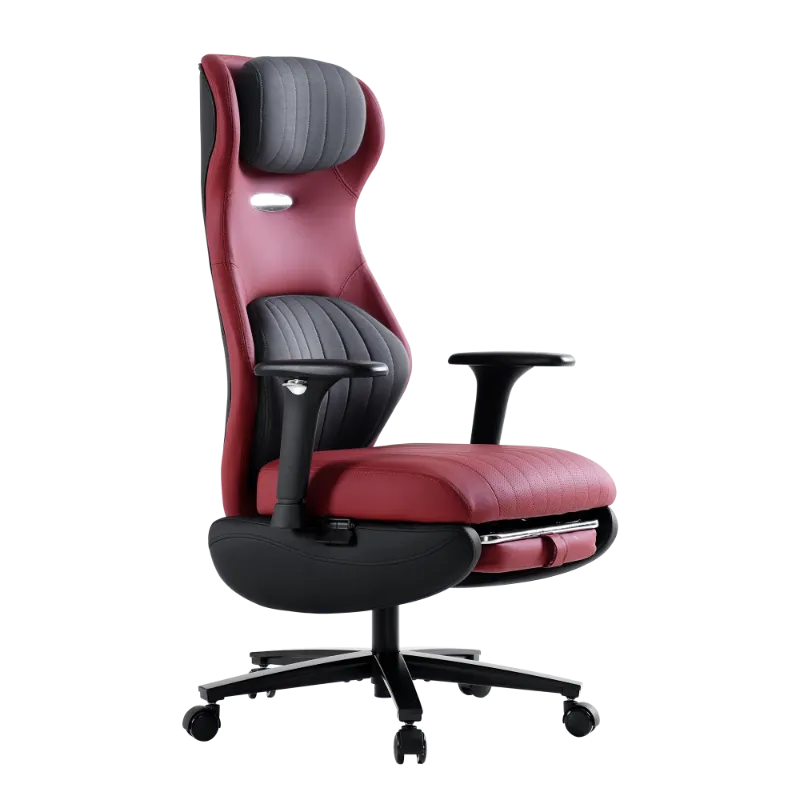 Shopping at EMIAH Store? See the discount code
10% OFF All Orders
Shopping at EMIAH Store? See the discount code
10% OFF All Orders
More in this series
How Long Do Modern Accent Chairs Last? Durability by Material and Brand10 Aug 20265 minOffice Chair Mat vs Carpet Chair Mat: Which One Should You Buy?10 Aug 20266 minHow to Choose Between Leather and Fabric Recliners for Your Living Room10 Aug 20265 minDo You Really Need a Chair Mat for Carpet?10 Aug 20264 minHow to Choose the Best Office Chair for Back Pain10 Aug 20264 min