 A MedAlert guide
How Long Does a Fall Detection Watch Battery Last Between Charges?
A fall detection watch typically lasts 2 to 5 days between charges, depending on the model, features enabled, and how often you use GPS or cellular connectivity.
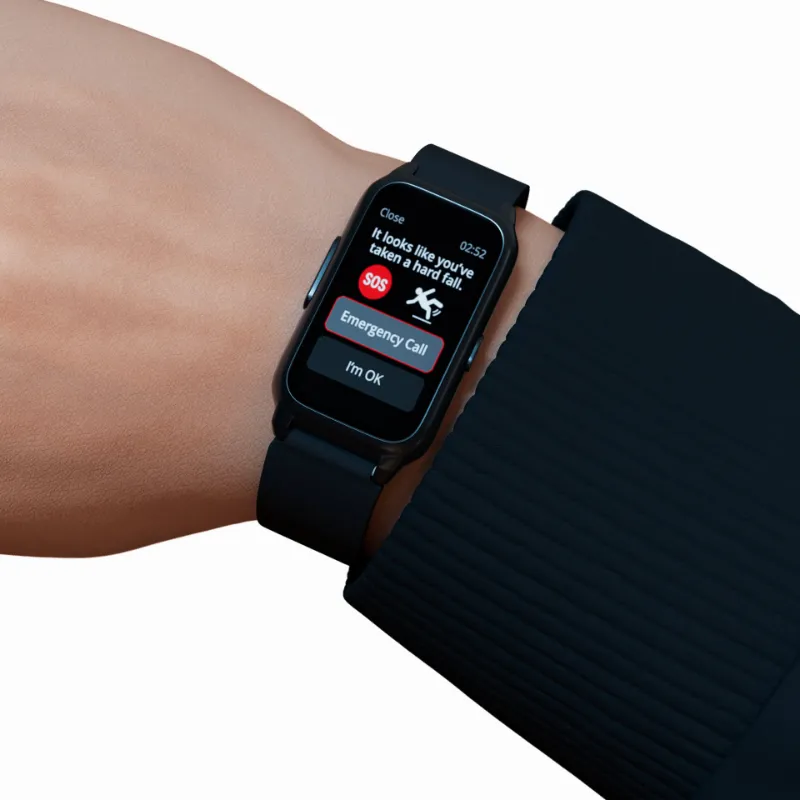
A fall detection watch typically lasts 2 to 5 days between charges, depending on the model, features enabled, and how often you use GPS or cellular connectivity. Most medical alert smartwatch devices balance safety monitoring with practical battery performance, though actual runtime varies widely based on your settings and usage patterns.
What Affects Fall Detection Watch Battery Life
Battery duration depends on several variables that you can control and a few you cannot.
Hardware and capacity set the baseline. Devices with larger physical batteries naturally last longer, but manufacturers must balance battery size with wearable comfort. The medalert platform and similar systems typically use lithium-ion cells rated for 300 to 500 charge cycles before capacity degrades noticeably.

Active monitoring features consume power continuously. Fall detection algorithms run motion sensors and accelerometers in the background, heart rate monitoring adds another drain, and GPS tracking is one of the heaviest consumers. A smart watch for seniors with fall detection that includes cellular connectivity for the response call centre will discharge faster than Bluetooth-only models.
Screen usage matters more than most people expect. Always-on displays, frequent wrist raises, and high brightness settings can cut battery life by 30 to 40 percent. Notifications, alarms, and vibration alerts add incremental drain throughout the day.
Temperature extremes reduce lithium battery efficiency. Cold weather slows chemical reactions inside the cell, while excessive heat accelerates degradation. Store and charge your fall detection watch for seniors in moderate conditions whenever possible.
Typical Battery Life by Watch Type
Different device categories offer distinct trade-offs between features and runtime.
| Watch Type | Typical Battery Life | Key Trade-Off |
|---|---|---|
| Basic SOS watches | 5-7 days | Limited smart features, longer standby |
| Medical alert smartwatches | 2-4 days | Full monitoring, frequent charging |
| Hybrid fitness trackers | 3-5 days | Balanced features and battery |
Basic emergency devices like a simple sos watch for elderly australia prioritize reliability over advanced functions. These often last five to seven days because they limit screen-on time, skip continuous heart rate tracking, and use lower-power Bluetooth rather than cellular radios.
Full-featured medical watches with fall detection, GPS, cellular connectivity, and health tracking typically need charging every two to four days. The The Best Medical Alert Watches of 2026: Expert Reviewed guide confirms this range across leading brands. These devices prioritize comprehensive safety monitoring over extended battery life.
Hybrid models occupy the middle ground. They may disable certain features like continuous heart rate monitoring or reduce GPS sampling frequency to stretch battery to three to five days. Many fall detection watch android compatible devices and those marketed as the best fall detection watch options fall into this category, letting you toggle features based on your daily plans.
When comparing options, check the latest price to see current models and their rated battery specifications.
How to Extend Battery Runtime
You can gain an extra day or two of runtime with smart settings adjustments.
Reduce screen brightness and timeout. Lower your display to 50 percent brightness and set the screen to sleep after 10 seconds of inactivity. Disable always-on display modes unless you genuinely need constant visibility.
Disable unnecessary sensors. If you’re staying home and don’t need GPS tracking, turn it off. Many medical watches let you manually enable GPS only when you leave the house. Similarly, switch continuous heart rate monitoring to periodic checks if your health condition allows.
Limit notifications and vibrations. Each buzz and screen wake drains power. Filter notifications to critical alerts only, especially calls and fall detection warnings. Reduce vibration intensity or switch to tone alerts where appropriate.
Use airplane mode strategically. If you’re in a safe environment with nearby caregivers, airplane mode can extend battery significantly while still allowing fall detection sensors to function. The watch will store any detected falls and alert when you reconnect.
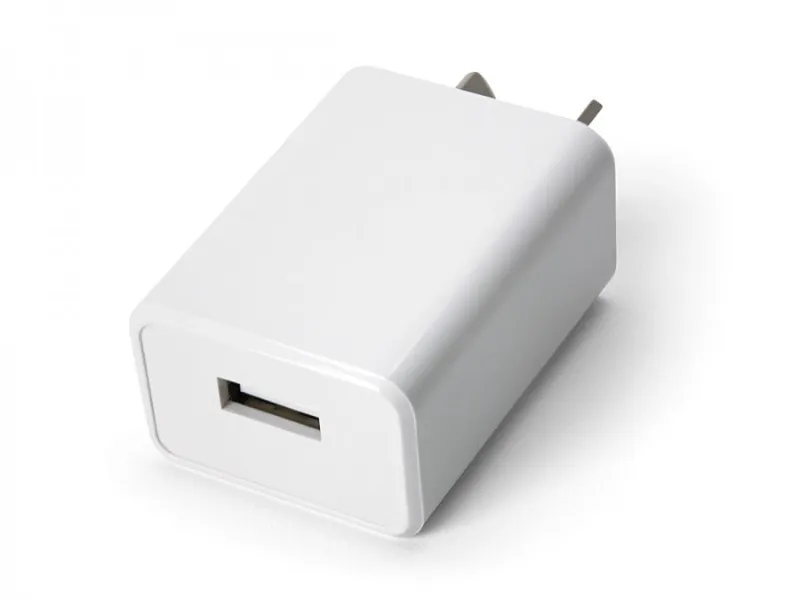
Charge before it drops below 20 percent. Lithium batteries last longer when you avoid deep discharge cycles. Top up your watch daily or every other day rather than waiting until it’s nearly dead. Keep usb wall chargers in multiple locations so charging is convenient.
Update firmware regularly. Manufacturers often release updates that optimize battery management algorithms. These improvements can add hours of runtime without any hardware changes.
Charging Speed and Best Practices
Most wearable safety devices charge fully in 1.5 to 3 hours using standard USB connections.
Charge overnight or during your morning routine. Develop a consistent habit so your watch is always ready. Many users charge while showering and getting dressed, which is enough to top up from 40 percent to full.
Remove the watch for charging. Unlike some consumer smartwatches, medical alert devices typically require removal for charging. Use Fall Detection with Apple Watch demonstrates that even mainstream devices cannot monitor falls while on the charger, so this is not a unique limitation.
Keep charging contacts clean. Wipe both the watch’s charging pins and the cable contacts weekly with a dry cloth. Sweat, soap residue, and skin oils can create resistance that slows charging or prevents a solid connection.
Avoid fast-charging if optional. Standard 5V/1A USB charging is gentler on battery longevity than rapid charge modes. Since most users charge overnight anyway, the extra speed rarely matters.
If you’re evaluating devices based on convenience, grab the code for 10% off current models that may include improved charging solutions.
Who Should Prioritize Longer Battery Life
Certain users benefit more from extended runtime devices.
Individuals with cognitive impairment may forget to charge regularly. For these users, a simpler watch with five to seven day battery life reduces the burden on caregivers to monitor charge levels. The Best Medical Alert Watches of 2026, Tested and Reviewed resource highlights models designed specifically for this scenario.
Active seniors who travel frequently need devices that can handle weekend trips without packing chargers. Look for fall detection watch with no monthly fee options that also offer multi-day battery if you want to minimize ongoing costs and charging hassle.
Users who want set-and-forget operation should choose basic SOS models over feature-rich smartwatches. You’ll sacrifice some functionality but gain the peace of mind that comes with weekly rather than daily charging.
Conversely, tech-comfortable users who already charge phones and other devices daily may prefer full-featured options with two to three day battery life, accepting the trade-off for comprehensive health tracking and connectivity.
What to Expect as Your Watch Ages
Battery capacity degrades naturally over time, regardless of how carefully you maintain the device.
Expect 80 to 90 percent of original capacity within two years of regular use. A watch that initially lasted four days may drop to three or three and a half days. This is normal lithium-ion behavior.
After three to four years, many devices fall to 70 percent capacity or lower. At this point, you may need to charge daily even with conservative settings. Manufacturers typically do not offer battery replacement for sealed wearable devices, so this often signals it’s time to upgrade.
Monitor your charge frequency over time. If you notice a sudden drop in battery life rather than gradual decline, check for firmware updates, reset the device, or contact support. Abrupt changes can indicate software issues rather than natural degradation.
For current pricing on the latest models with improved battery technology, visit the store page to compare options and see what advancements are available since your last purchase.
Questions
How often do I need to charge a fall detection watch?
Most fall detection watches need charging every 2 to 5 days depending on features and usage. Basic SOS models may last up to a week, while full-featured medical alert smartwatches with GPS and cellular typically require charging every 2 to 3 days.
Can I still use fall detection while my watch is charging?
No, nearly all fall detection watches must be removed for charging, which disables monitoring during that time. Plan to charge during activities when you're safe and supervised, such as showering or during meals with family.
What drains the battery fastest on a medical alert watch?
GPS tracking and cellular connectivity drain battery fastest, followed by always-on displays and continuous heart rate monitoring. Disabling GPS when you're home and reducing screen brightness can extend battery life by a full day or more.
Will my smartwatch for seniors battery life decrease over time?
Yes, lithium batteries naturally degrade to about 80-90% of original capacity after two years. A watch that initially lasted four days may only last three days within two years of regular use, and this decline accelerates after year three.
Do fall detection watches with no monthly fees have better battery life?
Not necessarily. Battery life depends more on features like GPS and cellular connectivity than on subscription models. Some no-fee devices use Bluetooth-only connections which do save power, but the correlation is not absolute.
How long does it take to fully charge a medical alert watch?
Most wearable safety devices charge fully in 1.5 to 3 hours using a standard USB connection. Many users charge during morning routines or meals, which provides enough time to top up from partial charge to full.
Products in this guide
Shopping at MedAlert? See the discount code
10% OFF All Orders
More in this series
Can You Use Any USB Wall Charger with Your Medical Alert Watch?16 Sep 20264 minWhat to Look for When Choosing an SOS Watch for Elderly Parents16 Sep 20265 minDo Medical Alert Response Call Centres Work 24/7 in Australia?16 Sep 20264 minFall Detection Watch vs Traditional Medical Alert: Which Offers Better Protection?16 Sep 20266 minHow to Set Up Your Medical Alert Smartwatch for the First Time16 Sep 20265 min