 A Fosi Audio guide
The Complete Guide to Setting Up a 2.1 System With the Fosi Audio MC351
The fosi audio mc351 2.1 channel integrated amplifier gives you everything you need to build a powerful 2.1 system with stereo speakers and a subwoofer in one compact unit.
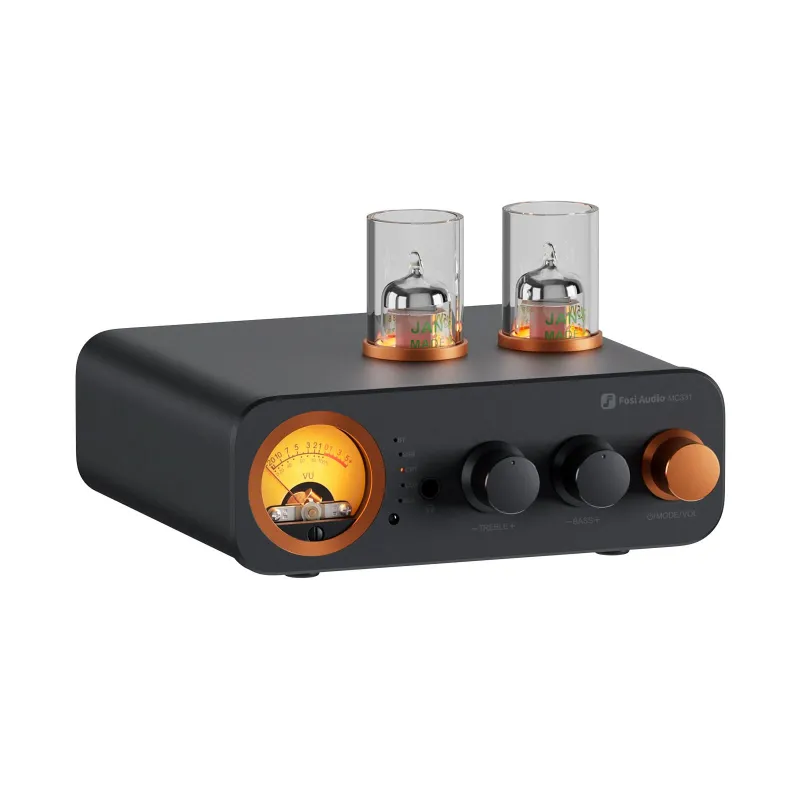
The fosi audio mc351 2.1 channel integrated amplifier gives you everything you need to build a powerful 2.1 system with stereo speakers and a subwoofer in one compact unit. This guide walks you through choosing compatible gear, connecting your sources, placing your speakers, and dialing in the subwoofer for balanced sound.
What Makes the MC351 Ideal for a 2.1 Setup
The MC351 solves the usual headache of matching separate stereo and subwoofer amplifiers. It delivers 2 x 80W to your bookshelf or tower speakers plus a dedicated subwoofer output with adjustable crossover and phase control. The built-in DAC handles USB, optical, and coaxial digital inputs, while the Bluetooth 5.0 receiver lets you stream wirelessly without an external adapter.
We appreciate the analog VU meters on the front panel. They give real-time feedback when you’re setting gain levels, so you avoid clipping or running the sub too hot. The Fosi Audio MC351 2.1 Integrated Amplifier has been praised by reviewers for packing this much functionality into a single chassis without sacrificing build quality.
Choosing Your Speakers and Subwoofer
Your speakers matter more than the amplifier in most cases. The MC351 works with any passive bookshelf or floor-standing speaker rated 4 to 8 ohms. Aim for speakers with a sensitivity of 85 dB or higher so the 80W per channel drives them to comfortable listening levels in a medium-sized room.
For the subwoofer, you need a powered model with its own built-in amplifier. The MC351’s sub output is line-level, not speaker-level, so it connects to the sub’s RCA input. Look for a subwoofer with adjustable volume, phase, and crossover controls to fine-tune integration with your mains.
- Bookshelf speakers: 4 to 8 ohms, 85+ dB sensitivity, ported or sealed
- Powered subwoofer: RCA line input, 8 to 12 inch driver for music or movies
- Speaker wire: 16 AWG or thicker for runs under 25 feet
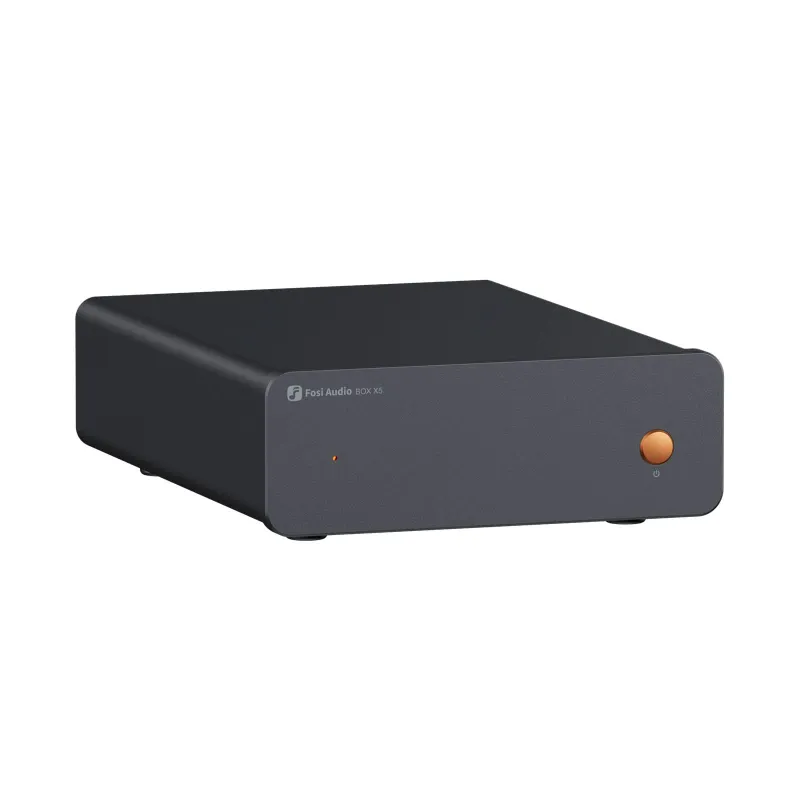
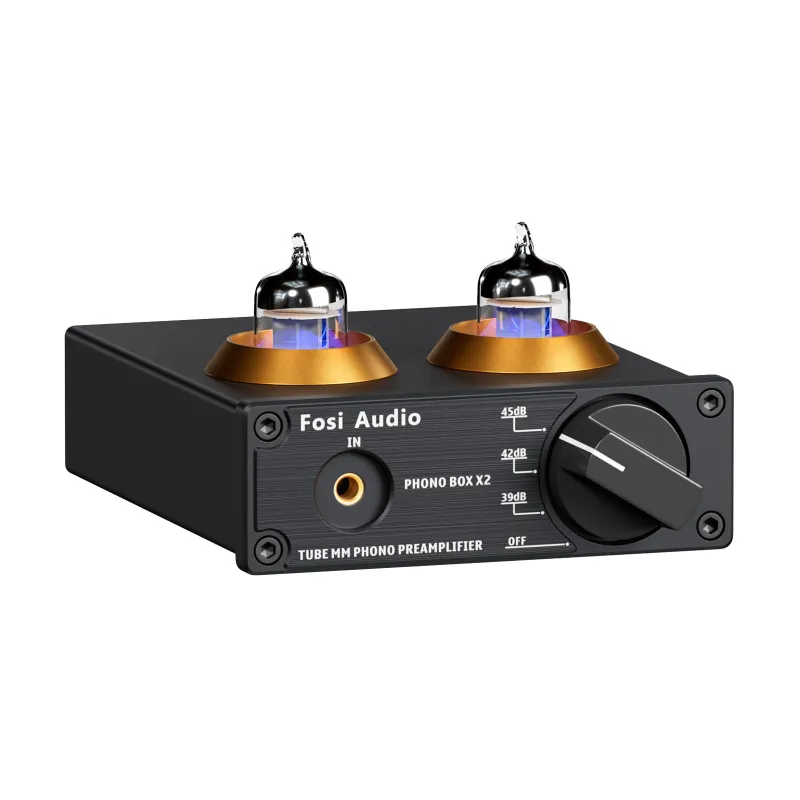
If you already own a phono preamp for vinyl or a turntable preamp, the MC351’s RCA inputs accept those directly. For digital sources like a PC or streaming box, the onboard DAC handles the conversion.
Connecting Your Sources to the MC351
The MC351 offers five input options: USB, optical, coaxial, Bluetooth, and analog RCA. Start with digital inputs when possible because the internal DAC delivers cleaner sound than most budget source devices.
Digital connections
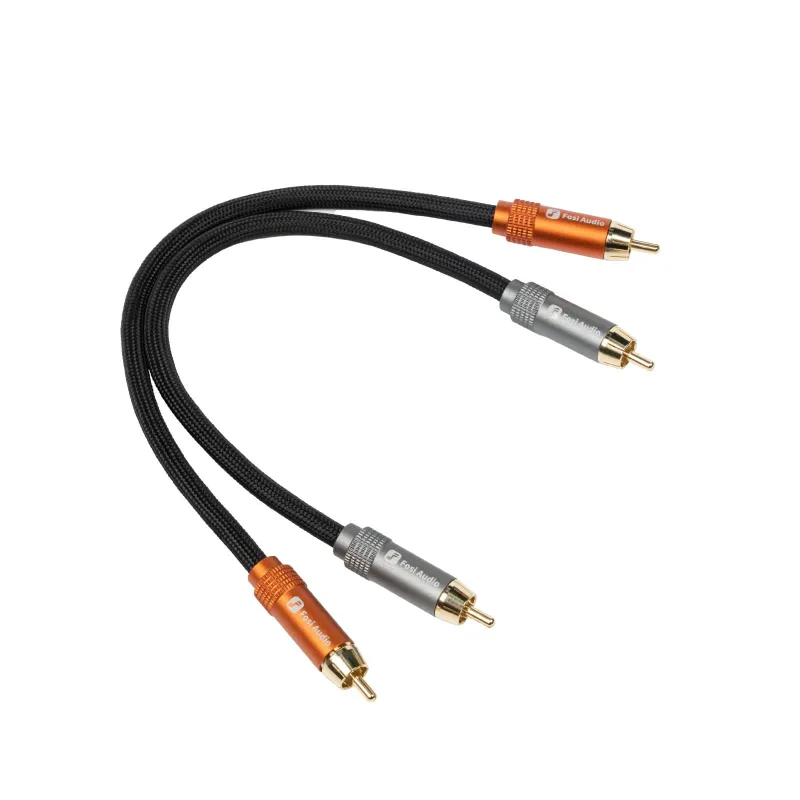
- USB: plug your computer or music server into the USB Type-B port on the rear panel. The MC351 shows up as a UAC 2.0 audio device and supports up to 24-bit/192 kHz PCM.
- Optical (TOSLINK): connect your TV, game console, or CD transport with a standard optical cable. This input also handles 24/192 PCM.
- Coaxial: use a 75-ohm RCA digital cable (not the same as an analog rca to rca cable) for devices with coaxial S/PDIF output.
Analog and wireless
- RCA: the two pairs of analog RCA inputs work for turntables with a built-in preamp, tape decks, or any line-level source. If your turntable lacks a preamp, add one first.
- Bluetooth: pair your phone or tablet by pressing the Bluetooth button on the front panel. The MC351 uses aptX for better-than-SBC quality when your source device supports it.
Switch between inputs using the rotary encoder on the front. The display shows the active source and current volume level.
For vinyl enthusiasts, check the latest price on a compatible turntable preamp to unlock the MC351’s analog inputs.
Speaker and Subwoofer Placement for Balanced Sound
Placement shapes your system’s soundstage and bass response more than any EQ setting. Start with your main speakers, then add the subwoofer last.
Positioning the mains
Place your left and right speakers at ear height when seated, angled slightly toward your listening position to form a 60-degree triangle. Pull them at least two feet from the rear wall to reduce boomy bass and improve imaging. Avoid tucking them into corners unless the speakers are specifically designed for boundary reinforcement.
Integrating the subwoofer
Subwoofers are less directional below 80 Hz, but placement still matters. Try these common starting points:
- Front wall center: between the main speakers for seamless integration with the mains
- Corner loading: amplifies bass output but can cause room modes and uneven response
- Subwoofer crawl: place the sub at your listening position, play bass-heavy music, then crawl around the room’s perimeter to find where bass sounds smoothest; swap the sub to that spot
Set the MC351’s crossover between 60 and 80 Hz depending on your main speakers’ low-frequency extension. Smaller bookshelf models benefit from an 80 Hz crossover, while larger towers with 6.5-inch or bigger woofers work better at 60 Hz. Adjust the phase switch if you hear a dip or cancellation at the crossover frequency.
The Fosi Audio MC351 – 2.1 Channels Integrated Amplifier with… review highlights the importance of taking time with phase alignment to achieve cohesive bass.
Dialing in Gain and Crossover Settings
Once everything is wired and positioned, you need to balance the subwoofer level with your mains. Start with both the MC351’s master volume and the subwoofer’s own volume knob at 50 percent.
Play a familiar track with steady bass content. Gradually raise the sub’s volume until you feel the bass reinforcing the mains without overwhelming them. The goal is to hear bass extension, not locate the subwoofer by ear. If you can point to where the sub sits with your eyes closed, turn it down.
Use the VU meters on the MC351 to confirm you’re not clipping the main channels. The needles should swing into the yellow zone on loud passages but never pin into the red. If they do, lower the input gain on your source device or reduce the MC351’s volume.
The crossover control on the MC351 sets the frequency where the subwoofer takes over from the mains. Match this to your speakers’ rated low-frequency response. If your bookshelves roll off at 60 Hz, set the crossover to 60 or 70 Hz so the sub fills in below that point without doubling up in the overlap region.
Comparing the MC351 to Separate Stereo and Sub Amps
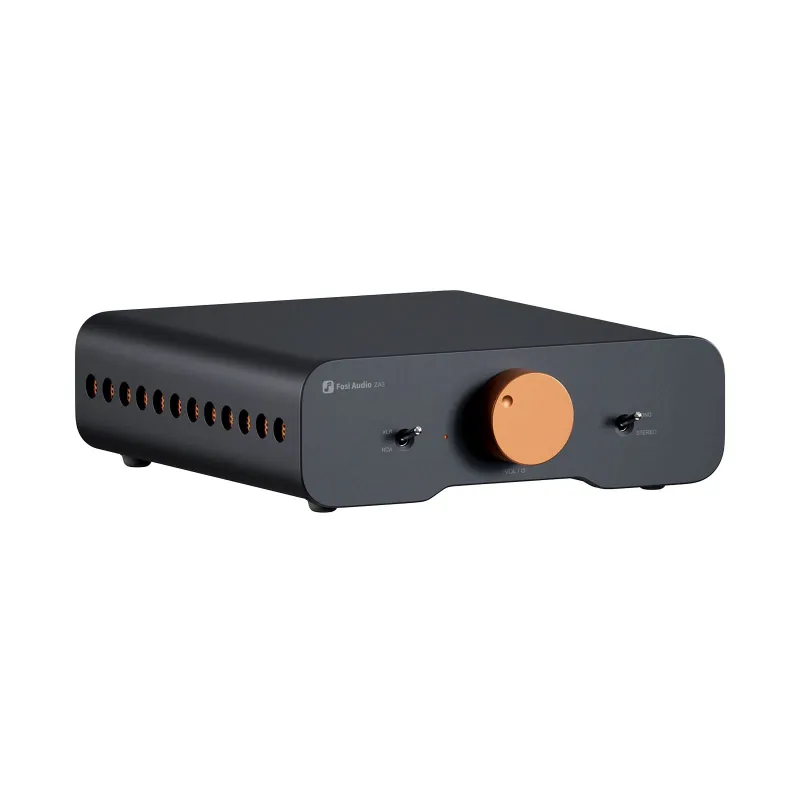
You could also build a 2.1 system with a standalone stereo amplifier like the fosi audio za3 balanced stereo amplifier plus a separate sub amp, but you’d need a Y-splitter or preamp with dual outputs to feed both units. The MC351 eliminates that complexity and costs less than buying two boxes.
| Feature | MC351 Integrated | Separate Stereo + Sub Amp |
|---|---|---|
| Input flexibility | USB, optical, coaxial, BT, RCA | Usually analog RCA only |
| Crossover control | Built-in variable crossover | Requires external crossover or Y-split |
| Desk footprint | Single chassis | Two units plus extra cabling |
| Total cost | Mid-range single purchase | Often higher combined price |
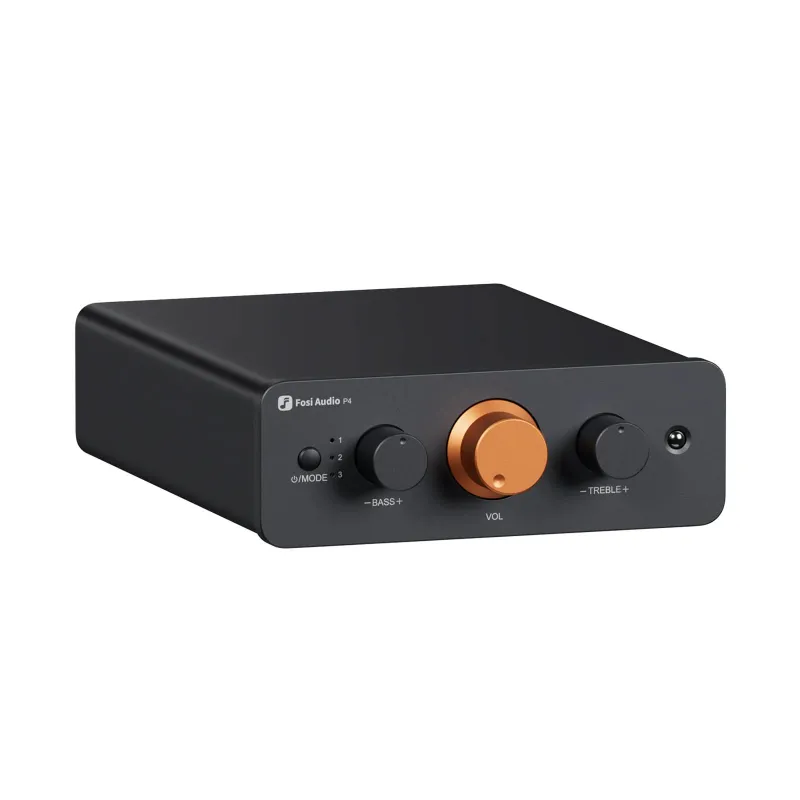
The trade-off is upgradeability. Separates let you swap the stereo amp or subwoofer amp independently as your needs change. The MC351 locks you into its 80W per channel and single sub output. For most desktop or small-room setups, that’s plenty of power. Larger spaces may benefit from a dedicated power amplifier like the p4 paired with a separate preamp.
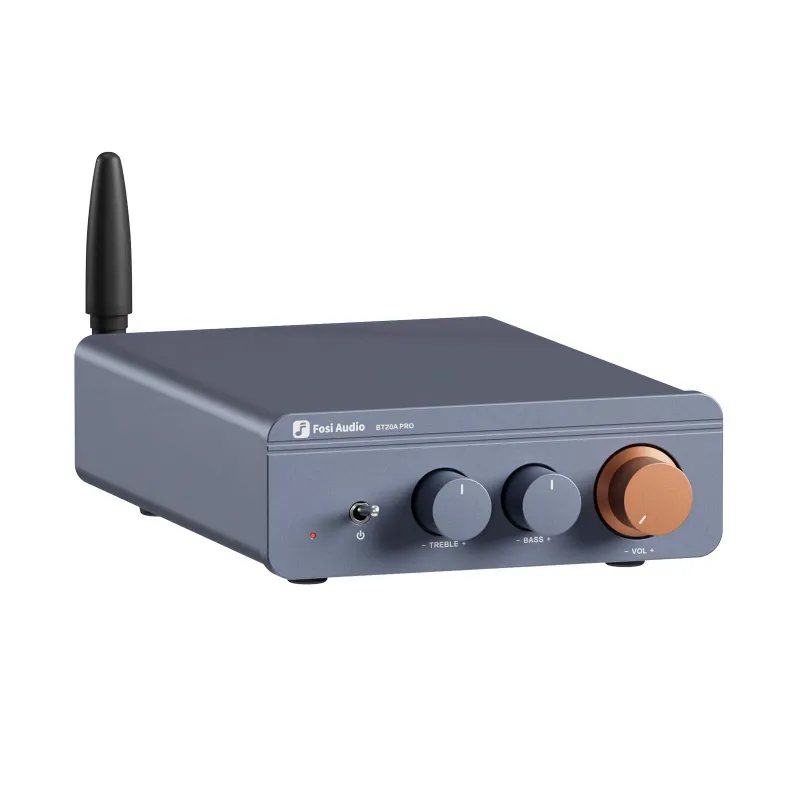
If you need Bluetooth but already own a stereo amp, the fosi audio bt20a bluetooth stereo receiver adds wireless streaming without replacing your entire chain. For pure desktop duty with headphone output, the fiio k7 offers a different approach built around headphone listening first.
Troubleshooting Common Setup Issues
No sound from the subwoofer: confirm the RCA cable runs from the MC351’s sub output to the powered subwoofer’s line input, not its speaker-level input. Check that the subwoofer is powered on and its volume knob is above zero.
Hum or ground loop noise: try lifting the ground on one component using a three-prong to two-prong adapter (only if local electrical codes permit), or insert a ground loop isolator in the analog signal path.
Muddy or boomy bass: lower the subwoofer volume or move it away from corners. Verify the crossover isn’t set too high, causing overlap with the mains’ natural bass response.
Bluetooth dropouts: reduce distance between your source device and the MC351, or switch to a wired USB or optical connection for critical listening sessions.
The MC351 ships with a 24V power supply. Make sure it’s fully seated in the rear panel jack. Loose power connections cause intermittent dropouts that mimic other problems.
For the best deal on the MC351 and matching accessories, grab the code for 10 percent off your order.
Who This Setup Suits Best
The MC351-based 2.1 system works well for desktop audio, nearfield studio monitoring, bedroom or den home theater, and vinyl playback in small to medium rooms. It’s overkill for ultra-compact desktop setups where a simple audio amp and passive speakers would suffice, but it shines when you want clean bass extension without juggling multiple boxes and cables.
We recommend it if you value simplicity and integrated features over raw power or future expandability. The built-in DAC and Bluetooth receiver save desk space and eliminate extra wall warts. The VU meters add a retro aesthetic that pure function-focused amps skip.
If you already own separates or plan to grow into a multi-channel home theater system, consider an amplifier and subwoofer bundle designed for expansion. The MC351 stays locked at 2.1 channels with no provisions for center or surround speakers. For purists chasing the last bit of transparency, external DACs and discrete amplifier topologies still hold an edge, but you’ll pay significantly more for incremental gains.
The Fosi Audio MC351 2.1 Channel Integrated Amplifier with… combines convenience, solid specifications, and an attractive price point that’s hard to beat in the compact integrated amplifier category.
Questions
Does the Fosi Audio MC351 need an external DAC for digital sources?
No, the MC351 includes a built-in DAC that handles USB, optical, and coaxial inputs up to 24-bit/192 kHz. An external DAC is optional unless you already own a high-end unit you prefer.
Can I connect a turntable directly to the MC351?
Only if your turntable has a built-in phono preamp. If it doesn't, you'll need to add an external phono preamp between the turntable and the MC351's analog RCA inputs.
What size subwoofer works best with the MC351?
An 8 to 12 inch powered subwoofer with RCA line input suits most rooms. Smaller spaces work fine with an 8-inch model, while larger rooms benefit from a 10 or 12-inch driver for deeper extension.
How do I fix bass that sounds muddy or too loud?
Lower the subwoofer's volume knob, move it away from corners, or adjust the MC351's crossover frequency lower to reduce overlap with your main speakers' bass response.
Is 80 watts per channel enough for bookshelf speakers?
Yes, 80 watts drives most bookshelf speakers to loud levels in small to medium rooms, especially if they have 85 dB sensitivity or higher. Larger rooms or low-sensitivity speakers may need more power.
Can I use the MC351 with active studio monitors instead of passive speakers?
No, the MC351 is designed for passive speakers. Active monitors have built-in amplifiers and require line-level signals, not amplified speaker outputs.
Products in this guide
 Shopping at Fosi Audio? See the discount code
10% OFF Sitewide
Shopping at Fosi Audio? See the discount code
10% OFF Sitewide
More in this series
What Cable Length Works Best for RCA to RCA Connections in Home Audio?30 Jul 20264 minFosi Audio P4 Preamp: What It Does and Who It Suits30 Jul 20263 minDo You Need a Separate DAC With the Fosi Audio ZA3 Amplifier?30 Jul 20264 minHow to Connect a Turntable Preamp to Your Fosi Audio Amplifier30 Jul 20265 minFosi Audio BT20A vs FiiO K5 Pro: Which Budget Audio Solution Is Right for Your Setup?30 Jul 20264 min