 A BuzzTV Direct guide
BuzzTV Powerstation 6 Unlimited Review: Is the Upgrade Worth It?
The buzztv powerstation 6 unlimited is the top-tier Android streaming device from BuzzTV, but deciding whether the extra RAM and storage justify the premium requires a closer look at real-world performance.
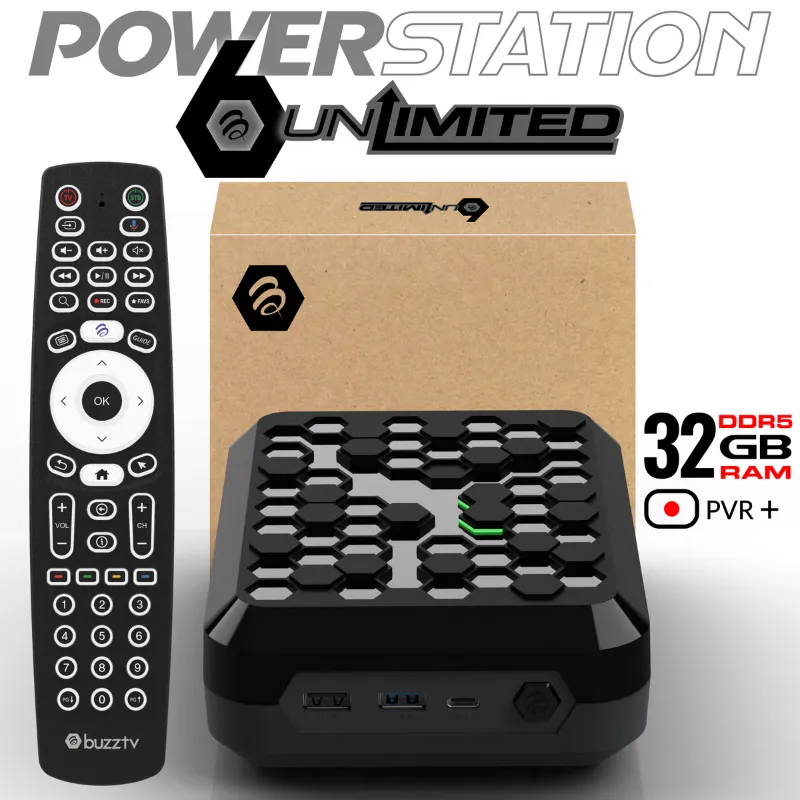
The buzztv powerstation 6 unlimited sits at the top of BuzzTV’s streaming lineup with 16GB of RAM and expanded storage, positioning itself as a premium Android box for power users. This comparison with the standard buzztv powerstation 6 breaks down exactly where the extra investment pays off and where it doesn’t matter.
This review breaks down the hardware differences, real-world streaming performance, and whether most users should stick with the standard model or spring for the Unlimited edition.
What Sets the BuzzTV Powerstation 6 Unlimited Apart
The Unlimited model shares the same Amlogic S928X-J processor as the standard buzztv p6, but doubles the RAM from 8GB to 16GB and increases storage from 128GB to 256GB. Both versions support Wi-Fi 6, Gigabit Ethernet, Dolby Vision, and HDR10+.
Here’s how the specs compare:
| Feature | Standard P6 | P6 Unlimited |
|---|---|---|
| RAM | 8GB | 16GB |
| Storage | 128GB | 256GB |
| Processor | Amlogic S928X-J | Amlogic S928X-J |
| Connectivity | Wi-Fi 6, Gigabit LAN | Wi-Fi 6, Gigabit LAN |
The processor remains identical, which means raw streaming capability and codec support don’t change between models. The P6 PowerStation Unlimited official page lists the full technical specifications if you need deeper hardware details.
For current pricing on either model, check our discount code page where we maintain an active 10% off code for BuzzTV Direct.
Performance: Where 16GB RAM Actually Matters
Here’s where the extra RAM delivers tangible benefits in typical streaming scenarios.
Heavy multitasking: If you frequently switch between multiple streaming apps, live TV services, and background downloaders without closing anything, the 16GB model keeps everything in memory. Apps tend to reload faster, and the extra memory heads off the app reloads that can happen on the standard 8GB version when several apps run at once.
Large libraries: Users with massive local media collections stored on network drives see smoother library scanning and faster thumbnail generation. Kodi and Plex tend to handle large libraries (10,000+ files) more smoothly on higher-RAM devices, where lower-RAM models can stutter.
Future-proofing: Android TV updates and app bloat trend upward. The extra headroom means the device should remain responsive longer as apps grow more demanding over the next three to five years.
Where it doesn’t matter: Casual streaming from Netflix, Disney+, or YouTube shows no difference. Both models handle 4K HDR content identically. Gaming performance is processor-limited, not RAM-limited for Android TV titles.
Independent testing from TroyPoint confirms the Powerstation 6 line delivers benchmark scores that rival devices costing significantly more, though their review focused on the standard model.
BuzzTV Powerstation 6 Unlimited vs NVIDIA Shield Pro
This comparison comes up constantly because both target the premium Android streaming market at similar price points.
The Shield Pro offers superior gaming performance thanks to its Tegra X1+ processor and GeForce NOW integration. It also receives faster software updates directly from NVIDIA and includes AI upscaling for lower-resolution content.
The buzztv powerstation 6 unlimited counters with more RAM (16GB vs 3GB), vastly more storage (256GB vs 16GB), and newer connectivity standards including Wi-Fi 6. For pure streaming and local media playback, the BuzzTV hardware is objectively more robust.
Choose the Shield Pro if gaming matters or you prioritize long-term software support. Choose the Unlimited if you need serious multitasking capability, store large amounts of content locally, or run multiple services simultaneously. Lon Seidman’s detailed comparison walks through additional differences worth considering.
Who Should Buy the Unlimited Edition
The buzztv powerstation 6 unlimited makes sense for specific user profiles:
- Power users who run VPN services, ad blockers, custom launchers, and multiple streaming apps simultaneously
- Local media enthusiasts with extensive Plex, Jellyfin, or Kodi libraries stored on NAS devices
- Cord-cutters juggling live TV services, DVR apps, and traditional streaming platforms all at once
- Long-term buyers who plan to keep the device for five-plus years and want maximum future-proofing
Skip the Unlimited and save money with the buzztv powerstation 6 standard model if you primarily use one or two streaming services, don’t store media locally, and close apps when finished. The 8GB version handles typical streaming workloads perfectly.
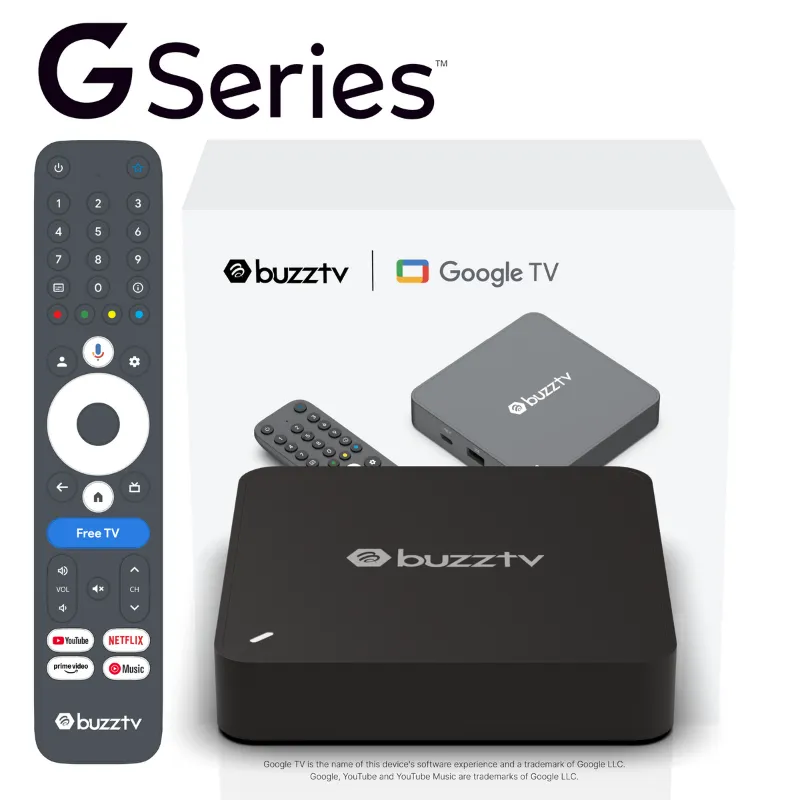
If you’re upgrading from an older buzz box or buzz box tv model, either P6 version represents a massive performance leap. The processor upgrade alone delivers smoother navigation and eliminates the buffering issues that plagued earlier generations.
Setup and Remote Control Options
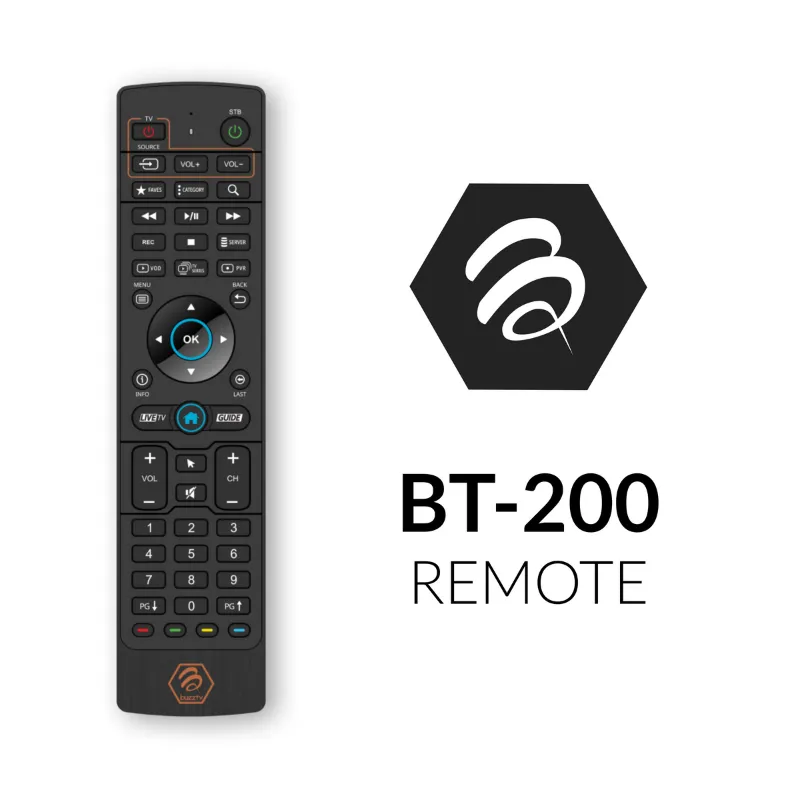
Both Powerstation 6 models ship with BuzzTV’s standard infrared remote. It’s functional but basic. We strongly recommend pairing one of the Bluetooth remotes for voice search and more responsive navigation.
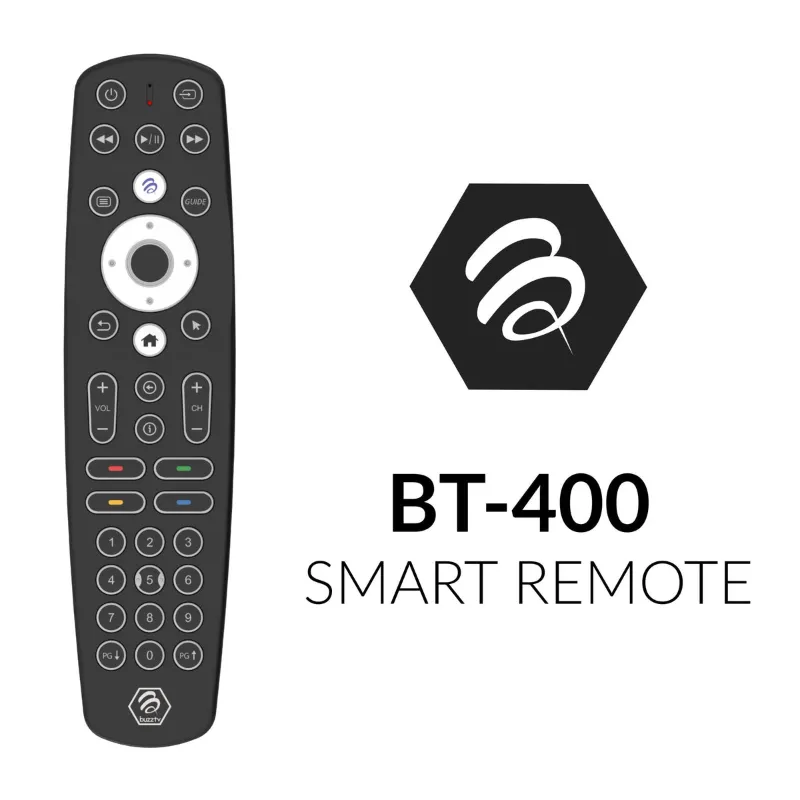
The bt remote control adds backlit keys and voice input, while the bt remote control tv includes programmable TV power and volume controls. Either option significantly improves the daily experience compared to the included IR remote. You can also use the buzz tv remote app on your phone if you prefer touchscreen control.
Initial setup takes roughly ten minutes. The device walks you through Wi-Fi connection, Google account sign-in, and app installation. BuzzTV’s custom launcher organizes apps cleanly, though you can install alternative launchers if preferred.
Storage and Expandability
The 256GB internal storage on the Unlimited model provides ample room for apps, cache, and local downloads. Installing 40+ apps, including large games, still leaves plenty of storage free.
Both models include USB 3.0 ports and support external drives up to 2TB without performance issues. If you plan to use external storage heavily anyway, the extra 128GB of internal space becomes less critical, which tilts value back toward the standard model.
Network storage via SMB and NFS works flawlessly on both versions. Check that your network setup can handle it (Gigabit Ethernet is recommended) if you plan to stream high-bitrate 4K remux files from a NAS.
Final Verdict: Should You Pay Extra for Unlimited?
The buzztv powerstation 6 unlimited delivers measurable benefits for users who genuinely need 16GB of RAM and 256GB of storage. If your usage patterns involve heavy multitasking, large media libraries, or running resource-intensive services, the upgrade pays dividends in smoother performance and longer device lifespan.
For mainstream streamers who primarily watch Netflix, YouTube, and similar services without excessive app-hopping, the standard buzztv powerstation 6 offers identical streaming quality at lower cost. The processor and connectivity remain the same, so you’re not sacrificing video performance.
Before deciding, grab our discount code to see current pricing with 10% off. The price difference between models shifts the value calculation, and periodic sales sometimes narrow the gap enough to make Unlimited the obvious choice even for moderate users.
Both versions represent solid investments in Android streaming hardware with specs that should remain competitive for years. Your specific workflow determines which tier makes financial sense.
Questions
What is the main difference between the BuzzTV Powerstation 6 and the Unlimited version?
The Unlimited model doubles the RAM from 8GB to 16GB and increases storage from 128GB to 256GB. Both use the same processor, so streaming quality is identical, but the Unlimited handles multitasking and large app libraries better.
Is 16GB of RAM overkill for streaming?
For basic streaming from one or two apps, yes. But if you run multiple services simultaneously, use Kodi or Plex with large libraries, or keep many apps open at once, the extra RAM prevents slowdowns and app reloads.
Can I use the standard BuzzTV remote with the Powerstation 6 Unlimited?
The device ships with an IR remote, but we recommend upgrading to one of the Bluetooth remote options for voice search and better responsiveness. Any BuzzTV Bluetooth remote works with both P6 models.
Does the BuzzTV Powerstation 6 Unlimited support 4K and Dolby Vision?
Yes, both the standard and Unlimited models support 4K, HDR10+, and Dolby Vision. Video quality and codec support are identical between the two versions.
How much storage do I really need on an Android streaming box?
Most users find 128GB sufficient for apps and cache. Choose 256GB if you download content locally, install many large games, or want extra room for future app updates without managing storage.
Is the Powerstation 6 Unlimited better than the NVIDIA Shield Pro?
It depends on priorities. The BuzzTV has more RAM and storage, making it better for multitasking and local media. The Shield Pro offers superior gaming, faster updates, and AI upscaling. For pure streaming power, the Unlimited wins on specs.
Products in this guide
 Shopping at BuzzTV Direct? See the discount code
10% OFF All Orders
Shopping at BuzzTV Direct? See the discount code
10% OFF All Orders
More in this series
BuzzTV P6 Setup Guide: Installing Apps and Optimizing Performance13 Aug 20265 minHow Long Do BuzzTV Streaming Devices Last With Daily Use?13 Aug 20265 minWhy Does My BuzzTV Remote Stop Responding and How to Fix It13 Aug 20264 minHow to Set Up Your BuzzTV Remote Control in Under 5 Minutes13 Aug 20264 minBuzzTV Powerstation 6 vs Buzz Box: Which Streaming Device Should You Buy?13 Aug 20265 min