 A Vintage Radar guide
Armitron Sport Digital Chronograph: How to Set All Functions and Alarms
The armitron sport women's digital chronograph resin watch offers multiple alarms and timers, but you need to master its four-button interface first.
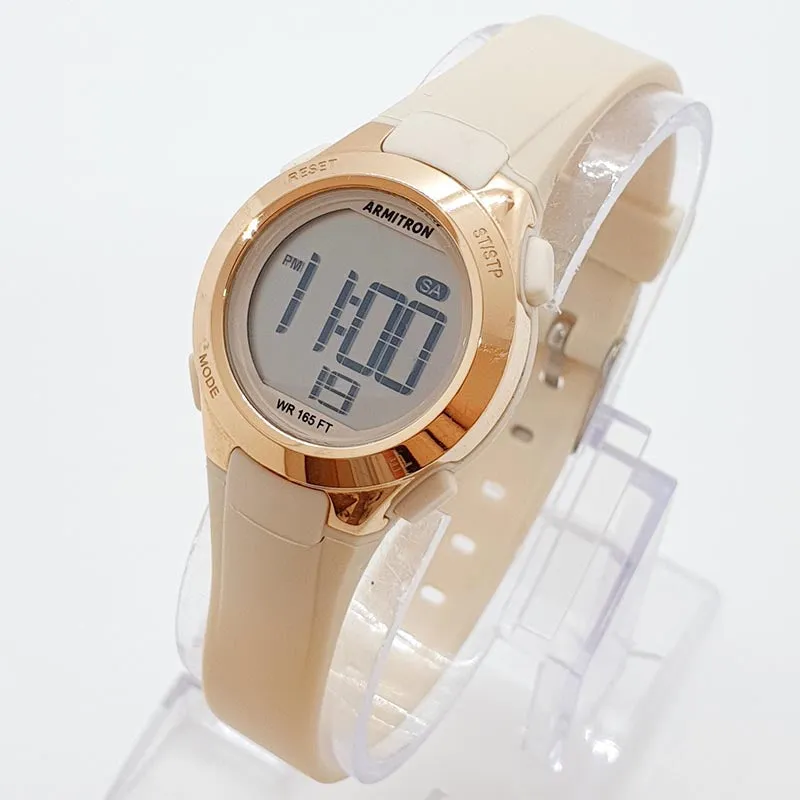
The armitron sport women’s digital chronograph resin watch uses a four-button layout to control time, alarms, chronograph, and backlight functions. Once you understand the button sequence, setting every feature takes under two minutes.
This guide walks you through every setting mode so you can configure your watch without guessing which button does what.
Understanding the Four-Button Layout on Your Armitron Digital Watch
Most Armitron sport digital chronographs use the same control scheme. The top-left button (Mode) cycles through time, alarm, chronograph, and timer displays. The bottom-left button (Light) activates the backlight and sometimes toggles 12/24-hour format when held. The top-right button (Start/Stop or ST/SP) advances values or starts the chronograph. The bottom-right button (Reset or Set) confirms selections or resets the stopwatch.
Your specific model may label buttons slightly differently, but the positions remain consistent across the armitron sport women’s digital chronograph resin watch lineup. If your buttons are worn smooth, remember: left side navigates and illuminates, right side adjusts and confirms.
How to Set the Time and Date
Press the Mode button until you see the normal time display (not alarm or chrono mode). Hold the bottom-right button for two to three seconds until the seconds digits flash. This enters time-setting mode.
Follow this sequence:
- Press the top-right button to zero the seconds, then press bottom-right to move to the hour setting
- The hour will flash, press top-right to advance the hour, watching for AM/PM indicator changes
- Press bottom-right to move to minutes, then top-right to adjust
- Continue pressing bottom-right to cycle through month, date, and day-of-week settings, using top-right to change each value
- Press bottom-right one final time to exit and save
If you need to check the latest price or verify your exact model number, Vintage Radar often stocks multiple Armitron sport variants with slight feature differences.
Setting Alarms and Hourly Chime
Press Mode until you reach alarm mode (usually marked with an alarm bell icon or “AL”). Most Armitron digital watches include one to three independent alarms.
To set the first alarm, hold the bottom-right button until the hour flashes. Use the top-right button to set the alarm hour, then press bottom-right to switch to minutes. Adjust minutes with the top-right button and press bottom-right to save.
Toggle the alarm on or off by pressing the top-right button briefly while in alarm view, a small bell icon appears when active. Some models include an hourly chime setting in the same mode; cycle through with Mode and toggle it separately.
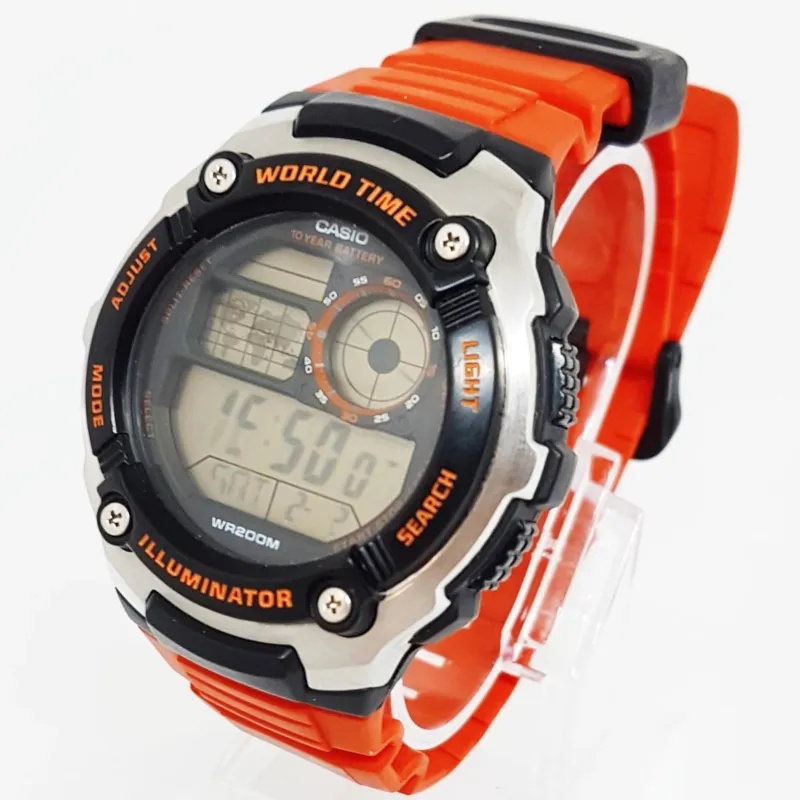
Unlike simpler options like a basic casio watch, the Armitron sport chronograph lets you set multiple alarms without switching to a phone app. If you travel across time zones frequently, consider the citizen watches range for world-time complications, but for straightforward multi-alarm needs, the Armitron delivers.
Using the Chronograph and Split-Time Functions
Press Mode until you see “CHR” or a stopwatch icon. The chronograph starts at 00:00.00 and can track up to 24 hours on most models.
Basic stopwatch operation:
- Press the top-right button to start timing
- Press it again to stop
- Press the bottom-right button to reset to zero
Split-time (lap) timing:
- Press top-right to start
- Press bottom-right to freeze the display while the chronograph keeps running in the background
- Press bottom-right again to catch up to the running time
- Press top-right to stop the final time, then bottom-right to reset
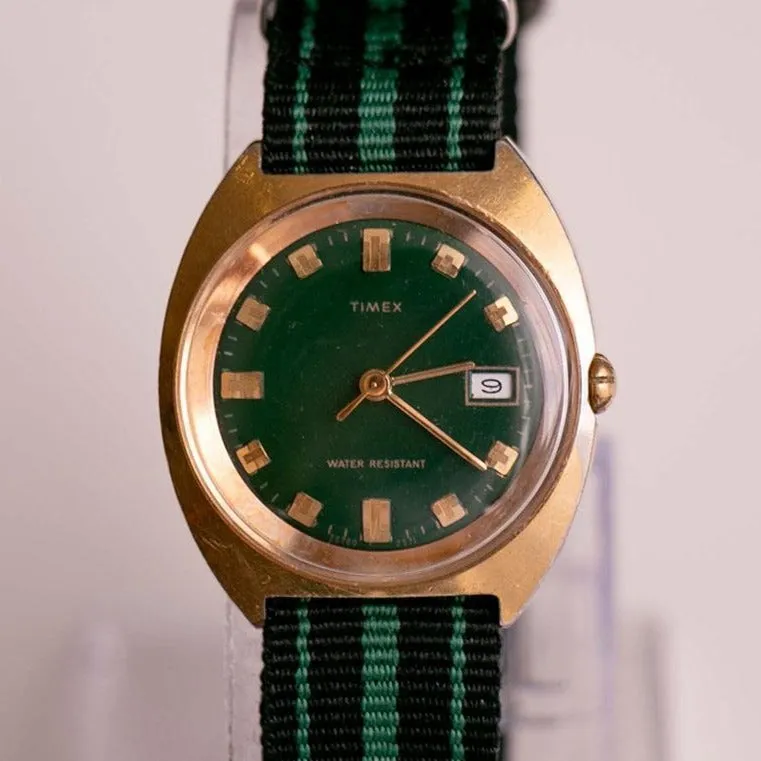
This split function is useful for interval training or tracking lap times without stopping the overall session. If you prefer analog aesthetics with mechanical reliability, a timex men’s mechanical automatic watch with fabric strap offers visible movement but no digital timing features.
Activating the Backlight and Display Options
Press the bottom-left button briefly to activate the electroluminescent backlight for three to five seconds. The light works best in total darkness; in bright conditions, the resin case and high-contrast LCD provide excellent readability without it.
Some Armitron models allow you to toggle 12-hour versus 24-hour format by holding the bottom-left button for several seconds while in time mode. If the display shows military time and you prefer standard AM/PM, try holding that button until the format switches.
You can grab the code for 10% off if you’re adding a second Armitron for a different activity, many runners keep one watch for trail use and another for pool workouts, since the resin strap handles chlorine better than fabric or leather options.
Comparing Armitron Digital Chronographs to Other Sport Watches
We’ve compared the armitron sport women’s digital chronograph resin watch against popular alternatives to help you decide if it meets your needs.
| Feature | Armitron Sport Digital | Casio Sport Digital | Timex Ironman |
|---|---|---|---|
| Alarms | 1 to 3 independent alarms | 3 to 5 alarms | 1 to 3 alarms |
| Backlight | EL backlight | LED or EL | Indiglo |
| Water resistance | 100m typical | 50 to 100m | 100m |
| Price range | Budget-friendly | Budget to mid | Mid-range |
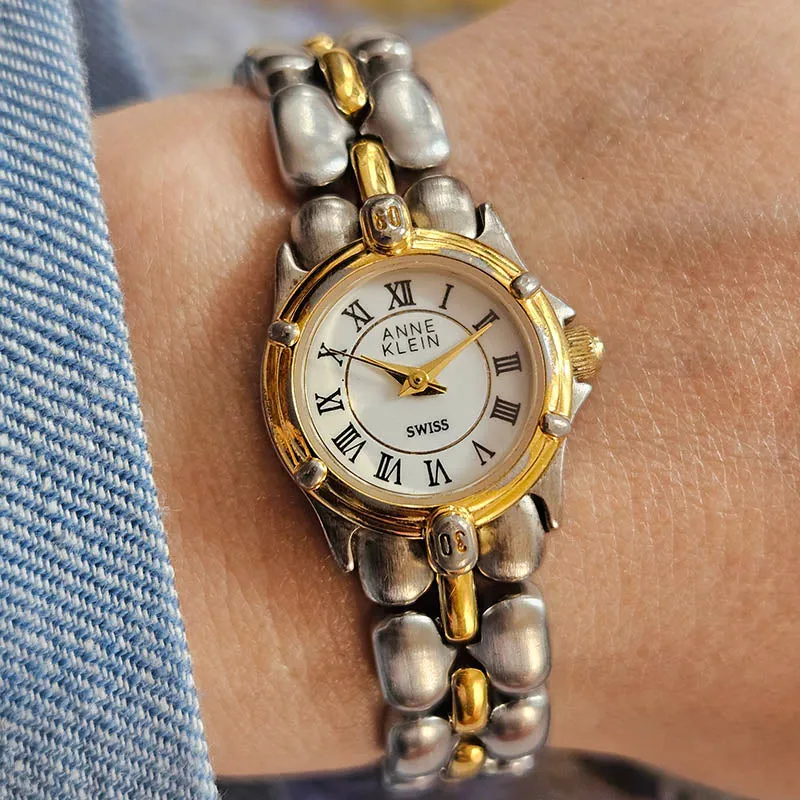
The Armitron sits in the same budget tier as entry-level Casio models but often includes more alarm options. If you want a dressier digital option, the anne klein watch line includes sleek digital-analog hybrids, though they sacrifice some sport functions for style.
For vintage collectors, vintage seiko watches and caravelle models from the 1970s and 1980s offer retro digital charm, but replacement batteries and water-seal service can be tricky. The modern armitron sport women’s digital chronograph resin watch uses standard CR2016 or CR2025 batteries available at any pharmacy.
Troubleshooting Common Setting Issues
If your watch won’t enter setting mode, ensure you’re holding the correct button (usually bottom-right) for the full two to three seconds. A quick tap won’t trigger the mode, you need sustained pressure until the display flashes.
When the alarm doesn’t sound, check that the alarm-on indicator (bell icon) is visible in normal time mode. Some models mute all alarms if you’ve disabled the hourly chime, so toggle both settings independently.
If the chronograph won’t reset to zero, make sure you’ve stopped it first with the top-right button, then press bottom-right. The reset function only works when the stopwatch is paused, not while running.
Battery life on digital sport watches typically ranges from two to five years depending on backlight use and alarm frequency. If your display dims or functions become erratic, swap the battery rather than adjusting settings repeatedly, a weak cell causes unpredictable behavior across all modes.
Questions
How do I change the time on my Armitron sport digital watch?
Hold the bottom-right button for two to three seconds in time mode until the seconds flash, then use the top-right button to adjust each field. Press the bottom-right button to cycle through hours, minutes, month, date, and day, confirming each with another press.
Why won't my Armitron chronograph alarm go off?
Check that the alarm-on indicator (bell icon) is visible in normal time mode. You need to toggle the alarm active after setting the time, setting alone doesn't enable it. Press the top-right button briefly in alarm mode to turn it on.
Can I use the stopwatch and alarm at the same time on an Armitron digital watch?
Yes, the chronograph and alarm functions operate independently. You can run the stopwatch in chronograph mode, and any enabled alarms will still sound at their scheduled times regardless of which mode the display shows.
What battery does the armitron sport women's digital chronograph resin watch use?
Most models use a CR2016 or CR2025 lithium coin cell battery. Check the caseback for the specific type, and replace it every two to five years depending on backlight and alarm usage.
How do I turn on the backlight on my Armitron sport watch?
Press the bottom-left button briefly to activate the backlight for three to five seconds. Some models keep the light on as long as you hold the button down.
Is the Armitron digital chronograph better than a Casio for multiple alarms?
Armitron sport models typically include one to three alarms, while Casio ranges from three to five depending on the model. Both are reliable for budget sport watches, but Casio offers more alarm options in higher-end lines.
Products in this guide
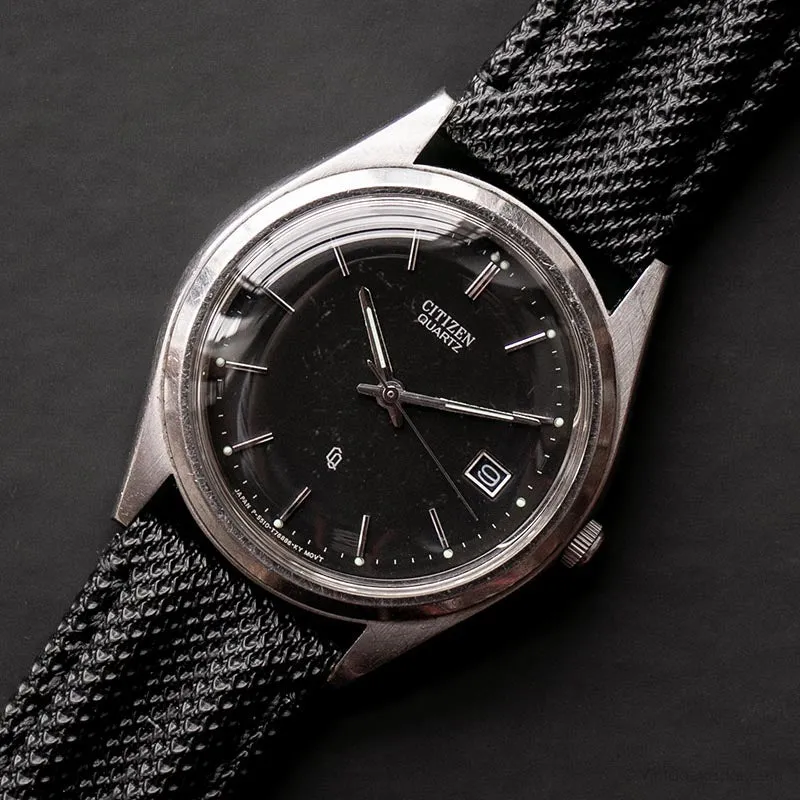
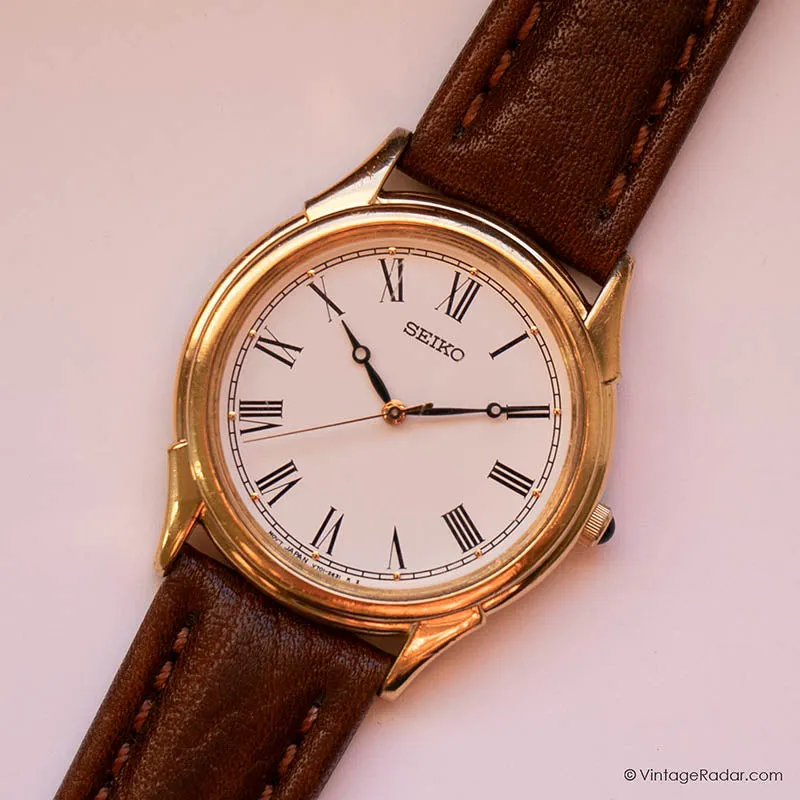
 Shopping at Vintage Radar? See the discount code
10% OFF All Orders
Shopping at Vintage Radar? See the discount code
10% OFF All Orders
More in this series
 Why Are Yema Watches Popular Among Vintage Collectors?8 Aug 20264 min
 What to Look for When Buying a Pocket Watch: Movement Types and Case Condition8 Aug 20264 minDo Vintage Seiko Watches Keep Accurate Time After Decades?8 Aug 20265 minCitizen vs Casio: Which Watch Brand Offers Better Value for Everyday Wear?8 Aug 20264 minHow to Wind and Care for a Timex Mechanical Automatic Watch8 Aug 20265 min