 A Hawink guide
How to Use Hawink Ink Transfer Paper for Clean Stencils Every Time
Get perfect stencils every time with our guide to using Hawink ink transfer paper, covering prep, application, and the best tools for tattoo artists.
Hawink ink transfer paper is your shortcut to stencils that stay sharp from the first press to the final line. Whether you are a shop veteran or setting up your first home station, getting a clean transfer onto skin is the difference between a design that looks professional and one that looks rushed. In this guide, we walk through everything from picking the right paper to prepping skin and choosing the right equipment so that every stencil lands exactly where you want it.
What Is Ink Transfer Paper and Why It Matters
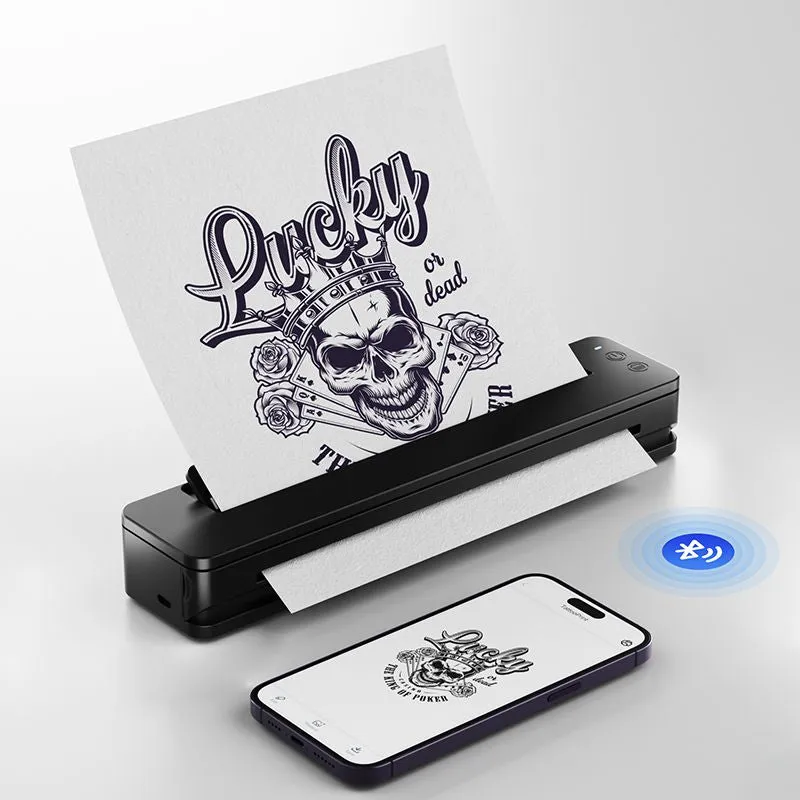
Ink transfer paper is the carbon-based sheet that bridges your design drawing and your client’s skin. You draw or print your stencil onto the paper, then apply it with a transfer solution to leave a crisp purple or blue line guide. Without quality paper, the line can bleed, fade, or skip, forcing you to freehand corrections mid-session. Hawink’s version is formulated to hold a consistent carbon layer that transfers evenly with good pressure, which is especially important when you are working with a tattoo stencil printer for digital designs rather than hand-drawn ones.
How to Use Hawink Ink Transfer Paper Step by Step
Follow this process for repeatable results whether you are using a tattoo gun or a rotary machine.
1. Prepare Your Design
Draw your stencil by hand on the matte side of the paper, or run it through a thermal printer. If you are using a tattoo stencil printer, make sure your design is mirrored if needed and that the toner is dark enough. Light or low toner prints produce faint transfers that disappear once you start lining.
2. Clean and Shave the Area
The skin must be free of oil, lotion, and hair. Wash with antibacterial soap, shave the area closely, and dry it completely. Any residue acts as a barrier that prevents the ink transfer paper from adhering evenly.
3. Apply Stencil Solution
Use a small amount of green soap or a dedicated stencil transfer gel. Rub it into the skin in a thin, even layer. Too much solution makes the stencil slide; too little makes it dry out before the transfer is complete.
4. Position and Press
Place the carbon side of the ink transfer paper against the skin. Hold it firmly with one hand so it does not shift. Use a stencil applicator or a dry paper towel to apply firm, even pressure over the entire design. Press for 20 to 30 seconds, then peel one corner to check the transfer. If it is patchy, press again for another 10 seconds.
5. Let It Set
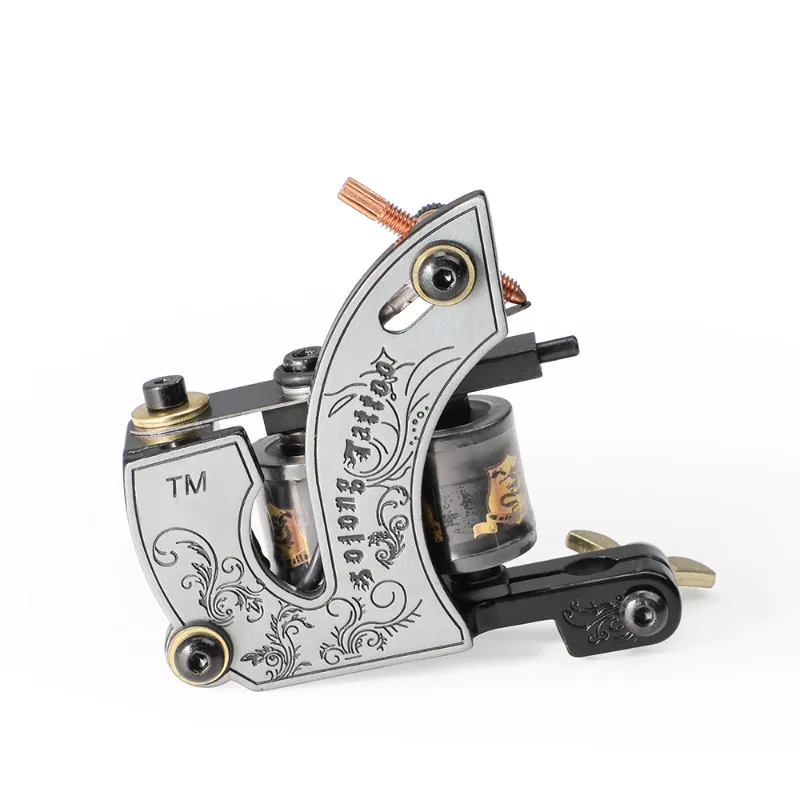
Allow the stencil to dry for 2 to 3 minutes before you start lining. Touching it too early can smudge the carbon. If you are using a coil tattoo gun, the vibration can sometimes blur a wet stencil, so give it time to cure.
Choosing the Right Transfer Paper for Different Surfaces
Not all application surfaces behave the same way. Here is a quick comparison of how Hawink ink transfer paper performs across common materials.
| Surface | Best For | Tips |
|---|---|---|
| Skin | Tattoo stencils | Use transfer gel, press firmly, let dry fully |
| Wood | Flash art displays, practice boards | Apply with light pressure; carbon can bleed into grain |
| Fabric | T-shirt mockups, banners | Heat-set with an iron or press for permanent results |
If you are experimenting with ink transfer paper for wood or ink transfer paper for fabric, the technique shifts slightly. On wood, wipe the surface clean and apply the transfer with a bone folder or the back of a spoon. On fabric, you need heat to set the carbon, so an iron set to cotton works well. For skin, stick to the method above.
Gear That Makes Transfers Easier
Your transfer is only as good as the tools you prep it with. Here are the pieces of equipment that work best alongside Hawink ink transfer paper.
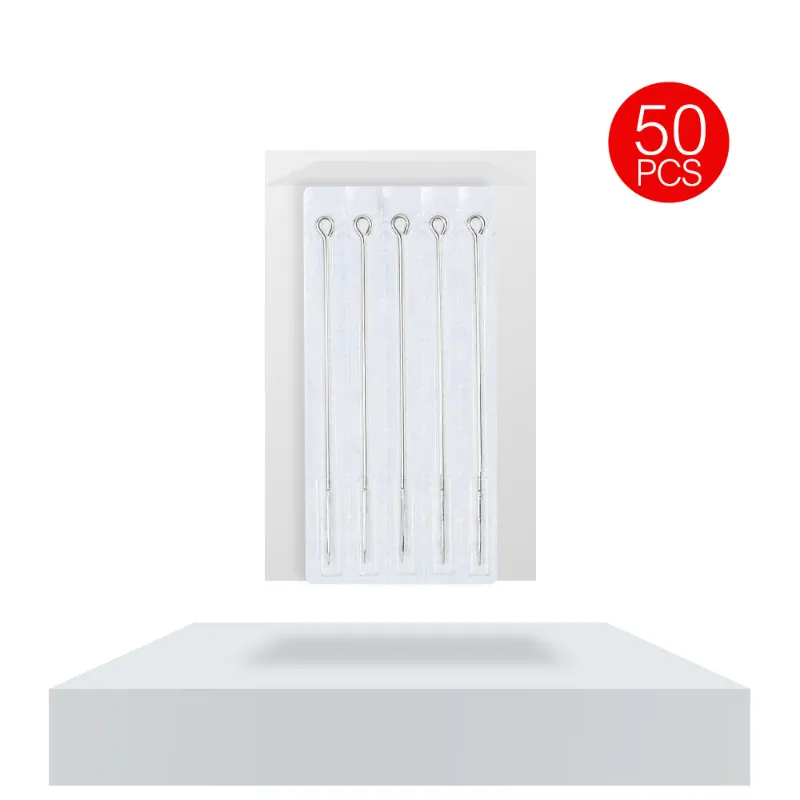
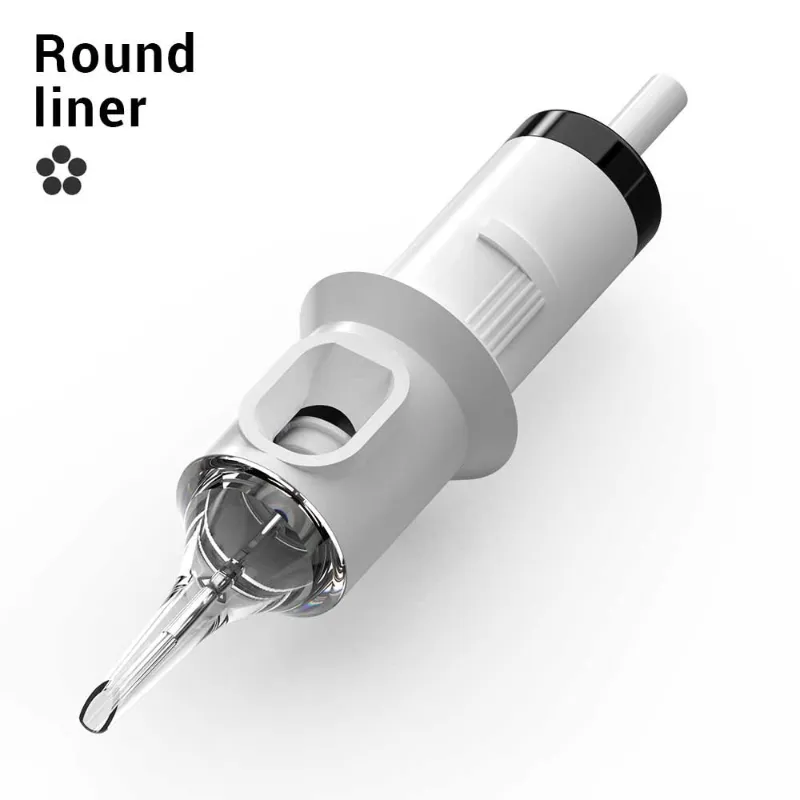
- Tattoo machine needle selection matters. A fine round liner tattoo needles set follows the stencil lines precisely, while a larger grouping can cause the stencil to lift if you overwork the area.
- Needle cartridges from Hawink are pre-aligned, which reduces the drag that can pull a stencil loose. Swap in fresh tattoo needle cartridges before you start lining.
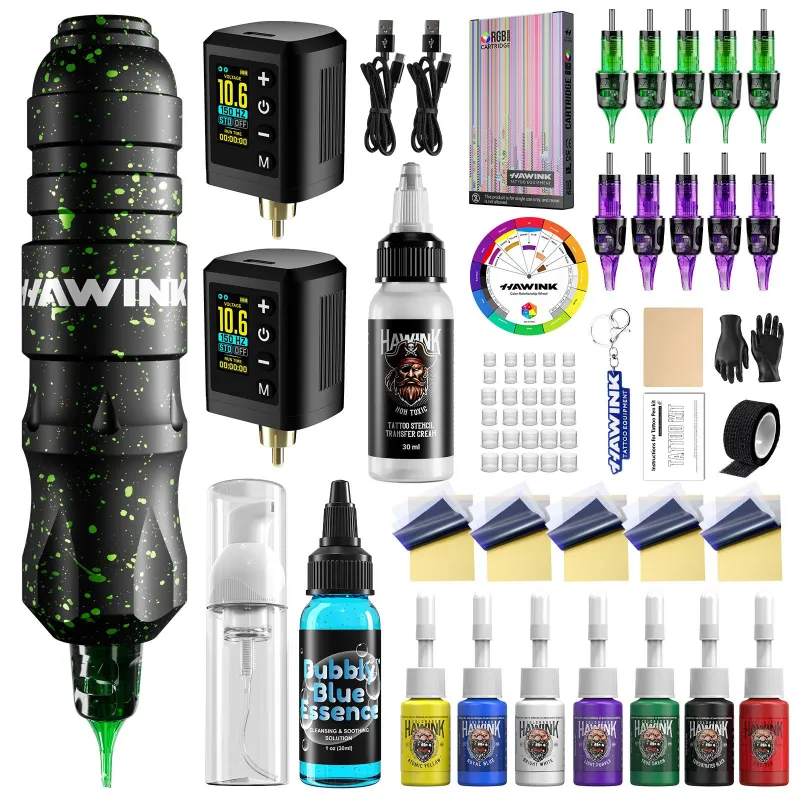
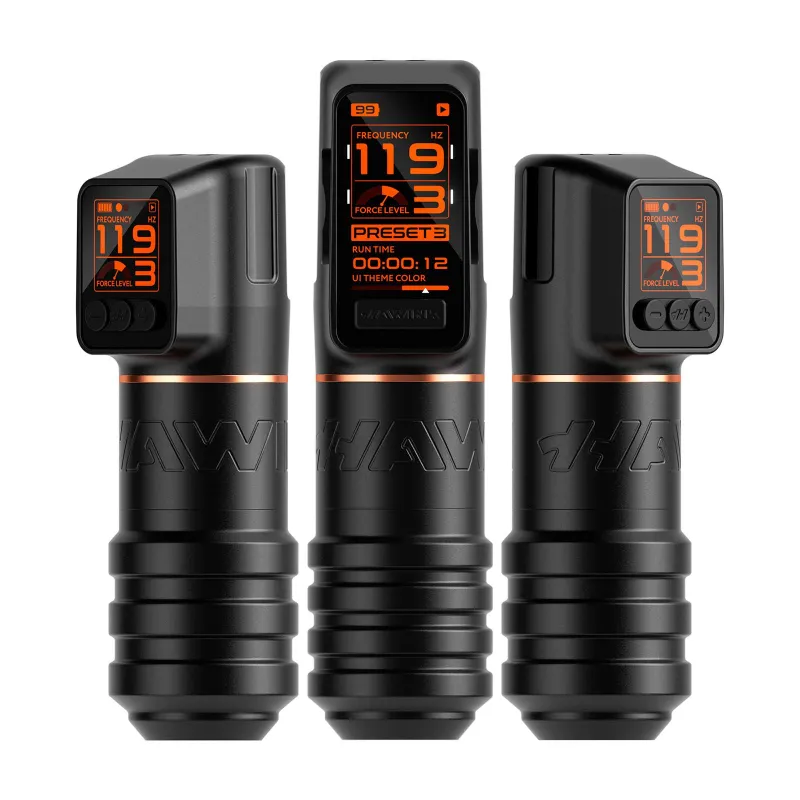
- Tattoo pens offer a lighter grip than a traditional machine, which gives you more control over pressure during the first pass. Check out Hawink’s tattoo pens if you want a setup that reduces hand fatigue during long sessions.
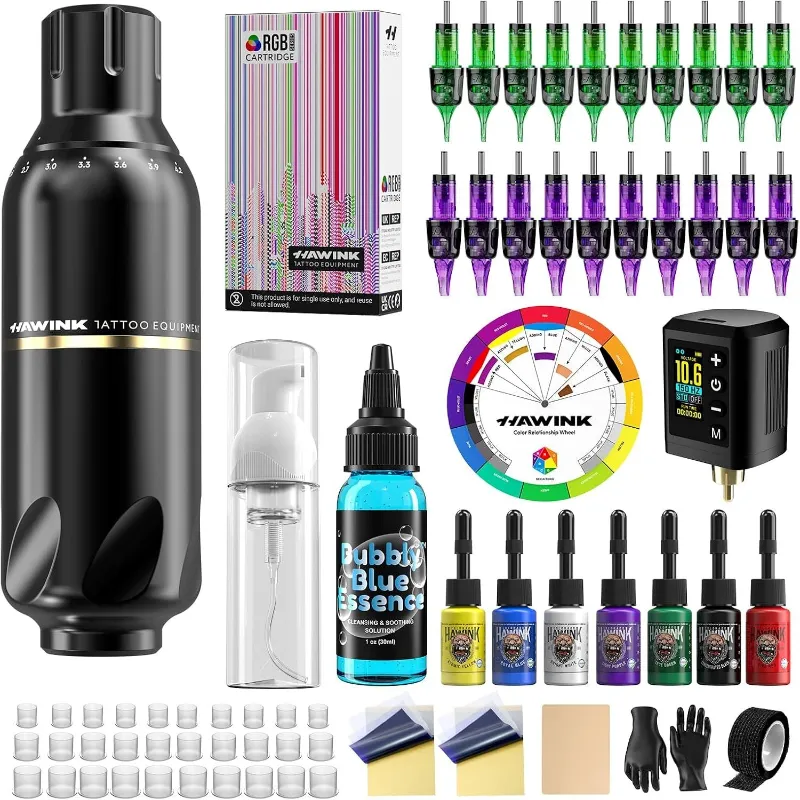
- A complete tattoo gun kit often includes transfer paper, power supply, and a starter set of needles, so it is a solid option if you are building your kit from scratch.
Common Mistakes and How to Fix Them
Even experienced artists hit snags with ink transfer paper. Here are the most frequent issues and what to do about them.
Stencil smudges or blurs. This usually happens when the paper shifts during pressing or the stencil is touched before it is dry. Keep a steady hand on the paper and wait the full 2 to 3 minutes after lifting.
Transfer is too faint. The design may be printed with light toner, or the pressure was uneven. Re-print with darker settings and press with a firmer hand. A tattoo stencil printer with adjustable contrast helps solve this.
Stencil wipes off during lining. Your needle may be too wet with ink, or you are overworking the area. Blot your tattoo machine needle frequently and use a lighter hand on the first pass.
Ink transfer paper for tattoo work leaves residue. Make sure you are using paper labeled for tattoo use, not general craft transfer paper. Tattoo-grade paper has a specific carbon formula that lifts cleanly.
How to Store Transfer Paper for Best Results
Heat and humidity degrade the carbon layer over time. Keep your ink transfer paper in a cool, dry place, ideally in a sealed zip bag or the original packaging. Do not leave it in a hot car or near a window. If the paper feels waxy or the carbon smears before you use it, the batch may be compromised. We recommend buying fresh stock from a reliable source, and you can grab the code for a discount on your next order of Hawink supplies.
Why We Recommend Hawink for Clean Stencils
The paper is compatible with both thermal printers and hand-drawn work, and the carbon layer does not flake off during handling. For artists who want to minimize stencil touch-ups, it is a reliable everyday choice. Check the latest price on the full range of transfer paper and related gear to see current deals.
Questions
Can I use Hawink ink transfer paper on dark skin?
Yes. The carbon transfers as a dark purple or blue line that shows up clearly on most skin tones. If the stencil is faint, try pressing a little longer or using a slightly thicker layer of stencil gel.
How long does a stencil last once applied?
A properly applied stencil should stay visible for several hours. Touching, wiping, or overworking the area can fade it faster. Letting the stencil dry fully before starting helps it last longer.
Do I need a thermal printer to use this ink transfer paper?
No. You can draw directly on the matte side of the paper by hand with a pencil or ballpoint pen. A thermal printer is optional and is useful for scaling digital designs or reproducing flash art.
What is the difference between tattoo transfer paper and regular craft transfer paper?
Tattoo transfer paper uses a medical-grade carbon layer designed to transfer cleanly onto skin without irritation. Craft paper may leave residue or contain dyes that are not safe for tattooing.
Can I reuse the same sheet of ink transfer paper?
No. Once the carbon has been pressed onto the skin, the paper is spent. Reusing it will produce a faint, incomplete transfer that is not reliable for lining or shading.
Does the Hawink ink transfer paper work with stencil printers from other brands?
Yes. Hawink transfer paper is compatible with most standard thermal stencil printers on the market. Just make sure your printer settings match the paper thickness to avoid jams.
Products in this guide
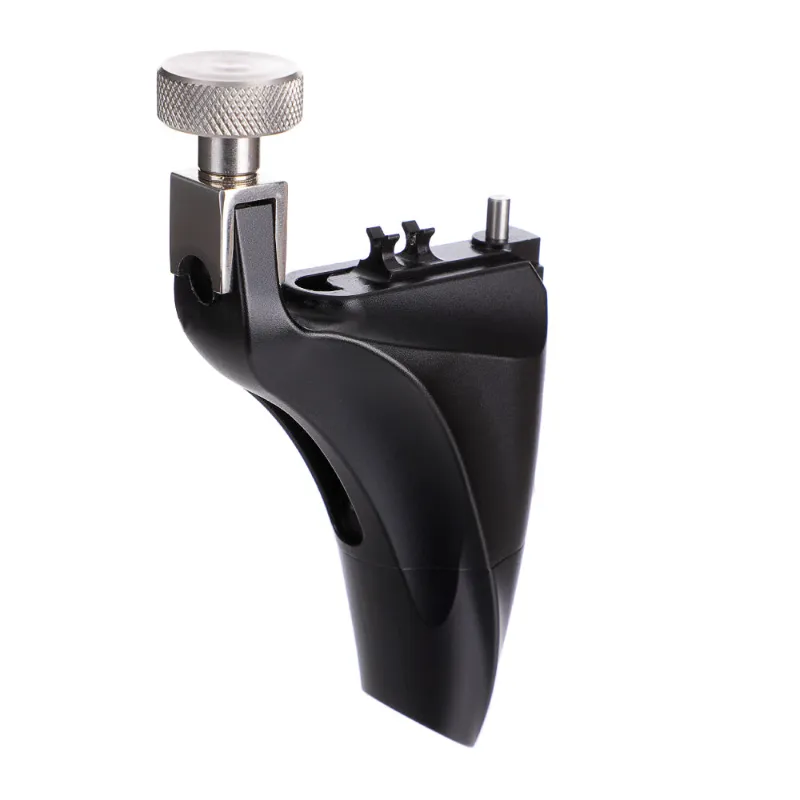
 Shopping at Hawink? See the discount code
10% OFF All Orders
Shopping at Hawink? See the discount code
10% OFF All Orders
More in this series
 Troubleshooting Common Issues with Your Hawink Tattoo Stencil Printer7 Sep 20266 min
 How to Clean and Store Your Hawink Tattoo Machine for Maximum Longevity7 Sep 20264 minHawink Tattoo Pen vs Coil Tattoo Machine: Which Is Better for Beginners?7 Sep 20264 minHow to Choose the Right Hawink Tattoo Needle Cartridges for Lining vs Shading7 Sep 20264 min