 A Hawink guide
Troubleshooting Common Issues with Your Hawink Tattoo Stencil Printer
Troubleshoot your Hawink tattoo stencil printer with these practical fixes for common issues like faint prints, smudging, and connectivity problems.
If your Hawink tattoo stencil printer is giving you faint prints, paper jams, or Bluetooth dropouts, you are not alone and most fixes take under two minutes. Below we walk through the real problems we have seen and how to solve them so you can get back to stenciling clean lines.
Why Your Tattoo Stencil Printer Produces Faint or Blurry Prints
The most frequent complaint we hear about a tattoo stencil printer is that the output looks washed out or the lines are fuzzy. Nine times out of ten the cause is the paper or the heat setting.
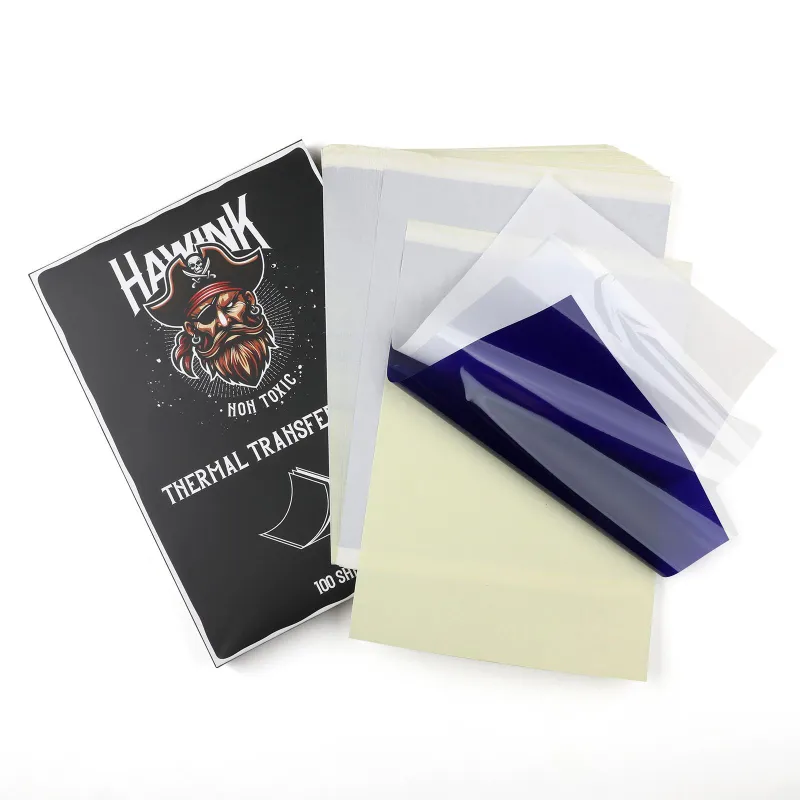
Check your paper first. A thermal tattoo stencil printer requires specific thermal-reactive transfer paper, not standard printer paper or off-brand generic sheets. We always recommend using genuine ink transfer paper designed for thermal printers. If the paper is old, has been stored in a humid room, or is the wrong type (carbon vs. thermal), the stencil will be pale.
Adjust the heat and speed. Most Hawink units let you toggle between a few heat levels. If your stencil is faint, try the highest heat setting and slowest feed speed. If the stencil is blowing through or burning the paper, dial it back. We run ours on medium-high for standard linework and high only for heavy blackwork designs.
Clean the print head. Thermal print heads accumulate residue from the paper coating over time. Gently wipe the head with a lint-free cloth and a tiny amount of isopropyl alcohol, let it dry completely, then run a test print. This alone fixes faint prints in about half the cases we see.
How to Fix Paper Jams and Feed Issues in a Thermal Tattoo Stencil Printer
A paper jam in your tattoo stencil printer thermal unit usually happens when the paper is curled, loaded unevenly, or the rollers are dirty.
Load the paper with the correct orientation. Thermal paper has a coated side (the side that reacts to heat) and a back side. If you load it backward, the printer will still try to feed it, but nothing will print. Look for the manufacturer’s markings on the paper sleeve to confirm which side faces the print head.
Straighten the paper before loading. If your transfer paper has been sitting in a kit or a drawer, it may have a curl. Roll it gently in the opposite direction to flatten it, then feed it straight into the slot. Curled paper is the number one cause of misfeeds in any tattoo stencil printer bluetooth model.
Clean the rollers. Dust and adhesive residue from stencil paper can make the rollers slippery. Use a cotton swab dampened with rubbing alcohol to clean the roller surface, then let it dry. This restores grip and prevents the paper from skewing mid-print.
Troubleshooting Bluetooth and App Connection Problems
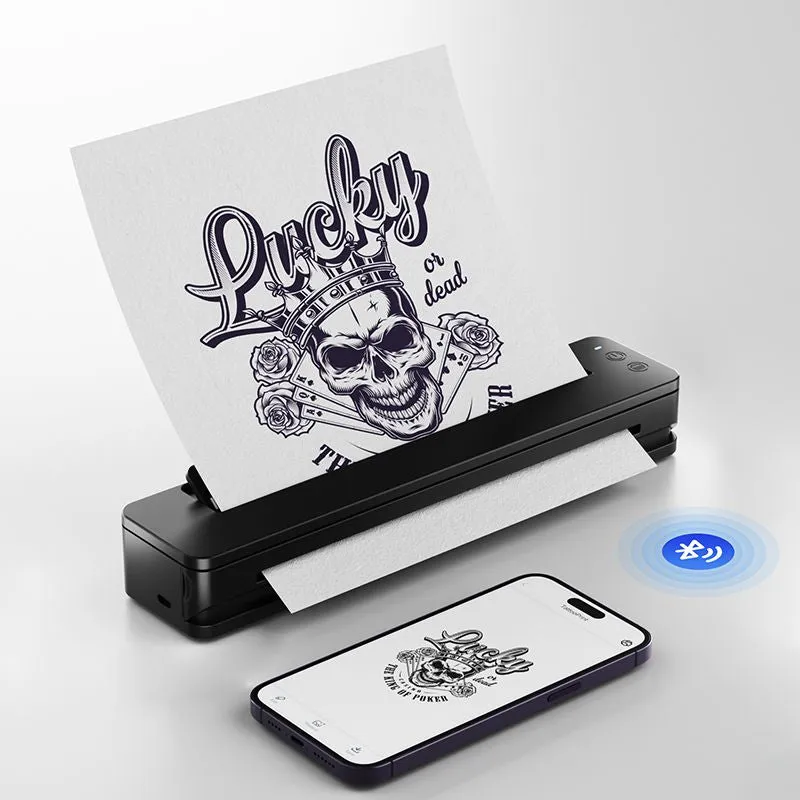
If you are using a tattoo stencil printer bluetooth model and the app will not connect or keeps dropping the signal, the fix is usually not the printer itself.
Forget and re-pair. On your phone or tablet, go to Bluetooth settings, tap “Forget This Device” for the printer, then restart the printer and re-pair it fresh. This clears any cached connection errors.
Close other apps. The tattoo stencil printer app works best when it is the only app using Bluetooth. Close drawing apps, music players, and anything else that might be pulling bandwidth. If you have a smartwatch connected, try turning it off temporarily.
Update the firmware. Check the app store for any updates to the Hawink printing app. Outdated firmware on the printer itself can cause dropout issues. The app usually prompts you when an update is available. Run it before trying anything else.
If you continue to have connection trouble, grab the code on our coupon page and reach out to Hawink support with your printer model number, they have been responsive with firmware patches.
Stencil Smudging or Transferring Too Darkly
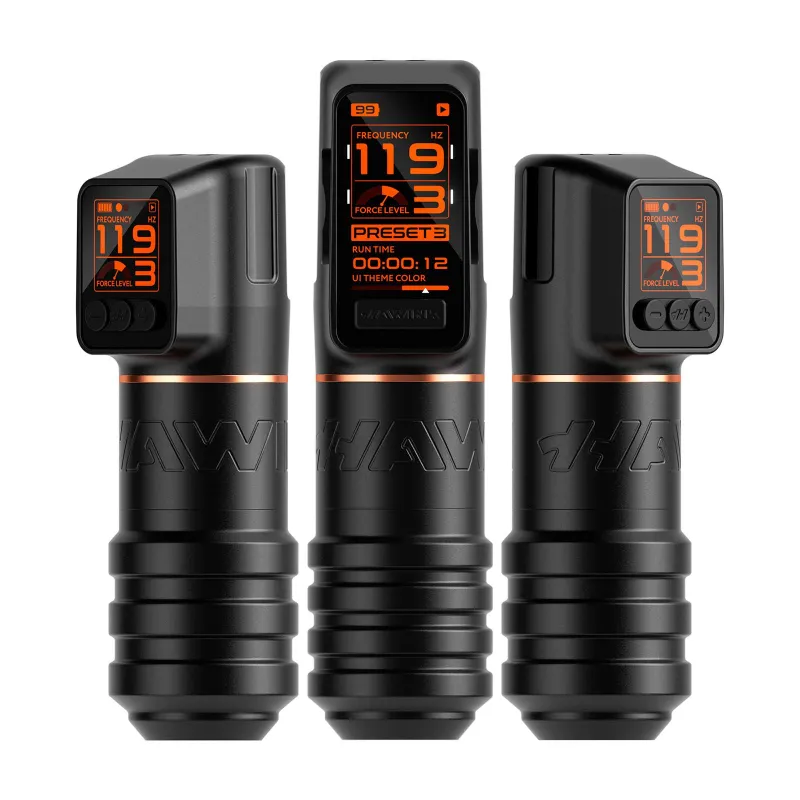
A stencil that smudges the moment you touch it with a tattoo machine or tattoo pens is frustrating, but it usually means the stencil was over-cooked or the transfer process was rushed.
Let the stencil cool completely. When a thermal printer finishes printing, the paper is still hot and the transfer coating is soft. If you peel the paper immediately and apply the stencil, it can smear. Wait 15 to 30 seconds for the print to cool.
Use the right pressure when applying. Press the stencil onto the skin firmly but briefly, about 10 to 15 seconds for most transfer gels. Pressing too hard or too long forces the ink to bleed under the stencil lines, making them look twice as thick as intended.
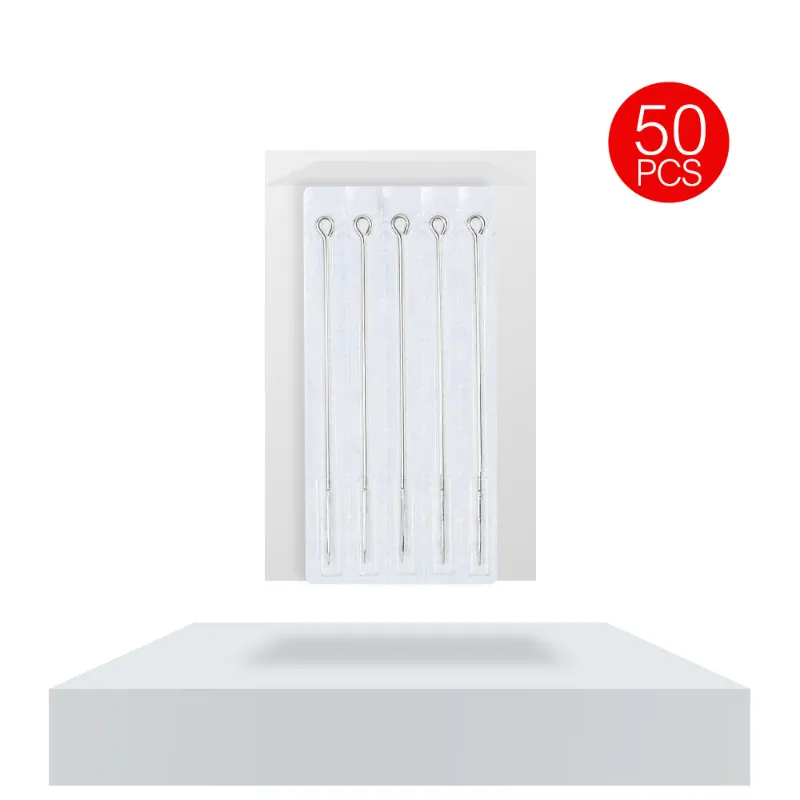
Match the stencil to your needle type. If you are using round liner tattoo needles for fine line work, a heavy, dark stencil can actually obscure your guide lines. Print at a medium heat setting for fine detail work so the lines are visible but not overwhelming.
When to Replace Your Ink Transfer Paper or Printer Parts
Not every issue is a setting problem. Sometimes the hardware or consumables have simply aged out.
Ink transfer paper expires. Thermal paper has a shelf life of about 12 to 18 months if stored in a cool, dry place. Once it starts producing faint prints even on the highest heat setting, it is time to buy fresh ink transfer paper. We buy in small batches to avoid stale stock.
The print head wears out. After hundreds of prints, the thermal element can degrade. If you have cleaned the head, tried fresh paper, and adjusted every setting, and the stencil is still patchy, the print head may need replacement. This is a relatively inexpensive fix and extends the life of your printer significantly.
Rollers lose grip. Over time, the rubber rollers harden or get coated with adhesive. If you have cleaned them and the paper still slips, you can order replacement roller kits from Hawink. We replace ours about once a year with regular use.
Getting the Most Out of Your Best Tattoo Stencil Printer for Beginners
If you are new to thermal printing, a few simple habits will keep your best tattoo stencil printer for beginners running smoothly for years.
Store it clean and covered. Dust is the enemy of thermal printers. Keep the lid closed when not in use, and store the unit in a dry area away from tattoo spray and moisture.
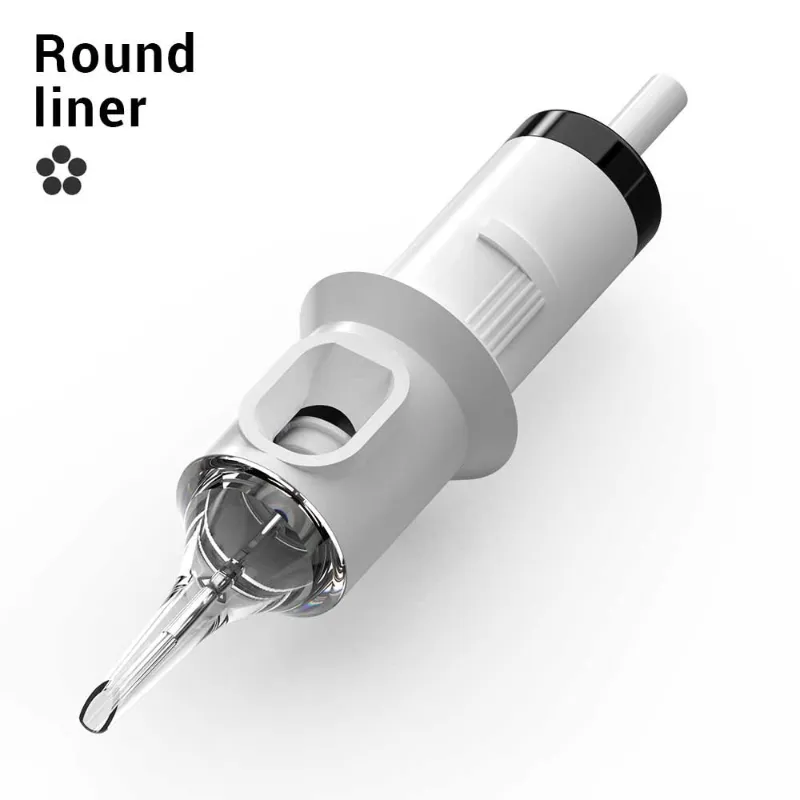
Use the right accessories. Pair your printer with quality tattoo needle cartridges and a reliable tattoo gun for consistent results from stencil to finished line. The whole system works together.
Keep spare paper on hand. Nothing stalls a session like running out of transfer paper. We always keep a backup pack of ink transfer paper in our drawer so we never have to stop mid-sleeve.
Buy with a discount. If you are still shopping for a printer or need replacement supplies, check the latest price on our coupon page to save 10% off your entire order. That covers the tattoo stencil printer itself, extra paper, and any cartridges you need to stock up.
Most of these troubleshooting steps take less than five minutes and cost nothing. Try them in order (paper first, then heat, then cleaning) and you will solve the vast majority of problems with your Hawink printer. If you hit a snag we did not cover, drop us a comment below and we will help you sort it out.
Questions
Why is my Hawink tattoo stencil printer printing faint lines?
Faint lines usually mean the wrong paper type, low heat setting, or a dirty print head. Use genuine thermal transfer paper, increase the heat setting, and gently clean the print head with isopropyl alcohol.
Can I use any paper in a tattoo stencil printer?
No. You must use thermal-reactive transfer paper designed for tattoo stencil printers. Standard printer paper or copy paper will not work and can damage the print head.
How do I fix a paper jam in my thermal tattoo stencil printer?
Turn off the printer, gently pull out any visible paper, and clean the rollers with a cotton swab and rubbing alcohol. Always load the paper with the coated side facing the print head to prevent future jams.
My tattoo stencil printer Bluetooth keeps disconnecting. What should I do?
Forget the device in your Bluetooth settings, restart the printer, and re-pair it. Also close other apps using Bluetooth and check for firmware updates in the Hawink app.
How long does thermal transfer paper last?
Thermal transfer paper has a shelf life of about 12 to 18 months when stored in a cool, dry place. After that, prints may become faint even on the highest heat setting.
What is the best tattoo stencil printer for beginners?
The Hawink tattoo stencil printer is a strong choice for beginners because it offers adjustable heat settings, Bluetooth connectivity, and a simple app interface. Pair it with quality transfer paper for the best results.
Products in this guide
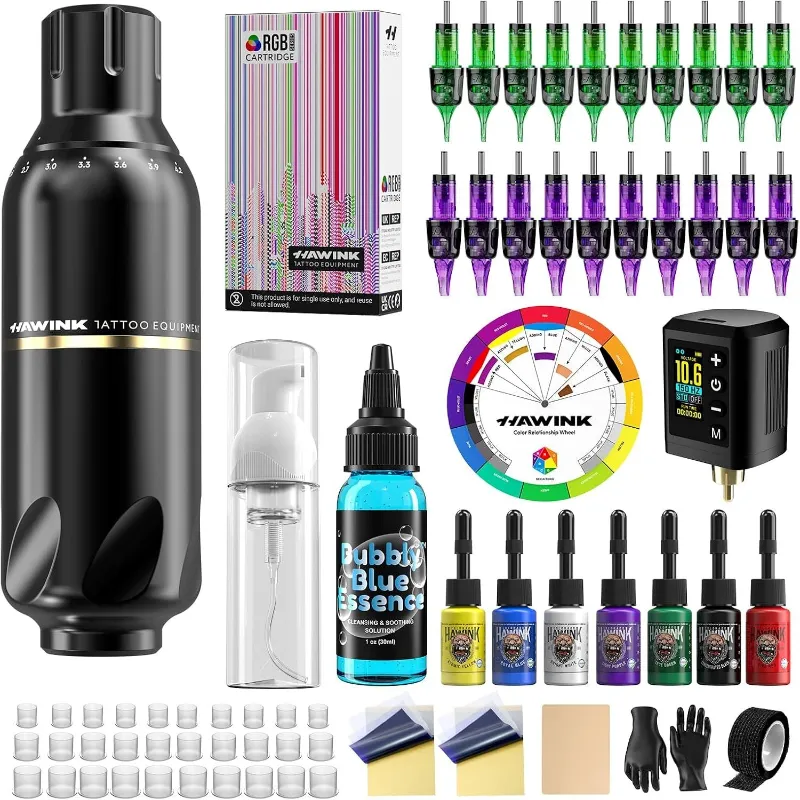
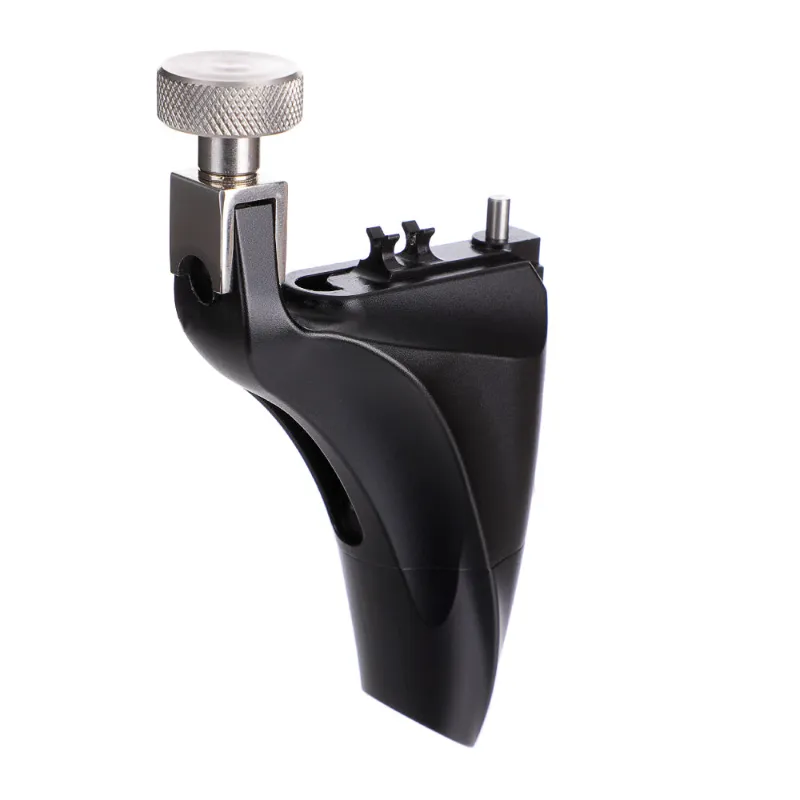
 Shopping at Hawink? See the discount code
10% OFF All Orders
Shopping at Hawink? See the discount code
10% OFF All Orders
More in this series
How to Use Hawink Ink Transfer Paper for Clean Stencils Every Time7 Sep 20265 minHow to Clean and Store Your Hawink Tattoo Machine for Maximum Longevity7 Sep 20264 min Hawink Tattoo Pen vs Coil Tattoo Machine: Which Is Better for Beginners?7 Sep 20264 minHow to Choose the Right Hawink Tattoo Needle Cartridges for Lining vs Shading7 Sep 20264 min