 A Tranya guide
Gaming Headphones vs Traditional Gaming Headsets: Which Should You Buy?
Gaming headphones offer a sleek, portable alternative to bulky traditional headsets, but the right choice depends on your gaming habits and priorities.
Gaming headphones deliver clear audio in a compact, wire-free design that suits players who value portability and everyday versatility. Traditional gaming headsets, on the other hand, prioritize immersive surround sound, boom microphones, and wired reliability. Which one fits you depends more on how and where you play than on which is the “better” product.
What Makes Gaming Headphones Different from Traditional Headsets
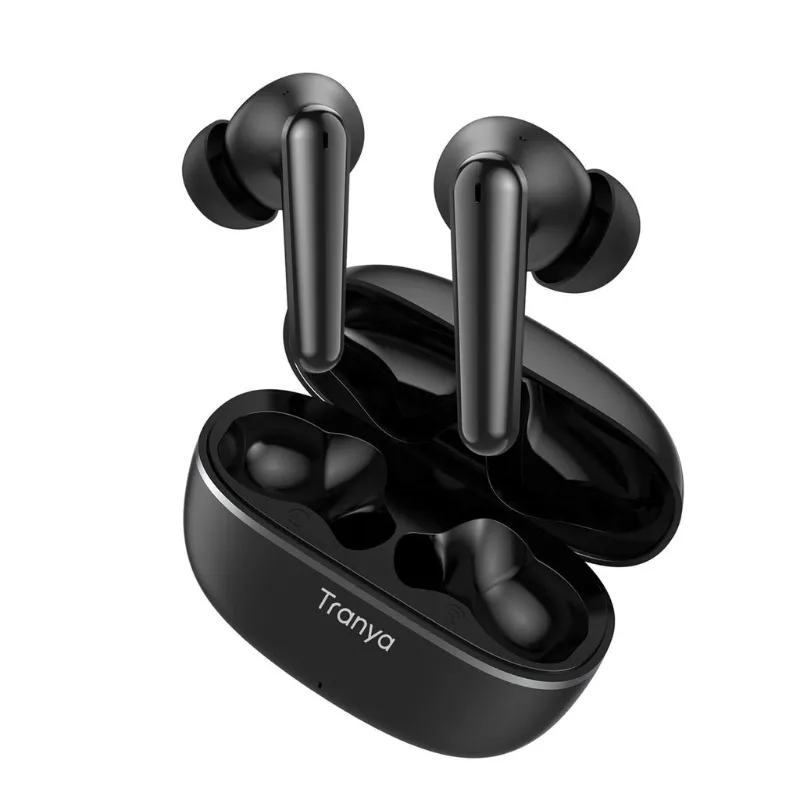
Gaming headphones typically refer to wireless earbuds or over-ear Bluetooth models designed for general audio use but marketed toward gamers. Products like tranya earbuds and t6 earbuds fall into this category. They emphasize portability, battery life, and bluetooth 5.3 connectivity.
Traditional gaming headsets are purpose-built for gaming. They often feature larger drivers for spatial audio, dedicated boom microphones, and wired connections to keep latency low. Many include RGB lighting, dedicated EQ software, and compatibility tuned to a specific platform such as Xbox or PlayStation.
Key differences:
- Form factor: earbuds or lightweight over-ears vs. larger, cushioned over-ear designs
- Connectivity: Bluetooth wireless vs. USB, 3.5mm, or proprietary wireless dongles
- Microphone: built-in mics or detachable options vs. flip-to-mute boom mics
- Latency: Bluetooth introduces noticeable delay compared to a wired connection
- Price range: budget earbuds generally cost less than mid-tier wired headsets
Gaming Headphones for Portability and Everyday Use
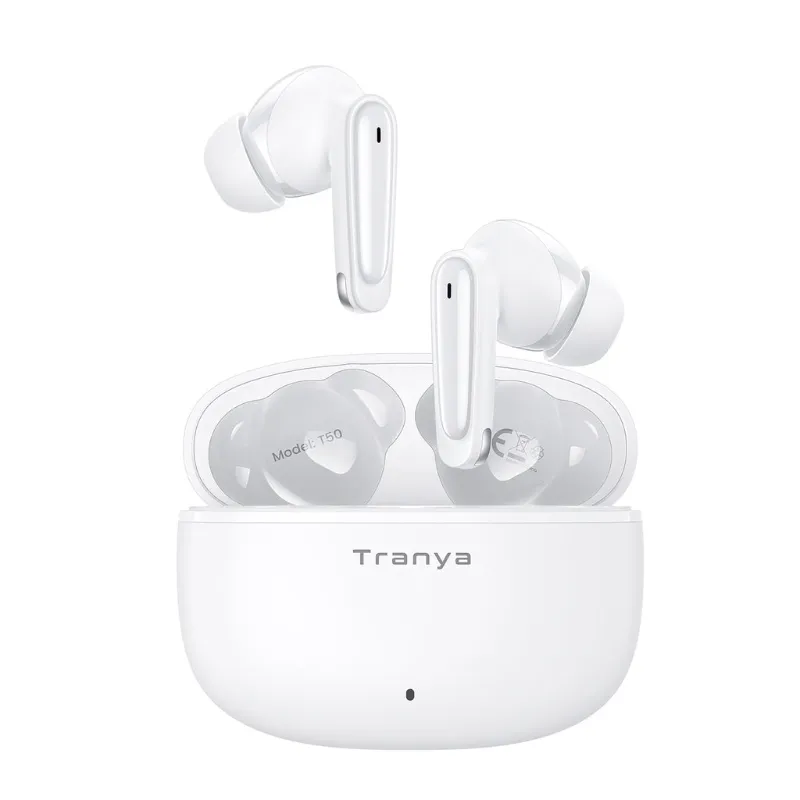
If you commute, travel, or want one device for gaming, music, and calls, wireless gaming headphones win on versatility. The t6 earbuds pack stereo sound and noise cancellation in earphones into a pocket-sized case, so you can game on a phone during a flight, then switch to a PC at home without swapping gear.
Advantages of gaming headphones:
- Fit in a pocket or small bag
- Work with phones, tablets, and laptops without extra hardware
- Active noise cancellation blocks distractions in shared spaces
- No tangled cables or desk clutter
- Often include ambient modes for quick conversations
Trade-offs:
- Bluetooth latency of roughly 40 to 80ms can desync audio in competitive shooters or rhythm games
- Battery life limits marathon sessions, typically 5 to 8 hours per charge
- Smaller drivers may lack the bass punch of full-size cans
For casual players who prioritize convenience over millisecond precision, see the current Tranya discount code for portable options that double as daily drivers.
When Traditional Gaming Headsets Are the Better Choice
Competitive players and immersive single-player fans benefit from the wired reliability and spatial audio of traditional headsets. Independent gaming headset reviews point to models with virtual surround formats and very low latency that earbuds cannot match.
Why traditional headsets excel:
- Near-zero latency: a wired connection avoids the audio lag that affects Bluetooth
- Surround sound: virtual surround processing can help pinpoint directional cues such as footsteps
- Microphone quality: boom mics generally capture clearer speech than earbud mics, which matters for team coordination
- Platform tuning: some headsets are built and tuned for a specific console or PC setup
- Longer sessions: cushioned ear cups and headband padding suit long gaming sessions better than earbuds
Drawbacks:
- Bulkier and less convenient to carry
- Limited use outside gaming
- Cables can snag or wear over time
- Premium features add to the price
If you stream, play ranked matches, or play story-driven games where audio cues matter, a dedicated headset is worth considering. Check the latest price on Tranya’s over-ear options if you want a middle ground between the two categories.
Comparing Wireless Gaming Headphones and Wired Gaming Headsets
| Feature | Wireless Gaming Headphones | Wired Gaming Headsets |
|---|---|---|
| Latency | 40 to 80ms, noticeable in fast games | Under 5ms, generally imperceptible |
| Battery Life | 5 to 8 hours per charge | Unlimited, powered by the device |
| Microphone | Built-in, adequate for casual chat | Boom mic, built for clearer voice capture |
| Portability | Compact, travel-friendly | Bulkier, desk-bound |
| Compatibility | Universal Bluetooth | Platform-specific dongles or jacks |
| Price | Budget to mid-range | Mid-range to premium |
Wireless gaming headphones tend to suit mobile and handheld players who game on the go. For PC and console setups where every millisecond counts, a wired connection or a platform’s own wireless dongle (not Bluetooth) gives the performance edge.
Sound Quality: Stereo vs. Surround and Noise Cancellation
Both categories can offer good stereo imaging, but the experience differs. Gaming headphones from Tranya lean toward balanced tuning that works for music and gaming alike, with enough bass for explosions without an exaggerated low end that muddies dialogue.
Traditional gaming headsets lean into virtual surround processing, which can help in competitive titles where directional cues matter, though many players turn surround off for music or single-player games and prefer flat stereo response.
Noise cancellation is where gaming earbuds tend to shine. Noise cancellation in earphones actively blocks background chatter, HVAC hum, and traffic noise, which suits dorm rooms, shared apartments, or LAN cafes. Traditional headsets rely on passive isolation, which works in quiet rooms but struggles in noisy settings.
If versatility matters most to you, look for models with adjustable EQ so you can switch between gaming, music, and movie profiles. Independent headset roundups cover several options with this kind of switching built in.
Microphone Performance: Built-In vs. Boom Mics
Gaming headphones with a microphone use small integrated mics positioned near your mouth or in the earbud stem. They handle voice chat and casual callouts, but background noise can bleed through, and wind or keyboard clatter can reduce clarity.
Boom mics on traditional headsets sit closer to your mouth, focus on your voice, and often include noise-canceling filters. If you stream, lead a team, or play communication-heavy games, the microphone upgrade alone can justify a dedicated headset.
For gaming headphones without a mic, some players prefer a standalone USB or XLR microphone. That setup can offer better audio for streaming while keeping earbuds for private listening, at the cost of extra desk space and price.
Choosing the Right Option for Your Gaming Setup
Consider wireless gaming headphones if you:
- Game on multiple devices such as phone, tablet, or laptop
- Prioritize portability and storage convenience
- Play single-player, story-driven, or turn-based games
- Need active noise cancellation for shared spaces
- Want one device for gaming, commuting, and gym use
Consider a traditional gaming headset if you:
- Play competitive FPS, MOBA, or battle royale titles
- Stream or create content that needs clear voice capture
- Have a dedicated gaming desk or console setup
- Value platform-specific features and software
- Prefer wired reliability over battery management
For hybrid use, some players keep both: tranya earbuds for mobile sessions and a wired headset for the main rig. Visit the store to see current bundle deals and apply the discount code at checkout.
Which Should You Buy?
Gaming headphones suit players who game across devices and value portability over peak performance. If you commute, travel, or play casually, the versatility and active noise cancellation can outweigh the minor latency trade-off.
Traditional gaming headsets remain the more reliable pick for competitive play, immersive soundscapes, and clearer voice chat. Players who spend hours at a dedicated setup are more likely to notice the difference in latency and microphone quality.
Many retailers offer generous return windows, so it is worth trying a pair before committing. Some players pair a budget set of wireless earbuds with a mid-tier wired headset, using each for what it does best. Whatever you choose, prioritize comfort for your typical session length, compatibility with your platform, and a sound signature that matches the games you play most.
Questions
Do gaming headphones have more lag than wired gaming headsets?
Yes. Bluetooth gaming headphones typically introduce 40 to 80ms of latency, which can desync audio in fast-paced competitive games. Wired gaming headsets deliver under 5ms of latency, which makes them the more reliable choice for FPS and rhythm titles.
Can I use Tranya earbuds for Xbox or PlayStation gaming?
Tranya earbuds work with Xbox and PlayStation over Bluetooth if your console supports it, or through a Bluetooth adapter. For the lowest latency, a wired headset or the console's own wireless dongle is a better option.
Are noise cancelling gaming headphones worth it for streaming?
Active noise cancellation helps you focus by blocking background noise, but it does not improve your microphone's ability to reject noise. For streaming, we would prioritize a boom mic or a standalone USB microphone over an earbud mic.
Which is better for long gaming sessions, earbuds or over-ear headsets?
Over-ear gaming headsets with cushioned padding tend to suit long sessions better. Wireless earbuds last around 5 to 8 hours per charge and can feel less comfortable over time, though they stay cooler in warm environments.
Do I need gaming headphones with a microphone for solo play?
Not necessarily. If you mostly play single-player games or mute during multiplayer, gaming headphones without a mic work fine and often cost less. You can always add a standalone mic later if you start streaming or join a team.
What should I look for in a budget gaming headphone option?
Look for stable Bluetooth connectivity, decent battery life, and noise cancellation if you use them in shared spaces. Check our Tranya discount code page for current bundle deals on entry-level models.
Products in this guide
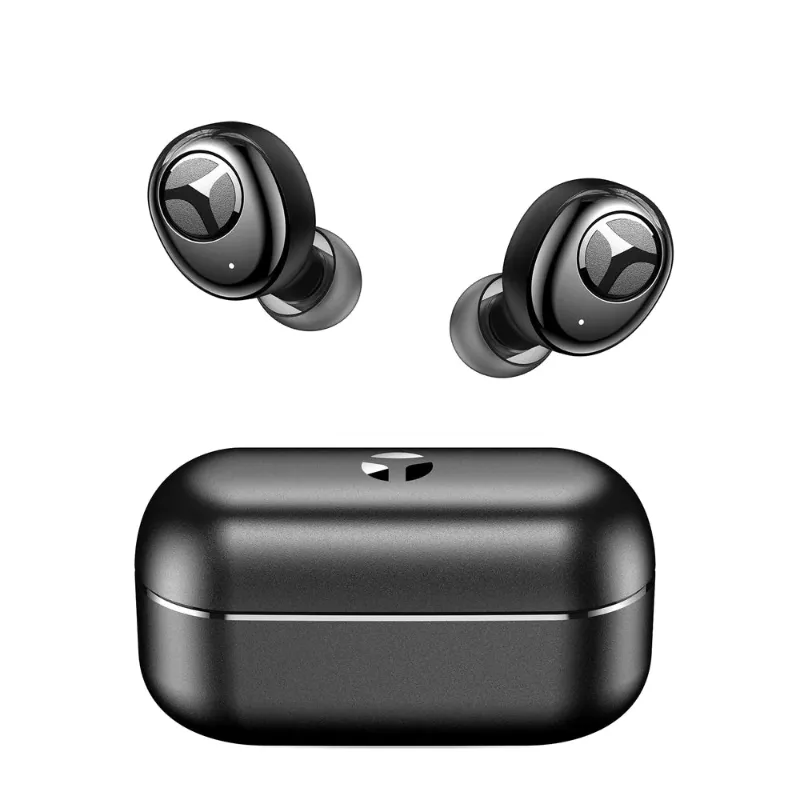
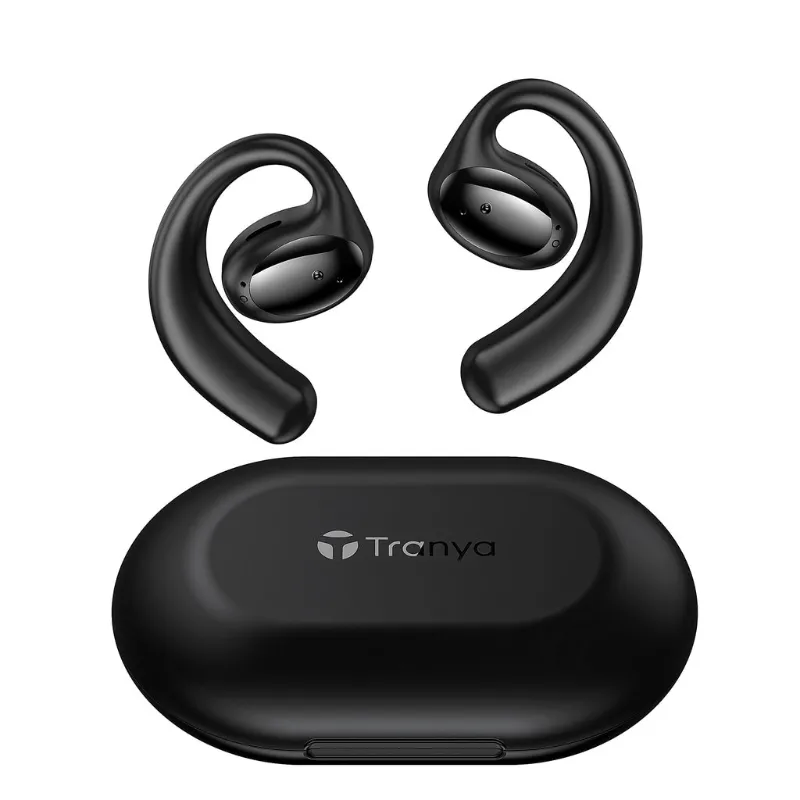 Shopping at Tranya? See the discount code
55% OFF All Orders
Shopping at Tranya? See the discount code
55% OFF All Orders
More in this series
Are Tranya Earbuds Sweatproof Enough for Running and Gym Workouts?11 Aug 20264 minWhat Bluetooth 5.3 Actually Means for Your Tranya Earbuds Range and Connection11 Aug 20265 minHow Long Do Tranya Audio Sunglasses Battery Last on a Full Charge?11 Aug 20264 minDo Tranya Earbuds With Noise Cancellation Work on Airplanes and Trains?11 Aug 20264 minHow to Fix Bluetooth Pairing Issues With Tranya T6 Earbuds11 Aug 20265 min