 A AAA AUTO TOOL guide
Why Your TPMS Light Stays On and How the Autel TS508WF Fixes It
Find out why your TPMS light won't turn off and how the autel maxitpms ts508wf can help you diagnose and reset it.
If that little orange tire icon with the exclamation mark has been staring at you from the dashboard for days (or weeks), you are not alone, and the autel maxitpms ts508wf is the tool that finally lets you take control instead of guessing or booking yet another shop visit. That light can mean anything from low pressure to a dead sensor battery or a communication fault, and chasing it blind wastes time and money. We break down the real reasons your TPMS light stays on and show you exactly how this dedicated tool handles each one. For the current code, see our AAA AUTO TOOL codes and deals.
What That TPMS Light Is Actually Telling You
The Tire Pressure Monitoring System (TPMS) light is not a single-issue warning. It covers several conditions, and the way it behaves tells you which one you are dealing with.
- Solid light when driving: in the US, NHTSA’s rule requires this warning when a tire is 25 percent or more below the recommended cold pressure, so check all four tires.
- Flashing light (60 to 90 seconds) then stays solid: the system has a fault: dead sensor battery, missing sensor, or a communication breakdown.
- Light comes on after a tire rotation or season swap: the sensor positions were not relearned to the vehicle’s module.
The fix changes depending on which scenario you are looking at. A simple inflation might clear the first case, but the second and third cases require a TPMS diagnostic and reset tool. That is where the autel maxitpms ts508wf earns its keep.
How the Autel MaxiTPMS TS508WF Diagnoses the Problem
The autel maxitpms ts508wf is a dedicated TPMS service tool, not a generic scanner that happens to read tire pressure. It communicates directly with each sensor to pull live data and pinpoint the failure.
What it reads from every sensor:
- Tire pressure (PSI, bar, or kPa)
- Temperature
- Sensor battery status
- Sensor ID and frequency (315 MHz vs. 433 MHz)
- Sensor status (active, faulty, or missing)
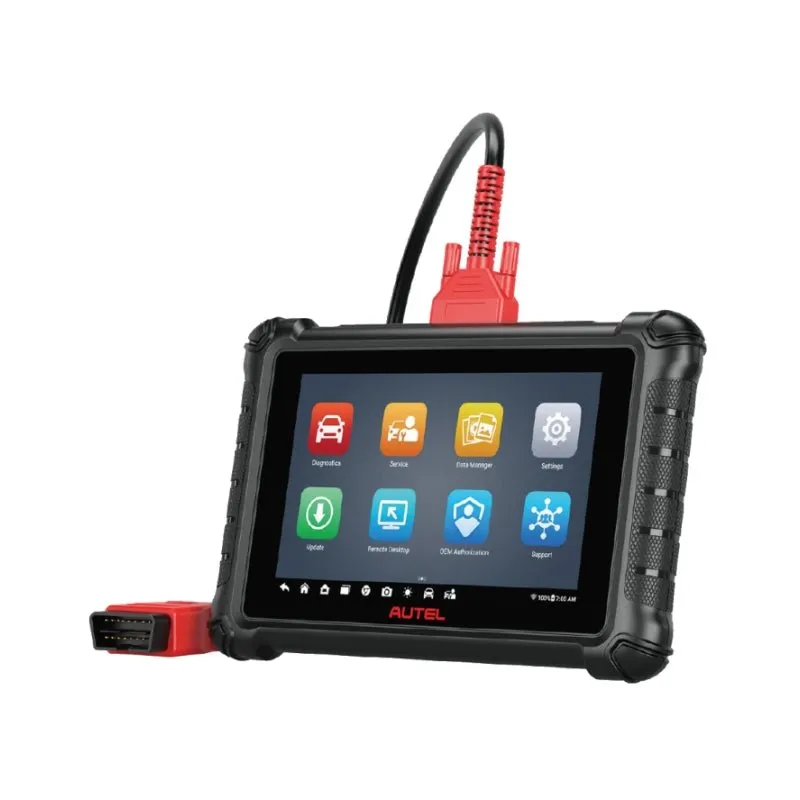
When the light is on and you do not know why, you walk up to each tire, trigger the sensor with the TS508WF, and see exactly which sensor is weak, dead, or not transmitting. No guesswork. If you are working on multiple vehicles in a week, pairing this with the autel maxicheck mx900 for full system scans covers both TPMS and the rest of the vehicle electronics in one pass.
TPMS Relearn: Do Not Skip This Step
Replacing a sensor or inflating a tire does not always clear the light. Depending on the vehicle, the ECU may need a relearn procedure to recognize the new sensor IDs or reconfirm the existing ones.
The autel maxitpms ts508wf offers three relearn methods, according to the store: stationary, automatic (by driving) and OBD relearn, depending on the vehicle. Here is the general workflow:
- Select the vehicle make, model, and year on the TS508WF.
- Trigger each sensor with the tool held at the valve stem.
- For OBD-based relearn, connect the TS508WF to the OBD-II port and follow the on-screen prompts.
- Verify that all sensor IDs are stored and the TPMS light is off.
If you need a deeper understanding of the button sequences and menu structure, the official MaxiTPMS TS508WF user manual is a solid reference to keep bookmarked.
Who Should Own an Autel TS508WF vs. a Full Scanner
Not everyone needs a thousand-dollar diagnostic tablet. The autel maxitpms ts508wf sits in a practical middle ground, more capable than a basic pressure gauge, less expensive than a full diagnostic platform.
This tool is for you if:
- You run a tire shop, garage, or mobile service that sees TPMS issues weekly.
- You own multiple vehicles and swap tires seasonally (relearn every rotation).
- You are tired of paying a shop to reset a light that keeps coming back.
Consider stepping up to a full scanner if:
- You also need module coding, key programming, or advanced diagnostics.
- You work on European vehicles that require bi-directional control beyond TPMS.
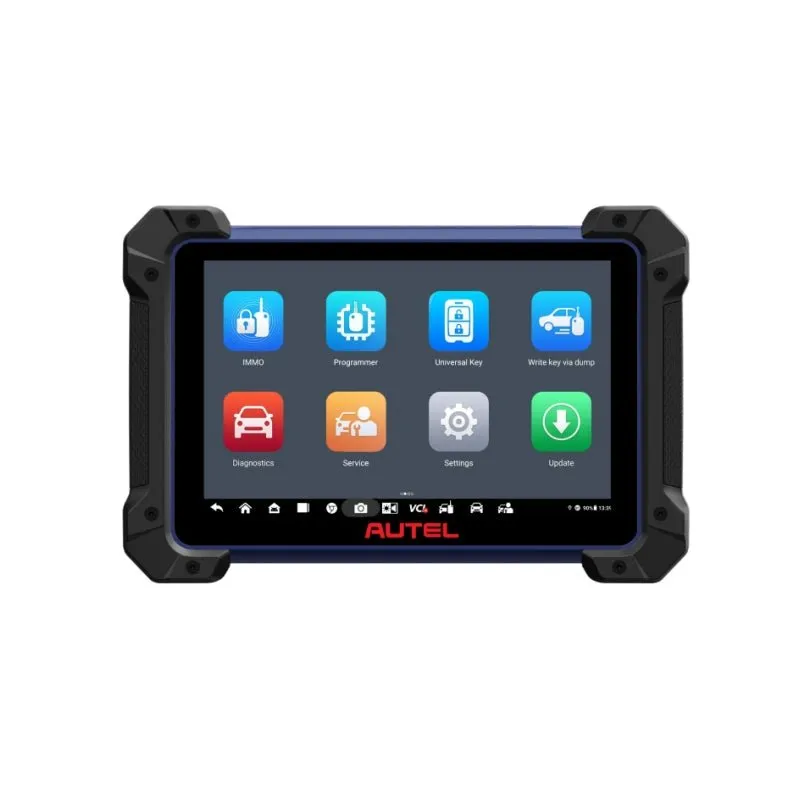
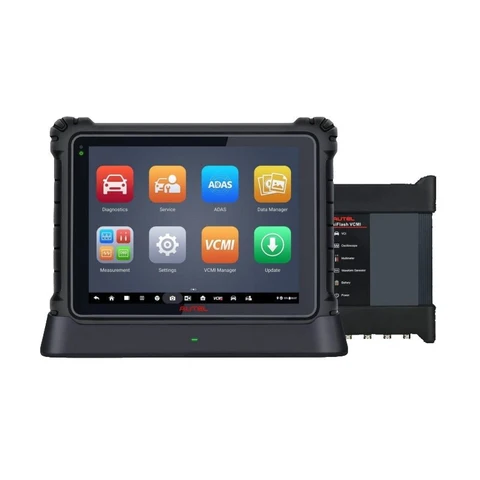
For those cases, the autel im608 or the autel maxisys ultra include TPMS as one feature among many. But if TPMS is the main headache, the TS508WF is purpose-built for it.
Autel TS508WF vs. Other TPMS Tools: Quick Comparison
Here is how the autel maxitpms ts508wf stacks up against its stablemate and a competitor.
| Feature | Autel MaxiTPMS TS508WF | Autel TS508 | Basic OBD-only tool |
|---|---|---|---|
| Sensor triggering (315 & 433 MHz) | Yes | Yes | No |
| OBD relearn | Yes | Yes | Limited |
| Battery voltage reading | Yes | Yes | No |
| Printable diagnostic report | Check the listing | Check the listing | No |
| Sensor ID programming | Yes | Yes | No |
| Wi-Fi updates | Yes | No (updates by computer) | No |
| Screen | Check the listing | Check the listing | Monochrome buttons |
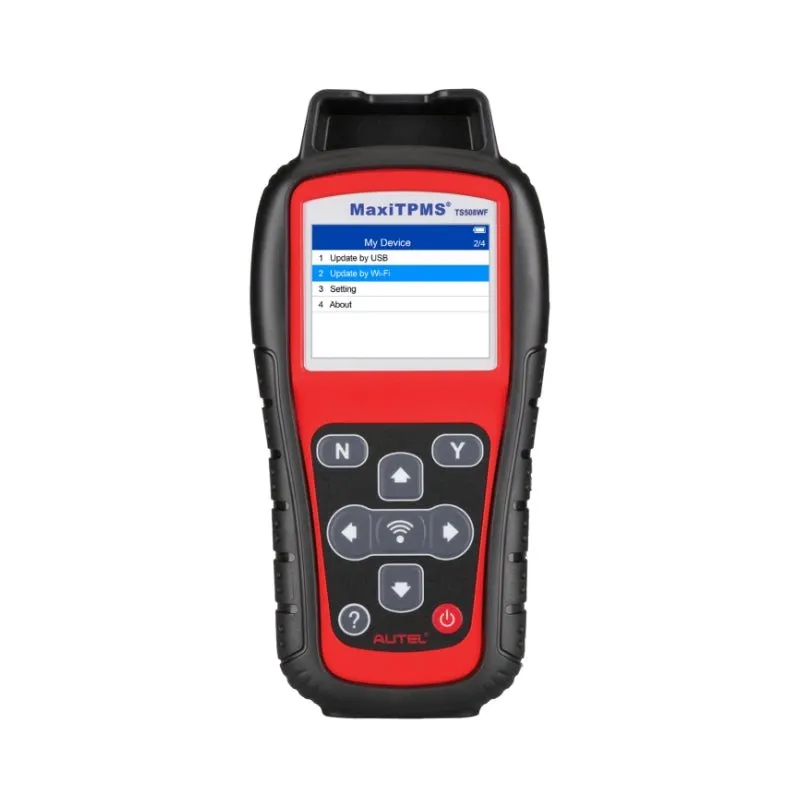
If you’re comparing the TS508WF with the older maxitpms ts508, the store says the Wi-Fi version adds updates over Wi-Fi, so you are not tethered to a USB cable every time Autel releases a new vehicle profile.
Updating the Autel MaxiTPMS TS508WF
The Wi-Fi model updates without a computer. The autel maxitpms ts508wf update process:
- Connect the tool to a Wi-Fi network.
- Go to the update menu on the home screen.
- Download and install the latest firmware and vehicle database.
- The tool restarts with the newest coverage.
Keeping the tool updated adds newer vehicle coverage as Autel releases it. The Autel TPMS homepage is also a good place to check for software news and supported vehicle lists.
Real-World TPMS Scenarios the TS508WF Solves
Here are three TPMS situations and how the autel maxitpms ts508wf handles them.
Scenario 1: Dead sensor after winter. The TS508WF shows battery information for each sensor when you trigger it, so you can spot a weak one. It can program an Autel MX-Sensor to replace it.
Scenario 2: Light stays on after tire rotation. The sensors are in new wheel positions, but the car still expects the old layout. The TS508WF’s OBD relearn remaps the positions.
Scenario 3: Aftermarket wheels with no sensors. Some aftermarket wheel setups skip TPMS entirely. The TS508WF confirms “no signal” on that corner so you can install a compatible sensor and program it on the spot.

If you pair the TS508WF with a more comprehensive diagnostic tool like the autel ultra s2, you can clear any related trouble codes in other modules at the same time and ensure the entire system is communicating properly.
Before You Buy
The autel maxitpms ts508wf is a focused TPMS tool, and its Wi-Fi updates mean you do not need a computer to keep it current.
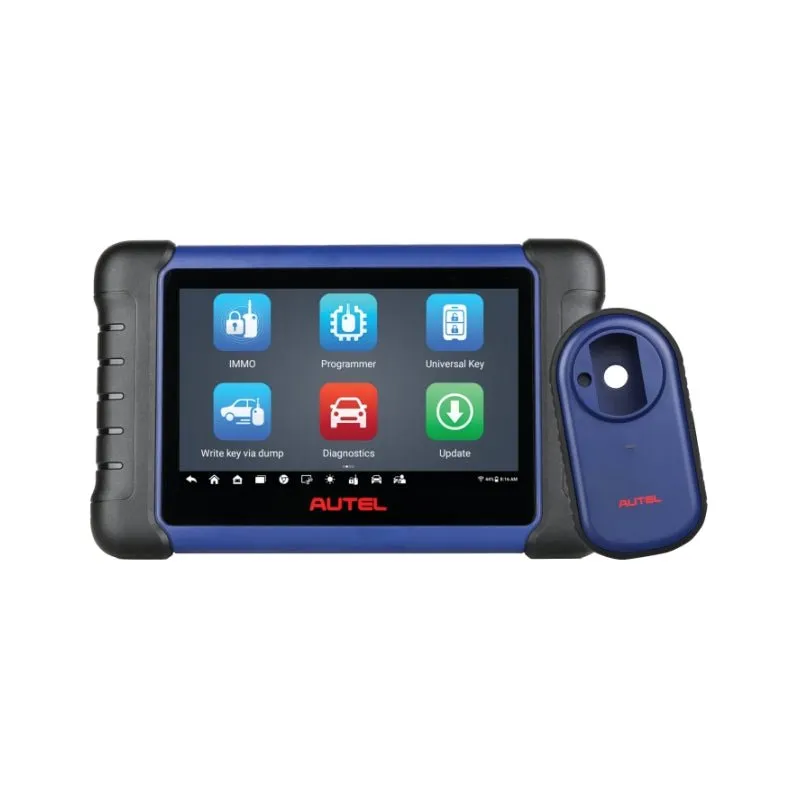
Whether you go with the TS508WF or one of the broader platforms like the im508s for combined diagnostics and TPMS, check our AAA AUTO TOOL page for the current code.
Questions
How do I use the autel maxitpms ts508wf for the first time?
Charge the tool fully, turn it on, select the vehicle make and model, then hold the tool near each valve stem to trigger the sensor. The screen shows pressure, temperature, and battery status for each one. Use the OBD relearn option if the vehicle requires it to clear the light.
Does the autel maxitpms ts508wf work on all vehicles?
No single tool fits every vehicle, as the store itself notes, so check coverage with the store before you buy. Wi-Fi updates add newer vehicles as Autel releases them.
Can I program new TPMS sensors with the TS508WF?
Yes, but only Autel MX-Sensors. The store lists two ways: copy by OBD, or auto create a new ID.
How often should I update the autel maxitpms ts508wf?
Check for updates before you work on a newer vehicle, or whenever the tool does not recognize one.
What is the difference between the Autel TS508 and the TS508WF?
The TS508WF adds Wi-Fi updates without a computer, and the store says it includes the features of the TS508. The core TPMS functions (sensor triggering, OBD relearn, and ID programming) are on both models.
Will the TS508WF turn off my TPMS light permanently?
Yes, if you fix the underlying issue. The tool diagnoses the root cause (low pressure, dead battery, faulty sensor, or missing relearn) and lets you correct it. Once the system sees valid sensor data from all four corners, the light turns off. If it comes back, a tire, sensor or relearn still needs attention.
Products in this guide
 Shopping at AAA AUTO TOOL? See the discount code
5% OFF All Orders
More in this series
How to Test a Car Battery With the Autel Battery Tester, Step by Step9 Sep 20265 minAutel MaxiSys Ultra vs Ultra S2: What’s Different?9 Sep 20263 min How to Program a Key With the Autel MaxiIM KM100 in 5 Steps9 Sep 20264 minAutel IM608 vs. IM508S: Which Diagnostic Scanner Should You Buy?9 Sep 20264 min