 A Aoocci guide
How to Set Up the Aoocci Wireless CarPlay Adapter in Minutes
A wireless CarPlay adapter lets you ditch the USB cable and get Apple CarPlay running over Bluetooth and Wi-Fi in under five minutes with the Aoocci dongle.
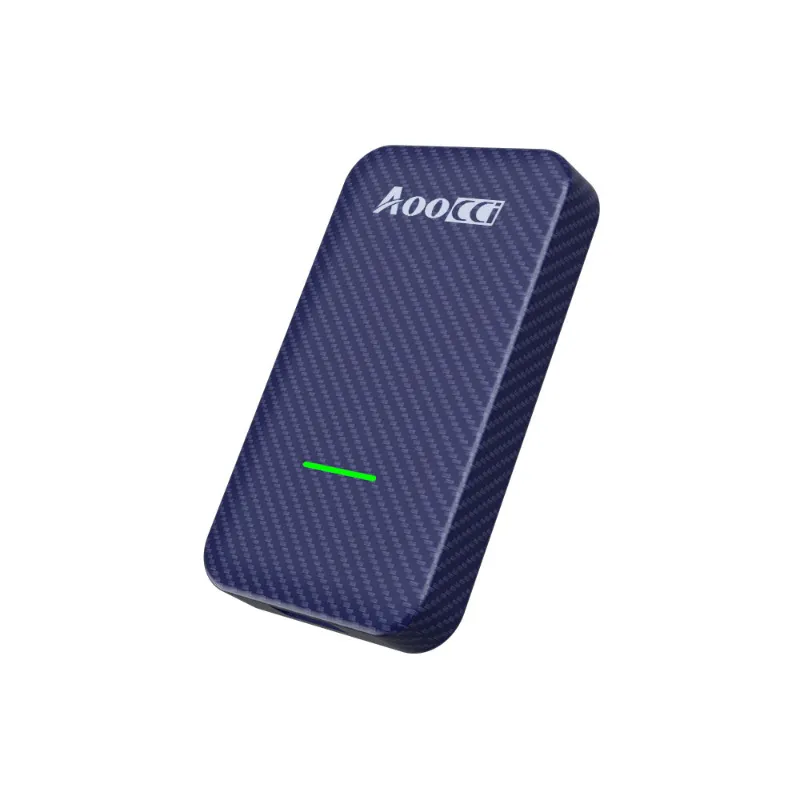
A wireless carplay adapter cuts the cable and streams Apple CarPlay from your iPhone to your factory head unit over a combined Bluetooth and Wi-Fi connection. The Aoocci dongle is one of the simplest plug-and-play options on the market, and most drivers are up and running in under five minutes. Here is exactly how to do it.
What You Need Before You Start
Getting the setup right on the first try depends almost entirely on having the correct prerequisites in place. Run through this checklist before you plug anything in.
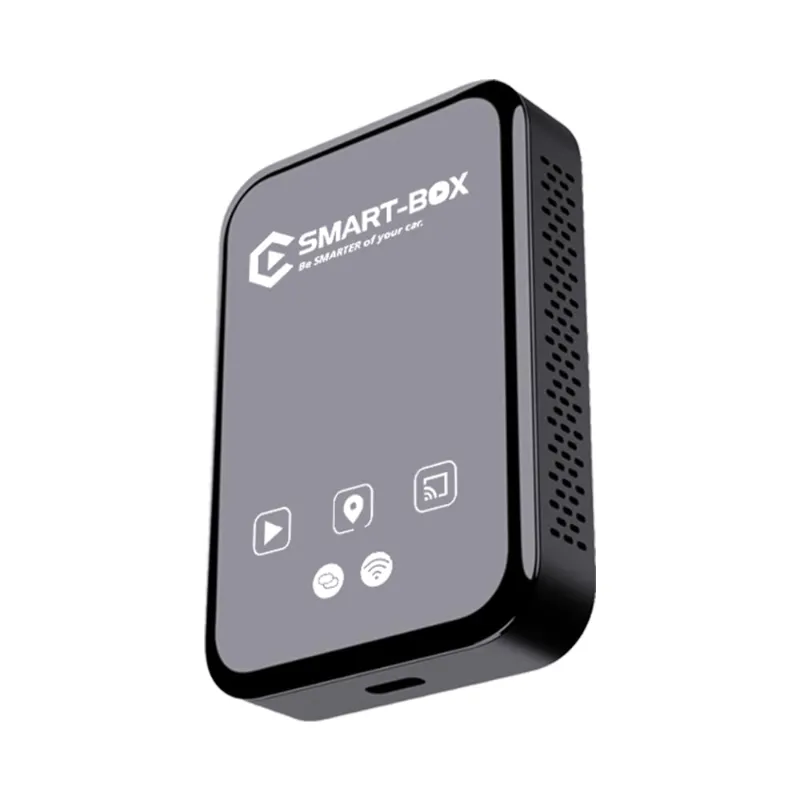
- A wired CarPlay head unit. Your factory or aftermarket screen must already support wired Apple CarPlay. The adapter converts wired CarPlay to wireless; it cannot add CarPlay to a screen that does not have it.
- An iPhone running iOS 10 or later. Most iPhones from iPhone 7 onwards work without any extra steps.
- The USB-A port on your head unit. The Aoocci wireless car play dongle uses a standard USB-A connector, so no adapter is needed on the car side.
- Bluetooth and Wi-Fi enabled on your iPhone. Both radios must be on, not just CarPlay itself.
- No pending iOS updates. Install any waiting updates before pairing to avoid mid-setup disconnections.
If your car qualifies, you are ready to pair.
Step-by-Step Setup for the Aoocci Wireless CarPlay Adapter
- Plug the dongle in. Insert the Aoocci wireless carplay adapter into the USB-A port your car normally uses for wired CarPlay. The indicator light will turn on within a few seconds.
- Wait for the Bluetooth broadcast. The dongle advertises itself as “Aoocci” or a similar name. This takes roughly 10 to 20 seconds on first boot.
- Open iPhone Settings > Bluetooth. Find the Aoocci device in the list and tap it to pair. Accept any prompts.
- Follow the on-screen head-unit prompts. Your car screen will display a CarPlay connection request. Confirm it.
- Let the Wi-Fi handshake complete. After Bluetooth pairs, the dongle shifts the data stream to a local 5 GHz Wi-Fi channel for lower latency. You will see the familiar CarPlay home screen appear within 15 to 30 seconds.
- Subsequent starts are automatic. Once paired, your phone reconnects without any manual steps every time you start the car.
For reference on how the Aoocci compares to other options in the category, Road & Track’s roundup of the best wireless CarPlay adapters for 2026 is a solid independent benchmark.
Troubleshooting Common Connection Problems
Even a well-designed wireless carplay adapter for iPhone can hiccup on the first pairing attempt. These fixes resolve the vast majority of issues.
- CarPlay screen does not appear: Go to Settings > General > CarPlay on your iPhone. Make sure your car is listed and CarPlay is not restricted.
- Adapter light blinks but no Bluetooth shows up: Unplug the dongle, wait 10 seconds, and replug. A full power cycle almost always clears this.
- Connection drops after a few minutes: Switch your iPhone’s Wi-Fi to avoid joining other networks automatically. The dongle creates its own hotspot; background network switching can interrupt it.
- High latency or laggy maps: The 5 GHz band is faster but shorter range. Make sure there are no metal objects between the dongle and your phone’s position on the dash.
- Phone stops reconnecting automatically: Delete the car from Settings > General > CarPlay and the Aoocci entry from Bluetooth, then re-pair from scratch.
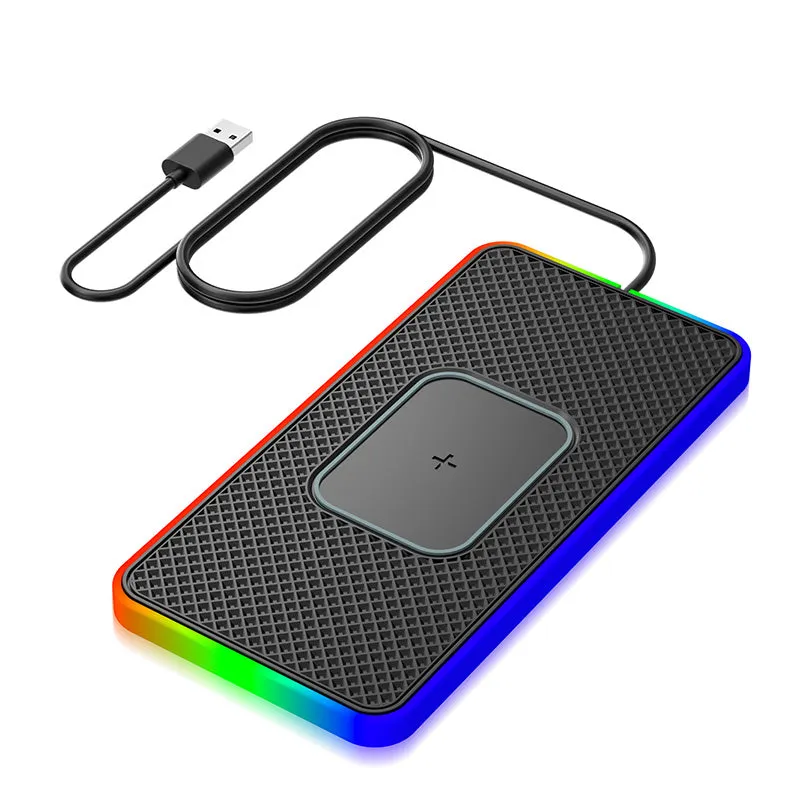
If you want to stack an accessory alongside the adapter, the inductive charging pad keeps your iPhone topped up on the dash without adding another cable to the equation.
Wireless CarPlay Adapter: iPhone vs Android Compatibility
A question that comes up constantly on forums is whether these dongles work with Android phones. The short answer is no, not for CarPlay specifically.
| Feature | iPhone (iOS 10+) | Android |
|---|---|---|
| Apple CarPlay | Yes, full support | Not compatible |
| Android Auto Wireless | Requires a different dongle | Supported on select adapters |
| Setup complexity | Plug and pair | Varies by device |
| Latency on 5 GHz Wi-Fi | Low | Low (on compatible units) |
If you drive an Android phone, look for an adapter specifically marketed as a wireless Android Auto dongle. The Aoocci ecosystem is built around the wireless CarPlay workflow for iPhone users. For a broader comparison of both platforms, CarPlay Life’s guide to the top wireless CarPlay and Android Auto adapters is worth a read.
Getting the Most Out of Your Aoocci Setup
Once the dongle is paired and stable, a few small habits make the experience noticeably better.
- Keep the dongle plugged in permanently. There is no downside to leaving it connected, and it means instant auto-connect every start.
- Use a good mount. Positioning your phone in a consistent spot on the dash, ideally on an inductive charging pad, keeps the Wi-Fi signal path clean and your phone charged.
- Update dongle firmware if prompted. Some Aoocci units push firmware via a companion app. Accepting these updates improves stability over time.
- Pair only one iPhone per dongle. The device remembers the last paired phone. If multiple drivers share the car, each driver will need to re-pair on their first use.
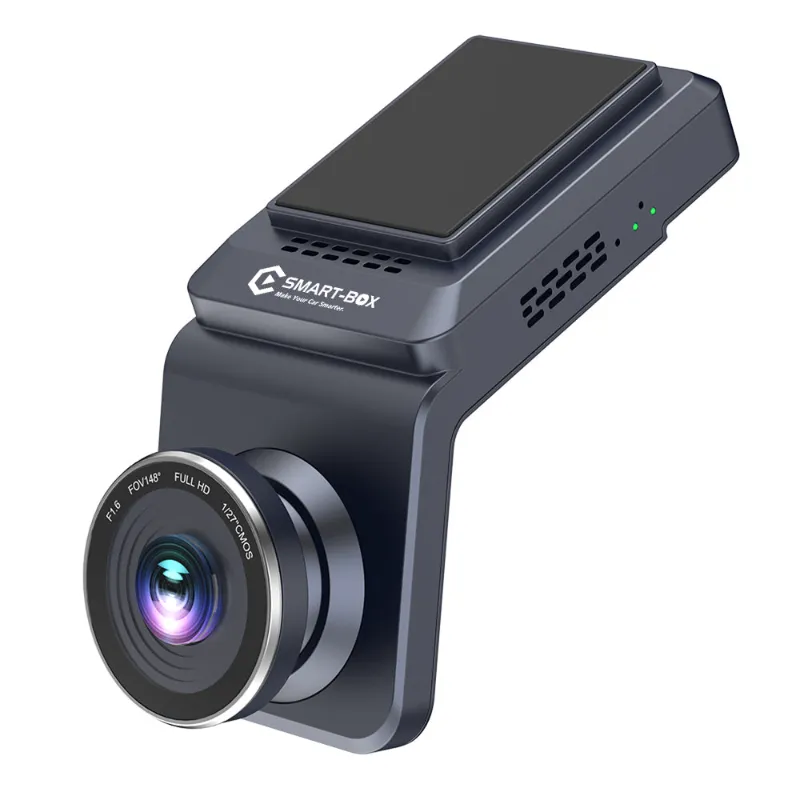
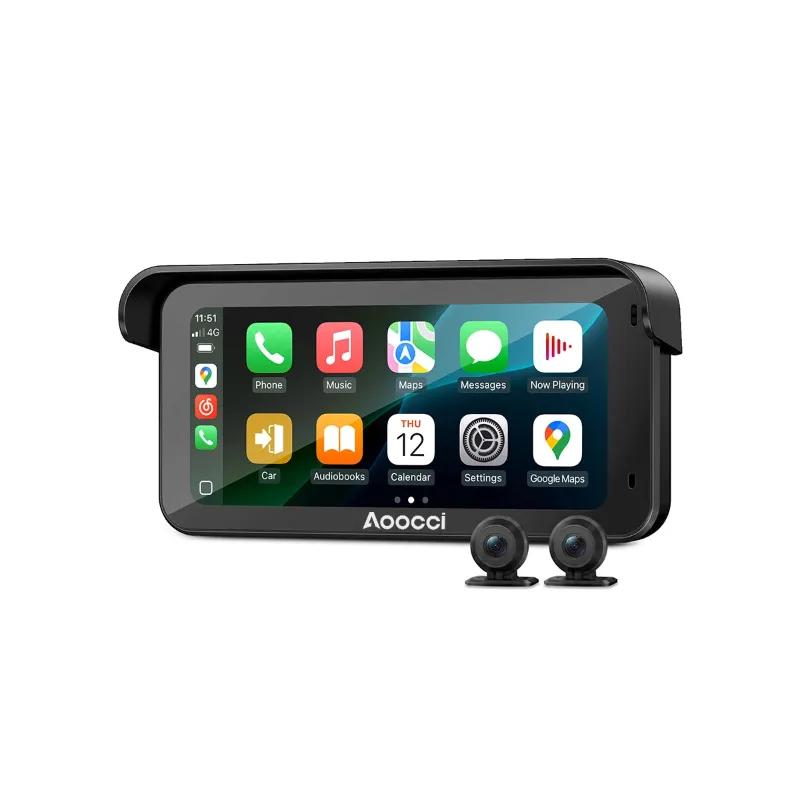
Aoocci also makes a well-regarded aoocci Dash Cam if you want to add front-facing video recording to your setup without cluttering the cabin with extra wiring. For riders who want similar capability on two wheels, the motorcycle dash cam and motorcycle camera are purpose-built for outdoor and vibration-heavy environments.
Where to Buy and How to Save
The Aoocci wireless carplay adapter is available directly through the Aoocci store. Before you check out, grab the current discount code at our Aoocci coupon page where we track the latest offers, currently 18% off sitewide. That discount applies across the Aoocci range, so it is worth picking up any accessories at the same time.
For independent context on what makes a dongle worth buying at any price point, AA Wireless breaks down the key specs to look for in a wireless CarPlay adapter before you commit.
Check the latest price and active codes before adding to cart, since the offer can update without notice. If you are buying for a friend or family member, the setup process above is simple enough to walk anyone through over a phone call, making the Aoocci a genuinely giftable gadget.
Questions
Does the Aoocci wireless CarPlay adapter work with all iPhones?
It works with any iPhone that supports Apple CarPlay, generally iPhone 6s or later running iOS 10 or above. Older iPhones that never supported CarPlay will not work with any wireless adapter.
Will a wireless CarPlay adapter work if my car only has USB-C?
The Aoocci dongle uses a USB-A connector, so you would need a USB-A to USB-C adapter for cars that only have a USB-C port. Check your head unit's port type before ordering to confirm compatibility.
Can I use a wireless CarPlay adapter with Netflix or other streaming apps?
CarPlay itself does not support Netflix or video streaming apps, as Apple restricts CarPlay to navigation, audio, messaging, and communication apps for safety reasons. Video streaming requires a dedicated Android-based head unit, not a CarPlay adapter.
Why does my wireless CarPlay connection keep dropping after a few minutes?
The most common cause is your iPhone automatically connecting to a known Wi-Fi network and interrupting the dongle's local hotspot. Disable auto-join on other saved networks, or limit Wi-Fi to the dongle's connection while driving.
Is there a discount code available for the Aoocci wireless CarPlay adapter?
Yes, we maintain an updated list of active Aoocci discount codes on our coupon page, currently offering 18% off sitewide. Check the page before checkout for the latest working code.
How is the Aoocci wireless CarPlay adapter different from a built-in wireless CarPlay system?
Factory wireless CarPlay is integrated into the head unit's hardware and software from the manufacturer. The Aoocci adapter achieves the same wireless result by acting as a bridge between your phone and an existing wired CarPlay port, so you get wireless convenience without replacing your head unit.
Products in this guide
 Shopping at Aoocci? See the discount code
18% OFF Sitewide
Shopping at Aoocci? See the discount code
18% OFF Sitewide
More in this series
What to Look for in a Motorcycle Action Camera Before You Buy8 Aug 20264 minAoocci Inductive Charging Pad Not Working? Common Fixes and Tips8 Aug 20265 minThe Best Aoocci Accessories to Upgrade Your Car and Motorcycle in 20258 Aug 20264 minAoocci Dash Cam vs. Aoocci Motorcycle Dash Cam: Which One Do You Need?8 Aug 20264 minAoocci Wireless CarPlay Adapter Review: Is It Worth It for Your Car?8 Aug 20264 min