 A Aoocci guide
Aoocci Inductive Charging Pad Not Working? Common Fixes and Tips
An Aoocci inductive charging pad that stops working is almost always down to one of a handful of fixable issues, and this guide walks you through every one of them.
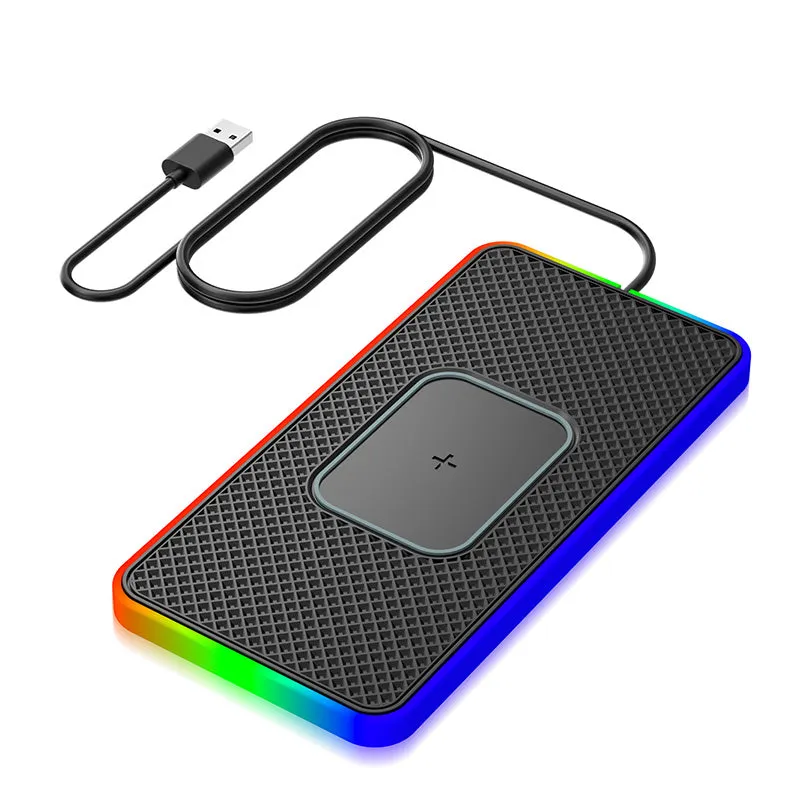
An inductive charging pad that refuses to charge your phone is frustrating, but the cause is rarely a dead unit. Most problems come down to alignment, case interference, power delivery, or firmware, all of which you can diagnose and fix at home in a few minutes.
Why Your Inductive Charging Pad Stops Working
Inductive charging works by passing energy between two coils through electromagnetic induction. If anything disrupts the coil-to-coil relationship, charging stops. The Aoocci pad is no different. Before assuming the unit is faulty, it helps to understand the most common culprits:
- Misalignment – The transmitter coil in the pad and the receiver coil in your phone must overlap. Even a few millimetres off-center can drop output dramatically.
- Case thickness or material – Cases thicker than about 3 mm, or cases with metal plates or magnetic inserts, block the electromagnetic field.
- Inadequate power supply – The pad needs a quality USB-C or USB-A adapter that can deliver the rated wattage. A low-output phone charger or a cheap cable often throttles charging or prevents it entirely.
- Debris on the charging surface – Dust, lint, or a forgotten coin between the phone and the pad creates interference and, in the case of metal objects, a safety cutout.
- Software or device-side issues – Wireless charging on Android and iPhone devices can be disabled in battery saver modes, or a glitched charging controller can stop accepting power from any pad.
Step-by-Step Fixes to Try First
Work through these in order before anything else.
- Check the LED indicator. If the pad’s indicator light does not come on at all, the problem is upstream: try a different cable and a different wall adapter rated at 10 W or higher.
- Remove the phone case. Place the phone directly on the pad. If charging starts, the case is the issue. Look for a thinner case or one without metal components.
- Re-center the phone. Place it squarely in the middle of the pad and wait 10 seconds. Most pads show a solid light when coils are aligned.
- Clean the pad surface. Wipe the pad and the back of your phone with a dry microfibre cloth. Remove any cards, coins, or magnetic mounts from behind the phone.
- Try a different power source. Plug the pad into a wall socket rather than a USB port on a laptop or monitor, which often under-delivers on current.
- Restart the phone. A forced restart clears a glitched charging controller without losing data.
- Check for a firmware update. Some Aoocci accessories receive app-linked updates. If your pad pairs with the Aoocci app, check for pending updates.
Wireless Charging Pad for Android vs. iPhone: Different Gotchas
The Aoocci pad is a wireless charging pad for multiple devices, but Android and iPhone behave differently when something goes wrong.
| Device type | Common extra cause | Quick check |
|---|---|---|
| iPhone | Low Power Mode caps wireless input | Disable Low Power Mode in Settings > Battery |
| Android | Battery saver restricts background charging | Turn off Battery Saver or Adaptive Battery |
| Both | Dirty USB-C port (affects pad, not phone) | Re-seat the cable firmly into the pad |
If you specifically use the pad as a wireless charging pad for iPhone, note that older iPhone models top out at 7.5 W on third-party pads. That is normal behavior, not a fault. Android flagship phones using the pad as a wireless charging pad for Android sometimes need the manufacturer’s own fast-charge protocol enabled in developer options.
For a broader look at what separates good pads from mediocre ones, Wired’s roundup of the best wireless chargers is a useful reference before you decide whether to replace or keep your current unit.
When the Problem Is the Power Adapter
This is the single most underrated fix. The inductive charging circuit inside the pad converts AC power into the oscillating magnetic field your phone needs. Feed it weak or noisy power, and the circuit either underperforms or shuts down as a protection measure.
- Use an adapter rated at 10 W minimum, 18 W preferred for faster charging.
- Avoid cheap multi-port adapters that share wattage across ports.
- Use the cable that came with the pad, or a braided USB-C cable rated for 3 A.
- Avoid extension cords and power strips with surge protectors that can introduce noise.
Protecting Your Aoocci Setup: Car Accessories That Pair Well
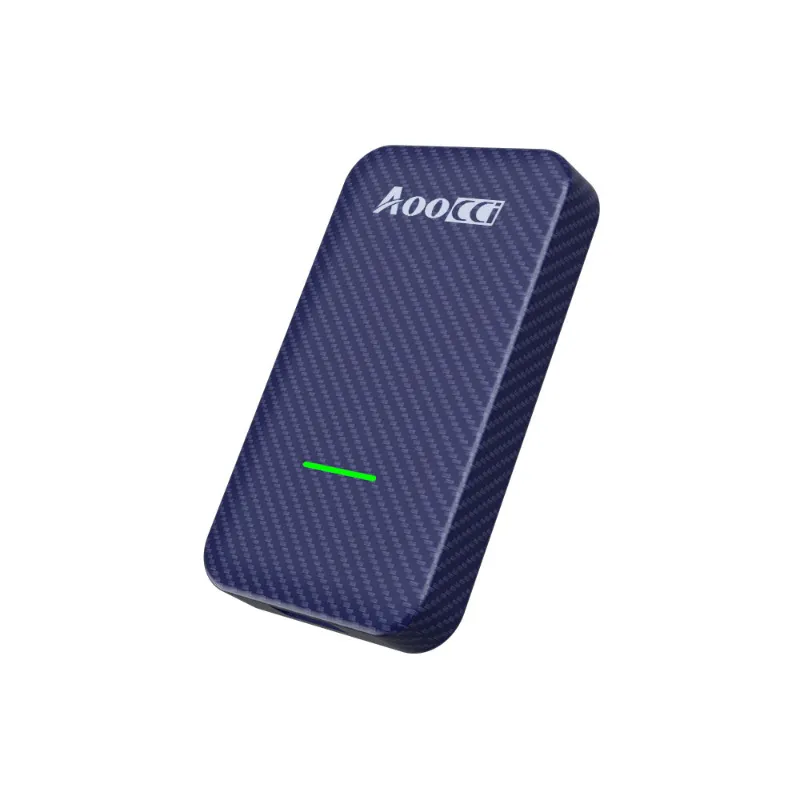
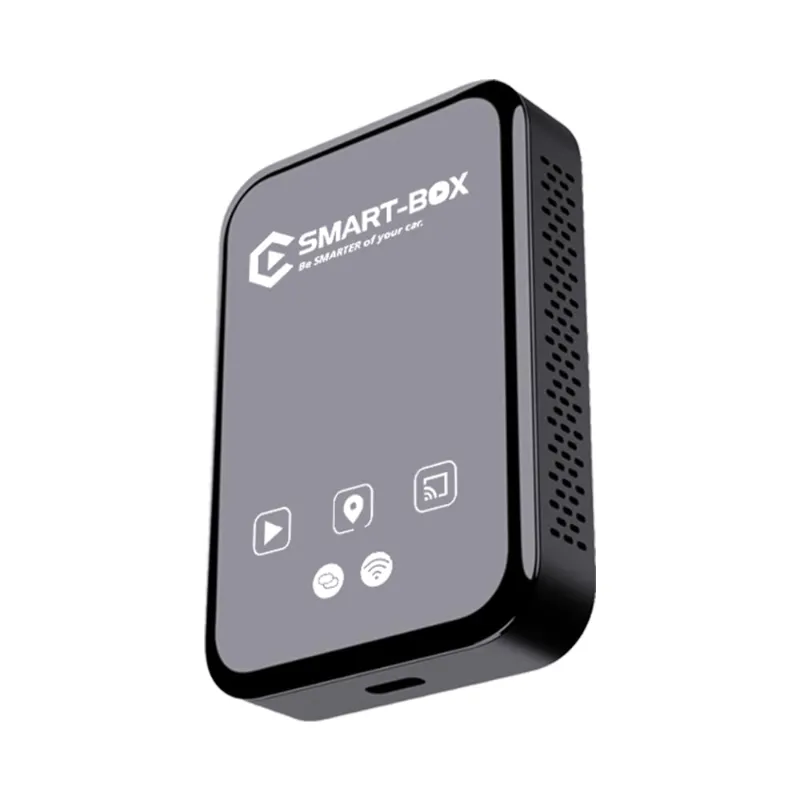
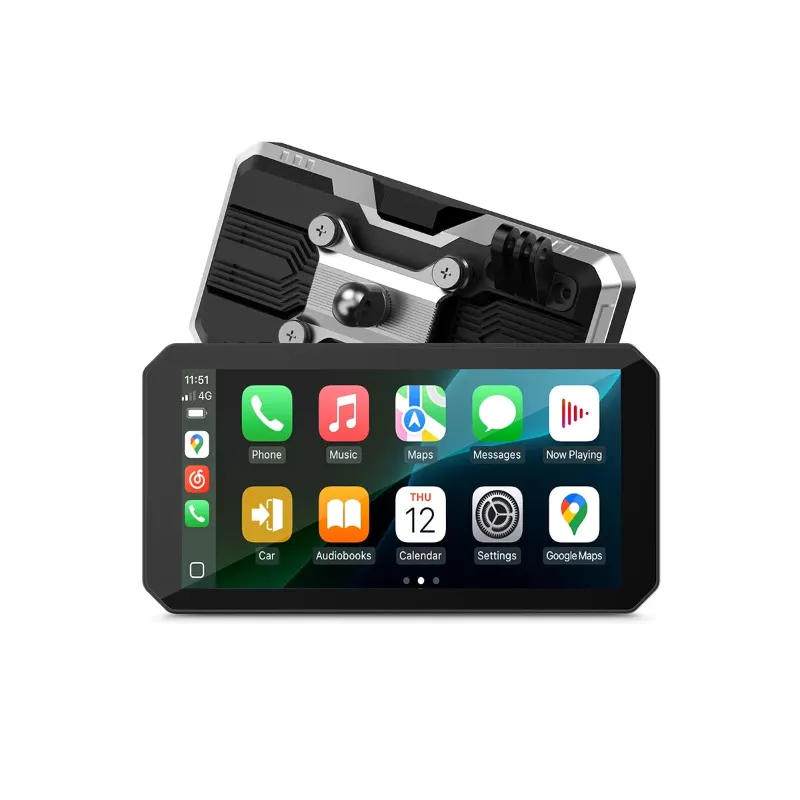
If you use Aoocci products in your vehicle, the charging pad often sits alongside other kit. The wireless carplay adapter and the wireless car play unit both draw power through the car’s USB or 12 V socket, so run the charging pad off a dedicated high-quality car adapter rather than sharing a splitter. Interference from low-quality 12 V adapters can cause exactly the same charging cutout symptoms described above.
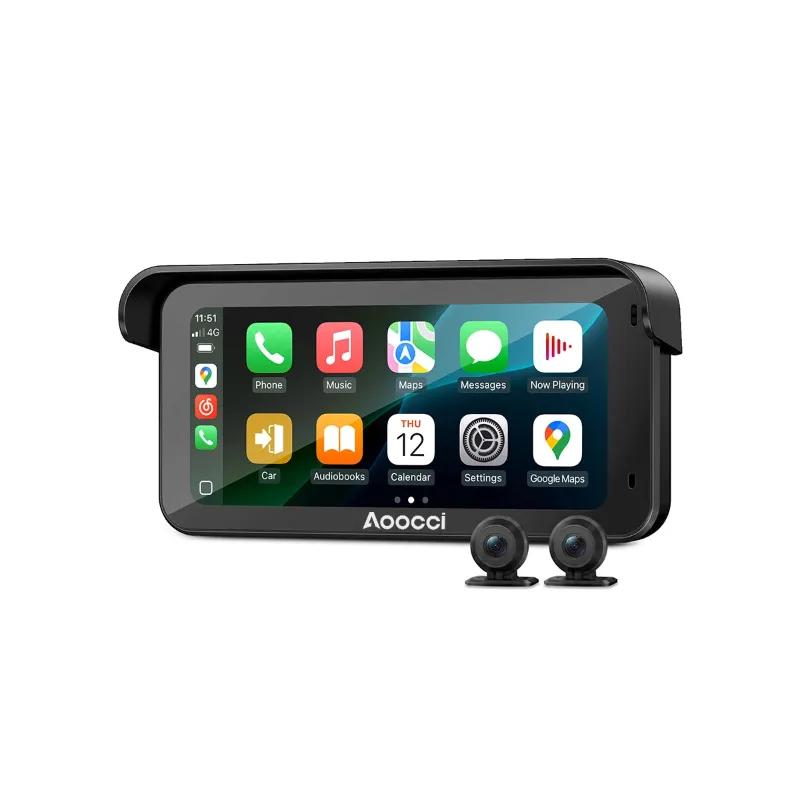
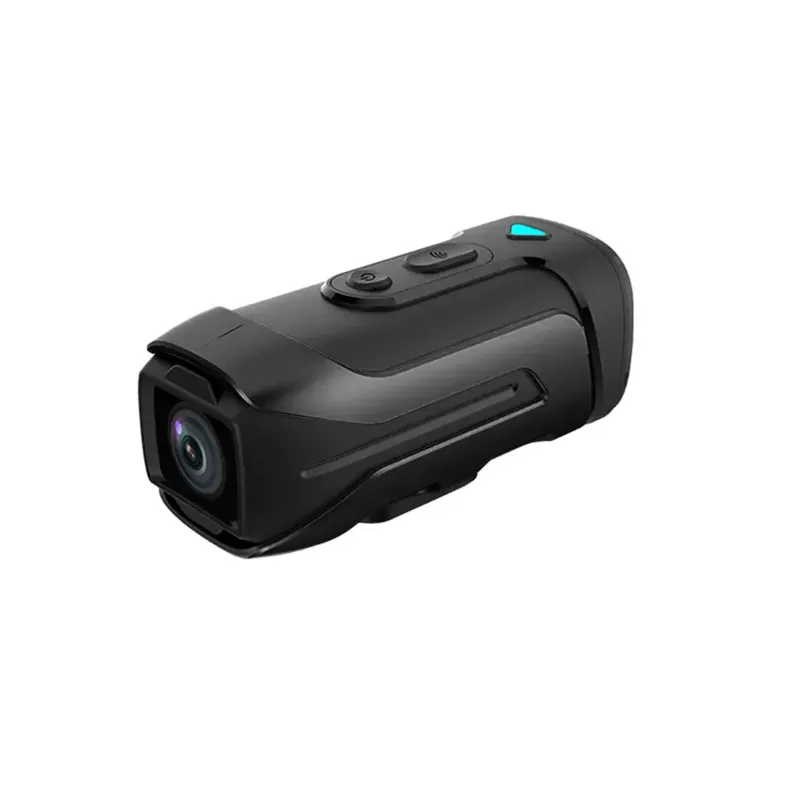
Aoocci’s camera lineup, including the motorcycle dash cam and the aoocci dash cam, uses separate power circuits, so those won’t directly interfere with the pad. Still, a clean, well-fused power setup keeps all your devices happier. If you are putting together a full Aoocci kit, grab the current discount code to save 18% sitewide before you buy.
When to Conclude the Pad Is Faulty
If you have worked through every step above and charging still does not start, run this final checklist:
- Test the pad with a different phone you know supports wireless charging. If it charges the second phone, your original phone’s receiver coil or NFC/wireless chip is the fault, not the pad.
- Inspect the pad’s USB port for bent pins or debris.
- Check whether the pad gets warm even when no phone is present (a sign of an internal short).
- If the pad is under warranty, contact Aoocci support with your order number. Check the latest price and availability to compare replacement cost against repair.
A genuinely dead pad is uncommon. Most “broken” wireless chargers turn out to be power supply or case issues that you can resolve in under five minutes.
Final Tip: Build Good Charging Habits
- Always set the phone down gently and squarely, not slid across the surface.
- Do not stack devices on a single-coil pad expecting both to charge simultaneously.
- Keep the pad away from direct sunlight and heat sources, which cause thermal throttling.
- If you use an iphone charging pad for multiple phones arrangement, make sure the pad explicitly supports multi-device output; single-coil pads only charge one device at a time.
Following these habits extends pad life and keeps the inductive charging circuit performing at its best for years rather than months.
Questions
Why does my Aoocci inductive charging pad show a light but not charge my phone?
A lit indicator usually means the pad is receiving power but the coils are not aligned, or a case or metal object is blocking the electromagnetic field. Remove the case, re-center the phone, and try again.
What power adapter should I use with the Aoocci charging pad?
Use a wall adapter rated at 10 W or higher and a good-quality cable rated for 3 A. Underpowered adapters are the most common reason a wireless pad charges slowly or not at all.
Does phone case thickness actually matter for wireless charging?
Yes. Cases thicker than roughly 3 mm can reduce or block charging. Cases with metal plates, magnetic wallet inserts, or PopSocket adhesives are particularly problematic and should be removed during charging.
Can I use the Aoocci wireless charging pad for multiple devices at the same time?
Single-coil pads charge one device at a time. If you need to charge multiple devices simultaneously, look for a pad that explicitly lists multi-coil or multi-device output in its specs.
Is the wireless charging pad compatible with both Android and iPhone?
Most Qi-standard pads work with both platforms. Android devices and iPhones may charge at different speeds depending on the wattage negotiated between the pad and the phone's receiver.
Where can I get a discount on Aoocci products including the charging pad?
You can find the current discount code and check live pricing on our Aoocci discount code page, which covers the full Aoocci range including the charging pad and car accessories.
Products in this guide
 Shopping at Aoocci? See the discount code
18% OFF Sitewide
Shopping at Aoocci? See the discount code
18% OFF Sitewide
More in this series
 What to Look for in a Motorcycle Action Camera Before You Buy8 Aug 20264 minThe Best Aoocci Accessories to Upgrade Your Car and Motorcycle in 20258 Aug 20264 minAoocci Dash Cam vs. Aoocci Motorcycle Dash Cam: Which One Do You Need?8 Aug 20264 minHow to Set Up the Aoocci Wireless CarPlay Adapter in Minutes8 Aug 20265 minAoocci Wireless CarPlay Adapter Review: Is It Worth It for Your Car?8 Aug 20264 min