 A Lubluelu guide
Do Portable Hotspots Work with Multiple Devices Simultaneously?
A portable hot spot can connect multiple devices simultaneously, though the exact number and performance depend on your model and data plan.
Yes, a portable hot spot supports multiple device connections at the same time. Most modern units handle between 5 and 30 simultaneous connections, depending on the model, carrier, and hardware specifications. Your actual experience will depend on how much bandwidth each device consumes and whether your data plan can support the combined load.
While the advertised connection limit matters, network congestion, signal strength, and your carrier’s throttling policies play equally important roles in determining whether your family can stream, work, and browse without lag.
How Many Devices Can Connect to Your Hotspot?
The device limit varies widely across models and price points. Entry-level units typically support 5 to 10 devices, mid-range options accommodate 10 to 15, and enterprise-grade hotspots handle 20 to 30 connections. Verizon and other carriers often list the maximum connection count in their device specifications.
Real-world capacity depends on what those devices are doing:
- Light use (email, messaging, basic browsing): 10+ devices can share a connection comfortably
- Moderate use (HD video streaming, video calls, large file downloads): 3 to 5 devices will consume most available bandwidth
- Heavy use (4K streaming, gaming, simultaneous video conferences): 2 to 3 devices may max out even a premium hotspot
The hardware inside your hotspot matters too. Devices with Wi-Fi 6 support distribute bandwidth more efficiently than older Wi-Fi 5 models, and units with larger batteries handle the processor load of managing multiple connections without overheating or throttling performance.
What Affects Speed When Multiple Devices Connect?
Bandwidth is finite, so adding devices means dividing your available data rate among them. If your hotspot pulls 50 Mbps from the cell tower, two devices streaming HD video at 8 Mbps each still leave 34 Mbps for other tasks. Add three more devices running video calls, and congestion becomes noticeable.
Key factors that determine multi-device performance:
- Carrier network congestion: during peak hours, your tower may slow everyone down regardless of your hotspot’s capability
- Signal strength: weak LTE or 5G signals reduce total throughput before you even split it among devices
- Device priority: some hotspots let you assign priority to specific devices, ensuring your work laptop gets bandwidth before your kids’ tablets
- Data plan limits: unlimited plans often throttle speeds after 15 to 50 GB, which arrives quickly when multiple devices share the connection
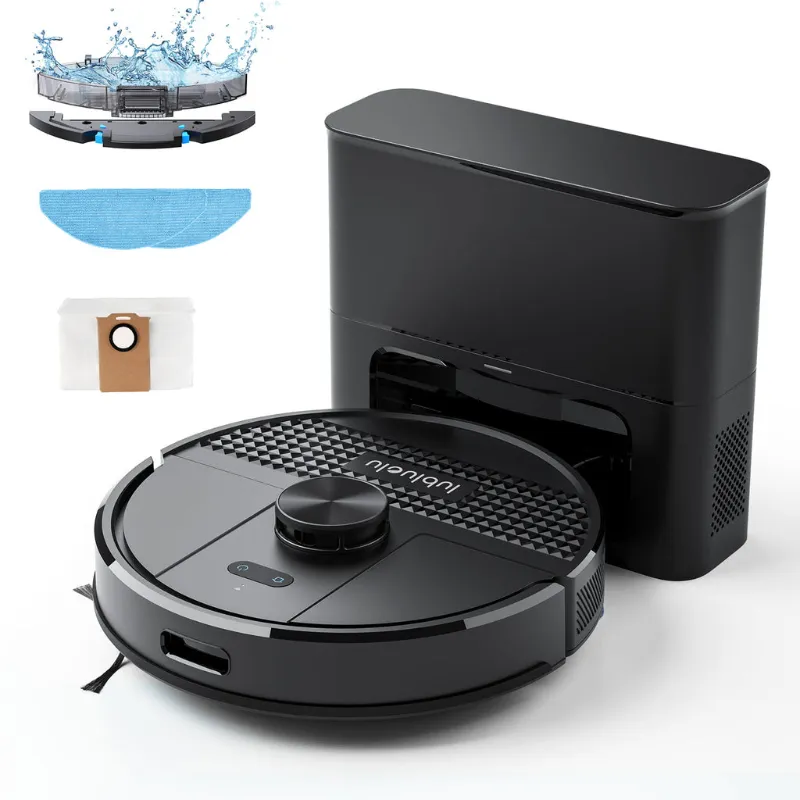
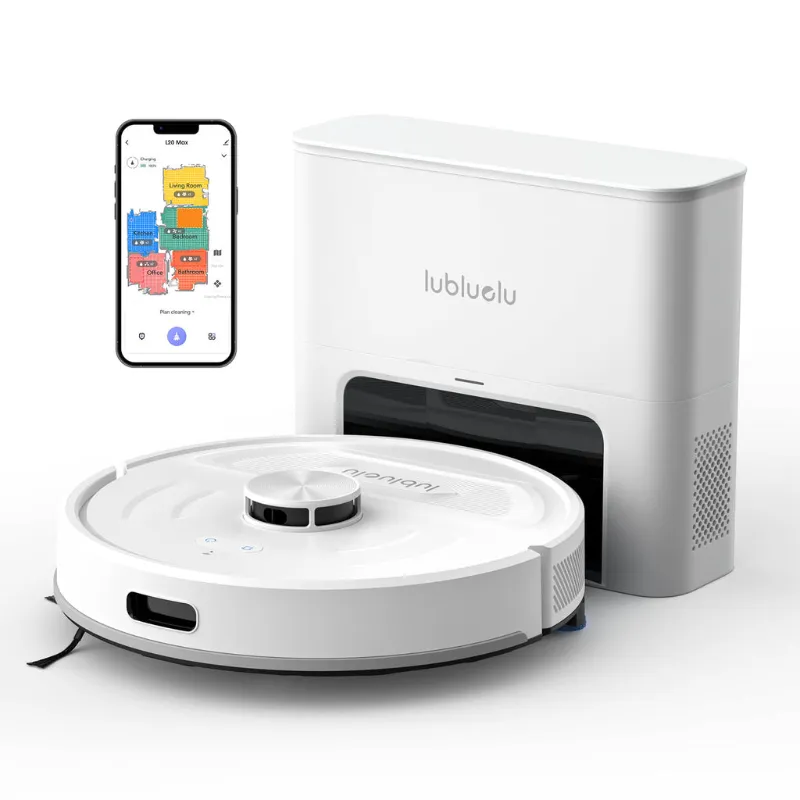
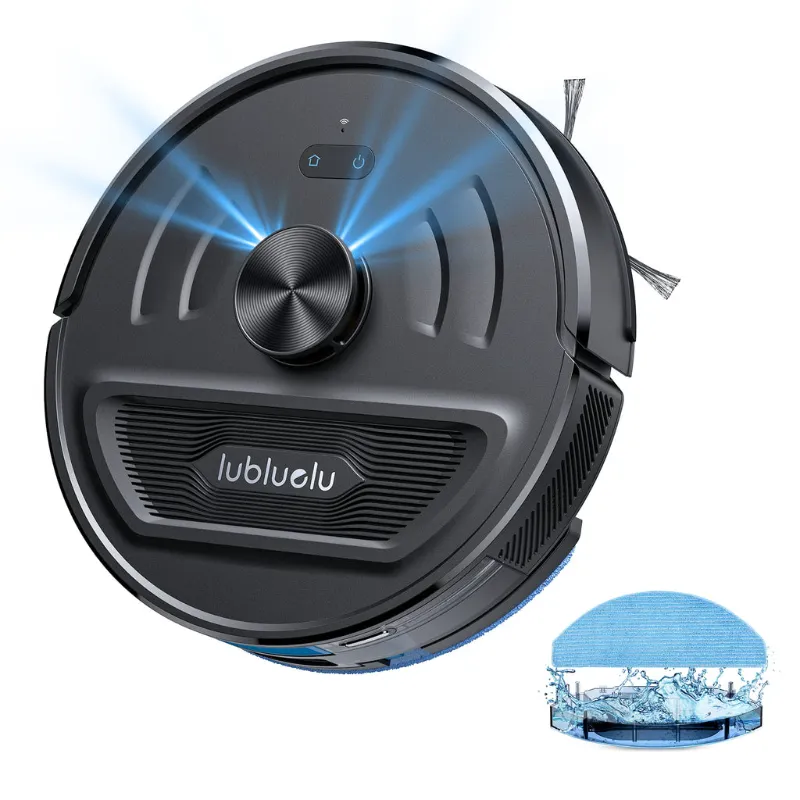
We recommend checking the latest pricing and offers if you’re shopping for connectivity solutions alongside smart home tech. Households that invest in devices like the lubluelu robot vacuum or lubluelu L20 also need reliable internet to manage schedules and firmware updates through mobile apps.
How to Optimize Multi-Device Hotspot Performance
Strategic setup and management extend your hotspot’s effective capacity. Start by positioning the device in a central location with strong cellular signal, ideally near a window and away from metal obstructions. Xfinity’s hotspot guide explains how physical placement impacts signal quality.
Connection management tips:
- Disconnect idle devices to free bandwidth and reduce processor load
- Use the 5 GHz band for nearby devices needing speed; reserve 2.4 GHz for distant or low-bandwidth devices
- Set a strong password to prevent unauthorized connections that drain your data
- Enable data-saving modes in streaming apps (YouTube, Netflix) to reduce per-device consumption
- Schedule large downloads (app updates, cloud backups) for off-peak hours when fewer devices compete
Some hotspots include admin panels that show real-time data usage per connected device. This visibility helps identify which device is consuming bandwidth and whether someone is streaming 4K video while you’re trying to join a work call.
When Multi-Device Hotspots Make Sense
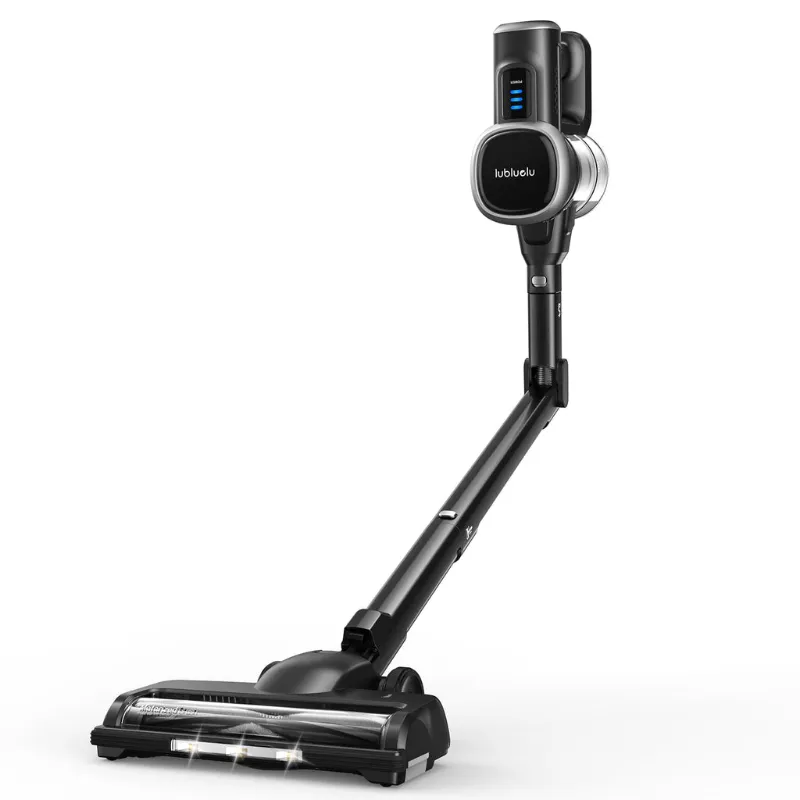
Portable hotspots shine in scenarios where traditional broadband isn’t available or practical. Road trips, temporary work sites, outdoor events, and rural properties all benefit from shared mobile connectivity. Families traveling in RVs often run a hotspot continuously to keep laptops, tablets, phones, and even smart home devices like the lubluelu cordless vacuum cleaner app-connected for scheduling.
Best use cases for multi-device hotspots:
- Remote work teams: small crews on construction sites or at pop-up offices can share one data plan
- Family travel: keeps everyone connected without paying for individual phone data upgrades
- Backup internet: provides redundancy when your home broadband goes down, keeping critical devices online
- Event connectivity: conferences, markets, and outdoor gatherings where Wi-Fi isn’t provided
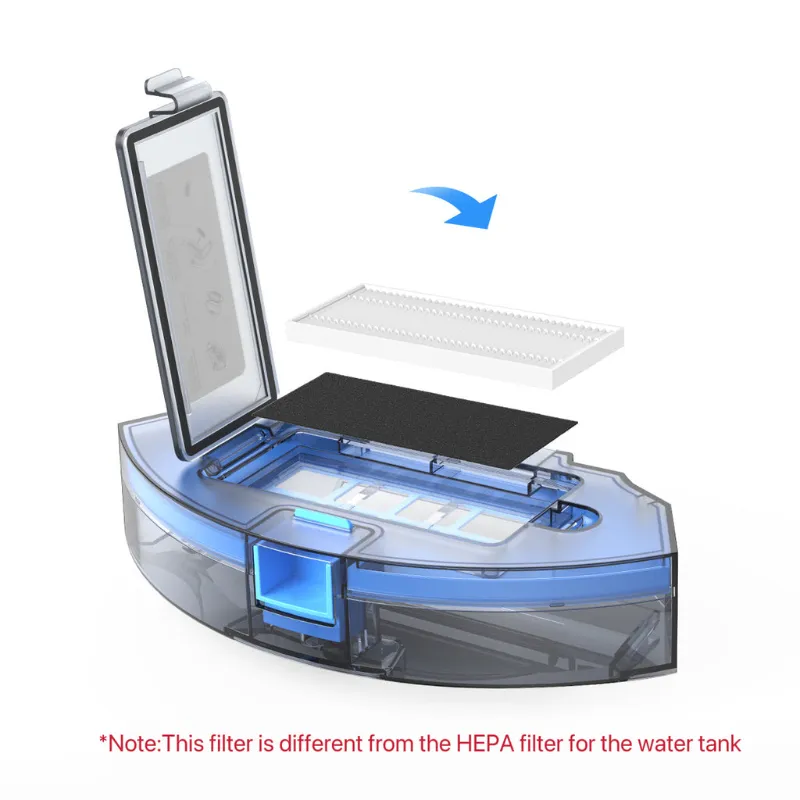
For home use, consider whether a hotspot genuinely saves money versus upgrading your home internet plan. If you already own smart home devices like the hepa filter 360 s7 or robot vacuum carpet models that require app connectivity, a stable home network often delivers better performance and fewer connection headaches than trying to run everything through a cellular hotspot.
Comparing Hotspot Models for Multi-Device Use
When shopping for a device that handles multiple connections well, prioritize battery life, band support, and user reviews over advertised connection limits alone. A hotspot claiming 30-device support means little if the battery dies after three hours or the processor throttles at 10 active connections.
| Feature | Entry-Level | Mid-Range | Premium |
|---|---|---|---|
| Device limit | 5-10 | 10-15 | 20-30 |
| Battery life | 4-8 hours | 8-15 hours | 15-24 hours |
| 5G support | Rarely | Sometimes | Usually |
| Wi-Fi 6 | No | Sometimes | Yes |
PCMag’s testing roundup provides independent performance data across price ranges. Premium units justify their cost only if you regularly connect 15+ devices or need enterprise features like VPN pass-through.
Before purchasing, verify that your carrier plan supports hotspot use and check whether it counts against your phone’s data cap or offers a separate allotment. Some carriers throttle hotspot speeds to 3G levels even on unlimited plans, which defeats the purpose of multi-device connectivity.
Managing Data When Multiple Devices Share a Hotspot
Shared connections drain data plans faster than solo use. Four people streaming video simultaneously can burn through 10 GB in under three hours. Monitor your usage through your carrier’s app and set alerts at 50%, 75%, and 90% of your limit to avoid overage charges or throttling.
Data-saving strategies:
- Download content (Netflix shows, Spotify playlists, work files) over Wi-Fi before traveling
- Disable automatic app updates and cloud photo backups on all connected devices
- Use web-based apps instead of bandwidth-heavy native apps when possible
- Enable low-data modes in device settings (iOS Low Data Mode, Android Data Saver)
- Limit video quality to 480p or 720p rather than 1080p or 4K

If you’re managing both connectivity and home automation, grab the code for 12% off Lubluelu’s range of smart cleaning devices. Pairing a lubluelu cordless vacuum with scheduled routines that sync via your home or mobile network makes reliable internet a key part of a smart home ecosystem.
Portable hotspots absolutely work with multiple devices simultaneously, and modern models handle typical family or small-team loads without issue. Success comes down to matching your hotspot’s specifications to your actual usage patterns, managing bandwidth intelligently, and choosing a carrier plan that supports your multi-device needs without punishing you with throttling or overage fees.
Questions
How many devices can connect to a portable hot spot at once?
Most portable hotspots support 5 to 30 simultaneous connections depending on the model. Entry-level units typically handle 5 to 10 devices, while premium models accommodate 20 to 30. Real-world performance depends on what each device is doing and your available bandwidth.
Does connecting more devices slow down my hotspot?
Yes, because all connected devices share the same cellular bandwidth. If your hotspot receives 50 Mbps from the tower, that speed is divided among every active device. Heavy tasks like streaming or video calls consume more bandwidth and slow the experience for other users.
Can I prioritize certain devices on my mobile hotspot?
Some mid-range and premium hotspots offer device prioritization through their admin panel or mobile app. This feature ensures critical devices like work laptops get bandwidth first, while lower-priority devices like tablets or smart home gadgets use what remains.
Will my data plan support multiple devices on a hotspot?
It depends on your carrier and plan. Some unlimited plans throttle hotspot speeds after 15 to 50 GB of use, while others cap hotspot data separately from phone data. Check your plan details to understand limits and avoid surprise overage charges.
How do I stop unauthorized devices from connecting to my hotspot?
Set a strong, unique password in your hotspot settings and avoid using default credentials. Most devices also let you view and manually disconnect unwanted connections through the admin panel or companion app.
Can I use a hotspot for smart home devices like robot vacuums?
Yes, smart home devices like the lubluelu robot vacuum can connect through a mobile hotspot, but it's usually better to use dedicated home Wi-Fi. Hotspots work well for temporary setups or travel, but home routers provide more stable connections and don't consume mobile data.
Products in this guide
 Shopping at Lubluelu? See the discount code
12% OFF Sitewide
Shopping at Lubluelu? See the discount code
12% OFF Sitewide
More in this series
Lubluelu Robot Vacuum Not Charging: 5 Troubleshooting Steps That Work21 Aug 20265 minHow Long Does the Lubluelu Cordless Vacuum Battery Last on Max Power?21 Aug 20264 minLubluelu Cordless Vacuum vs Robot Vacuum: Which One Do You Actually Need?21 Aug 20264 minHow to Clean and Replace the HEPA Filter on Your 360 S7 Robot Vacuum21 Aug 20265 minLubluelu L20 Robot Vacuum Review: Can It Handle High-Pile Carpet?21 Aug 20264 min