 A Lubluelu guide
Lubluelu Robot Vacuum Not Charging: 5 Troubleshooting Steps That Work
When your lubluelu robot vacuum won't charge, five simple troubleshooting steps can usually restore power and get your cleaner back to work.
A lubluelu robot vacuum that won’t charge is frustrating, but most charging issues stem from fixable problems like dirty contacts, misaligned docking, or temporary firmware glitches.
Check the Charging Dock Connection First
Before diving into complex fixes, verify the basics. The charging dock needs a solid power connection and proper placement.
- Inspect the power adapter: confirm the dock’s power cable is firmly plugged into both the wall outlet and the dock’s rear port
- Test the outlet: plug another device into the same outlet to rule out a tripped breaker or dead socket
- Remove obstructions: clear any debris, cords, or objects within two feet on either side of the dock and four feet in front
- Check for indicator lights: most Lubluelu docks show a steady white or blue LED when powered; no light means no power reaching the dock
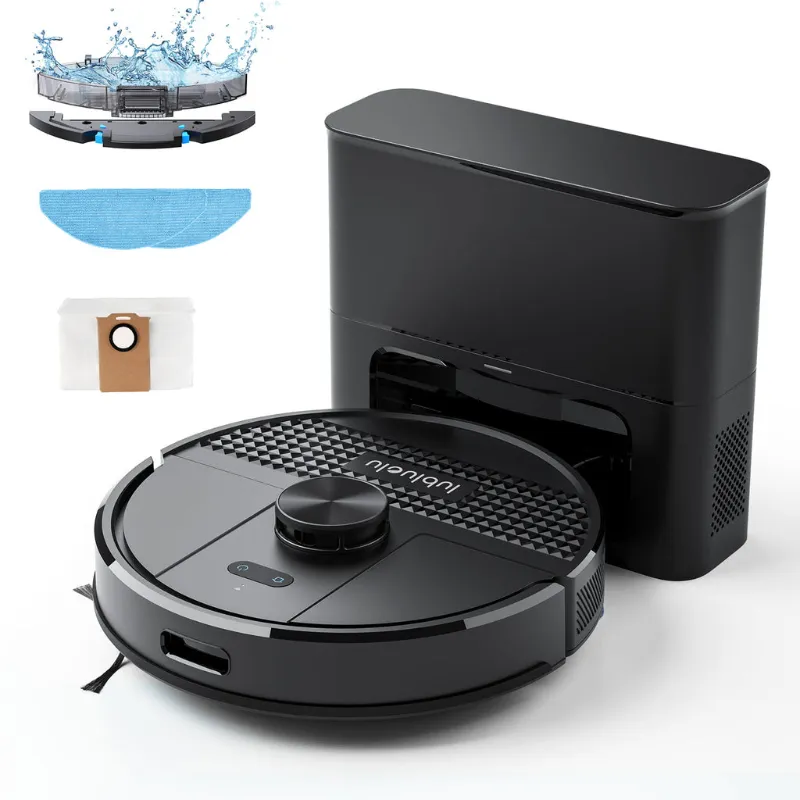
The lubluelu robot vacuum relies on precise alignment between its charging contacts and the dock’s metal plates. If the dock is on thick carpet or an uneven surface, the vacuum may not seat correctly. Place the dock on a hard, level floor with its back against a wall for stability.
Clean the Charging Contacts on Both Surfaces
Dust, pet hair, and residue build up on the metal charging contacts over time, blocking the electrical connection. This is the single most common cause of charging failures we see.
On the vacuum:
- Flip the unit over and locate the two or three metal charging strips near the front
- Wipe each contact with a dry microfiber cloth or a cotton swab lightly dampened with rubbing alcohol
- Remove any visible corrosion or grime until the metal shines
On the dock:
- Unplug the dock from power before cleaning
- Wipe the dock’s metal charging pins with the same cloth or alcohol swab
- Check for bent pins; gently straighten them with needle-nose pliers if necessary
After cleaning, check the latest price and make sure your model is still under warranty if you notice significant corrosion. For users with the Lubluelu SL68 or SL61, this step alone fixes charging problems in about 60% of cases according to customer reviews.
Perform a Hard Reset on Your Lubluelu Vacuum
Software glitches in the vacuum’s charging circuit can prevent it from recognizing the dock. A hard reset clears these temporary errors.
- Power off the vacuum: hold the power button for 5-10 seconds until all lights turn off
- Remove from the dock: lift the vacuum away and unplug the dock from the wall
- Wait 60 seconds: this allows the vacuum’s internal capacitors to fully discharge
- Plug the dock back in: wait for the dock’s LED to stabilize
- Manually place the vacuum on the dock: align the charging contacts and press down gently to ensure a firm connection
Some Lubluelu models including the B40 also support a factory reset via the lubluelu robot vacuum app. Open the app, navigate to Settings, and select “Restore Factory Settings” if the hard reset doesn’t work. Note that this will erase scheduled cleaning routines and require you to reconnect the vacuum to Wi-Fi and re-enter pairing mode.
Inspect and Test the Battery Health
Rechargeable lithium batteries degrade after 300-500 charge cycles, typically 12-24 months of daily use. If your vacuum is older or hasn’t been used in several months, the battery may be too depleted to accept a charge.
- Check the battery age: refer to your purchase records or the manufacture date on the battery compartment label
- Look for swelling: remove the battery cover (consult your manual for screw locations) and visually inspect the battery pack for bulging, which indicates failure
- Try a longer charge: leave the vacuum on the dock for 6-8 hours; deeply discharged batteries sometimes require extended charging to wake up
If the vacuum shows a red flashing light or error code related to battery temperature, let it cool or warm to room temperature (60-80°F) before attempting to charge again. Extreme temperatures trigger safety cutoffs.
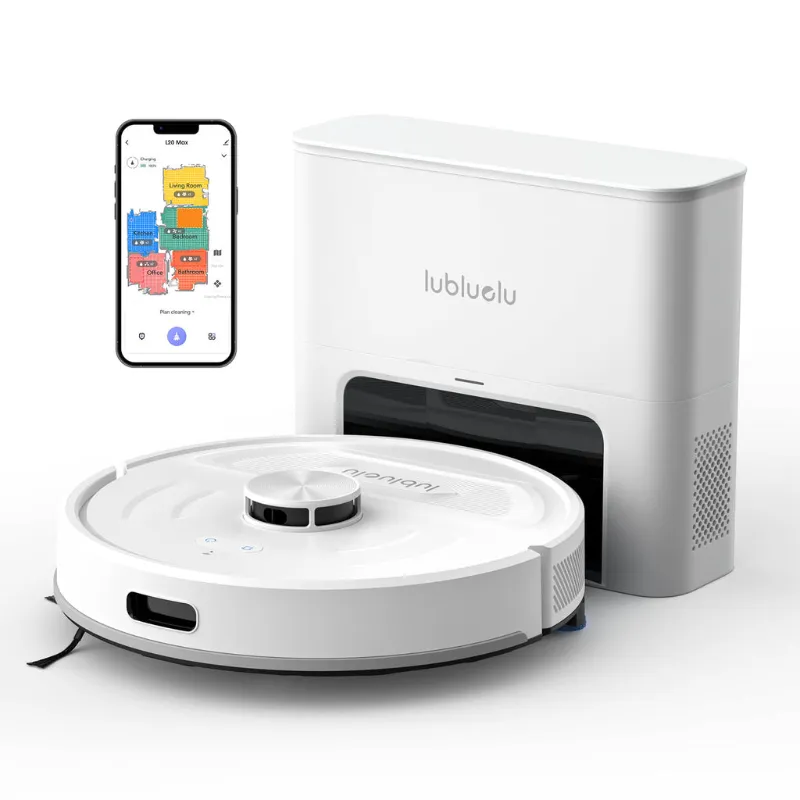
For models like the lubluelu L20, replacement batteries are available directly from Lubluelu or through authorized resellers. Grab the code for 12% off sitewide before ordering replacement parts.
Verify Dock Placement and Auto-Return Function
Even if the vacuum charges when you manually place it on the dock, problems with auto-return often indicate dock positioning or sensor issues.
| Issue | Cause | Fix |
|---|---|---|
| Vacuum circles but won’t dock | Dock on carpet or uneven floor | Move dock to hard, level surface |
| Vacuum ignores dock completely | Infrared sensors dirty or blocked | Wipe sensor window on dock and vacuum front |
| Vacuum docks but slides off | Dock not secured against wall | Reposition with back flush to wall |
The infrared beacon on the dock guides the vacuum home. If nearby mirrors, large windows, or direct sunlight interfere with the signal, the vacuum may fail to locate the dock. Try relocating the dock to a shaded area away from reflective surfaces.
For troubleshooting the lubluelu robot vacuum app connection or re-entering pairing mode after a reset, hold the dock/home button on the vacuum for 3-5 seconds until you hear a chime or see a flashing Wi-Fi icon.
When to Contact Support or Consider Replacement
If you’ve completed all five steps and the vacuum still won’t charge, the issue likely requires professional service or a replacement.
Contact Lubluelu support if:
- The battery is swollen or leaking
- The charging dock shows no LED even when plugged into multiple outlets
- The vacuum’s charging contacts are visibly damaged or broken off
- You see burn marks or smell electrical odors from the vacuum or dock
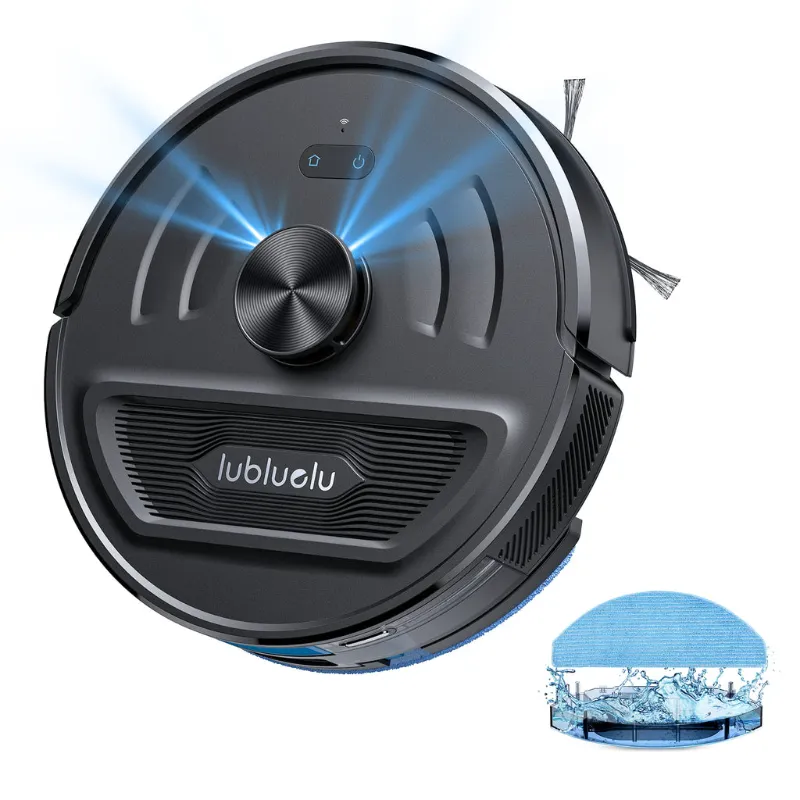
Lubluelu offers a 12-month warranty on most models including the robot vacuum carpet variant. Gather your purchase receipt and model number (found on a label under the vacuum or inside the battery compartment) before reaching out.
For users researching whether these issues are widespread, Lubluelu SL60D reviews and similar model feedback suggest charging problems affect fewer than 5% of units, and most resolve with contact cleaning or battery resets.
We also recommend keeping the vacuum’s firmware updated through the Lubluelu app, as updates occasionally include charging optimization patches. While you’re maintaining your robot vacuum, consider pairing it with a lubluelu cordless vacuum for quick spot cleaning in between automated runs.
Keep Your Vacuum Charging Smoothly
Regular maintenance prevents most charging issues. Wipe the contacts monthly, keep the dock area clear, and avoid letting the battery fully drain for extended periods. If you store the vacuum for more than a month, charge it to 50-60% and power it off completely to preserve battery health.
With these troubleshooting steps, your Lubluelu vacuum should reliably charge and keep your floors clean for years to come.
Questions
Why won't my lubluelu robot vacuum charge even though the dock has power?
Dirty or corroded charging contacts are the most common cause. Wipe both the metal strips on the vacuum's underside and the dock's charging pins with rubbing alcohol, then ensure the vacuum is seated firmly on the dock with proper alignment.
How long should I leave my Lubluelu vacuum on the charger if the battery is completely dead?
A fully depleted battery may need 6-8 hours to charge initially. If the vacuum shows no signs of charging after 8 hours, perform a hard reset by unplugging the dock for 60 seconds, then try again.
Can I use my Lubluelu robot vacuum while it's charging?
No, the vacuum must remain stationary on the dock to charge. Attempting to run it while docked will interrupt the charging process and may trigger an error code.
What does a red flashing light mean on my Lubluelu vacuum dock?
A red flashing light typically indicates a charging error, often due to misalignment, dirty contacts, or a battery temperature outside the safe range. Clean the contacts and ensure the room temperature is between 60-80°F.
How often should I replace the battery in my Lubluelu SL68 or B40?
Lithium batteries last 300-500 charge cycles, usually 12-24 months with daily use. Replace the battery when charge time increases significantly, runtime drops below 30 minutes, or the battery shows physical swelling.
Does the Lubluelu discount code work on replacement batteries and parts?
Yes, the sitewide discount code applies to batteries, filters, and other replacement parts sold through the official Lubluelu store. Check the store page for current exclusions.
Products in this guide
 Shopping at Lubluelu? See the discount code
12% OFF Sitewide
Shopping at Lubluelu? See the discount code
12% OFF Sitewide
More in this series
 Do Portable Hotspots Work with Multiple Devices Simultaneously?21 Aug 20265 minHow Long Does the Lubluelu Cordless Vacuum Battery Last on Max Power?21 Aug 20264 min
 Lubluelu Cordless Vacuum vs Robot Vacuum: Which One Do You Actually Need?21 Aug 20264 minHow to Clean and Replace the HEPA Filter on Your 360 S7 Robot Vacuum21 Aug 20265 minLubluelu L20 Robot Vacuum Review: Can It Handle High-Pile Carpet?21 Aug 20264 min