 A Lubluelu guide
How Does the Lubluelu L20 Robot Vacuum Handle Carpet and Rugs?
How the Lubluelu L20 cleans carpet, how to check your rugs against its 20mm climb height, and how to set it up so it vacuums rugs without mopping them.
The Lubluelu L20 handles carpet with automatic carpet detection: Lubluelu says it boosts suction the moment it moves from a hard floor onto carpet, up to its 5,500Pa maximum, and it climbs obstacles up to 20mm high. Whether it suits your high-pile rugs comes down to two checks you can make at home, the rug height at the edge and whether you want it to mop near the rug. Below we explain the carpet features of the L20 Ultra and L20 Max and how to set them up for a carpeted home. You can find the current code on our Lubluelu discount code page.
The L20 features that matter on carpet
Lubluelu sells the L20 in two versions. Both list the same core cleaning specs:
| Feature | What Lubluelu lists | Why it matters on carpet |
|---|---|---|
| Suction | 5,500Pa maximum, 4 power levels | Pa (pascals) measures suction pressure. Higher levels pull more dirt and hair from carpet fibres. |
| Carpet detection | Automatic boost when moving from hard floor to carpet | You do not have to switch modes room by room. |
| Roller brush | Large V-shaped composite brush | The brush agitates the pile so suction can lift the dirt. |
| Climbing height | 20mm | The tallest rug edge or threshold it can mount. |
| Navigation | LDS laser (LiDAR), 360 degree scans within an 8m radius | It maps rooms, so you can mark rugs and no-go areas in the app. |
| Dustbin | 260ml | Carpet runs pick up fibre and hair, so check it after each run. |
| Runtime | Up to 120 minutes, auto-resume | If it runs low mid-clean, it recharges and carries on. |
L20 Ultra or L20 Max for a carpeted home
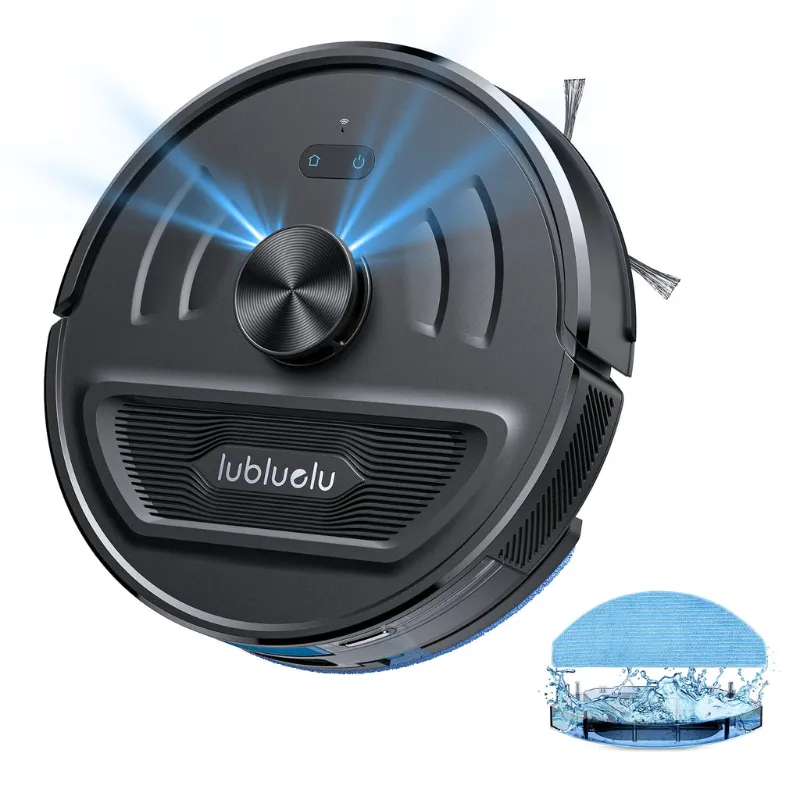
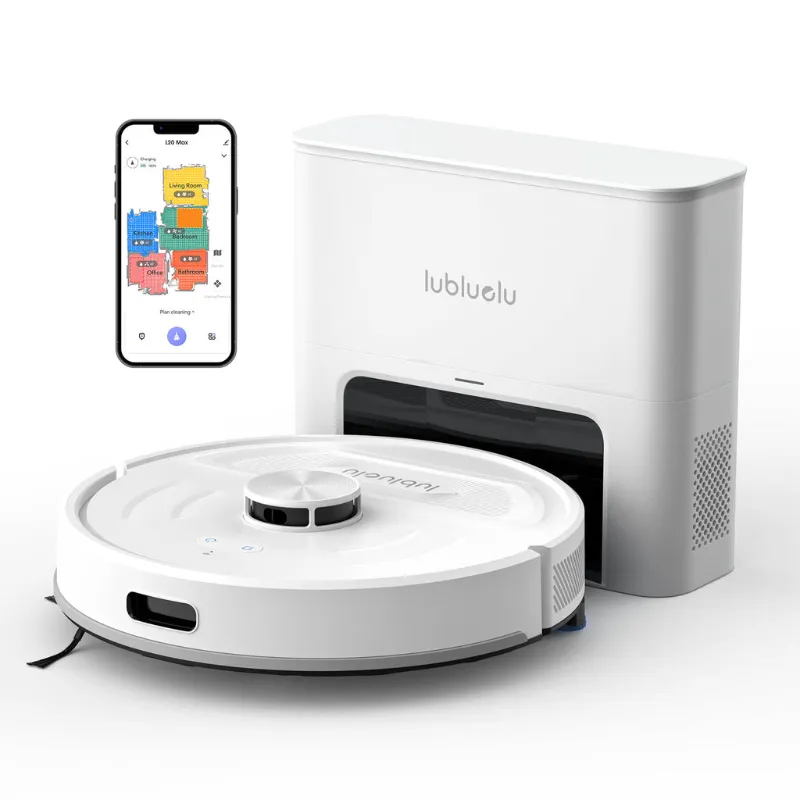
The L20 Ultra is the robot on its own. The L20 Max pairs the same L20 Ultra platform with a 2.5L self-emptying station, which Lubluelu says gives up to 60 days of hands-free cleaning before you empty the bag. On carpet that station is the main difference: a 260ml bin fills faster when the robot is pulling hair and fibre from rugs, and the station empties it for you after each run. If you have pets and wall-to-wall carpet, the Max saves you that daily emptying. If you have a few rugs on hard floors, the Ultra covers the same cleaning.
Checking your rugs before you buy
Lubluelu does not publish a maximum carpet pile height, so use the 20mm climbing height as your guide:
- Measure the edge. Lay a ruler beside your thickest rug and measure from the floor to the top of the pile at the edge. If it is over 20mm, the robot may not climb onto it.
- Look at the fringe. Long fringes and tassels can catch in the brush. Tuck them under or mark the fringe as a no-go area.
- Check loose corners. A curled corner can stop the robot. Secure it with rug tape or a gripper.
- Measure thresholds. The same 20mm limit applies to door strips between rooms.
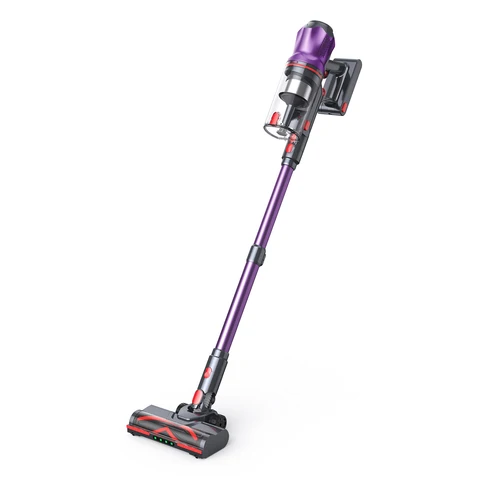
If one rug is too high, block it off in the app and vacuum it by hand. Lubluelu’s cordless stick vacuums, such as the G20, cover rugs and stairs the robot cannot reach.
Setting it up for carpet and mopping
Both L20 models also mop, with a 240ml electronically controlled water tank and a Y-pattern scrubbing mode. Lubluelu does not describe a mop-lifting feature on these listings, so plan around your rugs:
- Map first, then mark rugs. Let the robot finish a full mapping run, then open the map in the app.
- Use no-mop zones. The app supports 34 restricted areas, including no-mop zones, virtual walls and no-sweep areas. Draw no-mop zones over every rug.
- Vacuum-only runs for carpet. Lubluelu lists vacuum, mop, or vacuum and mop modes, so you can run a vacuum-only pass in carpeted rooms and mop the hard floors separately.
- Pick the suction level per room. Use a higher level in carpeted rooms and a lower one on hard floors to save battery.
- Use zone or spot cleaning for a single dirty rug instead of running the whole house.
It also works with Amazon Alexa and Google Assistant if you prefer voice commands.
Care and warranty
After carpet runs, pull wrapped hair off the roller brush and the side brush, empty the bin (or let the Max station do it), and clean the filter as the user manual describes. Replacement filters and brushes are sold separately, so check that a part lists your model. Lubluelu gives a 24-month warranty on its products (accessories excluded) and free standard shipping on all orders.
Questions
Can the Lubluelu L20 clean high-pile carpet?
Lubluelu lists 5,500Pa suction with an automatic boost on carpet and a 20mm climbing height. It does not publish a maximum pile height, so measure your thickest rug edge against 20mm.
Does the L20 boost suction on carpet automatically?
Yes. Lubluelu says automatic carpet detection boosts suction when the robot moves from a hard floor onto carpet.
Will the L20 mop my rugs?
The listings do not describe mop lifting, so draw no-mop zones over rugs in the app or run a vacuum-only clean in carpeted rooms.
What is the difference between the L20 Ultra and L20 Max?
The L20 Max adds a 2.5L self-emptying station that Lubluelu says gives up to 60 days of hands-free cleaning. The cleaning specs (5,500Pa, LiDAR, carpet boost) are the same.
How long does the L20 run on one charge?
Lubluelu lists up to 120 minutes, with auto-resume if it needs to recharge mid-clean.
Products in this guide
 Shopping at Lubluelu? See the discount code
12% OFF Sitewide
More in this series
Lubluelu Replacement Parts for SL60, SL68 and L20 Robot Vacuums21 Aug 20263 minLubluelu Robot Vacuum Not Charging: 5 Things to Check21 Aug 20264 minLubluelu Cordless Vacuum Battery Life: How Long Does It Last on Max Power?21 Aug 20264 min Lubluelu Cordless Vacuum vs Robot Vacuum: Which One Do You Actually Need?21 Aug 20263 minLubluelu HEPA Filter: Which One Fits Your Robot Vacuum?21 Aug 20263 min