 A NEO Sabers guide
How to Install and Remove Kyber Crystals From a Neopixel Lightsaber
A practical step-by-step guide on how to safely install and remove kyber crystals from your neopixel lightsaber, covering NEO Sabers models like the Scorpian and LSW.
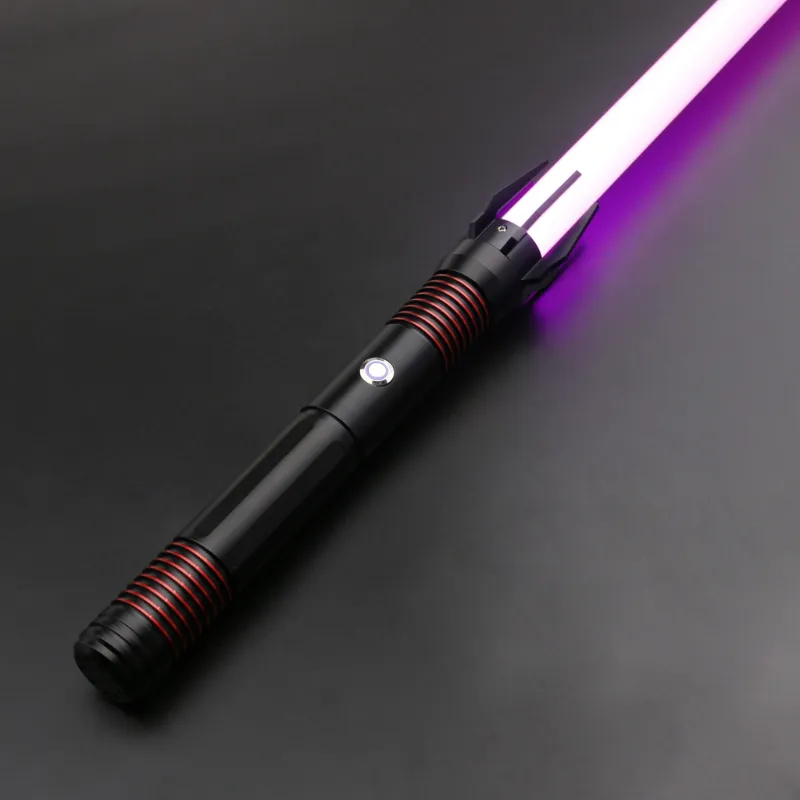
Installing and removing kyber crystals from a neopixel lightsaber is straightforward once you understand the blade-side mechanism and the orientation of the crystal chamber. Whether you own a neosabers Scorpian or a neo sabers LSW, the process is nearly identical across most NEO Sabers hilts. Below we cover the exact steps, what to watch for, and how to keep your saber in top shape.
What You Need Before You Start
Most modern hilts ship with a removable crystal chamber that sits just below the blade socket. Before touching anything, confirm your saber is powered off and the battery is disconnected if possible. You will need:
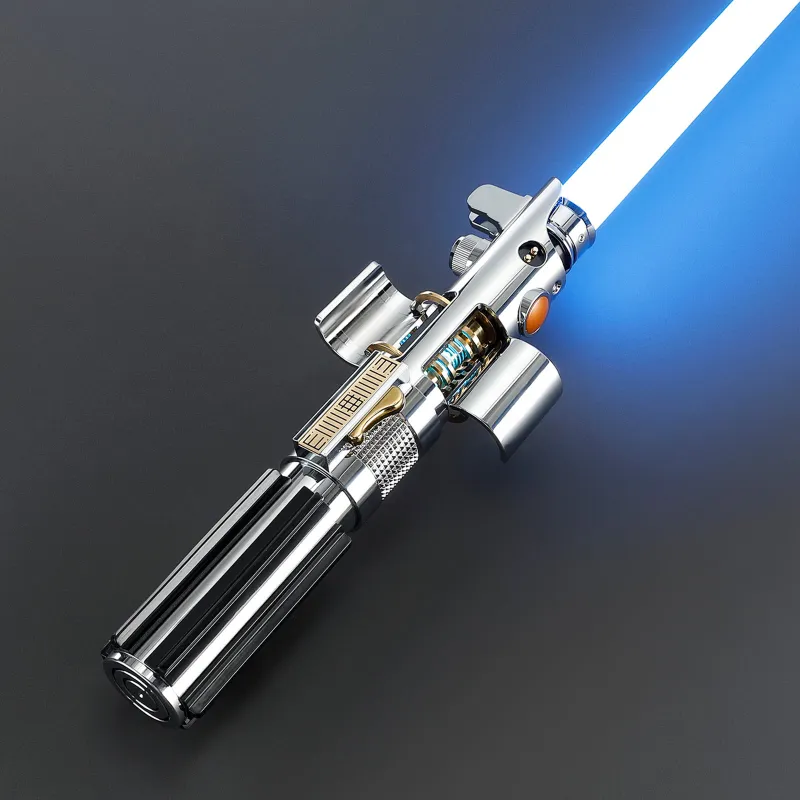
- Your hilt and blade
- The kyber crystal that came with your order or a replacement from our kyber crystals collection
- A soft cloth or padded work surface
- Optional: a small flathead screwdriver or plastic spudger if the crystal is seated tightly
If you are swapping crystals for the first time on a saber pro model, the release mechanism is usually a spring-loaded latch or a twist-lock collar. Some budget-friendly options like the lightsaber toy line use a simpler friction-fit design, so do not force anything.
Step by Step: How to Remove a Kyber Crystal
Removing a kyber crystal from a neopixel lightsaber is a gentle process.
- Unscrew the blade retention screw completely. This is the small thumbscrew near the emitter. Set it aside in a safe spot.
- Pull the blade straight out of the emitter socket. Do not twist or wiggle it side to side.
- Locate the crystal chamber door or sliding panel. On the neosabers Scorpian, this is a small hinged flap on the lower emitter.
- Press the release tab (if present) or slide the door open. You will see the crystal held in place by two spring-loaded pins.
- Gently lift the crystal straight up using your thumb and forefinger. If it resists, use a plastic spudger to nudge it free.
- Place the removed crystal in a padded case or on your cloth. The pins are fragile, so avoid touching them.
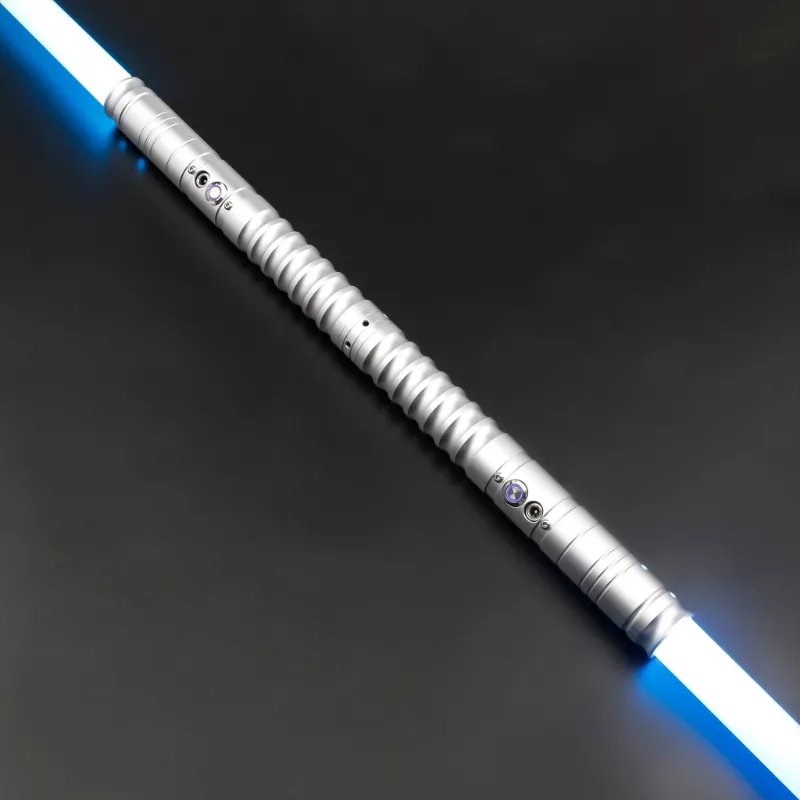
For a double bladed lightsaber, you will repeat this process on both ends. Each chamber is independent, so you can mix and match colors for a truly custom look.
How to Install a New Kyber Crystal
Installing a new crystal is the reverse, but there are a few details that matter:
- Check the orientation of the new crystal. Most kyber crystals have a flat side that aligns with a matching notch in the chamber. If you force it in backward, the pins may not contact the PCB correctly.
- Lower the crystal straight down into the chamber until you hear a soft click. That click means the spring pins have engaged.
- Close the chamber door and verify it latches or snaps shut.
- Reinsert the blade fully into the emitter socket. Make sure the pins on the blade connector line up with the slots inside the hilt.
- Tighten the blade retention screw finger-tight only. Overtightening can crack the blade or strip the screw hole.
- Power on the saber and cycle through the blade styles to confirm the new crystal color is recognized.
If the color does not change, remove the crystal and re-seat it. We have seen a few cases where a crystal was not pushed in all the way on a neo sabers LSW hilt, and the fix was simply reseating it.
Which Kyber Crystals Work With Which Hilts
NEO Sabers designs its hilts around a universal crystal pin layout, but there are small differences in chamber depth. The table below shows compatibility across the most popular models:
| Hilt Model | Crystal Type | Chamber Access | Notes |
|---|---|---|---|
| neosabers Scorpian | Standard 12-pin | Hinged flap | Works with all NEO Sabers crystals |
| neo sabers LSW | Standard 12-pin | Sliding door | Slightly deeper chamber; use a plastic spudger |
| saber pro | Standard 12-pin | Twist-lock collar | Includes a spare crystal tray |
| double bladed lightsaber | Standard 12-pin (x2) | Hinged flap (both ends) | Each chamber is independent |
We recommend checking the best neopixel lightsaber guide for a deeper look at how these models compare on features like soundboards and blade brightness.
Common Mistakes and How to Avoid Them
- Forcing the crystal in backward. The flat alignment notch exists for a reason. If it does not drop in smoothly, flip it 180 degrees.
- Losing the retention screw. Keep it in a magnetic tray or a small cup while you work.
- Dropping the crystal on a hard floor. The glass shell can chip. Always work over a padded surface.
- Leaving the battery connected. Some hilts will still register the crystal while the board is live, but it is safer to disconnect the battery first.
- Mixing crystals from different brands. Third-party crystals may have a different pin spacing. Stick with NEO Sabers crystals for guaranteed compatibility.
Caring for Your Crystals and Hilt
Proper care extends the life of both your crystals and the hilt electronics. Here is what we do:
- Store spare crystals in a padded case away from direct sunlight. UV exposure can fade the colored acrylic over time.
- Clean the chamber pins once a month with a dry cotton swab. Dust buildup can cause intermittent connection issues.
- Keep the blade retention screw lubricated with a tiny drop of silicone grease if it starts to feel gritty.
- Avoid dropping the hilt on the emitter side. The crystal pins are soldered to the main board, and a hard impact can break the solder joints.
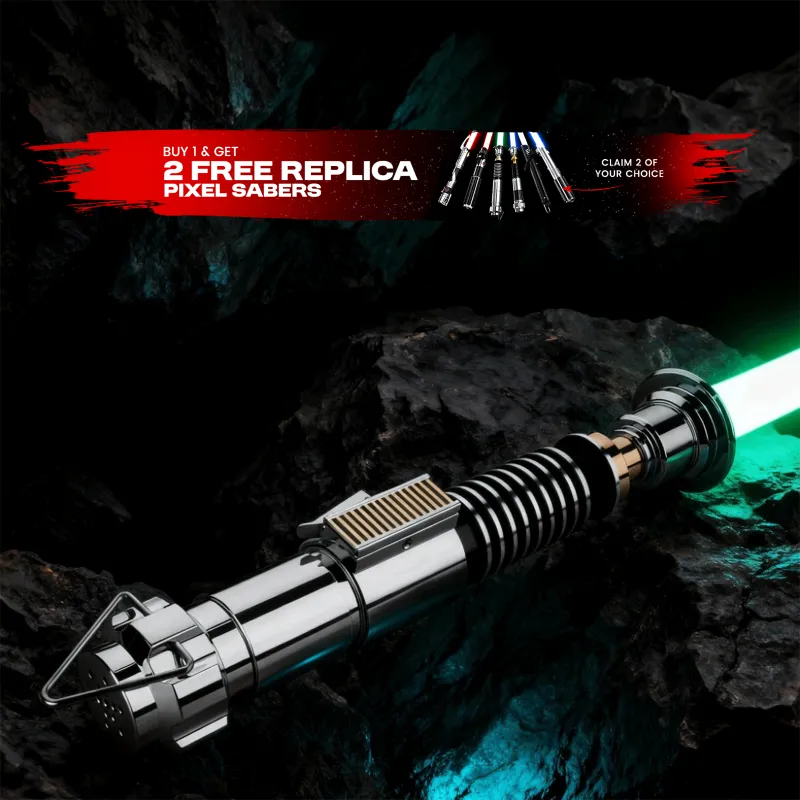
If you ever need replacement parts, check our neo sabers collection for spare crystals, blade plugs, and retention screws. For current pricing or to grab our exclusive 10% discount, visit the code page before checkout.
Why Swap Kyber Crystals at All?
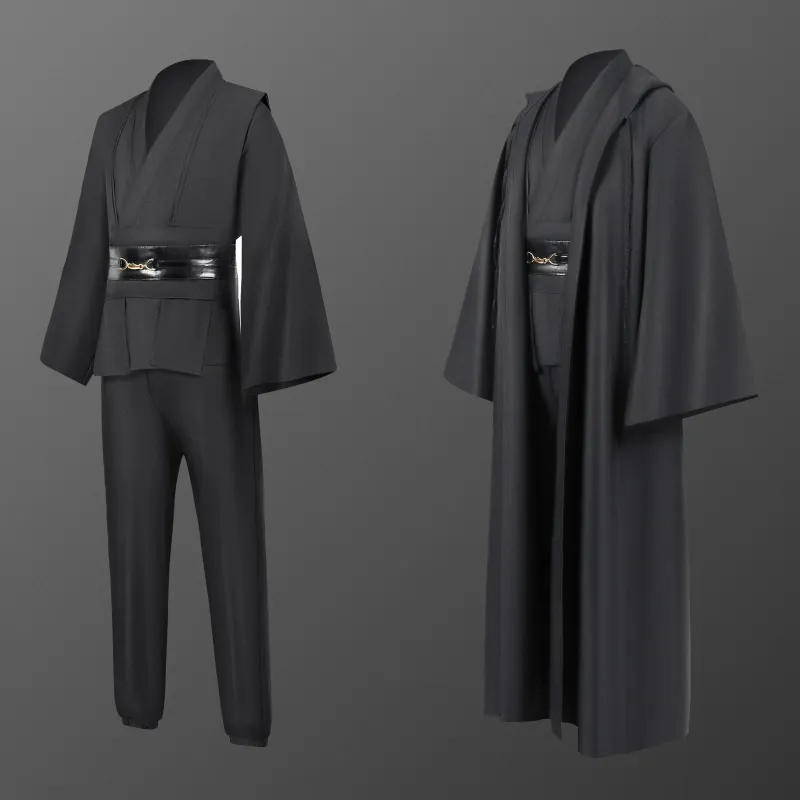
Changing your kyber crystal lets you switch blade colors, change sound font profiles, and even alter the ignition effects on many NEO Sabers boards. A single hilt can feel like a completely different saber with a new crystal installed. Pair a red crystal with a jedi costume for a Sith look, or drop in a blue crystal for a classic Jedi feel. The slave leia and princess leia slave collections also make great display companions for your customized hilt.
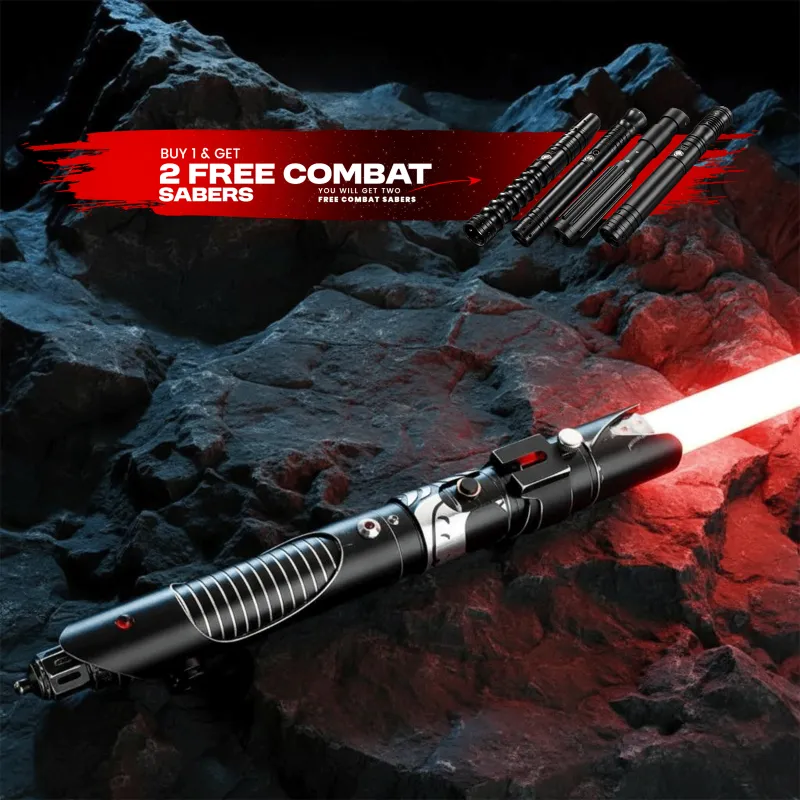
If you are shopping for your first neopixel lightsaber, the neopixel lightsaber starter kit includes a hilt, blade, and one crystal so you can try the swap process right away. For a deeper look at construction quality and blade technology, the Neopixel Saber Shop has a solid breakdown of how these sabers compare to older LED string models.
Final Tips
Keep your crystals organized by color in a small case, and always test a new crystal with the blade inserted before you close the chamber door. The neopixel lightsaber system is modular by design, so swapping a crystal is one of the easiest upgrades you can do between duels or cosplay events. Remember to grab the code for 10% off your next order, and check the store page for any current bundle deals on crystals and hilts.
Questions
Can I use any kyber crystal in my neopixel lightsaber?
Only NEO Sabers branded crystals are guaranteed to work with their hilts. Third-party crystals may have different pin spacing or voltage requirements, which can damage the circuit board.
Why does my saber not recognize the new crystal after I installed it?
The most common cause is the crystal not being seated fully. Remove it, check the alignment notch, and press it straight down until you hear a click. If it still does not work, clean the chamber pins with a dry cotton swab.
How many times can I swap crystals before the pins wear out?
The spring pins in NEO Sabers hilts are rated for thousands of insertion cycles. Under normal use, you will not wear them out. Just avoid bending the pins sideways when removing a crystal.
Do I need to remove the battery before swapping crystals on a neosabers Scorpian?
We recommend disconnecting the battery or powering the saber fully off. While the board is designed to handle hot swaps, removing power eliminates any risk of a short circuit.
Can I install a kyber crystal in a double bladed lightsaber without removing both blades?
Yes. Each chamber is independent, so you can swap one crystal at a time. Just remove the blade from the side you are working on and leave the other blade in place.
What is the difference between a kyber crystal and a blade plug?
A kyber crystal sits inside the hilt chamber and controls the blade color and sound profiles. A blade plug is a dummy blade that fills the emitter when the blade is removed, but it does not change the saber's electronics.
Products in this guide
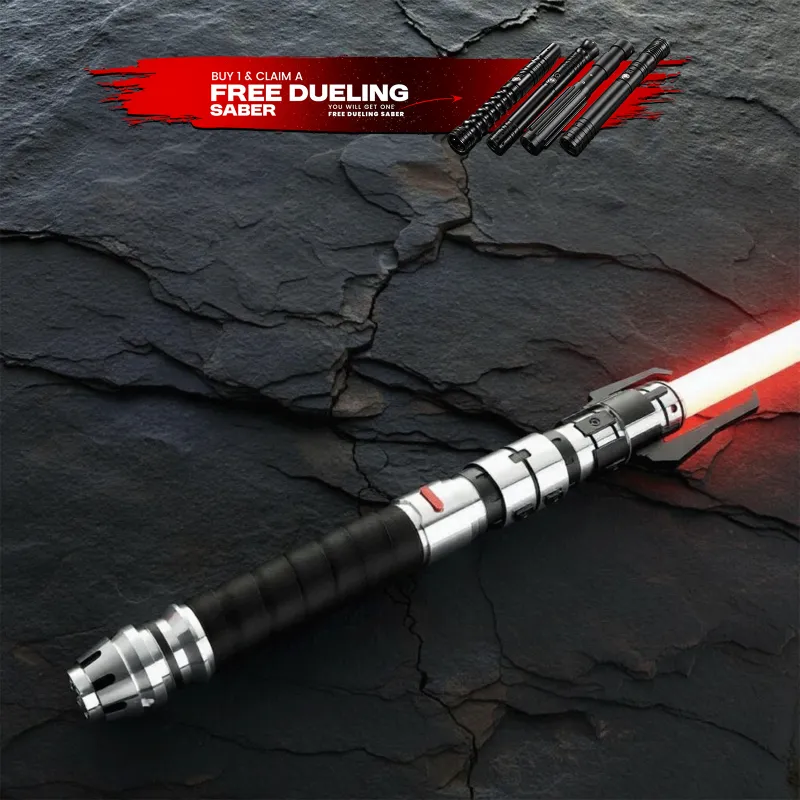
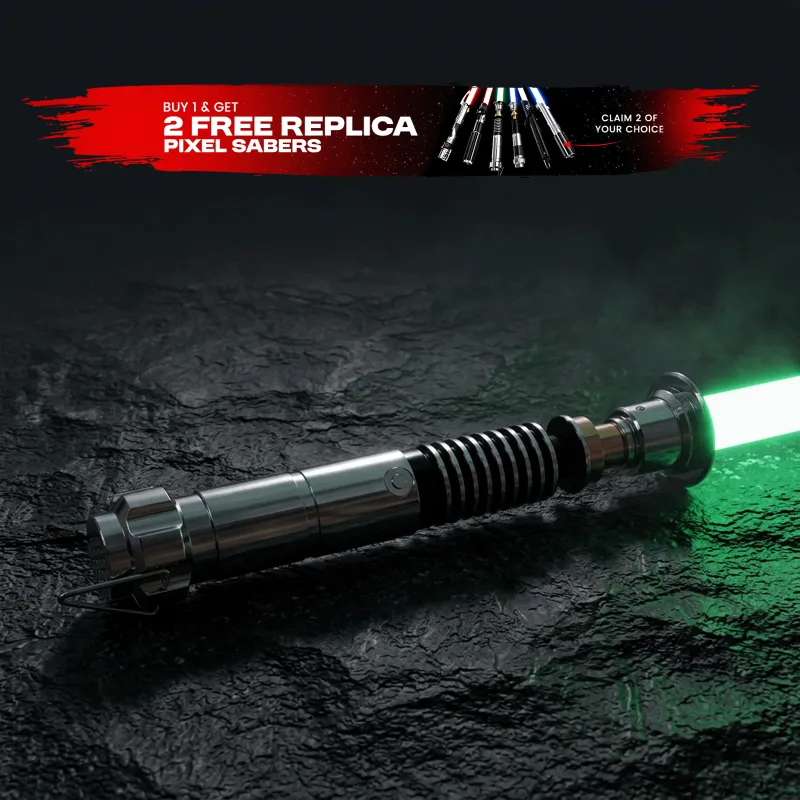
 Shopping at NEO Sabers? See the discount code
10% OFF All Orders
Shopping at NEO Sabers? See the discount code
10% OFF All Orders