 A Carpuride guide
How to Install a Portable CarPlay Screen in Any Car Without Replacing Your Stock Radio
A portable carplay screen adds Apple CarPlay to any vehicle in minutes without replacing your stock radio or running permanent wiring.
A portable carplay screen adds Apple CarPlay to any vehicle in minutes without replacing your stock radio or running permanent wiring. These plug-and-play displays mount to your dash or windshield, connect wirelessly to your iPhone, and draw power from your 12V socket.
What You Need for a Portable CarPlay Screen Setup
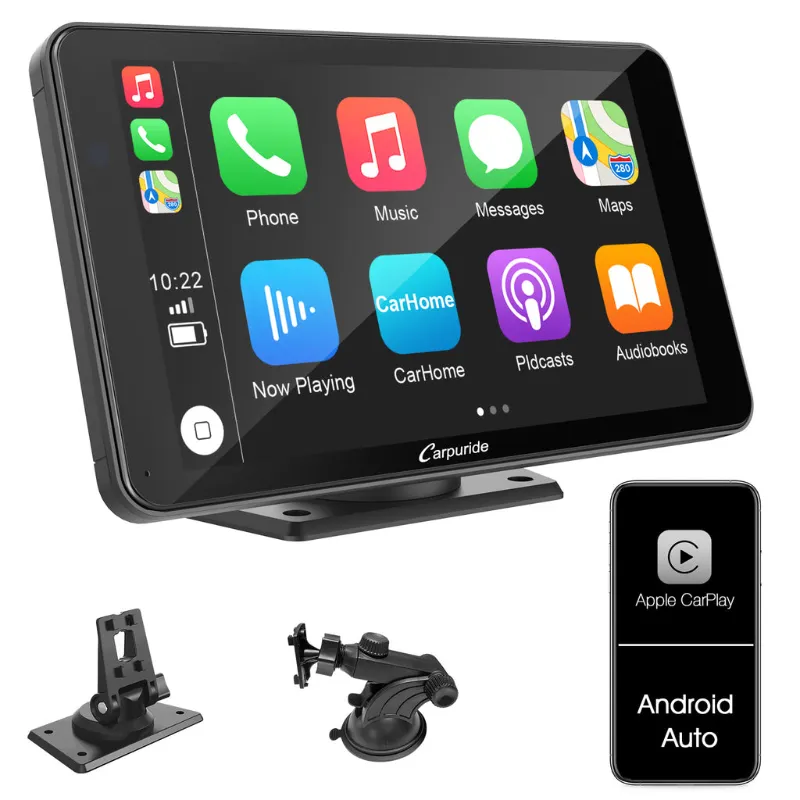
Most portable apple carplay units ship as complete kits, but confirming compatibility before you buy saves headaches later. Here’s what to verify:
- Power source: A working 12V cigarette lighter or USB-C port capable of delivering 18W or more
- iPhone compatibility: iOS 13 or newer for wireless CarPlay (iPhone 6 and later models)
- Mounting surface: Clean, flat area on your dash or a stable windshield spot for suction mounts
- Bluetooth and WiFi: Both must be enabled on your iPhone for the wireless handshake
Some bundles add a wireless rear view camera for car that pairs with the screen for integrated backup monitoring.
Step-by-Step Installation Without Removing Your Factory Radio
The entire process takes 10 to 15 minutes and requires no tools beyond your hands.
1. Choose Your Mounting Location
Position the screen where it won’t obstruct your view of the road or airbag deployment zones. We recommend:
- Dash-top mount: Use the adhesive base or suction cup on the flat portion of your dashboard, angled toward the driver. This keeps the screen low and mimics a factory setup.
- Windshield mount: Attach the suction cup to the lower passenger side of the windshield if dash space is limited. Check local laws, as some states restrict windshield-mounted devices.
- Vent clip: A few portable carplay models include a vent clip.
Clean the surface with isopropyl alcohol and let it dry completely before applying any adhesive pad.
2. Run the Power Cable
Plug the USB-C cable into the screen, then route it along the edge of your dash or down the A-pillar trim to your 12V socket. Tuck the cable into existing gaps to keep it tidy. If your 12V socket is always hot (powered even when the car is off), consider a smart adapter that cuts power after 30 minutes of inactivity to avoid draining your battery.
For a cleaner look, some drivers tap into an accessory fuse with a hardwire kit, but this moves beyond plug-and-play territory and may void warranties.
3. Pair Your iPhone Wirelessly
Turn on the screen and enable Bluetooth and WiFi on your iPhone. The car touch screen will broadcast a pairing signal. In your iPhone’s Bluetooth settings, select the screen’s name (often starting with “CarPlay” or the brand). Once paired, the CarPlay interface appears automatically.
If pairing fails, restart both devices and ensure your iPhone isn’t already connected to another CarPlay system or Bluetooth device.
4. Configure Display and Audio Output
The portable carplay screen handles video, but audio typically routes through one of three paths:
- Bluetooth to your car stereo: Pair the screen’s Bluetooth audio output to your factory radio. This works well but may introduce a slight delay.
- FM transmitter: Some units include an FM transmitter that broadcasts audio to an unused FM frequency. Tune your radio to that frequency, though audio quality varies.
- Auxiliary or USB input: If your stock radio has an AUX jack or USB port, connect the screen’s audio-out cable for the cleanest sound.
Check the latest price to see which models include Bluetooth audio.
Portable CarPlay Screen vs. Built-In Systems
Many drivers ask whether a best portable carplay display competes with factory-installed CarPlay. Here’s how they compare:
| Feature | Portable CarPlay Screen | Factory CarPlay |
|---|---|---|
| Installation | 10 minutes, no tools | Requires professional install or new head unit |
| Cost | $100 to $300 | $400 to $1,200+ for aftermarket stereo |
| Removable | Yes, swap between vehicles | Permanent |
| Screen size | 7 to 10 inches typical | Varies, often 6 to 9 inches |
| Audio quality | Depends on connection method | Integrated, typically superior |
| Backup camera | Optional wireless add-on | Wired, factory-grade |
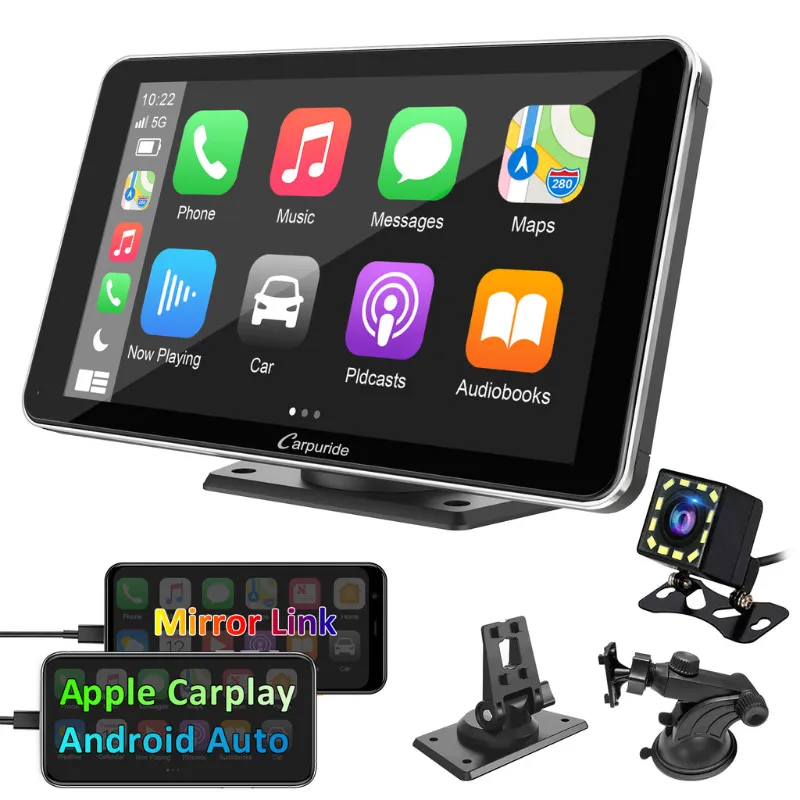
A portable carplay screen makes sense if you lease, own multiple cars, or drive an older vehicle where replacing the stereo isn’t worth the cost. For new-car buyers or those doing a full audio overhaul, a touch screen car stereo with bluetooth offers tighter integration.
Car and Driver and Road & Track both praised portable wireless carplay screen options for their flexibility and ease of use in rental cars and fleet vehicles.
Adding a Wireless Backup Camera
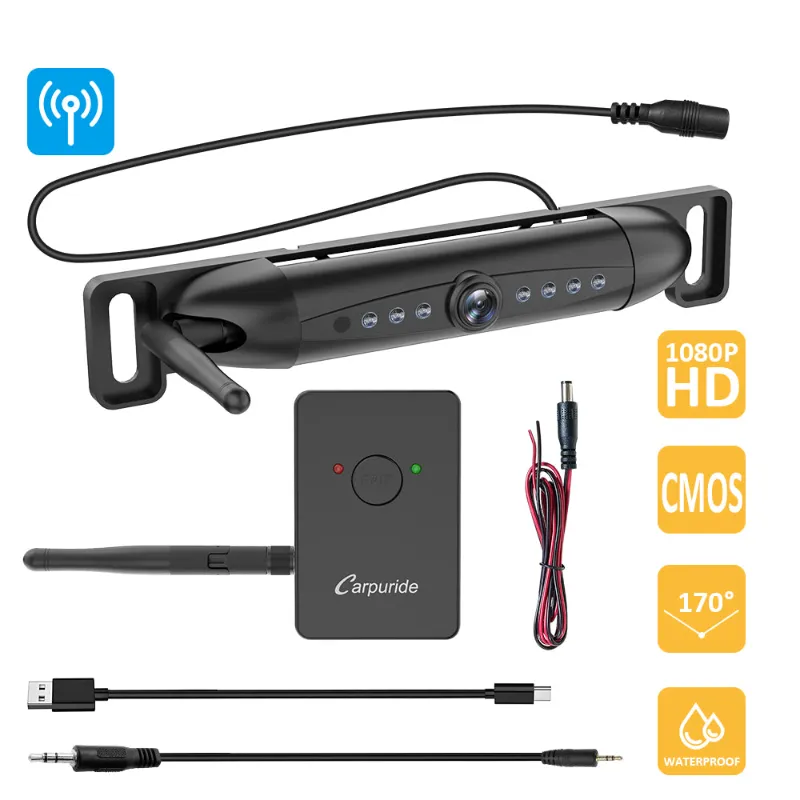
Several portable carplay screen with backup camera kits include a license-plate-mount camera that transmits video wirelessly. Installation follows a similar plug-and-play approach:
- Mount the camera above your rear license plate using the included bracket and screws.
- Route the camera’s power cable to your reverse light or 12V socket.
- Pair the camera to the screen using the on-screen menu (usually under “Settings” > “Camera”).
When you shift into reverse, the screen automatically switches to the camera feed.
Troubleshooting Common Setup Issues
Even straightforward installations occasionally hit snags. Here’s how to resolve the most frequent problems:
- Screen won’t power on: Verify your 12V socket is active when the ignition is on. Some vehicles disable the socket in ACC mode. Try a different socket or check the fuse.
- CarPlay won’t connect: Forget the screen in your iPhone’s Bluetooth settings and re-pair from scratch. Ensure no other device is using your iPhone’s CarPlay connection.
- Audio cuts out or lags: Switch from FM transmitter to Bluetooth or wired AUX. FM interference from nearby stations often causes dropouts.
- Screen overheats in direct sunlight: Portable units lack active cooling. Crack a window or use a sunshade when parked, and position the screen out of direct sun if possible.
- Mount loses suction: Clean both the mount and the dash surface with alcohol, then apply firm pressure for 30 seconds. Adhesive mounts hold better than suction in extreme heat.
For persistent issues, grab the code and contact the manufacturer’s support team. Most brands offer replacement mounts or cables if a component fails within the warranty period.
Best Uses for a Mountable CarPlay Screen
Portable apple carplay systems suit scenarios where permanent installation isn’t practical:
- Lease vehicles: Avoid modifications that could trigger lease-end charges. Remove the screen in minutes when you return the car.
- Classic or collector cars: Preserve the original radio while gaining modern navigation and hands-free calling.
- Work fleets: Equip multiple vehicles with a single screen that moves between trucks or vans.
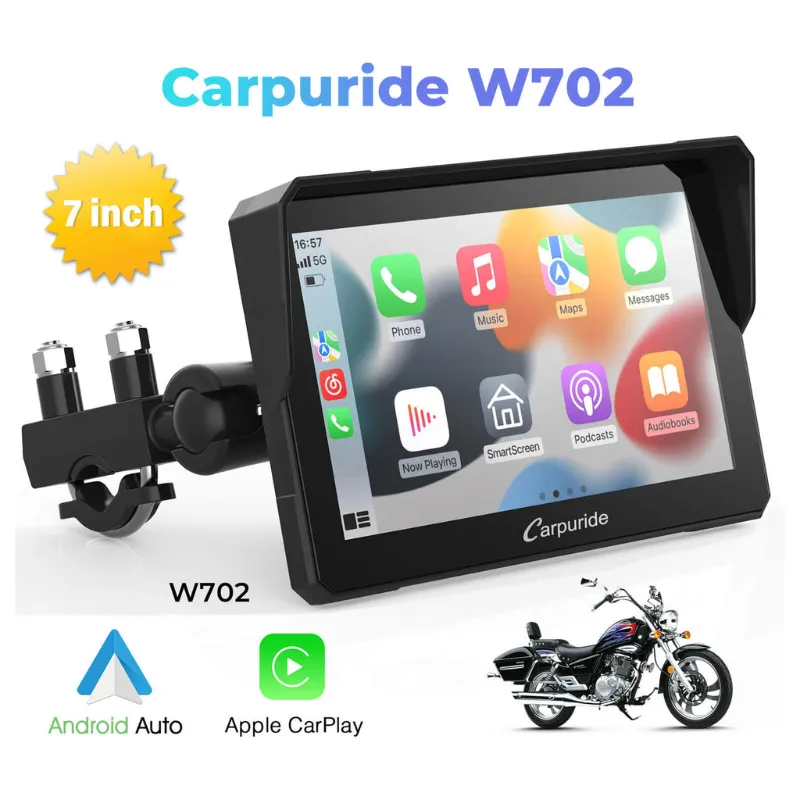
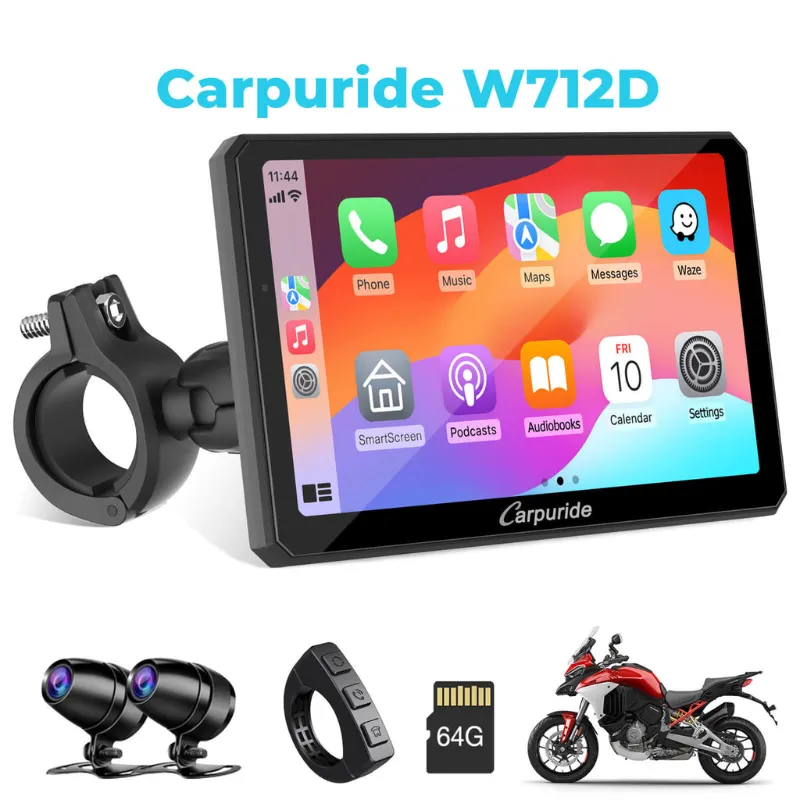
- Motorcycles: Some riders mount compact carpuride carplay screens on handlebars, though we recommend a motorcycle dash cam for two-wheeled use since it’s built for vibration and weather exposure.
- RVs and campers: Add CarPlay to older motorhomes without tearing into the dash.
The JL Wrangler forums highlight how Jeep owners swap screens between daily drivers and trail rigs, a flexibility fixed systems can’t match.
You can find current bundle pricing and apply our exclusive discount when you visit the Carpuride discount code page for 30% off sitewide.
Questions
Can I use a portable CarPlay screen in a car with an existing touchscreen radio?
Yes. The portable carplay screen operates independently of your factory system. You'll simply choose which display to use for navigation or media, and your stock radio continues to function normally.
Does a portable wireless CarPlay screen drain my car battery when parked?
Only if your 12V socket stays powered when the ignition is off. Most modern cars cut power to the socket automatically. If yours doesn't, unplug the screen or use a smart adapter that shuts off after a set time.
Will a mountable CarPlay screen work with Android phones?
No. CarPlay is Apple's platform and requires an iPhone. Android users should look for Android Auto-compatible portable displays, which some brands offer as separate models.
How do I get audio from a portable CarPlay screen to my car speakers?
Pair the screen to your car stereo via Bluetooth, use the built-in FM transmitter to broadcast to an FM frequency, or connect a 3.5mm aux cable if your radio has an input.
Can I move a portable apple carplay screen between multiple vehicles?
Absolutely. Unplug the power cable, remove the mount, and reinstall in your second vehicle. The screen will remember your iPhone pairing, so setup in the new car takes just a few minutes.
Do portable CarPlay screens support Siri and hands-free calls?
Yes. Once paired, you can activate Siri with the voice button on the screen or by saying 'Hey Siri,' and all calls route through the screen's microphone and your car's speakers.
Products in this guide
 Shopping at Carpuride? See the discount code
30% OFF Sitewide
Shopping at Carpuride? See the discount code
30% OFF Sitewide