 A DATA FROG guide
Data Frog SF2000: Can a Budget Console Play Retro Games Well?
The data frog sf2000 punches above its weight for budget retro gaming, but firmware quirks and screen quality demand realistic expectations.
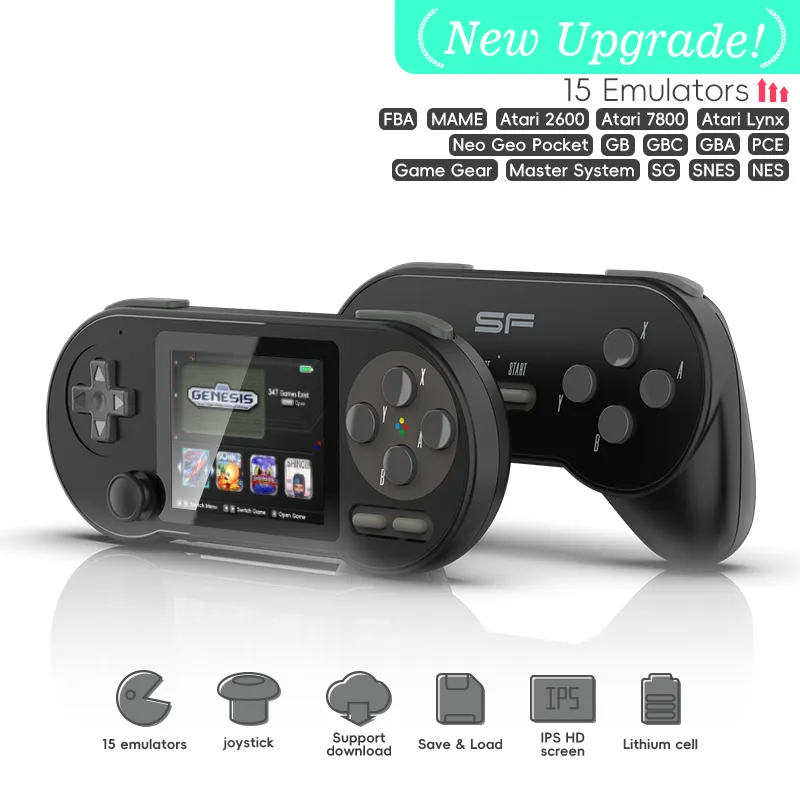
The Data Frog SF2000 is an ultra-budget plug and play console built around emulating older game libraries, and it can deliver playable retro gaming at a price that undercuts most handheld competitors, as long as you accept a basic screen setup and rough firmware polish. Check the Data Frog discount code page for current pricing.
What you get in the package
The SF2000 ships as a plug and play TV console with two wired controllers, which sets it apart from handheld competitors like the Anbernic RG406 and the 35XX Pro. The box includes the console unit, two controllers with a retro-styled design, AV cables for older TVs, and a microSD card preloaded with games, and it is aimed at families and casual players who want instant access to classic titles without much configuration.
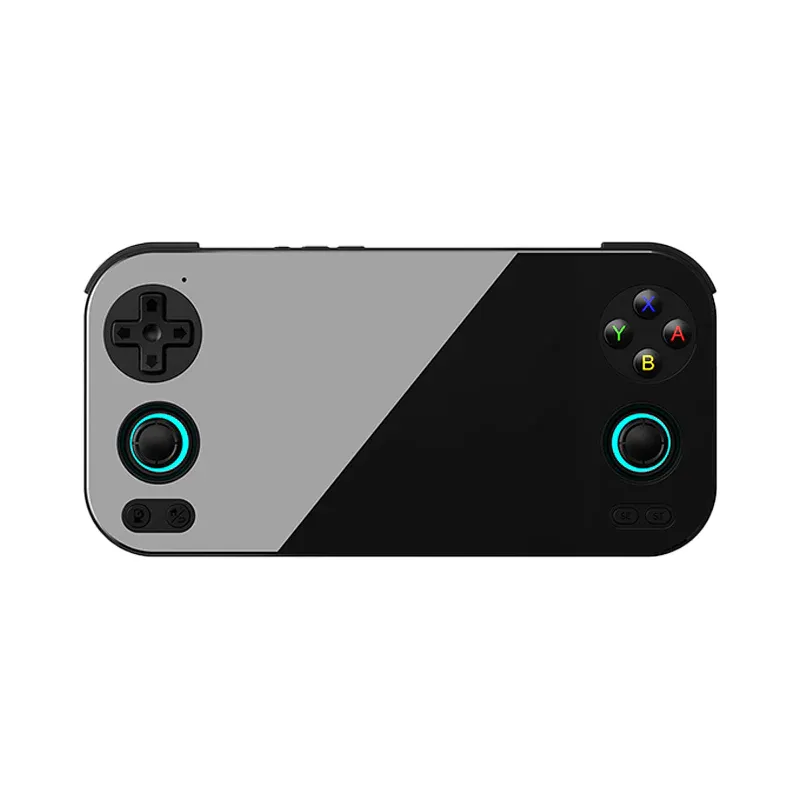
Build quality is plasticky but functional. The controllers use membrane buttons rather than the tactile switches found on a handheld like the RG 476H. That works fine for most 8-bit and 16-bit games, though fighting game fans tend to notice the mushy feedback quickly, and the D-pad layout suits platformers and RPGs well.
Game compatibility and the preloaded library
The preloaded game list spans NES, SNES, Genesis, and Game Boy libraries, and emulation quality varies by system. NES games tend to run close to flawlessly, SNES titles can show frame drops in Mode 7 sequences like those in F-Zero or Super Mario Kart, and Genesis emulation sits somewhere in between, handling most games without issue but struggling with a few more demanding titles.
You can expand the library by replacing the microSD card, though the stock firmware makes this fiddlier than it needs to be. The SF2000 GitHub repository documents which ROM formats and file structures the device accepts, which is worth reading before you plan to customize your collection. Game saves are inconsistent: some titles support save states, while others rely on in-game battery saves that do not always persist after power-down, so it is worth treating each session as standalone unless you know a given title saves reliably.
Because the console targets NES, SNES, Genesis, and Game Boy era hardware, do not expect anything close to a modern gaming experience. There is no online play, no achievements, and no digital storefront, since everything runs from the microSD card locally. That simplicity is part of the appeal for a device aimed at casual and family use, but it also means the SF2000 will not grow with you the way a more capable handheld might as your interest in emulation deepens.
Firmware and custom firmware options
The stock firmware gets the basics done but lacks the quality-of-life features enthusiasts expect. Menu navigation can feel sluggish, game artwork sometimes mismatches titles, and there is no built-in scraper to fix metadata. The Handhelds Wiki SF2000 page maintains an updated list of firmware versions and known bugs.
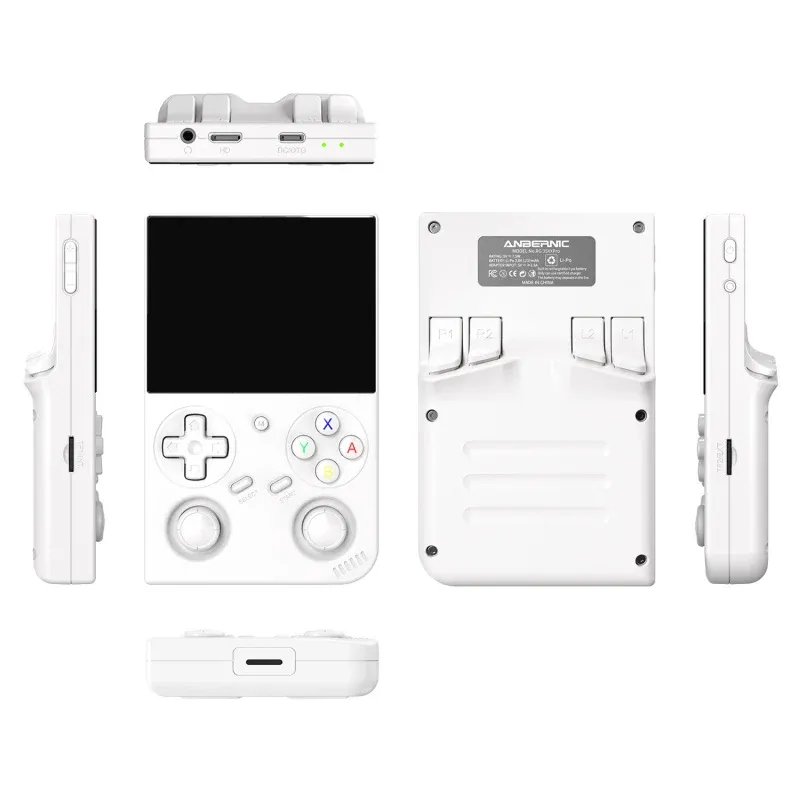
Community-built custom firmware can noticeably improve the experience, with patches that fix menu bugs, improve emulator accuracy, and add features like last-played game memory. Installing it means copying files to the microSD card root directory, which is straightforward if you are comfortable with basic file management. Custom firmware will not fix hardware limits, though: screen tearing and audio crackling on demanding games persist regardless of software tweaks. If you want consistently smooth 16-bit emulation, stepping up to the Anbernic 35XX Pro is worth considering instead.
How the SF2000 compares to handheld alternatives
| Feature | Data Frog SF2000 | RG-476H | Anbernic RG406 |
|---|---|---|---|
| Form factor | TV console plus controllers | Handheld | Handheld |
| Screen | Composite output, TV dependent | Built-in IPS screen | Built-in OLED screen |
| Power | AC powered | Rechargeable battery | Rechargeable battery |
| Firmware support | Limited, community mods available | Official updates | Active official support |
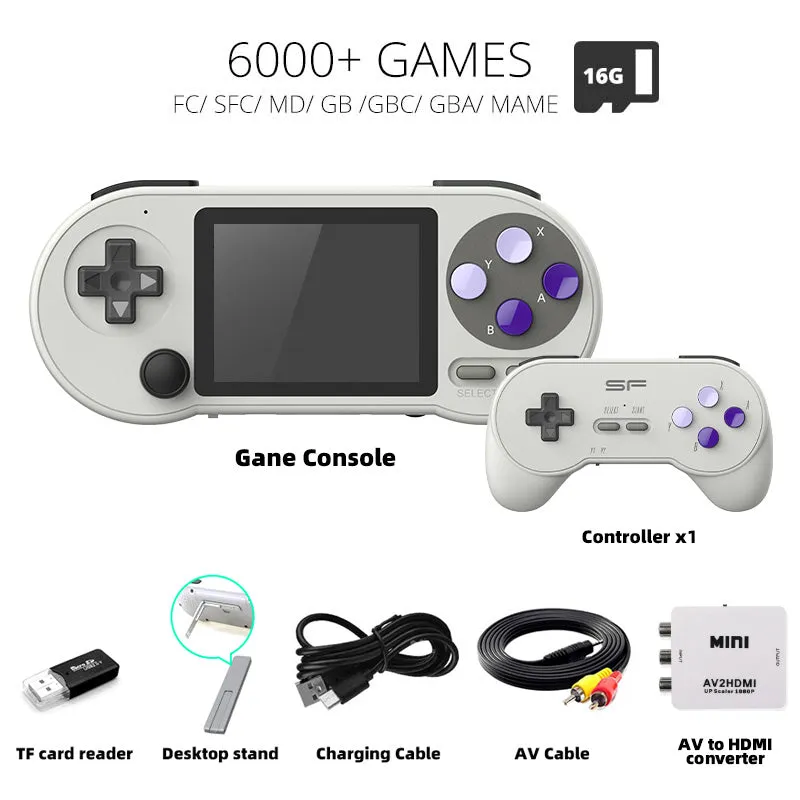
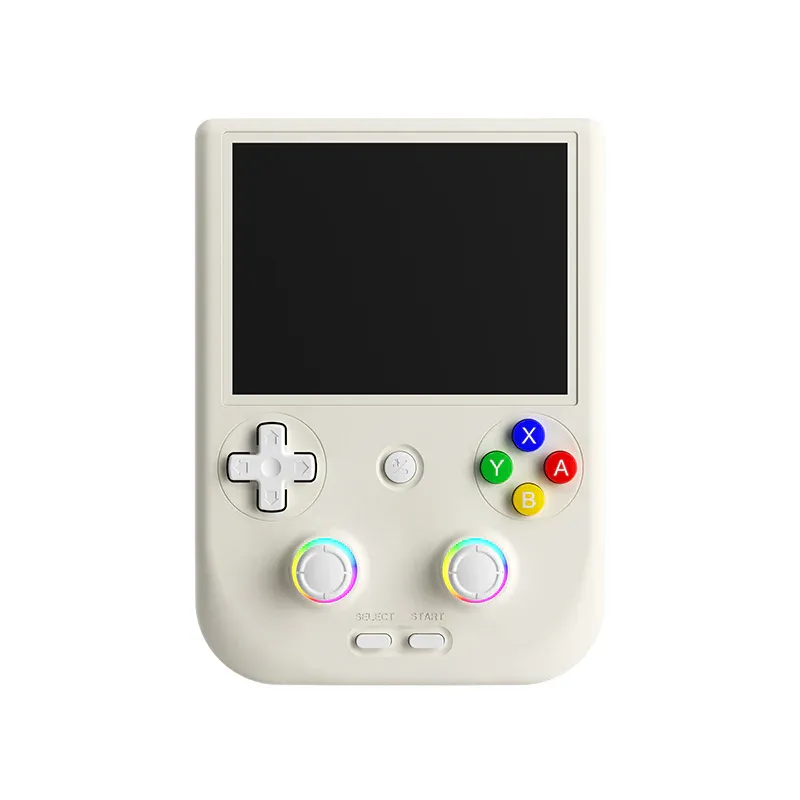
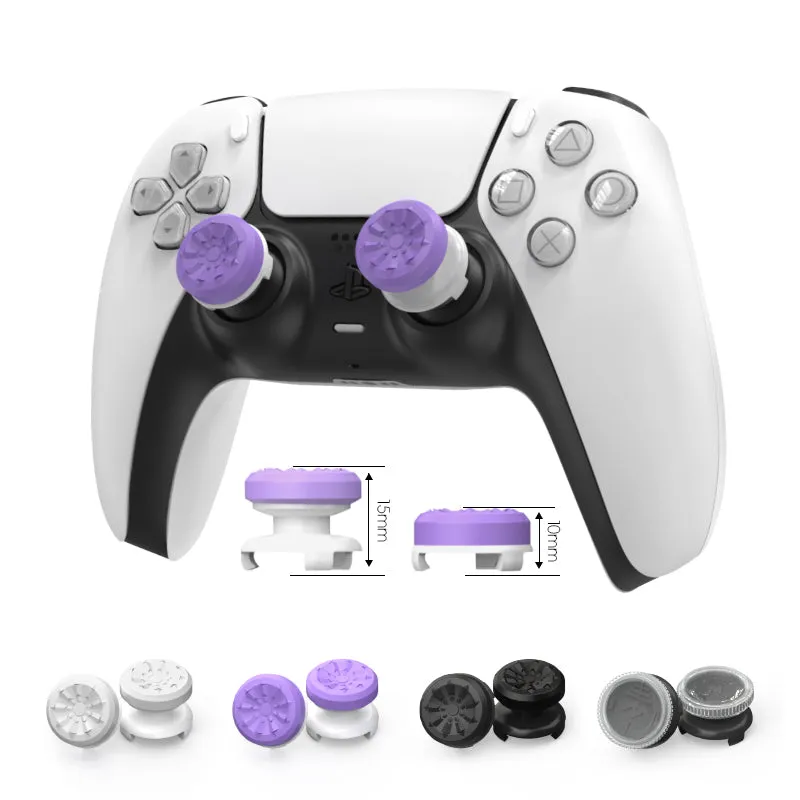
The RG-476H offers true portability with an integrated screen and battery, which suits gaming away from a TV, while the SF2000 works only as a living room device, which explains its lower price. If you already own a Tech2000s or similar portable, the SF2000 can make sense as a couch co-op option. Controller quality is where the SF2000 falls shortest: the included gamepads use short fixed cables that limit seating arrangements, and membrane buttons wear faster than mechanical alternatives, which is why some players swap in third-party controllers or a USB adapter that accepts a modern controller like a PS5 controller stick.
Who should consider the SF2000
The SF2000 fits a few buyer profiles well: parents introducing young children to retro gaming without risking an expensive device, casual collectors who want a conversation piece that plays real games, and modders who enjoy optimizing budget hardware through custom firmware. It also suits anyone setting up a shared living room device for occasional two-player sessions, since the plug and play design and included controllers remove the setup friction that a more configurable handheld can involve. It is a weaker fit for serious retro gaming enthusiasts who want accuracy and reliability, since frame timing issues and inconsistent save functionality can frustrate anyone working through a long RPG or a precision platformer. The lack of HDMI output also means you may need a composite-to-HDMI adapter for a modern TV, adding cost and complexity. Budget shoppers should weigh whether a handheld form factor suits their lifestyle better; the Rogadis oyun konsolu offers similar performance in a portable package at a somewhat higher price. Check current pricing on both at the discount code page.
Getting the most out of your SF2000
Updating to community firmware before serious playtime is worth the time it takes to flash, and backing up the original microSD card contents first means you can revert if something goes wrong. Organizing games by genre rather than by system tends to help, since the menu struggles with long flat lists, and breaking a collection into folders like platformers, RPGs, and puzzle games speeds up navigation. A third-party USB controller is worth considering early, since membrane buttons on the stock controllers wear out over time and a replacement kit can extend their life if you are comfortable with basic repairs. For multiplayer, the two-controller setup makes cooperative beat-em-ups and competitive puzzle games genuinely social in a way most single-player handhelds cannot match.
Questions
Can the Data Frog SF2000 play PS1 games?
No, the SF2000 lacks the processing power for PlayStation emulation. It handles 8-bit and 16-bit systems such as NES, SNES, Genesis, and Game Boy, but struggles with anything more demanding than that generation.
Do I need to install custom firmware on the SF2000?
Custom firmware is not required but is widely recommended. It fixes menu bugs, improves game compatibility, and adds features the stock firmware lacks. Installing it means copying files to an SD card, which is straightforward if you are comfortable with basic file management.
Can I connect the SF2000 to a modern HDMI TV?
The SF2000 uses composite AV output only, so you need a composite-to-HDMI adapter for a modern TV. These adapters can introduce slight input lag, though most players will not notice during casual retro gaming.
How many games come preloaded on the SF2000?
The included microSD card typically contains a large number of games across multiple systems. The exact count varies by seller and region, and quality ranges from legitimate classics to obscure filler titles.
Are the SF2000 controllers replaceable with better ones?
Yes, you can use USB adapters to connect third-party controllers or modern gamepads. Many owners replace the stock controllers since the membrane buttons wear out with regular use.
Does the Data Frog SF2000 support wireless controllers?
No, the SF2000 only supports wired connections through its fixed-cable controllers. USB adapters can add other wired controllers, but there is no Bluetooth or wireless functionality built into the system.
Products in this guide
 Shopping at DATA FROG? See the discount code
10% OFF All Orders
Shopping at DATA FROG? See the discount code
10% OFF All Orders
More in this series
Anbernic 35XX Pro Battery Life: How Many Hours of Gaming Can You Really Get?1 Aug 20264 minDo Third-Party Controller Sticks Fix PS5 Drift Issues Long-Term?1 Aug 20264 minHow to Replace PS5 Controller Joysticks Without Sending Them In for Repair1 Aug 20265 minData Frog RG-476H vs Anbernic RG406: Which Retro Handheld Is Worth Your Money?1 Aug 20266 min