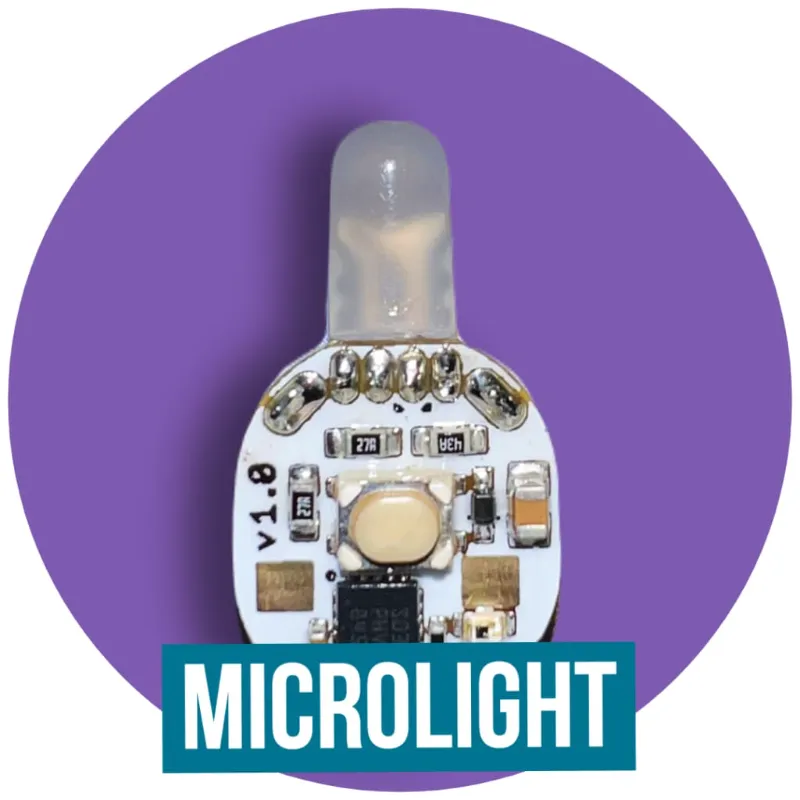
 A Futuristic Lights guide
How Do You Change Batteries in Atom and Ion Lights?
You change the batteries in an Atom or Ion by removing the two old CR1225 coin cells and sliding in two fresh ones, stacked in the same direction, with the positive side facing the clip and the negative side facing the board.
You change the batteries in an Atom or Ion by removing the two old CR1225 coin cells and sliding in two fresh ones, stacked in the same direction, with the positive side facing the clip and the negative side facing the board. Each light takes two cells, not one, and Futuristic Lights stresses that point on its glove set pages. For the current code, see our Futuristic Lights codes and deals.
Which battery your light needs
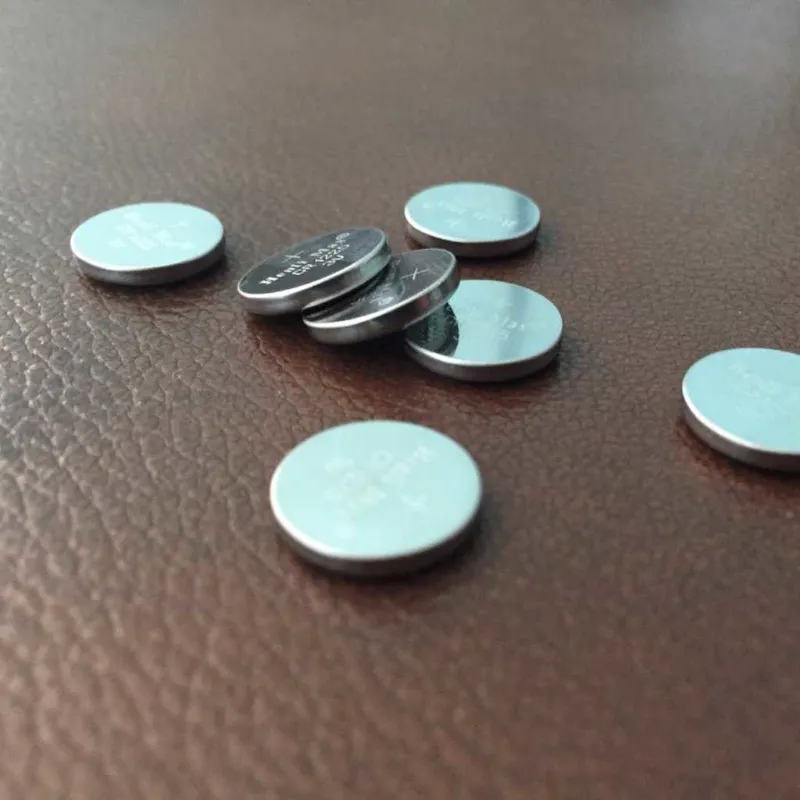
The Atom, SE Atom and Ion all use two CR1225 cells per light. Futuristic Lights sells CR1225 coin cell batteries in packs of 20, 60 and 100, and lists them as 3V lithium button cells with a 50 mAh capacity. A 20 pack covers one full set of 10 lights, which is also what each new glove set ships with.
Older Futuristic Lights models are different. The discontinued Kinetic, for example, used two CR1620 cells, so check your model before you buy spares.
How to swap the batteries, step by step
These steps follow the Ion manual Futuristic Lights publishes. The Atom takes the same pair of CR1225 cells.
- Turn the light off first. On the Ion you hold the button for about half a second and let go. On the Atom you hold the button until the light turns off, then release.
- If the light sits in a casing, ease it out so you can reach the battery clip.
- Remove the two old cells.
- Stack two new CR1225 cells so they face the same direction.
- Slide the stack in at a slight angle so it goes under the clip, with the positive side facing the clip and the negative side facing the board.
- The Ion manual says a correctly fitted Ion turns on by itself. If it does not, take the cells out, check that they are stacked and facing the right way, and try again.
The store’s Ion glove set page also links to a short video on installing the batteries, if you prefer to watch it done.
Use battery lock when you store your lights
Both lights have a battery lock that stops them turning on by accident, for example in a bag. The Atom manual says Atoms ship battery locked. To unlock one, hold the button until you see a turquoise flashing light, then let go.
- Atom: with the light off, hold the button until the turquoise light (the second light) shows, then let go. The Atom turns off and locks. To unlock, hold the button until the turquoise light shows again and release.
- Ion: turn the Ion off, then hold the button to open the Off Menu and release as soon as the turquoise indicator (the second light) appears. To unlock, press and hold the button and release when the turquoise light shows.
If a light seems dead after storage, try unlocking it before you replace the cells.
A low battery can stop Chip to Chip transfer
The Ion manual gives a useful clue: when the battery is low, Chip to Chip transfer stops working even though the light still shines. If one light will not send or receive a mode, fresh cells in that light are the first thing to try. The manual also says to keep the lights within about an inch of each other, with the sending light pointed at the bottom of the receiving one.
Store spare coin cells safely
Coin cells are small enough to swallow, and swallowed button batteries are a known danger for young children and pets. Keep spares in their packaging, out of reach, and put used cells somewhere safe until you can recycle them under your local rules. Glove sets hold ten lights and twenty cells, so count them when you change a full set.
Questions
What batteries do Atom and Ion lights use?
Both use two CR1225 3V lithium coin cells per light. Futuristic Lights sells them in packs of 20, 60 and 100.
Which way do the batteries face in an Ion?
The Ion manual says to stack both cells facing the same direction, with the positive side facing the clip and the negative side facing the board. A correctly fitted Ion turns on by itself.
Why will my new Atom not turn on?
The Atom manual says Atoms come battery locked. Hold the button until you see a turquoise flashing light, then let go, and the light should come on.
Why has Chip to Chip transfer stopped working?
The Ion manual says Chip to Chip transfer stops when the battery is low, even if the light still works. Put fresh cells in and keep the lights within about an inch of each other.
How many batteries do I need for a full glove set?
A set has 10 lights and each takes two cells, so a full change uses 20 CR1225 cells. New glove sets ship with 20 cells included.
Products in this guide
Shopping at Futuristic Lights? See the discount code
10% OFF Sitewide