 A Nimo PC guide
Does the 65W USB-C Charger Work With All Nimo Laptop Models?
A usb c laptop charger rated at 65W matches Nimo laptops such as the N151, while others list 100W PD charging, so check your model.
A usb c laptop charger rated at 65W is what Nimo lists with laptops such as its N151 Intel N100 model, while others list 100W PD charging, so check your model before you rely on 65W. For the current code, see our Nimo PC codes and deals.
Which Nimo Laptop Models Support 65W USB-C Charging
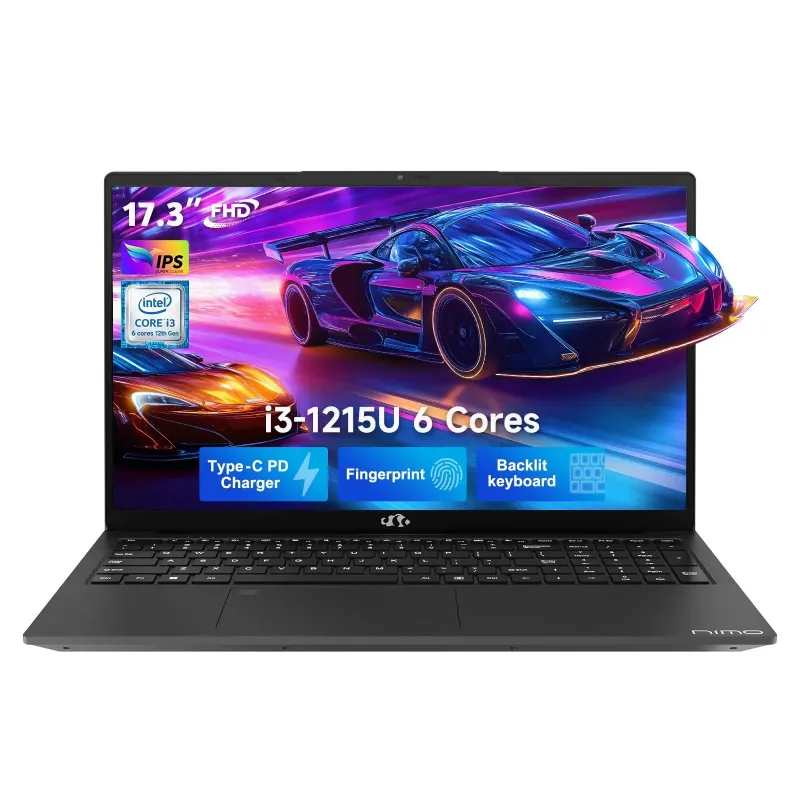
Nimo lists USB-C PD charging on the nimo laptops we checked, but the wattage varies by model. Here’s what the listings say:
- Ryzen AI 9 HX 370 models: Nimo lists USB-C 4.0 with 100W PD charging for the ryzen ai 9 hx 370 laptop, so a 65W charger is below its rating.
- AI Max+ 395 configurations: The ryzen ai max+ 395 laptop link goes to Nimo’s AI Max+ 395 mini PC, which the store lists with performance modes up to 120W, so use the power supply Nimo specifies for it.
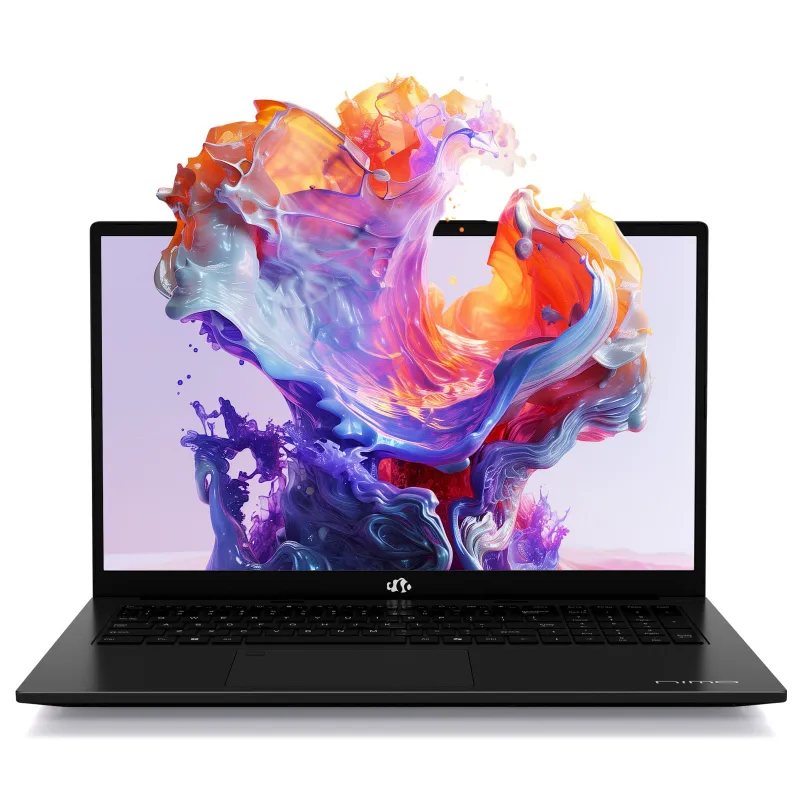
- N157 budget line: The nimo n157 laptop deal we link is the N153 Ryzen 5 6600H, and its listing does not state a charger wattage, so ask Nimo before you buy a 65W charger for it.
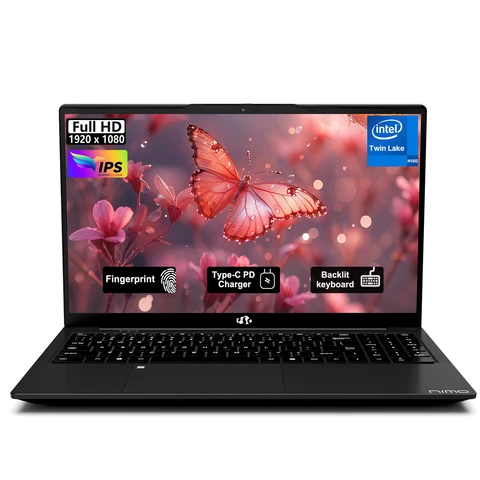
- Gaming models: The nimo gaming laptop we link is the N151 Intel N100 model, which Nimo lists with a 65W Type-C PD fast charger.
How USB-C Power Delivery Works With Laptop Chargers
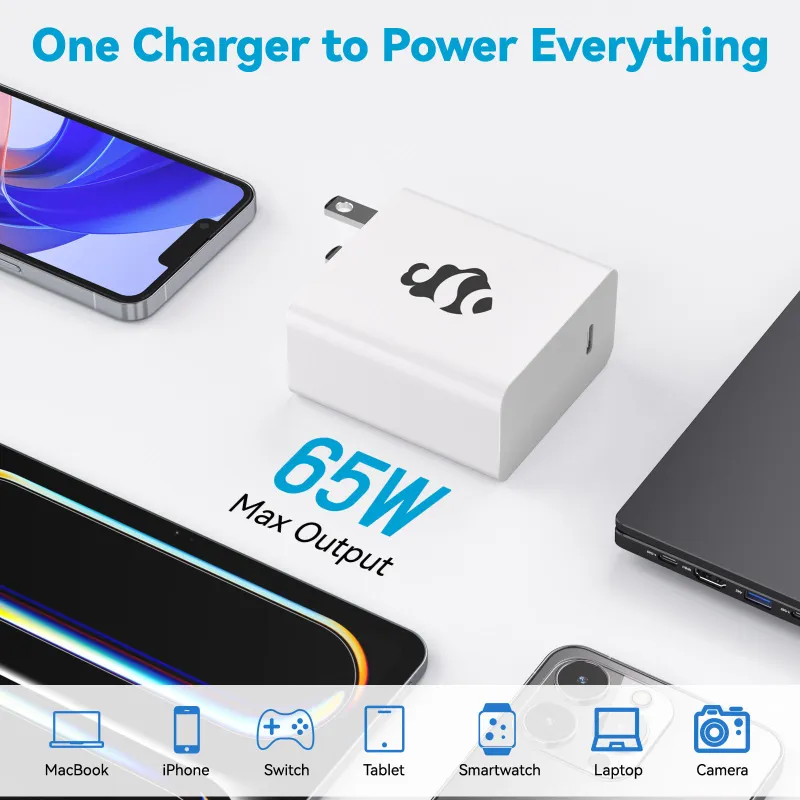
USB-C Power Delivery negotiates voltage and current between charger and device. A 65w charger laptop setup delivers 20V at 3.25A at full output, and the standard also supports lower voltage profiles from 5V.
When you plug a lower-wattage adapter into a higher-draw machine, the laptop prioritizes system power over battery charging. You might see a “plugged in, not charging” message during intensive tasks. This behavior protects both the adapter and the laptop’s charging circuitry from overload.
USB Power Delivery is a shared standard, also used by the USB C Laptop Chargers Dell sells, so a PD charger from another brand works if its wattage meets your laptop’s rating.
Comparing 65W vs 100W USB-C Chargers for Nimo Models
| Feature | 65W USB-C Charger | 100W USB-C Charger |
|---|---|---|
| Best for | N151 Intel N100 model (Nimo lists 65W), office workloads | AI 9 HX 370 laptop (Nimo lists 100W PD), heavier workloads |
| Portability | Compact, travel-friendly | Bulkier but still USB-C |
| Charges under load | Up to its 65W rating | Up to its 100W rating |
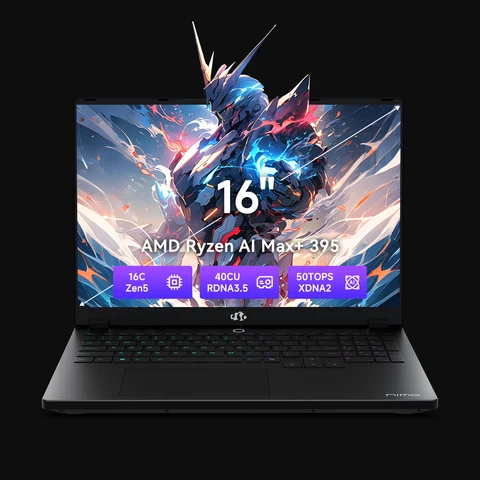
For the ai max 395 and max+ mini PC, use the power supply Nimo specifies, since the store lists performance modes up to 120W. For a laptop Nimo lists with a 65W charger, a 65W usb c laptop charger matches its rating.
If you want to charge a nimopc laptop and a tablet from one charger, you need a multi-port charger with enough total wattage for both, so check how it splits power between ports. How to Charge Your Laptop With USB-C offers a deeper dive into multi-device setups.
What to Look for in a Third-Party USB-C Laptop Charger
Not all aftermarket adapters deliver clean, stable power. When shopping for a replacement or backup, prioritize these features:
- USB-IF certification: Ensures the adapter meets Power Delivery safety standards and won’t fry your laptop’s charging controller.
- GaN technology: Gallium nitride chargers run cooler and pack more wattage into a smaller footprint than silicon designs.
- Cable quality: A cheap cable can bottleneck a capable adapter. Look for E-Marker chips rated for 100W or higher.
- Brand reputation: See Wirecutter’s The Best USB-C Laptop and Tablet Chargers for third-party picks.
Stick with established brands or Nimo’s own 65w usbc charger to avoid headaches.
When to Use Nimo’s Included Adapter vs a Universal USB-C Charger
Check what Nimo bundles with your model. The listings we checked include a 65W Type-C PD charger with the N151 and the 15.6 inch i3-1215U laptops, while the amd ryzen ai max 395 mini PC lists performance modes up to 120W.
Use the included adapter when:
- You’re running sustained heavy workloads like 4K video encoding or 3D modeling
- You need the absolute fastest battery recharge time between meetings
- Your warranty is still active, since warranty terms can exclude damage from third-party power supplies (check Nimo’s terms)
A universal 65W adapter makes sense as a travel backup for lighter tasks or when you’re working remotely and want to minimize bag weight. Just confirm your specific model’s power profile before you leave the house without the stock charger.
Charging Speed With a 65W USB-C Charger
For everyday email, browsing, and document editing, a usb c laptop charger rated at 65W keeps a Nimo model rated for 65W topped up. For any other model, match the adapter wattage to the charging rating Nimo lists.
Questions
Can I use a 65W USB-C charger with the Nimo gaming laptop?
Yes. The model we link as the nimo gaming laptop is the N151 Intel N100, which Nimo lists with a 65W Type-C PD charger. For other models, check the charging rating on the listing.
Will a third-party usb c laptop charger void my Nimo warranty?
Check Nimo's warranty terms before you rely on a third-party charger, and ask Nimo if they are unclear. Use USB-IF certified adapters to minimize risk.
Does the Ryzen AI Max+ 395 laptop charge faster with a 100W adapter?
Use the power supply Nimo specifies for it. The AI Max+ 395 product we link is a mini PC that the store lists with performance modes up to 120W.
Can I charge my Nimo laptop and phone from the same USB-C charger?
Yes, with a multi-port charger that has enough total wattage for both, so check how it splits power between ports. A single-port charger serves one device at a time.
Why does my Nimo laptop say 'plugged in, not charging' with a 65W charger?
The laptop is drawing more power than the adapter can supply, so the system prioritizes keeping the machine running over charging the battery. Reduce workload intensity or upgrade to a higher-wattage adapter.
Are Nimo USB-C chargers compatible with Dell or HP laptops?
Yes, as long as the wattage meets or exceeds the other laptop's requirements. USB Power Delivery is a cross-brand standard, so a Nimo 65W PD adapter works with a PD-compatible laptop whose rating it meets.
Products in this guide
 Shopping at Nimo PC? See the discount code
$15 OFF Sitewide
More in this series
Can You Game on a Nimo Laptop? Graphics, eGPU and Desktop Options19 Aug 20263 minWhat Does the Ryzen AI Max+ 395 Offer in a Laptop? The Nimo Axis Explained19 Aug 20263 min Nimo N157 vs Nimo Gaming Laptop: Which Should You Buy?19 Aug 20263 minHow to Choose the Right Wattage Charger for Your Nimo Laptop19 Aug 20264 min