 A PrintToucan guide
How to Turn Your Photos Into Canvas Prints That Resist Fading
A step-by-step guide to turning a photo into a canvas print that resists fading, using PrintToucan's listed inks, sizes, layouts and edge wrap.
To turn a photo into a canvas print that resists fading, start with the highest-resolution version of the photo you have, pick a size and layout that suits its shape, and order from a printer that uses UV-protectant archival inks on artist-grade canvas. PrintToucan lists exactly that for its custom canvas prints, along with solid wood stretcher bars, a 1.5 inch gallery wrap and a 365-day warranty. The details below come from PrintToucan’s product pages. You can find the current code on our PrintToucan discount code page.
What PrintToucan uses to protect against fading
Fading resistance comes from the inks and materials, so check them before you order. On its custom canvas photo prints page, PrintToucan lists:
- Inks: UV-protectant, fade-resistant archival inks.
- Canvas: artist-grade, described as museum-grade canvas.
- Frame: stretched over solid wood stretcher bars, assembled in the USA.
- Edge: a 1.5 inch gallery wrap, included as standard.
- Hanging: a pre-installed hook on every canvas.
- Cover: a 365-day warranty.
PrintToucan describes the result as having “lifetime durability”. It does not publish a number of years a print stays unfaded, so we do not give one; the UV-protectant inks are the feature that addresses fading directly.
Step by step: from photo to canvas
- Find the original file. Use the full-size photo from your camera or phone, not a screenshot or a copy saved from a messaging app. PrintToucan’s photo products all ask for high-resolution images for the sharpest result.
- Check the shape of the photo. A wide landscape photo suits a horizontal or panoramic canvas; a portrait suits a vertical one. PrintToucan offers horizontal, vertical, square, panoramic (up to 20 x 60 inches), triptych, 5 panel and collage layouts.
- Choose the size. PrintToucan lists more than 20 sizes, from 8 x 8 inches to 32 x 48 inches, with side lengths from 8 to 48 inches. A larger canvas needs more pixels to stay sharp, so the bigger you go, the more the original file matters.
- Pick a filter if you want one. PrintToucan offers black and white and sepia options.
- Think about the edges. On a 1.5 inch gallery wrap, part of the picture wraps around the sides. PrintToucan says it extends the extra area of your image around the edges for a natural look, so keep faces and key details away from the outer border of the frame.
- Need an unusual size? PrintToucan asks you to contact it for custom dimensions.
Choosing a photo that prints well
The materials handle the fading side; the photo decides how good the print looks on day one. A few practical checks before you upload:
- Sharp focus on the subject. Zoom in on faces or the main detail at full size on your screen. Softness you see there will be larger on the wall.
- Detail in shadows and skies. Check that dark areas and bright skies still show detail on screen; detail missing from the file cannot be added by the printer.
- Room around the subject. Because of the wrap, a tightly cropped photo can lose the top of a head or the edge of a pet’s ear around the side.
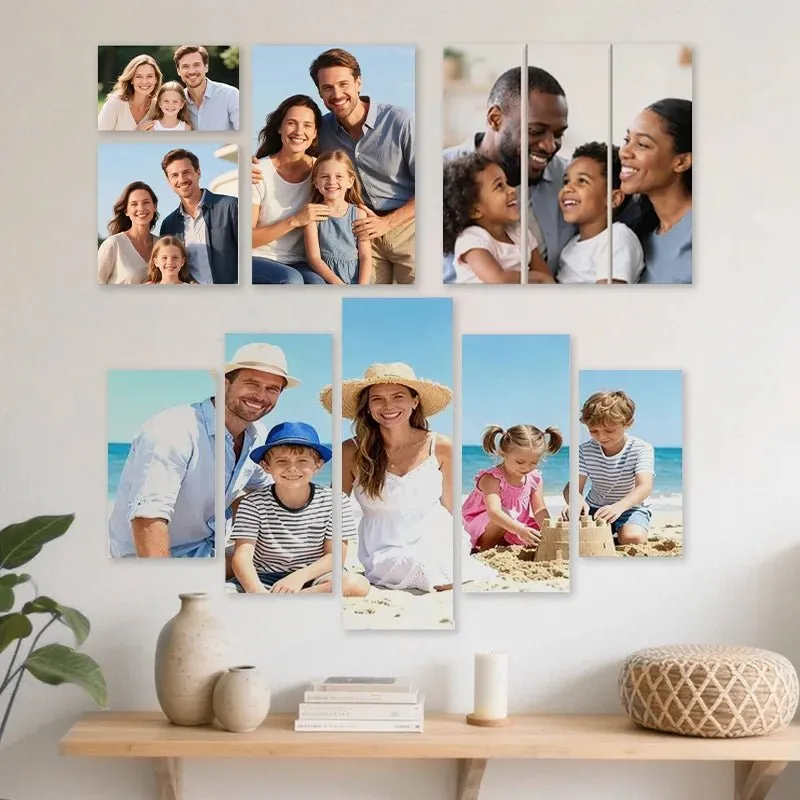
- Collage or panels for several photos. If you have a set of images rather than one hero shot, PrintToucan’s collage and multi-panel layouts keep them together on one wall.
After it arrives
The pre-installed hook means the canvas is ready to hang. To give UV-protectant inks the easiest life, we suggest a spot that does not sit in strong direct sun all day; PrintToucan applies the same “avoid direct sunlight” advice to its printed beach towels, though it gives no specific placement rule for canvas. If anything arrives wrong or develops a fault, the 365-day warranty is the cover to use, so keep your order details.
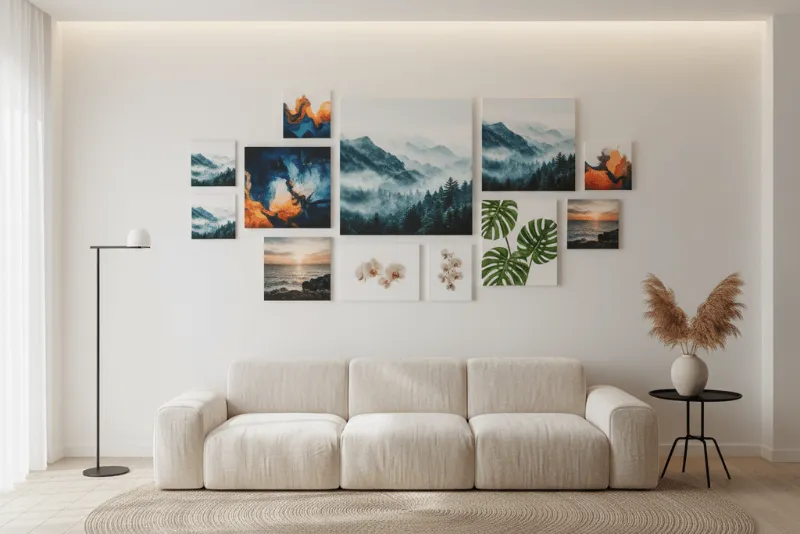
If you prefer a frameless option for a rental, PrintToucan also sells peel and stick photo tiles printed in HD on a lightweight composite panel, which mount without nails. On timing, PrintToucan’s product pages give 1 to 2 business days of production and 3 to 7 business days for US delivery, and it offers local pickup in Buffalo Grove, Illinois.
Questions
What inks does PrintToucan use for canvas prints?
PrintToucan lists UV-protectant, fade-resistant archival inks on artist-grade canvas, stretched over solid wood bars.
How long will a PrintToucan canvas print last without fading?
PrintToucan describes its canvases as having lifetime durability but does not publish a number of years. It backs canvas prints with a 365-day warranty.
What sizes can I order a PrintToucan canvas in?
More than 20 sizes, from 8 x 8 to 32 x 48 inches, plus panoramic 20 x 60 inch prints. Contact PrintToucan for custom dimensions.
What happens to the edges of my photo on a canvas?
PrintToucan uses a 1.5 inch gallery wrap and extends the extra area of your image around the edges, so keep key details away from the outer border.
Does a PrintToucan canvas come ready to hang?
Yes. Every canvas print comes with a pre-installed hook.
Products in this guide
Shopping at PrintToucan? See the discount code
20% OFF All Orders
More in this series
 Photo to Canvas Print Turnaround Times and Sizing: What Actually Works31 Aug 20263 min
 Custom Beach Towels and Tote Bags at PrintToucan: What to Check Before You Order31 Aug 20263 minCustom Canvas Print Care: How to Clean, Hang and Keep Colors Bright31 Aug 20264 minCustom Canvas Prints vs Photo Tiles: Which Suits Your Home?31 Aug 20263 min