 A iScooter guide
How to Replace the Throttle on an iScooter E Scooter
Replacing an e scooter throttle on an iScooter model is a DIY job you can do with the right part and a few basic tools.
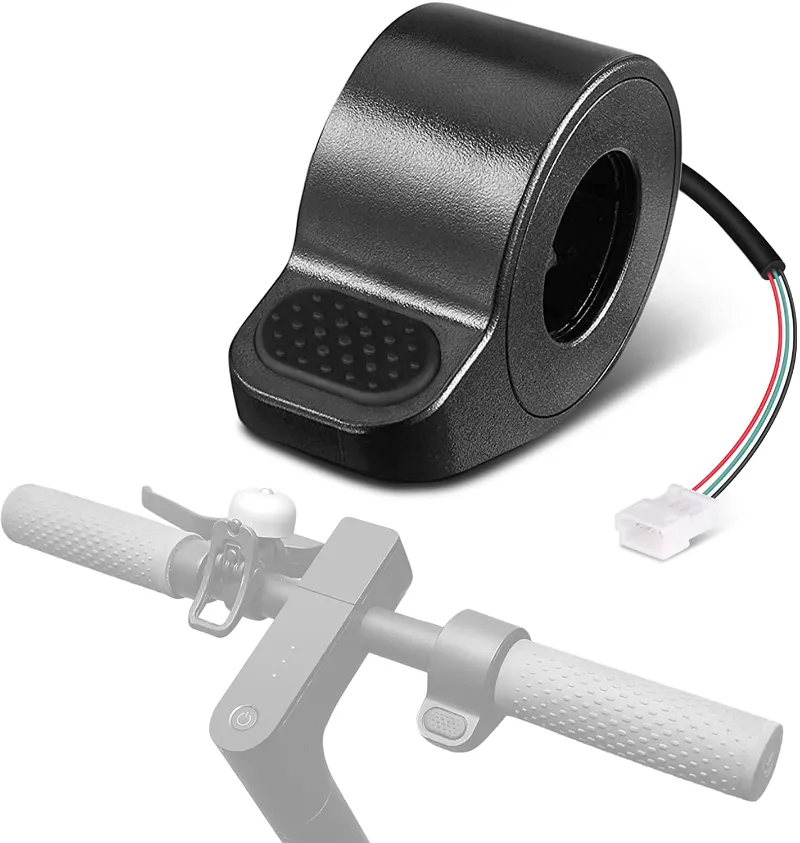
Replacing an e scooter throttle on an iScooter model is a DIY job you can do with the right part and a few basic tools. If you have sluggish acceleration or a total loss of power, the throttle is one part to check, and you can swap it yourself. This guide walks through the full process for popular iScooter models including the iScooter iX4, the iScooter iX7 Pro, and the iScooter i8. Our iScooter discount code page lists the current code and how to use it.
How an E Scooter Throttle Works
Understanding the component before you remove it makes the job much easier. Check whether your iScooter model uses a thumb throttle or a twist throttle for electric scooter designs; the underlying principle is the same.
- The throttle sends a variable voltage signal to the controller as you press or twist it.
- The controller interprets that signal and adjusts motor output accordingly, giving you precise electric scooter throttle control.
- Some units include an integrated display, a lock button, or an electric scooter throttle with key function for added security.
For a deeper technical breakdown of throttle signal types, the Technical Guide: Electric Scooter Throttles is an excellent reference.
Signs Your Throttle Needs Replacing
Before buying a new part, confirm the throttle itself is the fault and not the controller or wiring harness.
- No response when pressed: The scooter powers on but won’t accelerate at all.
- Sticky or jerky acceleration: The scooter lurches instead of providing smooth electric scooter throttle control.
- Error codes: If your display shows a fault code on startup, check the manual for whether it points to the throttle.
- Physical damage: Cracked housing, a broken e scooter throttle grip, or a snapped lever arm.
- Intermittent cutouts: Power drops randomly, especially on models like the iScooter iX7 Pro that handle higher loads.
If the throttle passes a visual inspection, use a multimeter to check the output voltage across the connector while pressing it. A reading that stays flat or spikes erratically confirms replacement is needed.
Choosing the Right Replacement E Scooter Throttle
Not every throttle is compatible with every iScooter model. Getting this right before you order saves a return trip.
| Model | Throttle Type | Connector Pins | Key Lock |
|---|---|---|---|
| iScooter iX4 | Check the part listing | Check the part listing | Check the part listing |
| iScooter i8 | Check the part listing | Check the part listing | Check the part listing |
| iScooter iX7 Pro | Check the part listing | Check the part listing | Check the part listing |
Key things to match:
- Handlebar diameter: Measure your bar before you order.
- Wire length: Ensure the cable reaches the controller without pulling tight.
- Voltage rating: Match the battery voltage on your model’s label to avoid controller mismatch.
- Display integration: If your current throttle has an LED display or battery indicator, source a like-for-like unit.
Tools and Parts You Will Need
- Phillips-head screwdriver (PH2)
- 4 mm Allen/hex key
- Flathead screwdriver or trim tool
- Multimeter (optional but recommended)
- Replacement e scooter throttle matched to your model
- Cable ties or electrical tape
Step-by-Step Replacement Process
1. Power off and disconnect the battery. Hold the power button until the display goes dark, then locate the battery disconnect inside the deck (refer to your model’s manual) and unplug it.
2. Remove the handlebar grip on the throttle side. Slide a flathead tool under the edge of the grip and work it loose. Some iScooter grips use a small locking screw on the underside.
3. Loosen the throttle clamp. Use a 4 mm Allen key to back off the clamp bolt two or three turns. You do not need to remove it fully; just enough to slide the throttle off the bar.
4. Trace and unplug the throttle connector. Follow the cable from the throttle down through any cable guides into the stem or deck housing. Unclip the connector. Take a photo first so you remember the routing.
5. Feed the new throttle cable through. Route the new cable along the same path as the old one, using the existing cable ties or guides. Avoid sharp bends near the stem joint.
6. Plug in the connector and test before closing. Reconnect the battery, power on the scooter, and slowly press the new throttle. Confirm smooth, linear acceleration before buttoning everything up. For an overview of how throttle signal behaviour differs across motor configurations, this breakdown on dual-motor throttle function is worth a read.
7. Clamp, re-grip, and tidy cables. Torque the clamp bolt firmly, push the grip back on, and secure any loose cables with new ties.
Caring for Your New Throttle
A few habits to follow:
- Keep the e scooter throttle grip dry and wipe it down after rides in damp conditions.
- Avoid over-tightening the clamp, which can crack the housing over time.
- If you ride an off road electric scooter on rough terrain, check the connector seating every few months since vibration can loosen it.
- Store your scooter indoors, out of the sun.
When to Upgrade Your Whole Scooter Instead
If your scooter is already showing worn scooter wheels, a fading battery, or brake issues alongside the throttle problem, price the repairs against a new scooter before you decide.
Consider stepping up to a model with more headroom:
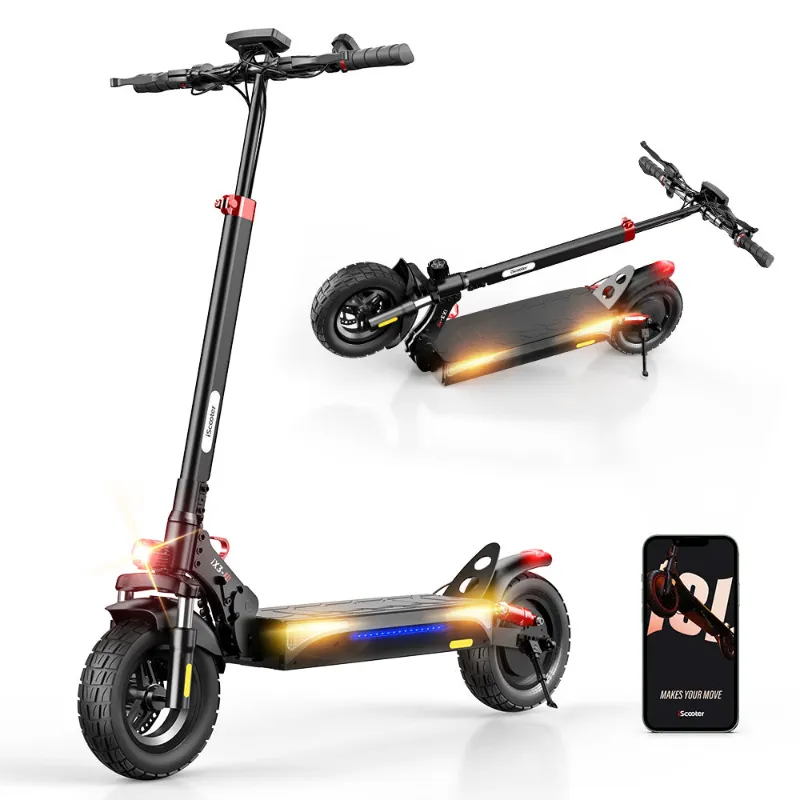
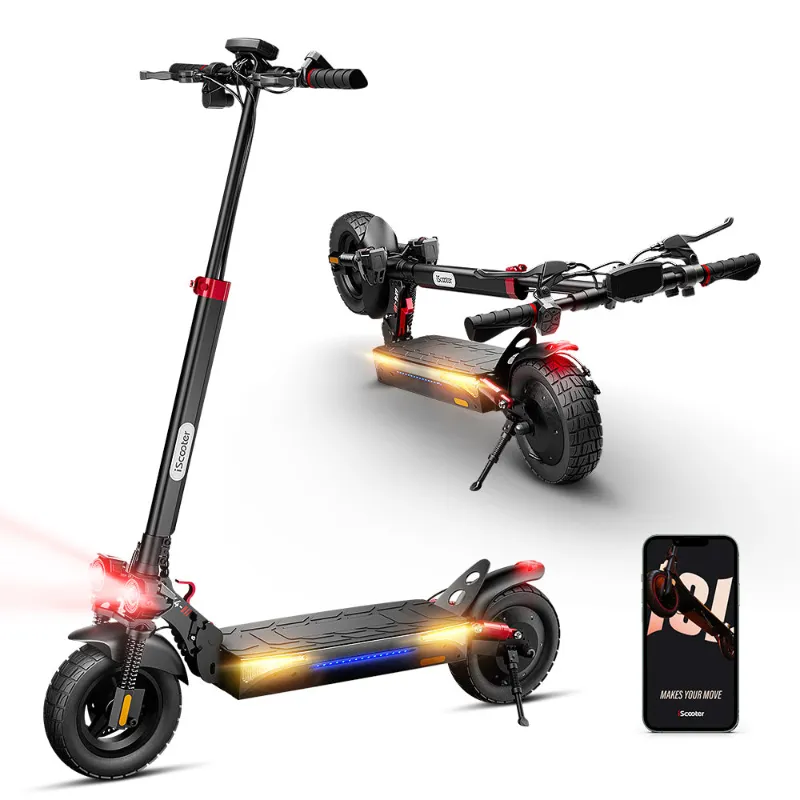
- The iScooter iX4 is one to compare for commuting and light trails.
- If you want more performance, compare the top speeds on the iScooter listings and check your local rules.
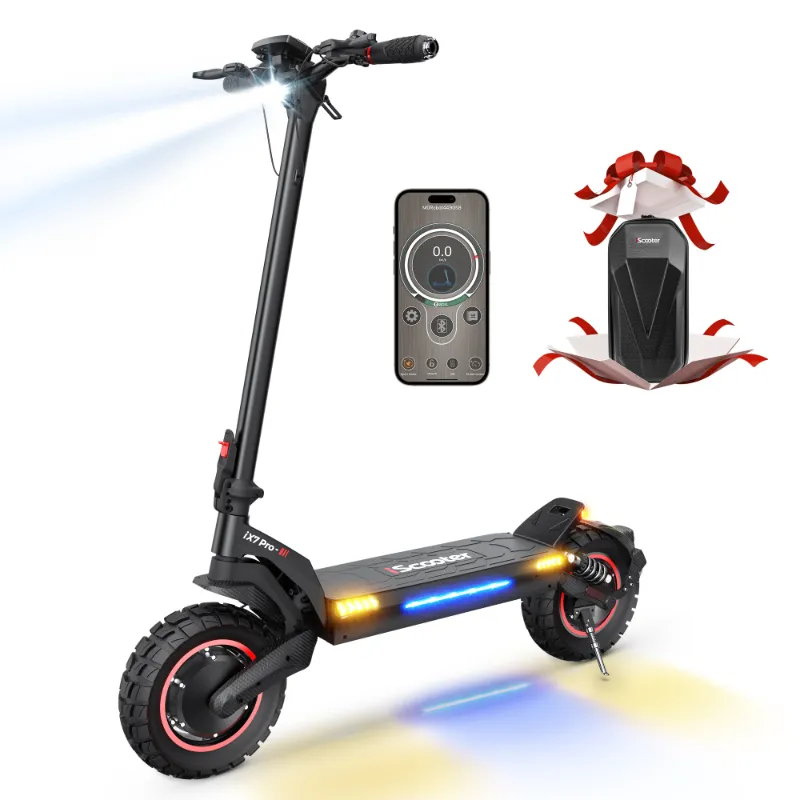
- For serious terrain, the off road electric scooter is built for rougher surfaces than a standard folding scooter.
Questions
Which e scooter throttle fits the iScooter iX4?
Measure your handlebar and check the connector on your old throttle. Always confirm the voltage rating matches your battery before ordering, and check the iScooter store page for the exact compatible part.
Can I swap a thumb throttle for a twist throttle on my iScooter?
Only if the replacement uses the same wiring, connector and voltage range as the original. If it does, a twist throttle for electric scooter use plugs into the same connector, but you may need to adjust the cable routing since the housing shape is different.
Why does my iScooter throttle feel sticky or unresponsive after riding in the rain?
Check the connector for moisture first. Dry the connector thoroughly, apply a small amount of contact cleaner, and test again before assuming the unit needs replacing.
Do I need any special tools to replace an iScooter throttle?
No specialist tools are required. A Phillips-head screwdriver, a 4 mm Allen key, and a trim tool or flathead screwdriver to remove the grip are all you need. A multimeter is optional but helpful for verifying the new throttle is sending the correct signal.
Is there a discount code available for iScooter replacement parts?
Yes, The Code Planet keeps the current iScooter discount code on its coupon page. Check the page for the latest offer and its terms before you order.
Can a faulty throttle damage my iScooter's controller?
Replace a known-faulty throttle promptly, and contact iScooter support if the controller still shows faults after the swap.
Products in this guide
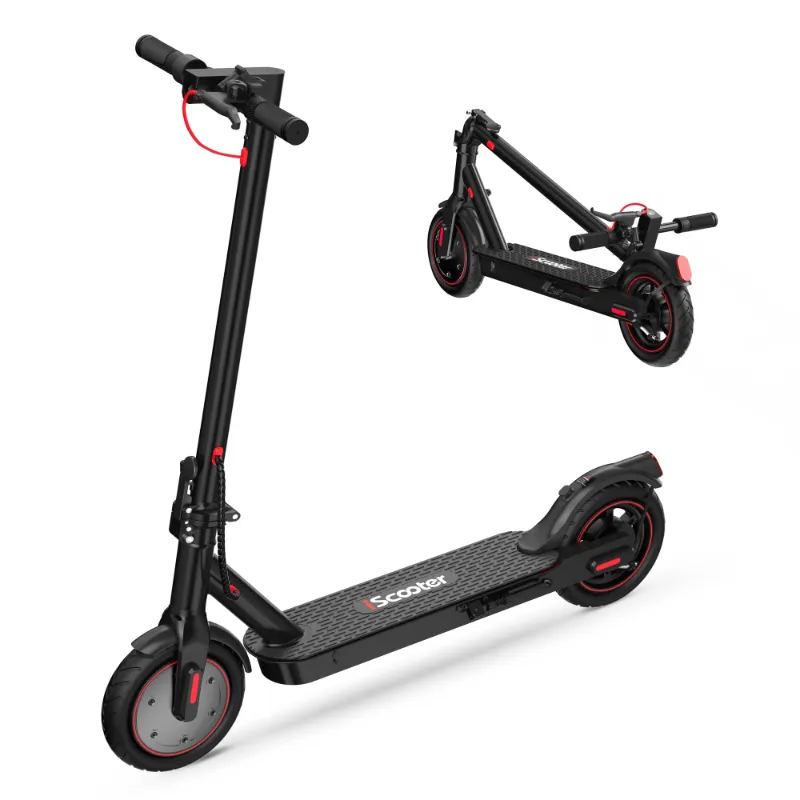
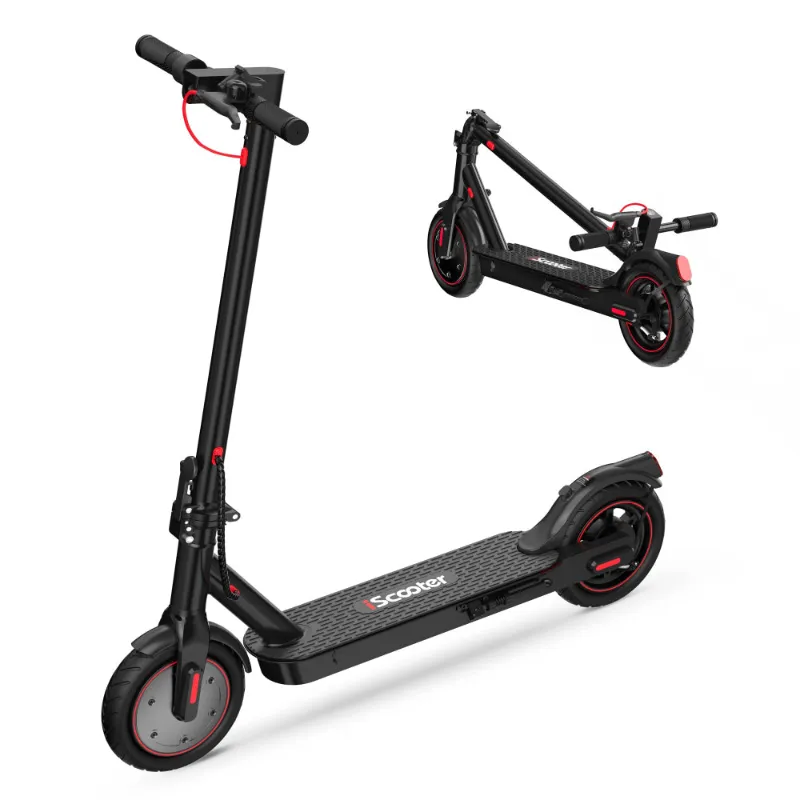 Shopping at iScooter? See the discount code
4% OFF All Orders
More in this series
 Walking Machine or Treadmill with Incline: Choosing the Right iScooter Fitness Equipment8 Aug 20263 min30 Mph vs 40 Mph Electric Scooter: Which iScooter Models Reach Each?8 Aug 20264 minWhat to Know About the iScooter i8 Before You Buy8 Aug 20264 minBudget Electric Scooter for Adults: iScooter i8 vs i9 vs W58 Aug 20263 miniScooter iX7 Pro vs. iX4: Which Off-Road Electric Scooter Is Right for You?8 Aug 20263 min