 A Zion Cases guide
How to Clean and Maintain Your Zion Cases Magnetic Card Holder Without Damaging Your Cards
Learn how to clean and maintain your magnetic card holder without scratching or damaging your cards, plus care tips for the rest of your Zion Cases gear.
A magnetic card holder keeps your prized slabs protected only if the holder itself stays clean and correctly cared for. In this guide we walk through how to clean a magnetic card holder without scratching your cards, how to keep the magnets working, and how to extend the life of the whole Zion Cases lineup.
Why Cleaning a Magnetic Card Holder Matters More Than You Think
A magnetic card holder swaps screws for strong neodymium magnets, which makes card insertion fast. But the exposed surfaces still pick up dust, fingerprints, and grit. When you slide a slab in and out, that abrasive dust grinds against the card surface. Regular cleaning removes the grit before it becomes a scratch, and keeping the magnets free of metal filings stops them from losing grip. Think of it as maintenance for the holder, not just the card.
What You Need to Clean a Magnetic Card Holder Safely
Skip harsh chemicals. Many cleaners leave residue that reacts with the holder acrylic and can fog it. Stick to a short list:
- microfiber cloth (lint free) for all surfaces
- isopropyl alcohol at 70% for grease and fingerprints
- distilled water to dilute if the alcohol feels strong
- a soft brush (makeup or anti-static) for the inside channels
- cotton swabs for corners and magnet edges
Use alcohol sparingly on clear acrylic; frequent strong solvents can haze it. A spray onto the cloth, never onto the holder or card, keeps moisture out of the magnet housings.
Step by Step: Cleaning the Holder Without Damaging Cards
Working on a clean, flat surface, follow this order:
- Remove cards from the holder and lay them aside on a microfiber cloth.
- Brush the inside channels to lift dust before any wiping. This is the step that prevents scratches.
- Wipe the outer faces with a dry microfiber cloth to remove surface dust.
- Dampen a corner of the cloth with 70% alcohol and wipe fingerprints from the clear faces.
- Use a cotton swab lightly dampened with alcohol to clean around the magnet seams and corners.
- Air dry for a few minutes, then inspect under good light before reinserting cards.
Never wipe the card itself with a damp cloth once it is back in the holder, and never run the holder under water. Moisture inside the magnet cavity rusts the plating over time.
Caring for the Other Slab and Storage Gear in Your Collection
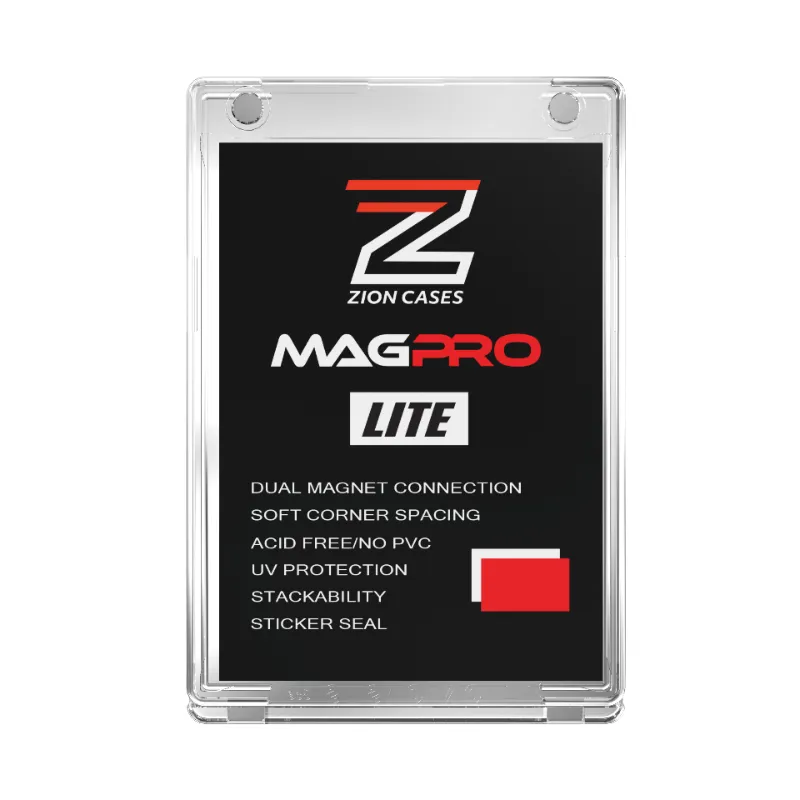
Your magnetic card holder is not the only piece that benefits from routine upkeep. The rest of the lineup deserves the same simple care:
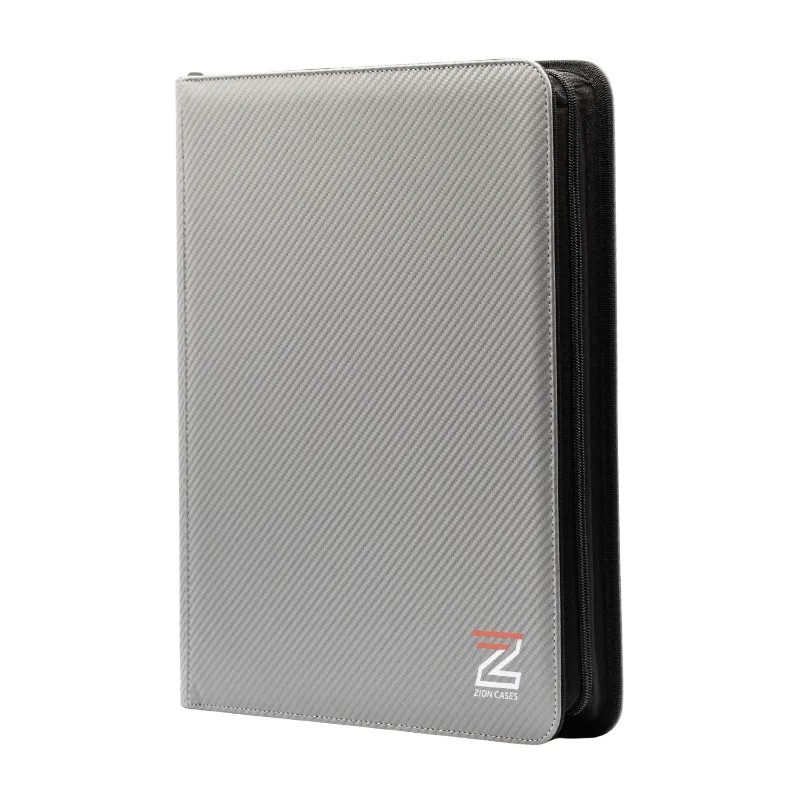
- top loader binder: wipe the outer cover with a dry cloth; do not fold it into tight positions or it creases sheets.
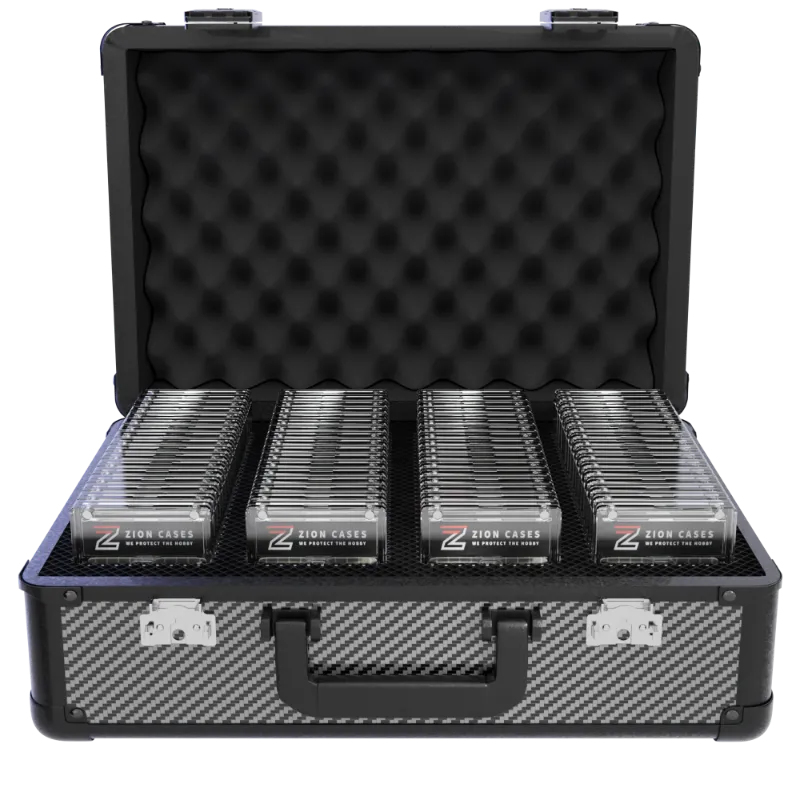
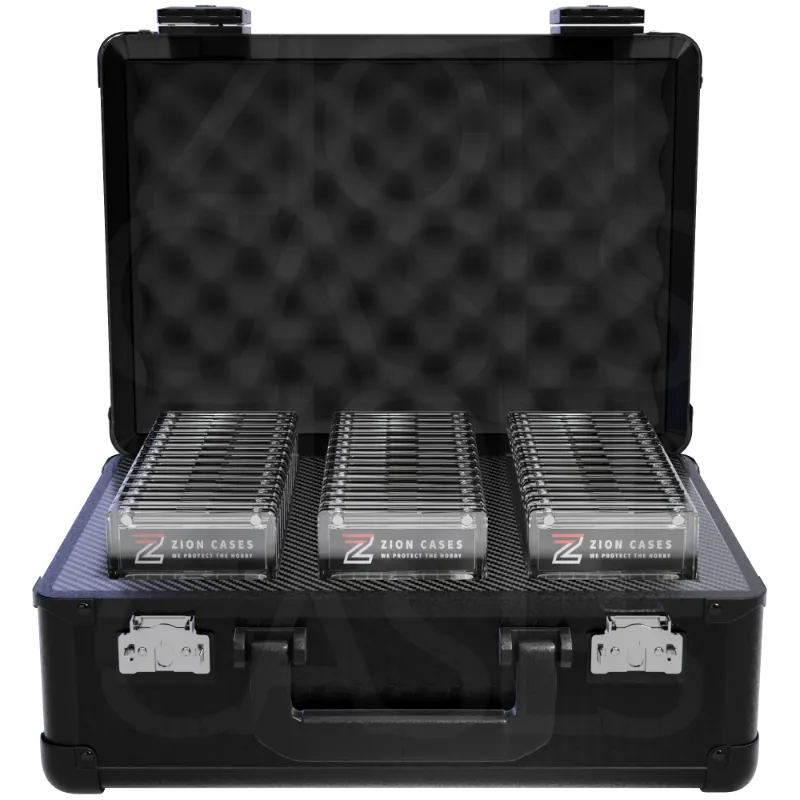
- slab case go color rush travel-friendly storage: check the latch and hinge monthly, and blow out dust from the seams before storage trips.
- psa slab case and new slab case one: keep them stacked upright, never piled, so the lids stay aligned.
- zion cases main case and card display case: surface cleaning only; store away from direct sunlight to prevent acrylic yellowing.
- sideline bags: spot clean with mild soap and water; the fabric interior grips dust, so empty and shake them out regularly.
- slab case xl carbon fiber: the carbon texture does not need polish, just a dry wipe to keep it looking sharp.
Cleaning Pitfalls That Ruin Holders and Cards
The most common damage we see is not from the card itself but from how people clean around it:
- Spraying cleaner directly onto the holder lets liquid run into the magnet seams and behind the card face.
- Reusing paper towels leaves lint that scratches clear acrylic.
- Wiping in circles drags grit across the surface; wipe in one direction.
- Leaving fingerprints for weeks lets oils etch into the plastic, and no amount of later cleaning restores it.
- Storing the holder face down on a hard surface grinds the front face.
If a holder has deep scratches from past misuse, cleaning will not fix them. Replace the holder rather than risk putting a marred case over a good card.
Choosing the Right Magnetic Card Holder for Thick Cards and Long Term Use
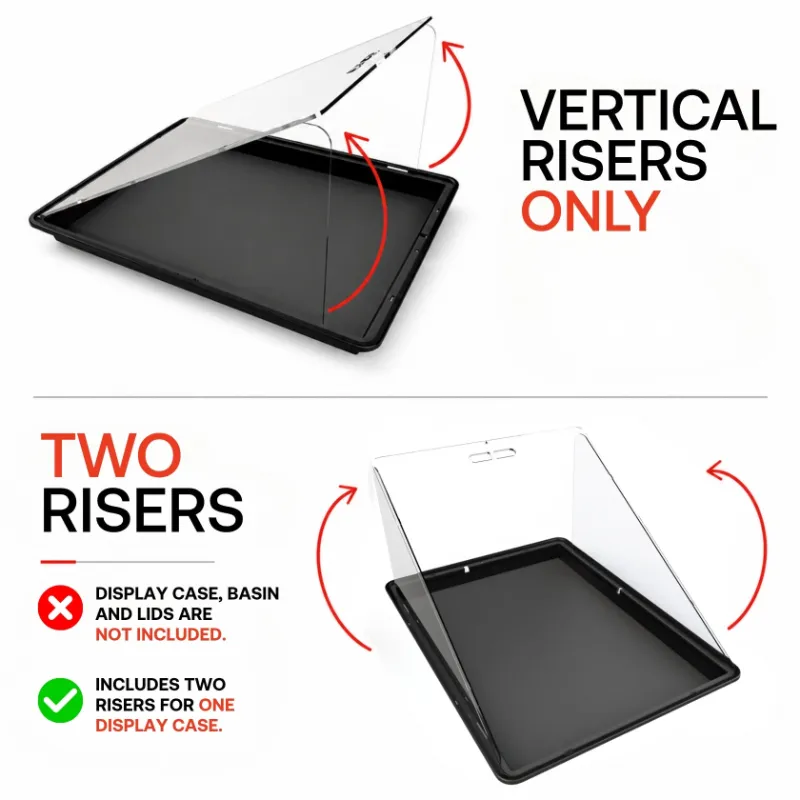
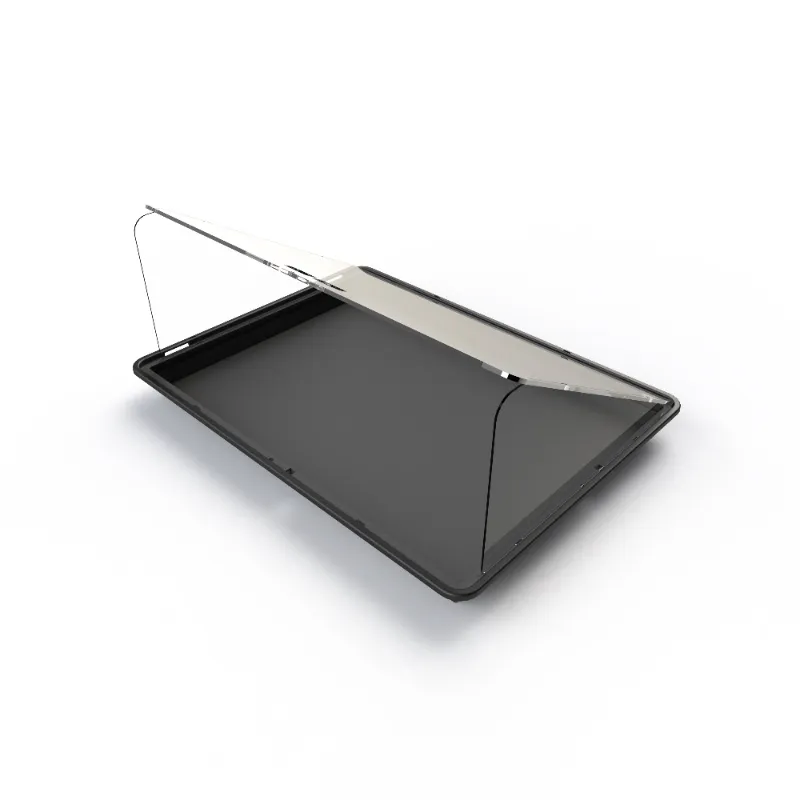
The magpro single secure professional card storage is built for single slabs that need strong retention, including thicker cards. For collectors storing several graded cards, the zion cases display case pairs display with protection and cleans the same way. The key is to match the holder size to the card thickness; an undersized holder presses glass onto the card surface, and an oversized one lets the card shift and wear its edges.
How Often Should You Maintain Your Card Storage?
There is no universal schedule, but a simple rhythm keeps everything working:
- after every card removal or reinsertion, brush the channels
- monthly, wipe all holder faces and inspect the magnets for debris
- after any event, convention, or travel, blow out the case interiors
- twice a year, give the entire lineup a full clean and check latches and hinges
Need a code before you restock worn holders or cases? Grab the latest offer to save on your order. For any glossy finish questions, check the current pricing and code before checkout.
The Bottom Line on Magnetic Card Holder Care
Clean a magnetic card holder with a brush first and a damp cloth second, keep moisture out of the magnet housings, and match the holder size to your card thickness. Routine care in the right order keeps both the holder and your cards scratch free for years.
Questions
Can I use any cleaning spray on a magnetic card holder?
No. Most household sprays leave residue that fogs acrylic and can react with the magnet plating. Stick to 70% isopropyl alcohol applied to a microfibre cloth, never sprayed directly.
Will cleaning remove the magnetic strength of my magnetic card holder?
Cleaning does not weaken the magnets. The risk is moisture: if liquid gets into the magnet housing it can rust the plating and reduce grip over time. Keep liquids on the cloth, not the holder.
How do I clean a magnetic card holder for thick cards without scratching the slab?
Brush the interior channels first to lift grit, then wipe the outer faces with a dry microfibre cloth, and only use a lightly dampened swab for corners and magnet seams before reinserting the card.
Can I wash my magnetic card holder in water?
Never run it under water. Moisture inside the magnet cavity rusts the plating and weakens hold. Use a dry or lightly dampened cloth only.
How often should I clean my card display case and other Zion Cases storage?
A practical rhythm is brushing channels after every card removal, wiping faces monthly, blowing out interiors after travel, and doing a full clean twice a year across the whole lineup.
Products in this guide
 Shopping at Zion Cases? See the discount code
10% OFF Sitewide
Shopping at Zion Cases? See the discount code
10% OFF Sitewide
More in this series
 Do Slab Cases Really Protect Against UV Damage? What Collectors Should Know22 Aug 20264 minThe Complete Guide to Grading & Storing Sports Cards: Binders, Slab Cases, and Magnetic Holders22 Aug 20265 minZion Cases Top Loader Binder vs Display Case: Which Protects Your Cards Better?22 Aug 20264 minHow to Store and Preserve Your PSA Slab Case Collection for Maximum Value22 Aug 20265 min