 A Torras guide
How to Clean and Maintain Your Torras Coolify Neck Fan for Maximum Airflow
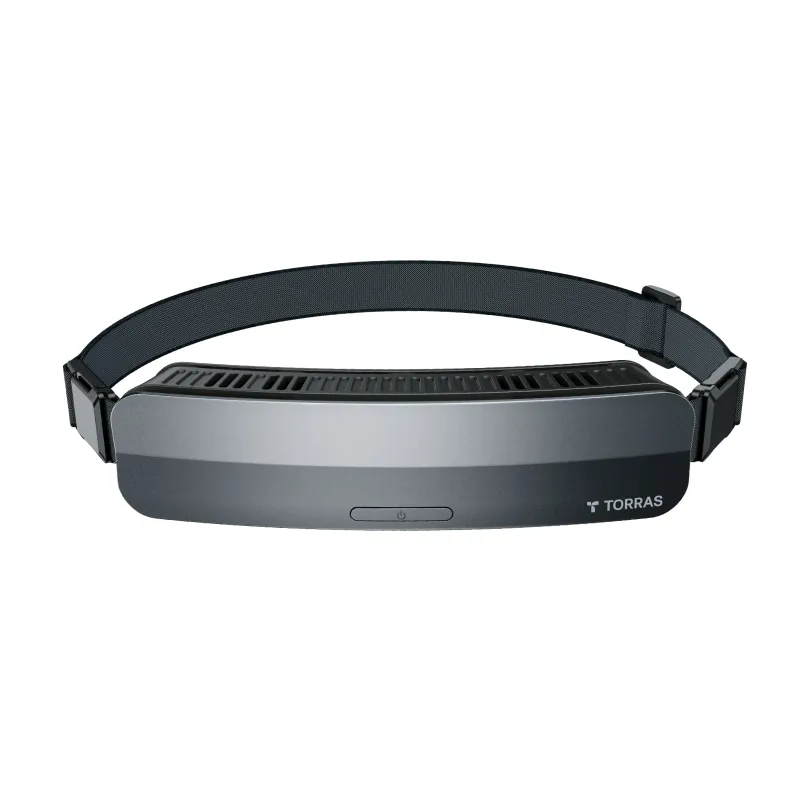
A torras neck fan delivers hands-free cooling only when its vents and fans stay clean, and a simple maintenance routine takes just minutes each week.
How to Clean and Maintain Your Torras Neck Fan for Peak Performance
Your torras neck fan needs regular cleaning to deliver the powerful, consistent airflow you bought it for. Dust, skin oils, and outdoor debris clog the intake vents and settle inside the air path, which reduces airflow over time. You can find the current code on our Torras discount code page.
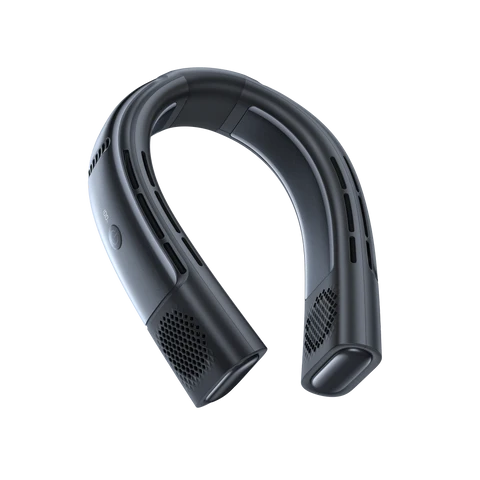
A quick weekly wipe-down and a deeper monthly clean keep the vents clear. The neck fan design places the intake vents right against your skin, so sweat and sunscreen residue build up faster than on a handheld fan or waist fan that sits farther from your body.
Weekly Quick Clean for Daily Wearers
Run this routine once a week, and more often if you use your Torras Coolify neck fan outdoors, at the gym, or in humid conditions.
- Power off completely and unplug the charging cable.
- Wipe the exterior with a slightly damp microfiber cloth, paying attention to the neck band contact points where oils accumulate.
- Clean the intake vents using a dry soft-bristle brush or a clean toothbrush to dislodge dust and lint from the grille openings.
- Inspect the charging port and gently remove any debris with a wooden toothpick (never metal, which can short the contacts).
- Dry thoroughly with a lint-free cloth before storing or recharging.
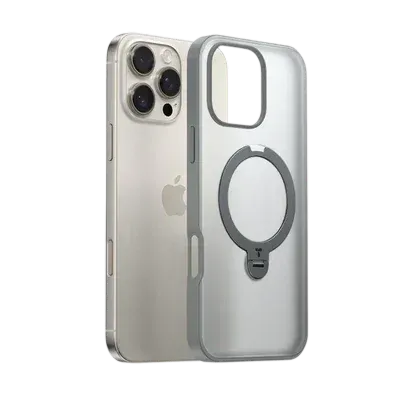
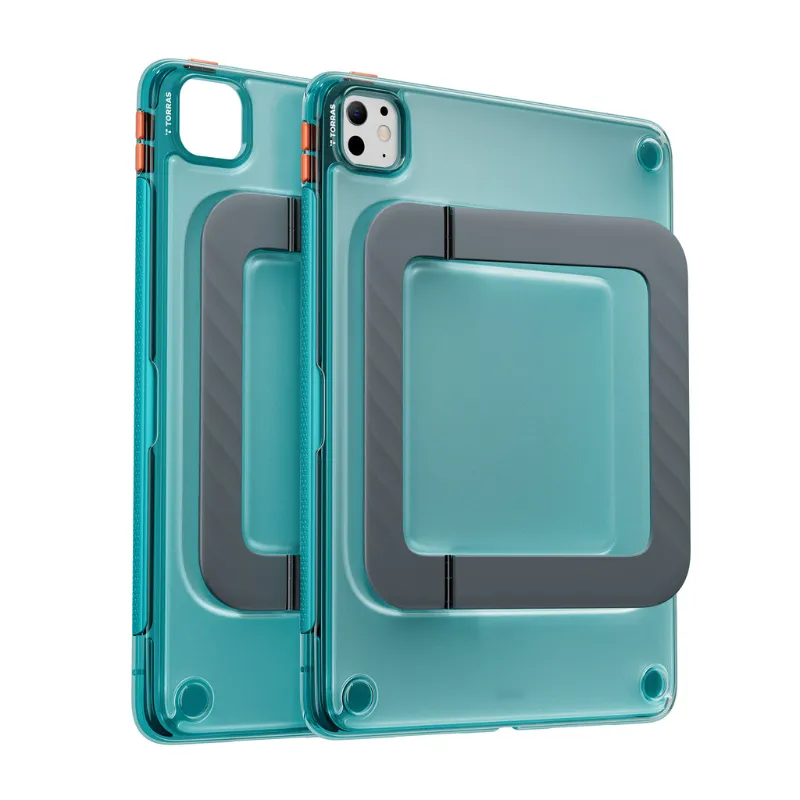
This light maintenance prevents buildup from hardening and takes less time than cleaning a magsafe case or ipad case with stand. If you notice reduced airflow even after a quick clean, move to the deep-clean steps below.
Monthly Deep Clean to Restore Full Airflow
A thorough monthly cleaning removes the oils and grime that surface wipes miss.
What you need:
- Isopropyl alcohol (check your manual first)
- Cotton swabs
- Microfiber cloths (two)
- Soft-bristle brush
- Compressed air canister (optional but effective)
Step-by-step process:
- Remove parts only if your manual says they come off. Otherwise, clean from the outside.
- Brush all vents and grilles with the soft brush, working in one direction to push debris out rather than deeper in.
- Blow out dust with compressed air, holding the canister upright and using short bursts. Keep the nozzle a short distance away to avoid moisture condensation on internal components.
- Dampen a cotton swab with isopropyl alcohol and clean around the vent openings, turbine housings, and any visible fan blade edges. The alcohol evaporates quickly and cuts through skin oils better than water.
- Wipe the neck band and all touch surfaces with an alcohol-dampened microfiber cloth. This is especially important if you apply sunscreen or lotion before wearing your Torras neck fan.
- Let it air-dry fully before powering on. Alcohol evaporates fast, but trapped moisture can damage the motor or battery.
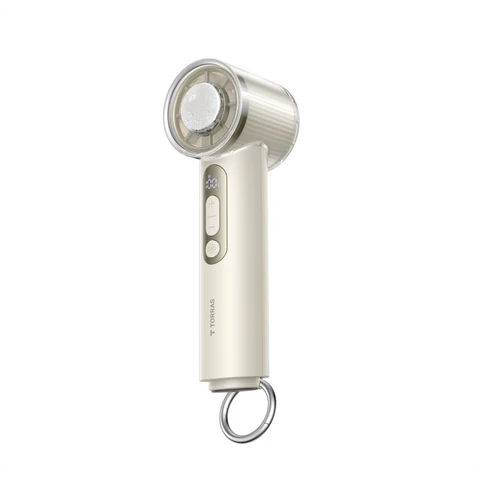
If your fan is past saving, our Torras discount code works on newer models such as the COOLiFY Air, which Torras describes as a bladeless neck air conditioner with 36 vents.
What Not to Do: Cleaning Mistakes That Damage Your Fan
Avoid these methods:
| Mistake | Why It Fails | Safe Alternative |
|---|---|---|
| Submerging in water | Can destroy the motor and battery | Damp cloth wipe only |
| Harsh chemical cleaners | Degrades plastic, leaves residue in airflow path | Isopropyl alcohol or mild soap solution |
| Metal tools for debris | Scratches protective coatings, can short circuits | Wooden toothpicks or plastic picks |
| High-pressure air compressor | Forces dust deeper into sealed motor housing | Low-pressure compressed air canisters |
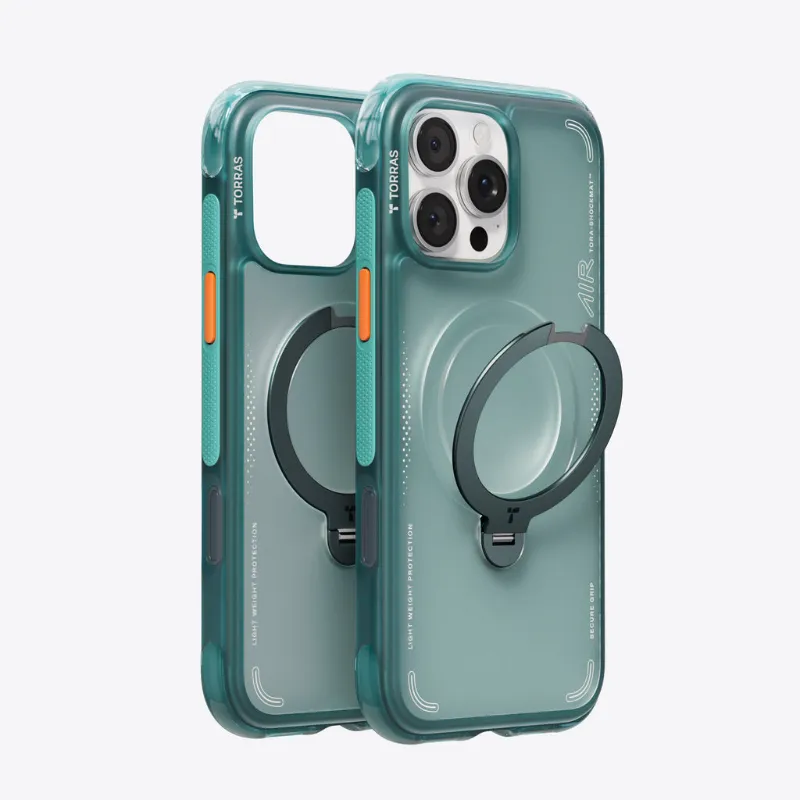
Unless your manual or the product page gives a water rating, treat your fan as not waterproof: keep water away from the vents and charging port and never dunk it. The same care applies to your phone, even inside a Torras iphone 15 pro max case or galaxy s25 ultra case.
Storage and Off-Season Care
Proper storage between peak-use seasons prevents corrosion and keeps seals flexible. Before putting your Torras neck fan away for fall or winter:
- Charge the battery partway. Lithium-ion cells wear faster when stored empty or full.
- Run a deep clean using the monthly routine above.
- Store in a cool, dry place away from direct sunlight. A drawer or closet shelf works better than a garage or car.
- Check it now and then and top up the charge so it never runs flat.
Troubleshooting Persistent Airflow Problems
If cleaning does not restore full cooling power, check these issues:
- Battery age: rechargeable batteries lose capacity over time, so an older fan may not hold full power as long. Do not open the fan to replace the battery; contact Torras support, or use our discount code if you decide on a new neck fan.
- Motor wear: A grinding or clicking noise can indicate bearing wear, so contact Torras support or consider a replacement.
- Vent blockage inside sealed housing: If compressed air and brushing do not clear the blockage, debris may have passed the intake grille. Contact Torras support rather than forcing the case open, which can damage the fan.
- App or settings glitches: the COOLiFY 2S works with an app that Torras says adjusts settings automatically. If the fan behaves oddly, turn it off and on again, check the app settings, and see your manual for any reset steps.
A waist fan needs similar vent cleaning, though it sits over clothing rather than bare skin.
Keep Your Cooling Gear Running Strong
Regular cleaning is one of the easiest ways to keep your Torras neck fan working well and maintain the airflow that makes outdoor work, travel, and summer events tolerable.
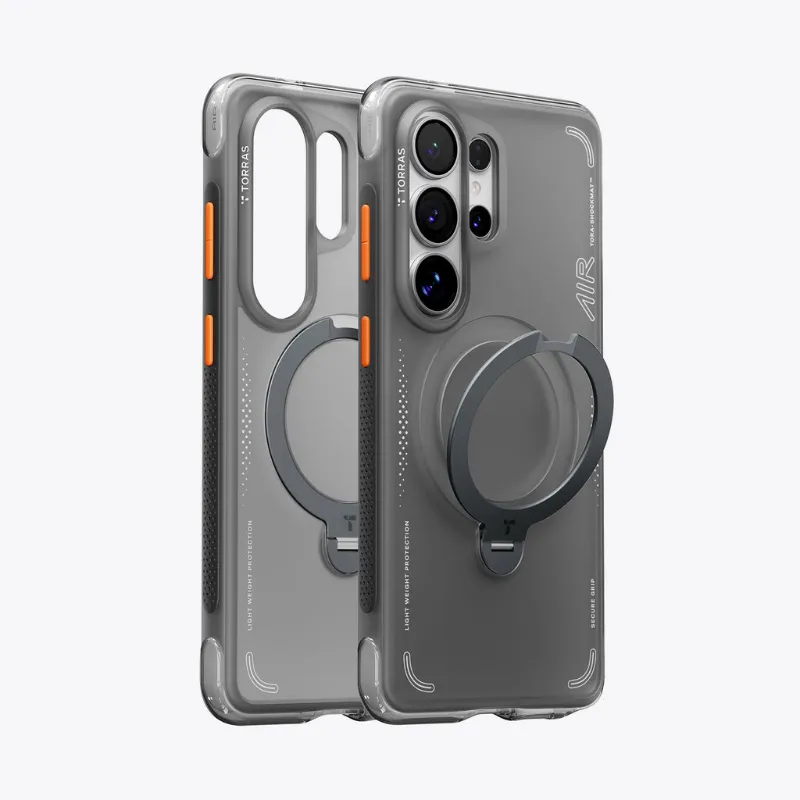
Set a recurring reminder on your phone for quick cleans, and treat your neck fan with the same care you give your s26 ultra case or other daily-carry gear. A few minutes of maintenance keeps the airflow strong.
Questions
How often should I clean my Torras Coolify neck fan?
Give it a quick wipe-down and vent brushing each week, plus a deeper clean once a month. If you wear it outdoors or at the gym, clean it more often.
Can I wash my Torras neck fan under running water?
No. Unless your manual gives a water rating, assume it is not waterproof. Submerging or rinsing under a tap will damage the motor and battery. Use a damp microfiber cloth for exterior cleaning only.
Why is my neck fan blowing weaker even after cleaning?
If cleaning does not restore airflow, check the battery age (rechargeable batteries lose capacity over time) and listen for grinding noises that signal motor wear. Deep blockages inside the sealed housing may require manufacturer service.
What cleaning solution is safe for the Torras neck fan?
Check your manual first. A damp microfiber cloth is the gentlest option, and a little isopropyl alcohol on a swab cuts through skin oils and evaporates quickly. Avoid harsh chemical cleaners, bleach, or ammonia-based products that can degrade plastic.
How should I store my neck fan during winter?
Charge the battery partway, run a full cleaning, and store the fan in a cool, dry place away from sunlight. Check it now and then and top it up so it never runs flat.
Is the Torras Coolify waterproof or just water-resistant?
Unless your manual or the product page gives a water rating, treat it as not waterproof. Keep water away from the vents and charging port, and never submerge it or rinse it under a tap.
Products in this guide
 Shopping at Torras? See the discount code
10% OFF Sitewide
More in this series
Torras Ostand Q3 Air iPhone 15 Pro Max: What the Page Says29 Jul 20263 minDo Torras Screen Protectors Work with Ultrasonic Fingerprint Sensors on Galaxy Phones?29 Jul 20264 minTorras Galaxy S25 Ultra Case: Which Ostand Model Fits Your Samsung?29 Jul 20263 minHow Long Does the Torras Neck Fan Battery Last on a Full Charge?29 Jul 20263 min