 A Superneox guide
How to Care for Your Neopixel Lightsaber: Maintenance and Storage Tips
A neopixel lightsaber requires regular cleaning, careful battery maintenance, and proper storage to protect its advanced LED technology and keep it performing at its best.
A neopixel lightsaber demands more attention than a basic LED saber because its blade contains individually addressable LEDs and delicate wiring that can degrade without proper care.
Why Neopixel Lightsabers Need Special Care
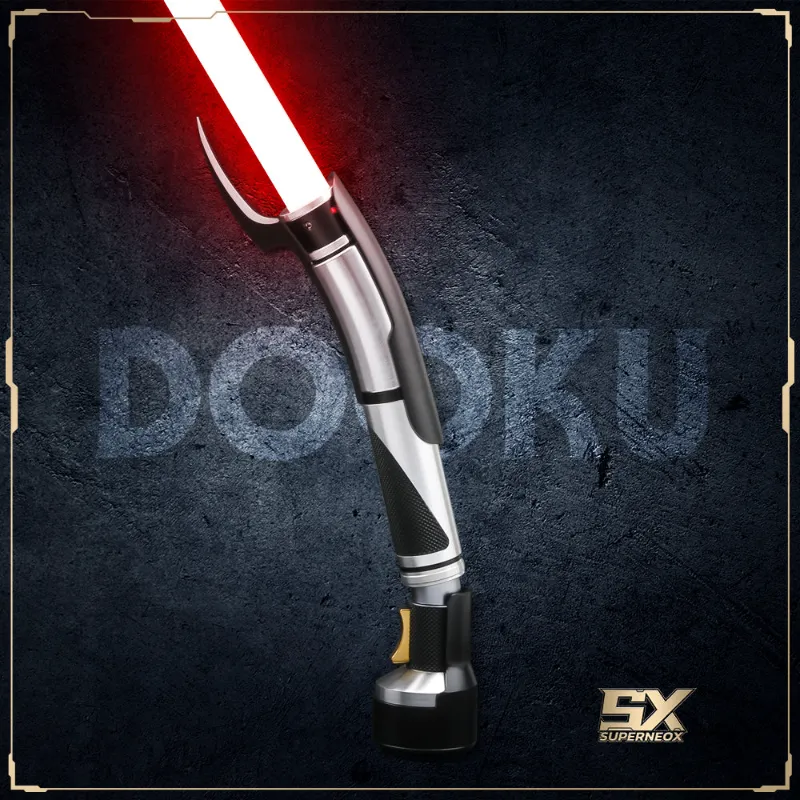
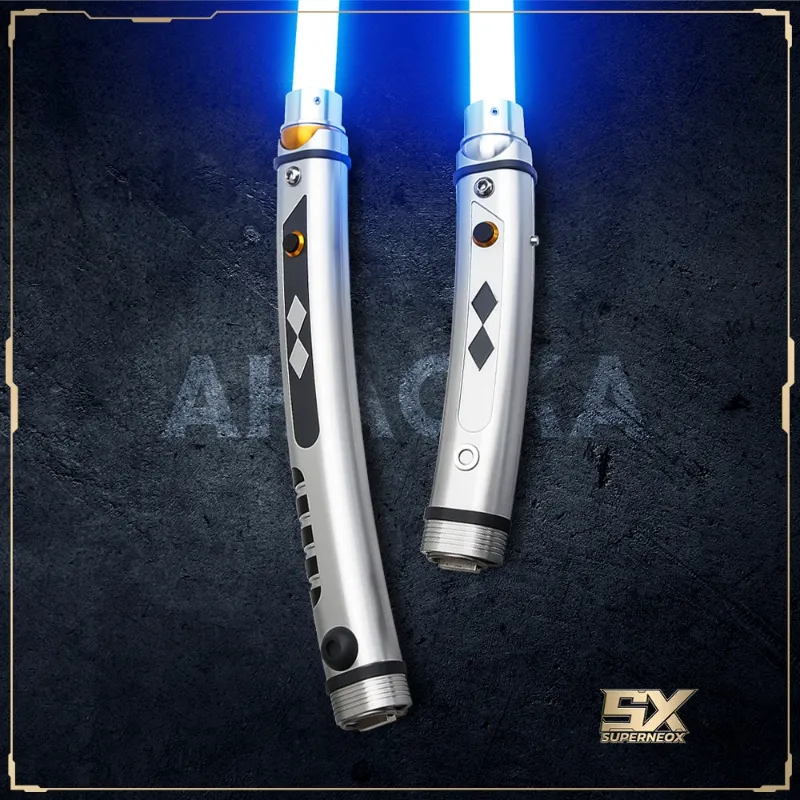
Neopixel technology uses a strip of programmable LEDs running the length of the blade, powered by a sophisticated soundboard and rechargeable battery. Unlike in-hilt LED sabers, every impact during dueling transmits shock directly to those electronics. Moisture, dust, and improper storage accelerate connector corrosion and pixel failure. We see this most often with heavily used replicas like the Count Dooku lightsaber and Ahsoka Tano Star Wars Rebels lightsaber, where frequent blade removal loosens connections over time.
The battery is equally vulnerable. Lithium-ion cells degrade faster when stored fully charged or completely drained, and temperature extremes permanently reduce capacity. A neglected battery can swell, leak, or fail to hold a charge within a year.
Cleaning Your Hilt and Blade After Use
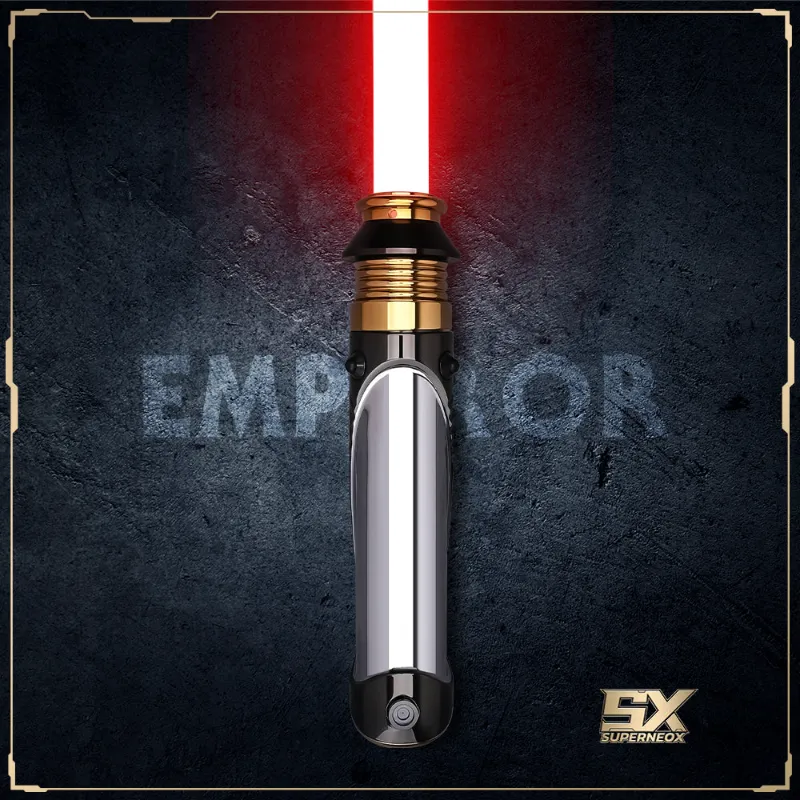
Wipe down the hilt exterior with a slightly damp microfiber cloth after every session, especially if you’ve been dueling. Sweat and oils from your hands build up around grips and buttons, and they attract dust that works its way into seams. For textured hilts like weathered finishes on a Palpatine lightsaber, use a soft-bristle toothbrush to reach crevices without scratching.
Never submerge the hilt or spray it directly with liquid. If you need to clean stubborn grime, apply isopropyl alcohol to the cloth, not the saber. Avoid the charging port, speaker grille, and any exposed connectors.
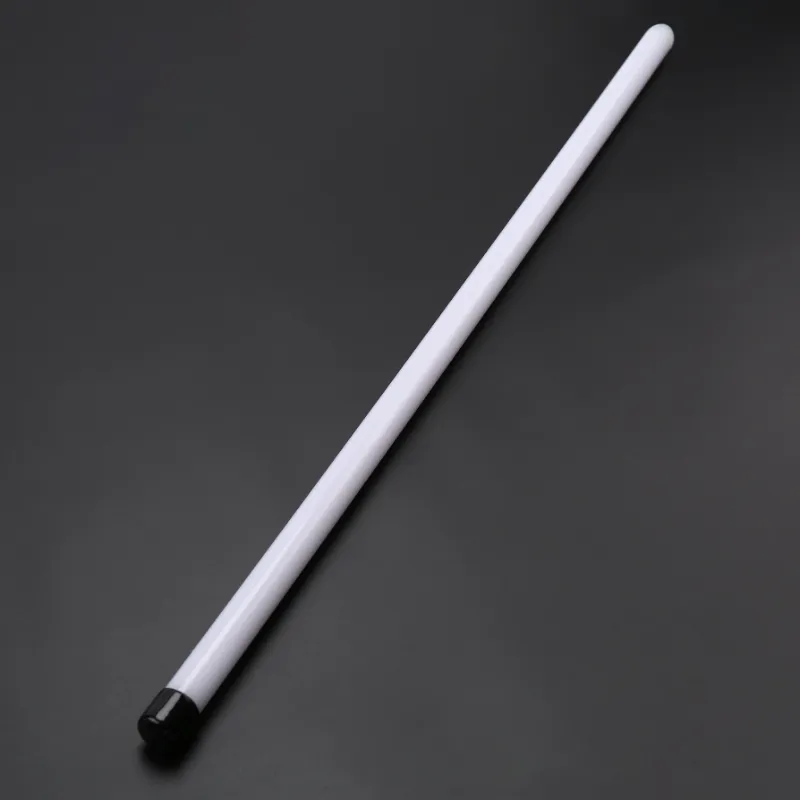
The polycarbonate blade itself is durable but scratches easily. Remove it from the hilt and rinse under lukewarm water to remove dust and fingerprints, then dry thoroughly with a lint-free towel. For scuffs, a small amount of plastic polish restores clarity, but test it on the tip first. Deep scratches from hard dueling are cosmetic and won’t affect pixel function, though they can diffuse light unevenly.
Battery Maintenance for Long-Term Performance
Rechargeable batteries inside neopixel hilts typically last 300 to 500 charge cycles before capacity drops noticeably. To maximize lifespan, charge the battery to around 70 to 80 percent if you plan to store the saber for more than a week. Most soundboards don’t display exact percentages, so charge until the indicator shows full, then use the saber for a few minutes to bring it off peak.
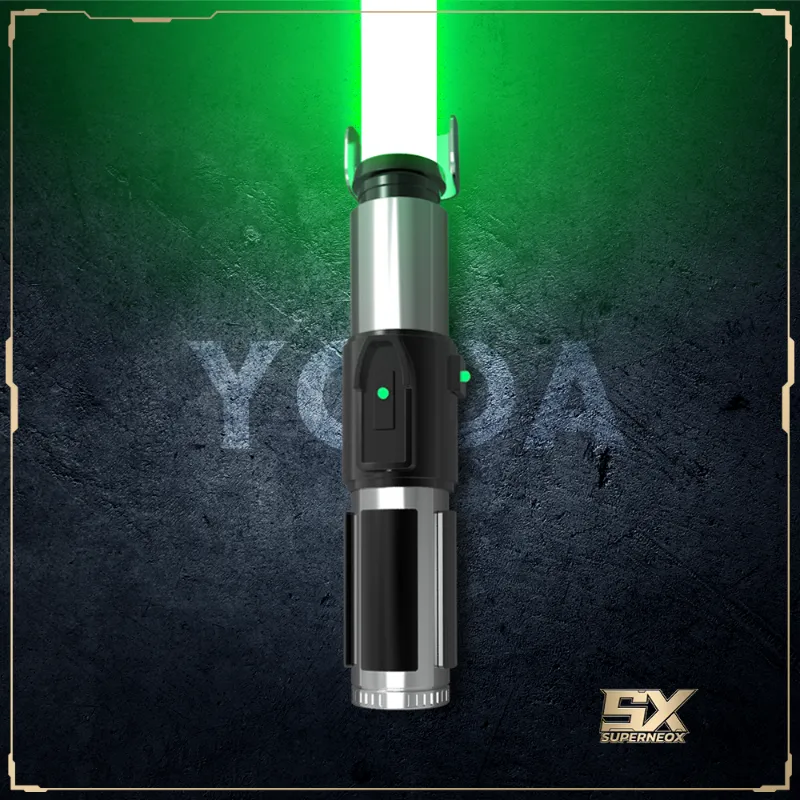
If you’re rotating between multiple sabers like a Yoda lightsaber and a neopixel lightsaber for display, cycle each battery every two to three months. Let it drain to about 40 percent, then recharge to 70 percent. This prevents the cell from entering deep discharge, which can make it unrecoverable.
Check the charging port for lint or debris before every charge. A loose connection can cause incomplete charging or damage the port over time. If your saber uses a removable battery, inspect the contacts inside the hilt quarterly and clean them with a cotton swab dipped in isopropyl alcohol.
Proper Storage to Protect Electronics
Store your saber in a climate-controlled space away from direct sunlight and humidity. Basements and garages experience temperature swings that cause condensation inside the hilt, corroding circuit boards and connectors. We recommend a display case or padded storage box in a room that stays between 60 and 75 degrees Fahrenheit.
Remove the blade if you’re storing the saber long-term. This reduces stress on the blade retention screw and prevents accidental pressure on the pixel connector. Wrap the blade separately in a soft cloth or store it vertically in a tube to avoid warping. For hilts with exposed pogo pins or blade connectors, cover them with a small piece of electrical tape to prevent dust buildup and accidental shorts.
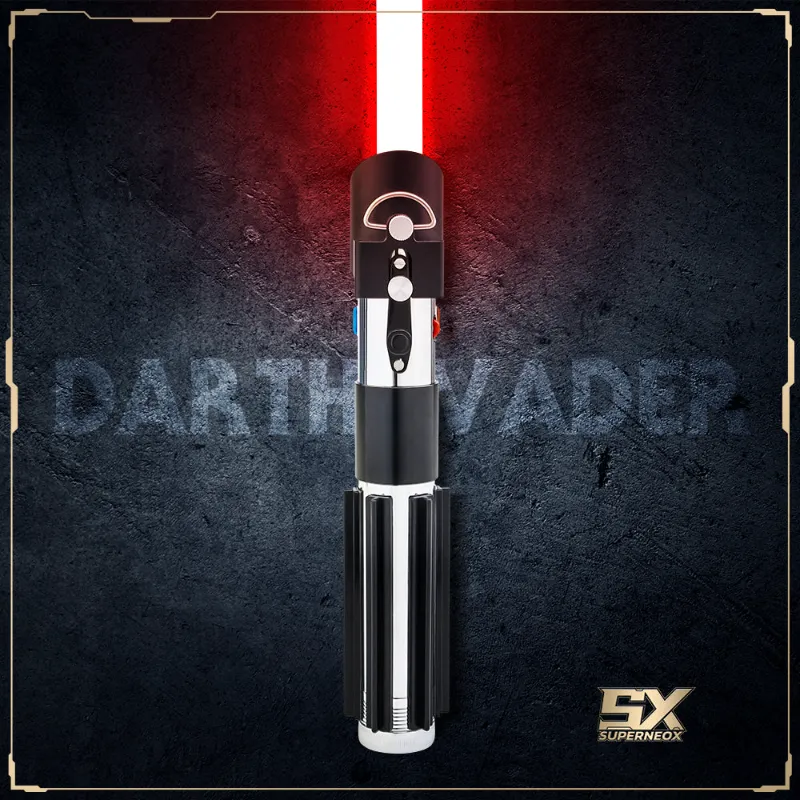
Never store a neopixel saber with the battery fully drained or fully charged. A 50 to 60 percent charge is ideal for storage lasting more than a month. If you’re displaying multiple hilts like a Darth Vader lightsaber collection, rotate which ones stay powered and which rest in storage to spread out wear.
Troubleshooting Common Issues
Flickering pixels usually signal a loose connection between the blade and hilt. Remove the blade, inspect the connector for bent pins or debris, and reseat it firmly. If specific pixels stay dark, the LED strip may have failed at that point due to impact damage or a manufacturing defect.
Soundboard glitches like stuttering audio or unresponsive buttons often trace back to corrupted SD card files or low battery voltage. Reformat the SD card and reload sound fonts from a backup, and ensure the battery is adequately charged before troubleshooting further. For persistent issues with premium models, check the latest price and warranty options before attempting DIY repairs.
If the hilt won’t power on after storage, the battery may have entered protection mode due to deep discharge. Connect the charger for 10 to 15 minutes even if no indicator light appears, then try powering on again. If that fails, the battery likely needs replacement.
When to Service or Upgrade Components
Blades take the most abuse during dueling and typically need replacement every one to three years depending on intensity. Things you should know about neopixel lightsabers include that blade diffusion film degrades over time, and heavy-grade blades for dueling may yellow or crack at stress points near the hilt.
Soundboards and batteries are the next most common wear items. If your battery no longer holds a charge for a full duel or display session, replacement cells are available for most popular soundboard models. Upgrading to a higher-capacity battery can extend runtime but may require hilt modifications.
Consider professional servicing if you notice loose internal components, rattling sounds when you shake the hilt, or intermittent power failures. Many retailers and independent installers offer tune-up services that include re-soldering connections, re-threading retention screws, and firmware updates.
Maintaining Multiple Sabers in a Collection
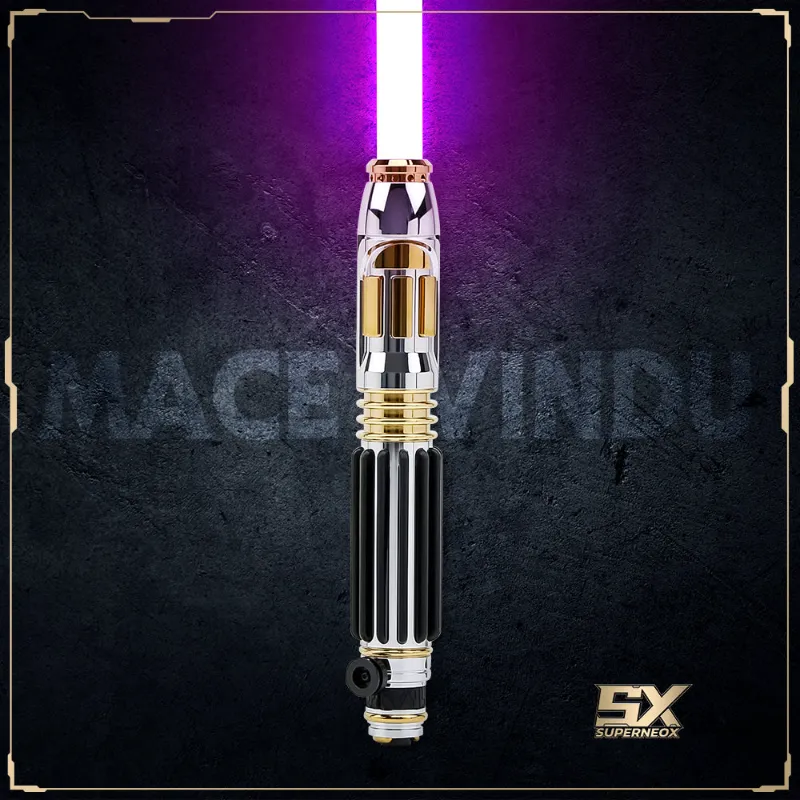
If you own several replicas like a Count Dooku lightsaber for display and a Mace Windu lightsaber for dueling, label each charger and keep a maintenance log. Different soundboards may use different charging voltages, and mixing cables can damage batteries or boards.
Rotate which saber you use for dueling to distribute wear. Leaving one hilt idle for months while heavily using another creates uneven aging and makes troubleshooting harder when you eventually power up the neglected unit.
For those building a collection on a budget, grab the code for 10 percent off and invest in a dedicated storage case with foam cutouts. Loose sabers stacked in a closet risk scratched finishes and damaged emitters.
Quick Maintenance Checklist
We recommend this routine after every use:
- Wipe down the hilt exterior and remove fingerprints
- Check the blade for new scuffs or cracks
- Inspect the charging port and blade connector for debris
- Store at 50 to 70 percent charge if not using within a week
Monthly tasks include:
- Clean blade retention threads and apply a tiny amount of silicone grease
- Test all sound fonts and LED effects to catch glitches early
- Verify battery runtime and compare to previous sessions
With consistent care, a quality neopixel lightsaber from a reputable source will deliver years of vibrant effects and reliable performance. The advanced electronics inside these sabers justify the extra attention, and proper maintenance protects your investment far better than waiting for something to break.
Questions
How often should I charge my neopixel lightsaber battery?
Charge after every heavy use session or when the battery indicator shows low. For occasional display use, charge every two to three months to prevent deep discharge damage.
Can I duel with any neopixel lightsaber or only certain models?
Most neopixel sabers support light dueling, but check if yours has a heavy-grade blade and reinforced electronics. Replicas designed for display may use thinner blades that crack under impact.
What should I do if pixels stop lighting up in part of the blade?
First reseat the blade connector firmly in the hilt. If specific LEDs remain dark, the pixel strip likely has impact damage and may need professional repair or blade replacement.
Is it safe to store a neopixel lightsaber fully charged?
Storing at full charge accelerates lithium-ion battery degradation. For storage longer than a week, charge to 50 to 70 percent to maximize battery lifespan.
How do I clean the blade without damaging the electronics?
Remove the blade from the hilt first, then rinse the polycarbonate tube under lukewarm water and dry with a lint-free cloth. Never submerge the hilt or let water enter the connector end of the blade.
Do I need to remove the blade when storing my saber long-term?
Yes, removing the blade reduces stress on the retention mechanism and connector. Store the blade separately in a padded case or vertically to prevent warping.
Products in this guide
 Shopping at Superneox? See the discount code
10% OFF All Orders
Shopping at Superneox? See the discount code
10% OFF All Orders