 A CaDA Bricks guide
CaDA Remote Control Crane Truck: Build Tips and Adding Remote Control
The CaDA Remote Control Crane Truck works by hand out of the box and becomes a 2.4G remote control crane when you add CaDA's power pack module.
The CaDA Remote Control Crane Truck (model C61081W) is a 1,831-piece building set that works by hand out of the box, and it becomes a remote control crane when you add CaDA’s power pack module. Its product page lists knob controls that lift and telescope the boom, raise the hook and turn the platform 360 degrees, plus manual driving functions. You can find the current code on our CaDA Bricks discount code page.
What the CaDA Crane Truck Does Out of the Box
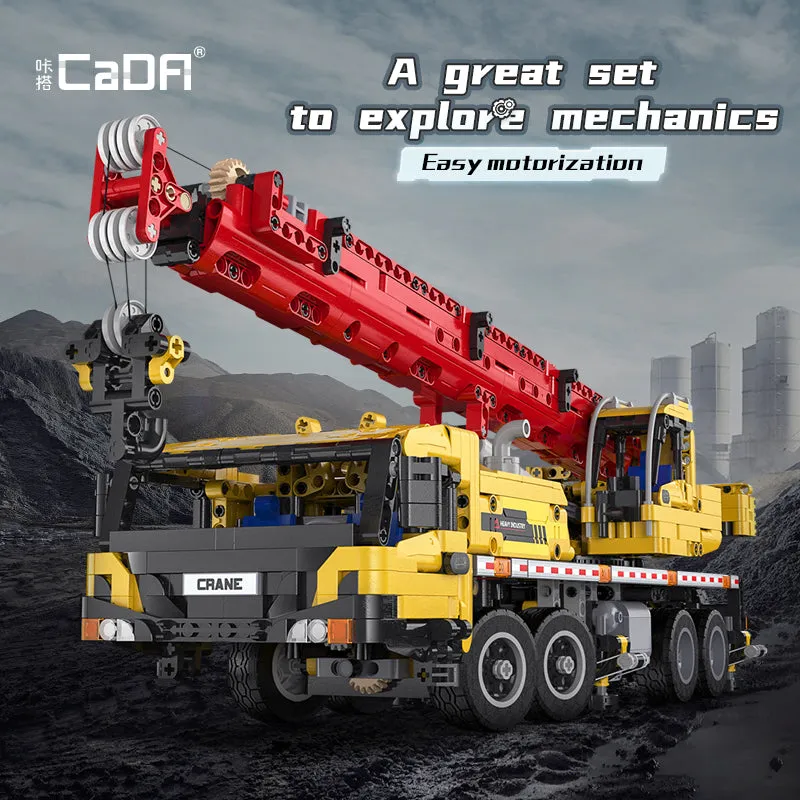
Before you start building, it helps to know which functions are mechanical and which need extra parts. According to the CaDA store page for the remote control crane truck, the set as sold gives you:
- Manual driving functions: forward, backward, left steering and right steering
- 4-speed function switching, listed among the manual functions
- Knob controls that lift and telescope the boom, lift the hook and rotate the platform 360 degrees
- A detailed cockpit with a steering wheel, console and seat
The page describes the telescopic boom as closely modeled on a real construction crane truck, and it lists the difficulty as High. The finished model measures about 60.48 cm long, 17.48 cm wide and 16.46 cm high (from the product specifications), so plan shelf space before you open the box.
Remote control is not built in. The product page says you add the power pack module to transform the model into a remote-controlled version, which then runs on 2.4G remote control and supports multi-vehicle interactive play.
Build Tips for a High-Difficulty CaDA Set
A 1,831-piece mechanical model rewards patience more than speed. These habits make the build smoother:
- Give yourself room. Clear a large table with good light, and keep a shallow tray for pins and axles that roll away easily.
- Follow the manual in order. Mechanical sets build gear trains early, and a mistake buried inside the chassis is hard to reach later.
- Check each function as you finish it. Turn each knob and roll the wheels before you close up a section. If something binds, it is far easier to fix now.
- Count axle lengths and gear teeth carefully. A pin or axle one size off can stop a gear from meshing.
- Take breaks on long sessions. Fresh eyes catch mirrored parts and flipped gears.
If a part is missing or damaged, CaDA’s store has a replacement and missing parts section, so check there before you improvise with spares.
Adding Remote Control With the Power Pack Module
The power pack module is what turns the knob-operated crane into a remote control crane. CaDA’s page describes the result as 2.4G remote control operation with multi-vehicle interactive play, which means it is designed to share play space with other CaDA remote vehicles.
Because the module is a separate purchase, decide early whether you want remote play. Follow the instructions that come with the power pack for where the motors fit and how to pair the remote, since the crane’s own product page does not list those steps. If you only want a display model, the manual version already gives you the full set of crane movements by hand.
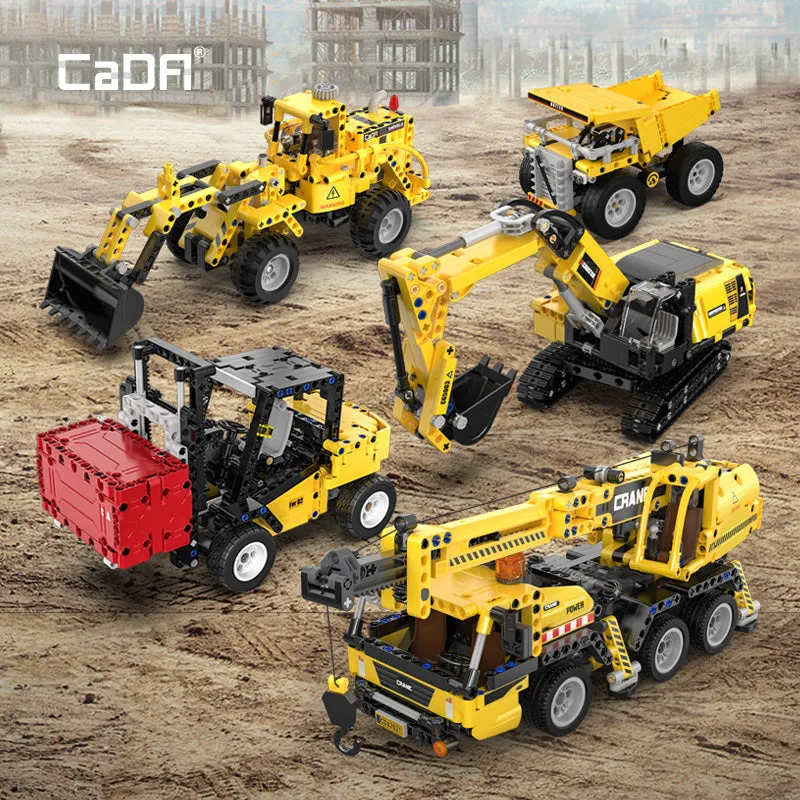
CaDA also sells smaller construction vehicles, such as the construction equipment fleet sets, if you want to build out a construction scene around the crane. The product page for the crane also suggests adding it to an existing CaDA construction collection.
Fixing Common Build Problems
When a function does not work, look for a small assembly error first. Work through these checks before you take anything apart:
- A knob turns but nothing moves: a gear is not meshing or an axle has slipped out. Go back to the step where that function was built and compare it with the manual.
- The boom will not telescope smoothly: look for a pin pushed in too far or a panel rubbing against a moving part.
- The platform sticks when rotating: check that the turntable is seated evenly and nothing is caught underneath.
- Steering feels stiff: check the steering linkage for a bent or wrongly placed part.
- A part is missing: use CaDA’s replacement and missing parts section rather than forcing a similar piece.
If you add the power pack and a function does not respond, recheck the connections described in the power pack instructions before assuming a fault.
Who the CaDA Crane Truck Suits
With a High difficulty rating and 1,831 pieces, the crane truck suits builders who enjoy long mechanical projects and a model that still does something when it is finished. It also works as a display piece, with its detailed cockpit and long telescopic boom.
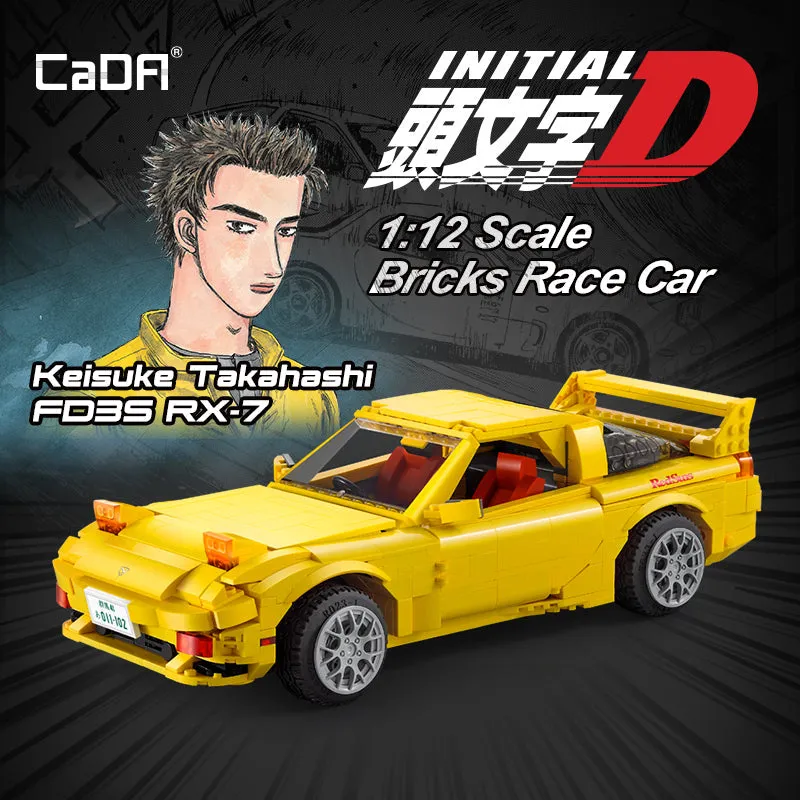
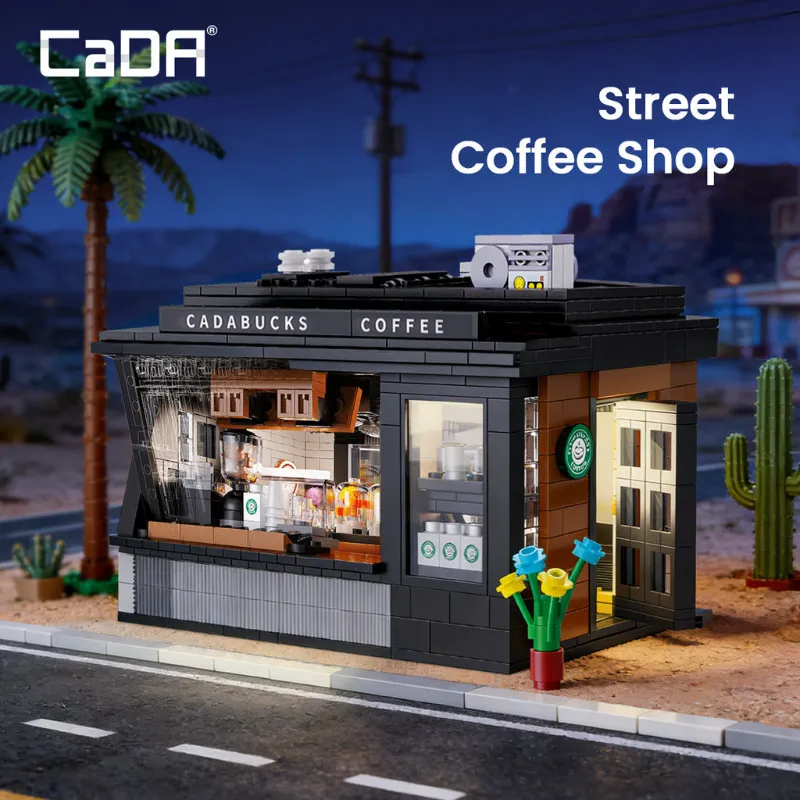
If you prefer a build focused on looks rather than moving parts, CaDA also makes licensed car models such as the Initial D Mazda RX-7 FD3S and the 1:8 Mercedes-AMG GT3, and buildings such as the Street Coffee House. Each product page lists its own difficulty, so compare those before you choose.
Questions
Is the CaDA crane truck remote controlled out of the box?
No. CaDA's product page says the C61081W works with manual functions and knob controls, and that you add the power pack module to turn it into a remote-controlled version with 2.4G remote control.
How many pieces are in the CaDA Remote Control Crane Truck?
The product page lists 1,831 pieces and a difficulty rating of High for model C61081W.
What can the crane do without the power pack?
Knob controls lift and telescope the boom, lift the hook and rotate the platform 360 degrees. The product page also lists forward, backward and left and right steering, plus 4-speed function switching.
How big is the finished CaDA crane truck?
The product specifications list it at about 60.48 cm long, 17.48 cm wide and 16.46 cm high.
What should I do if a part is missing from my CaDA set?
CaDA's store has a replacement and missing parts section. Check there before substituting a similar piece, since a wrong axle or gear can stop a function from working.
Products in this guide

 Shopping at CaDA Bricks? See the discount code
5% OFF All Orders
More in this series
CaDA Mercedes-AMG GT3 C64008W: What the 5,466-Piece Set Includes8 Aug 20263 minCaDA Construction Sets Compared: Fleet, Crane Truck and Bulldozer8 Aug 20263 minHow Long Do CaDA Building Sets Last?8 Aug 20263 minCaDA Initial D RX-7 FD3S vs Toyota Trueno AE86: Which Set to Build?8 Aug 20263 minWhat Is CaDA Bricks? Brand, Series and Difficulty Labels Explained8 Aug 20263 min