 A CaDA Bricks guide
How to Build and Program the CaDA Remote Control Crane: Setup and Troubleshooting
A remote control crane toy from CaDA Bricks combines engineering fun with hands-on building, and we'll show you exactly how to assemble, program, and fix common issues.
A remote control crane toy delivers hours of building satisfaction and operational fun once you understand the assembly sequence and remote pairing process.
What You Need Before Building Your Remote Crane
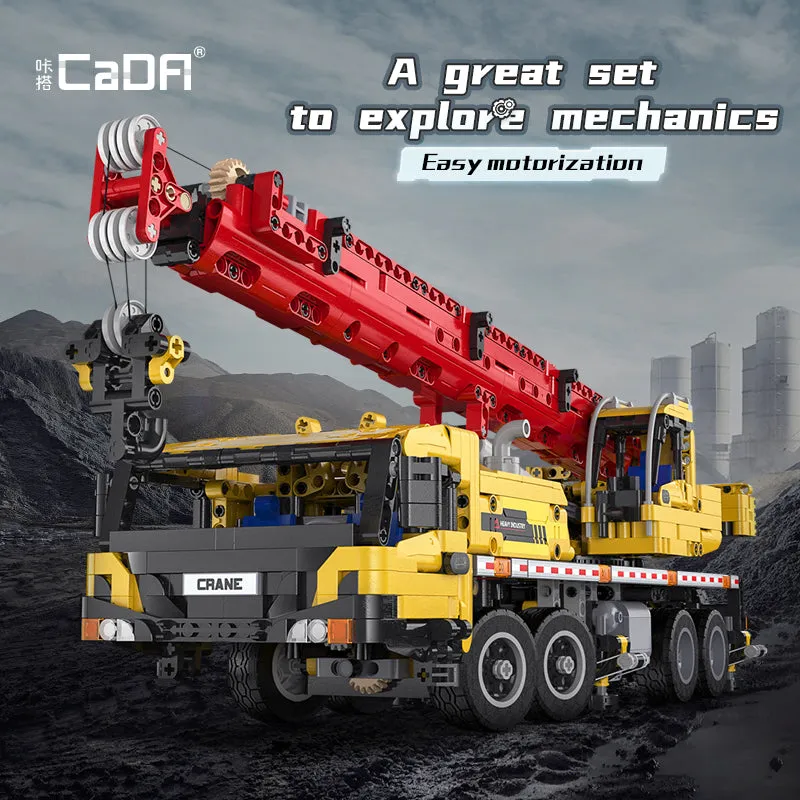
CaDA’s remote crane kits arrive with numbered bag sets, a printed instruction manual, a motor unit, battery box, and infrared or Bluetooth remote. Before you start:
- Clear a large workspace with good lighting. Complex crane builds span 500 to 1,500+ pieces and require room to organize parts.
- Sort pieces by bag number rather than dumping everything into one pile. CaDA numbers bags to match manual sections.
- Charge batteries for both the model and remote. Most sets use AA or AAA cells; check your manual for the exact count.
- Download the digital manual from the CaDA Bricks website if your printed booklet is hard to read. High-resolution PDFs zoom in on tricky connection points.
We recommend building on a flat surface and keeping a small container for tiny pins and axles that roll easily.
Step by Step Assembly Process for RC Crane Toys
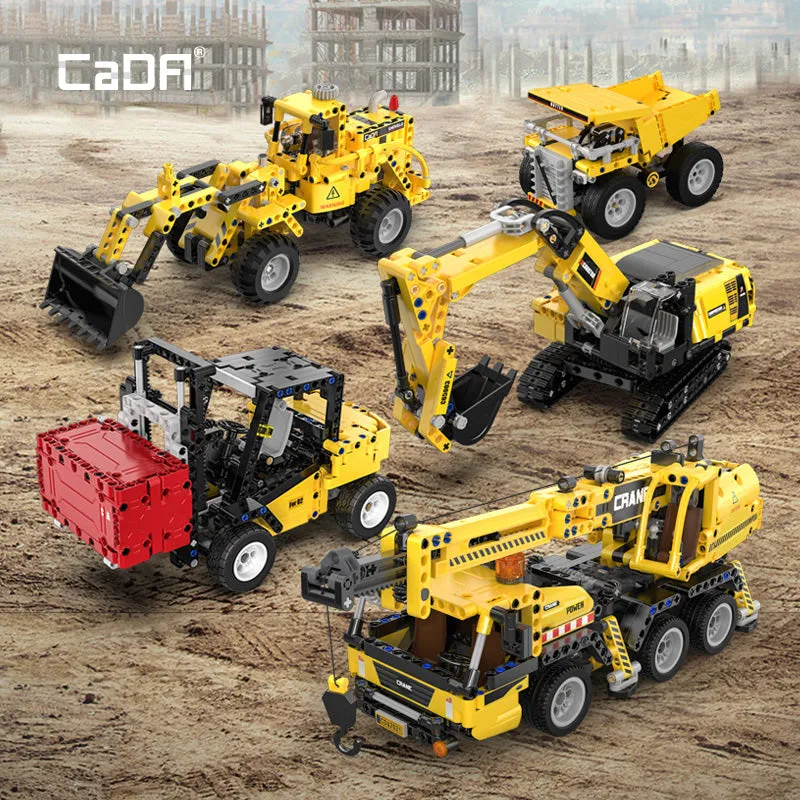
CaDA crane models like the construction truck and toy truck crane follow a chassis-first, boom-second approach:
- Build the base and drivetrain using bags 1 to 3. The motor and battery box mount inside the chassis early, so route wires carefully to avoid pinching.
- Assemble the turntable mechanism that allows 360-degree cab rotation. This typically sits atop the chassis and uses large gear rings.
- Construct the crane boom and hoisting arm with bags 4 to 6. Pay attention to gear ratios here; one misaligned tooth will prevent the winch from lifting.
- Install the motor and connect wiring to the control board. CaDA color-codes plugs (red for drive, blue for hoist, yellow for rotation), but double-check your manual.
- Attach stabilizer legs if your model includes them. These deploy to balance the crane during lifts.
- Apply stickers last to avoid smudging during handling.
If a section feels loose, backtrack two or three steps. A wobbly turntable usually means a missed pin or an improperly seated axle. Grab our discount code before ordering replacement parts if you discover missing pieces.
How to Program and Pair the Remote Control
CaDA uses infrared (IR) or 2.4 GHz Bluetooth remotes depending on the model year. Pairing steps differ slightly:
For infrared remotes (older rc crane toy sets):
- Insert batteries into both the model and remote.
- Turn on the crane’s power switch (usually under the chassis).
- Point the remote directly at the IR receiver on the cab and press any button. The receiver blinks to confirm signal.
- Test each function: forward/reverse, left/right turn, boom up/down, winch in/out, turntable rotation.
For Bluetooth 2.4 GHz remotes:
- Power on the crane first, then the remote within 10 seconds.
- The remote auto-pairs and shows a solid LED when connected.
- If pairing fails, turn both off, wait 30 seconds, and repeat.
Some advanced CaDA sets support app control via Bluetooth. Download the official CaDA app (iOS/Android), enable location and Bluetooth permissions, and select your crane model from the device list. The app often adds programmable sequences and variable speed control not available on the physical remote.
Common Remote Control Crane Toy Troubleshooting Fixes

We’ve logged dozens of hours with cada bricks motorized models and encountered these issues repeatedly:
Motor hums but crane won’t move: Check that all gears mesh correctly and no bricks jam the drivetrain. Remove the top panels and rotate each gear by hand. A single misaligned Technic pin can block the entire power train.
Remote signal drops after a few feet: IR remotes require line of sight and work poorly in bright sunlight. Bluetooth models have better range, but metal furniture and Wi-Fi routers cause interference. Test in a different room or turn off nearby electronics.
Winch lifts unevenly or stops mid-hoist: The string may have jumped the pulley groove. Disassemble the boom tip, re-thread the line, and ensure it wraps around the drum in a single layer. Overlapping wraps bind and stall the motor.
Turntable rotates in only one direction: Swap the motor’s plug orientation on the control board (flip it 180 degrees). CaDA boards are polarity-sensitive.
Battery drains in under 20 minutes: Rechargeable NiMH cells deliver longer runtime than alkaline disposables and cost less over time. Alternatively, reduce load by removing decorative panels that add weight without function.
For persistent electrical issues, check current pricing and our code for a replacement motor unit rather than troubleshooting a faulty component.
Who Should Build a Remote Control Crane Truck
CaDA’s remote control crane for adults models suit builders who enjoy multi-hour assembly projects and hands-on engineering challenges. We recommend these sets for:
- Teens and adults 14+ with prior building-block experience. The crane lorry toy contains small parts and intricate gear assemblies that frustrate younger kids.
- Technic and Meccano fans looking for licensed alternatives with comparable quality at a lower price point.
- RC hobbyists who want a static display that also drives and lifts. CaDA cranes look impressive on a shelf but remain fully functional.
- STEM educators teaching mechanical advantage, gear ratios, and motor control. The transparent construction exposes every linkage and teaches real crane physics.
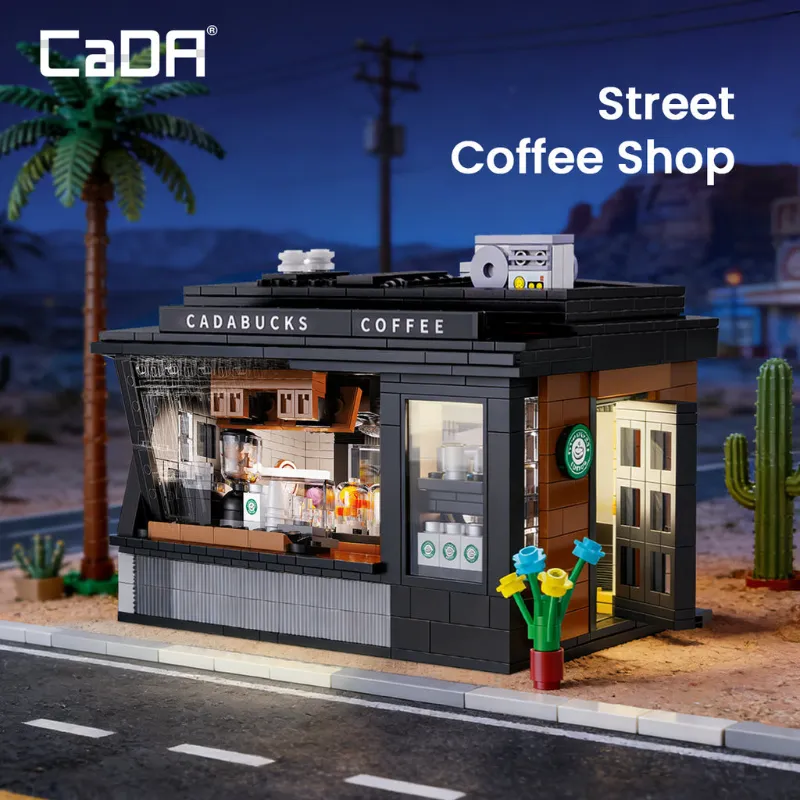
If you prefer faster builds or simpler operation, consider CaDA’s non-motorized sets first. The street coffee shop or static initial d fd rx7 and cada amg gt3 models deliver display quality without wiring complexity.
Compare popular CaDA motorized options:
| Model Type | Piece Count | Functions | Skill Level |
|---|---|---|---|
| Crawler Crane | 800 to 1,200 | Drive, rotate, boom, winch | Intermediate |
| Mobile Crane Truck | 600 to 900 | Drive, stabilizers, boom | Beginner |
| Tower Crane | 1,200 to 1,800 | Trolley, hoist, rotate | Advanced |
The best remote control crane toy for your skill level depends on how much time you want to invest in assembly and whether you value display detail or play features more.
Care and Maintenance Tips for Long-Term Durability
Keep your toy truck crane running smoothly with these maintenance habits:
- Dust gears and motors monthly using compressed air or a soft brush. Dust acts as an abrasive and wears teeth faster.
- Tighten loose connections after every 5 to 10 hours of operation. Vibration from motors works pins and axles free over time.
- Remove batteries if storing the model for more than two weeks. Leaking cells corrode contacts and destroy control boards.
- Lubricate high-friction points sparingly with PTFE dry lube (never oil or grease, which attracts dirt). Focus on the turntable ring and boom pivot.
- Store away from direct sunlight to prevent UV fading of colored bricks and weakening of ABS plastic.

With proper care, CaDA motorized models last years and retain enough value for resale or gifting. We’ve seen well-maintained de cada cranes fetch 60 to 70% of retail on secondary markets.
Ready to start your build? Check the latest pricing with our exclusive discount code and tackle one of the most rewarding motorized building projects available today.
Questions
How long does it take to build a CaDA remote control crane toy?
Most CaDA motorized crane models require 3 to 6 hours for a first-time builder, depending on piece count and complexity. Experienced builders familiar with Technic-style construction can finish in 2 to 4 hours.
Can I use rechargeable batteries in my rc crane toy?
Yes, NiMH rechargeable AA or AAA batteries work perfectly in CaDA crane models and provide longer runtime than alkaline disposables. Ensure they are fully charged before each session for consistent motor performance.
What is the lifting capacity of a CaDA toy crane?
Most CaDA remote control cranes lift between 50 and 150 grams depending on boom extension and model size. Exceeding the rated capacity can strip gears or stall the winch motor.
Why does my crane remote only work from close range?
Infrared remotes require direct line of sight and work poorly beyond 3 to 5 meters or in bright sunlight. Bluetooth 2.4 GHz remotes in newer models offer better range up to 10 meters and work through obstacles.
Can I combine CaDA crane parts with other building block brands?
CaDA bricks are compatible with standard building block systems, so you can mix structural pieces freely. However, motors, remotes, and control boards are proprietary and only work within the CaDA ecosystem.
What should I do if my crane's boom won't lift after assembly?
Check that all gears in the boom mechanism mesh correctly with no gaps or misaligned teeth. Also verify the motor plug is fully seated in the control board and the winch string hasn't jumped the pulley groove.
Products in this guide
Shopping at CaDA Bricks? See the discount code
5% OFF All Orders
More in this series
 CaDA AMG GT3 Review: Is This Car Building Set Worth the Price?8 Aug 20264 minBest CaDA Construction Vehicle Sets: Crane Lorry vs Toy Truck Crane Compared8 Aug 20265 minHow Long Do CaDA Building Sets Last?8 Aug 20264 min
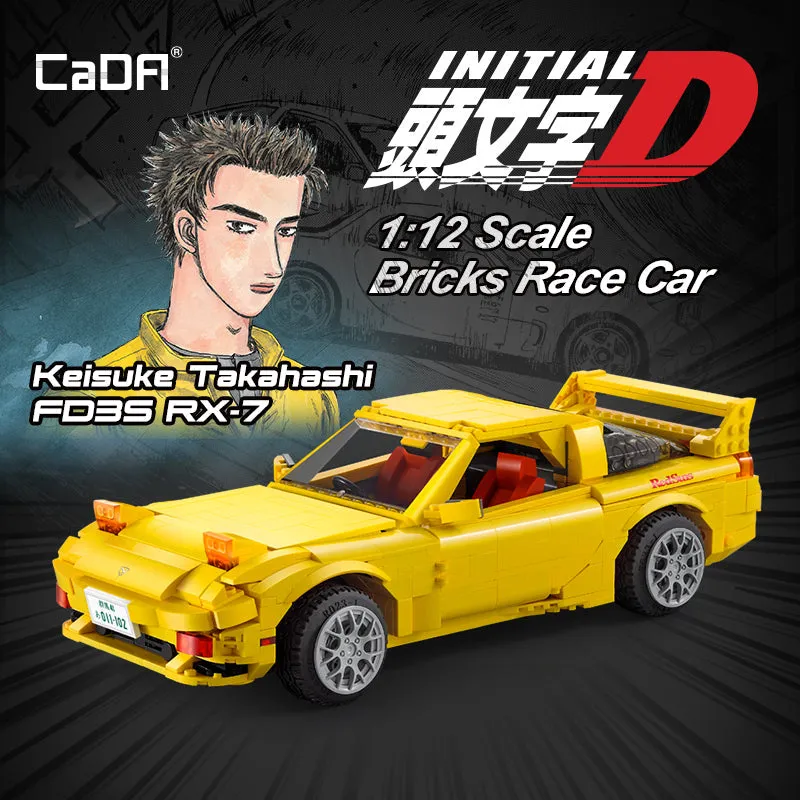 CaDA Initial D FD RX7 vs LEGO AE86: Which Iconic JDM Car Build Is Worth It?8 Aug 20266 minAre CaDA Bricks Compatible With LEGO? A Complete Guide to Mixing Brands8 Aug 20264 min